AdminUI
Manage your server with multiple interactive GUIs. Using and interface is much better than commands.
About AdminUI
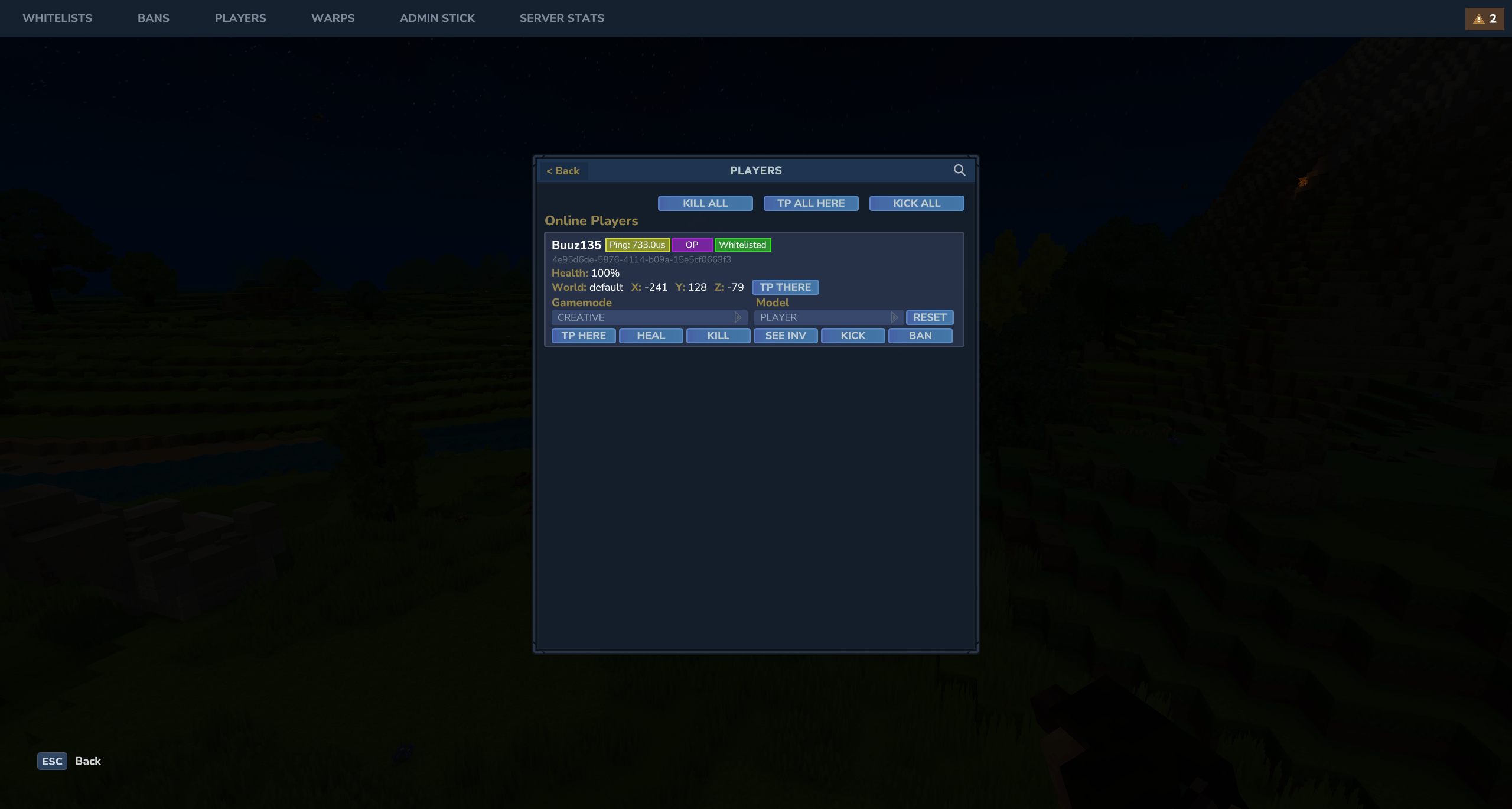
AdminUI adds multiple GUI that will allow you to handle all server administrative operations.
These include:
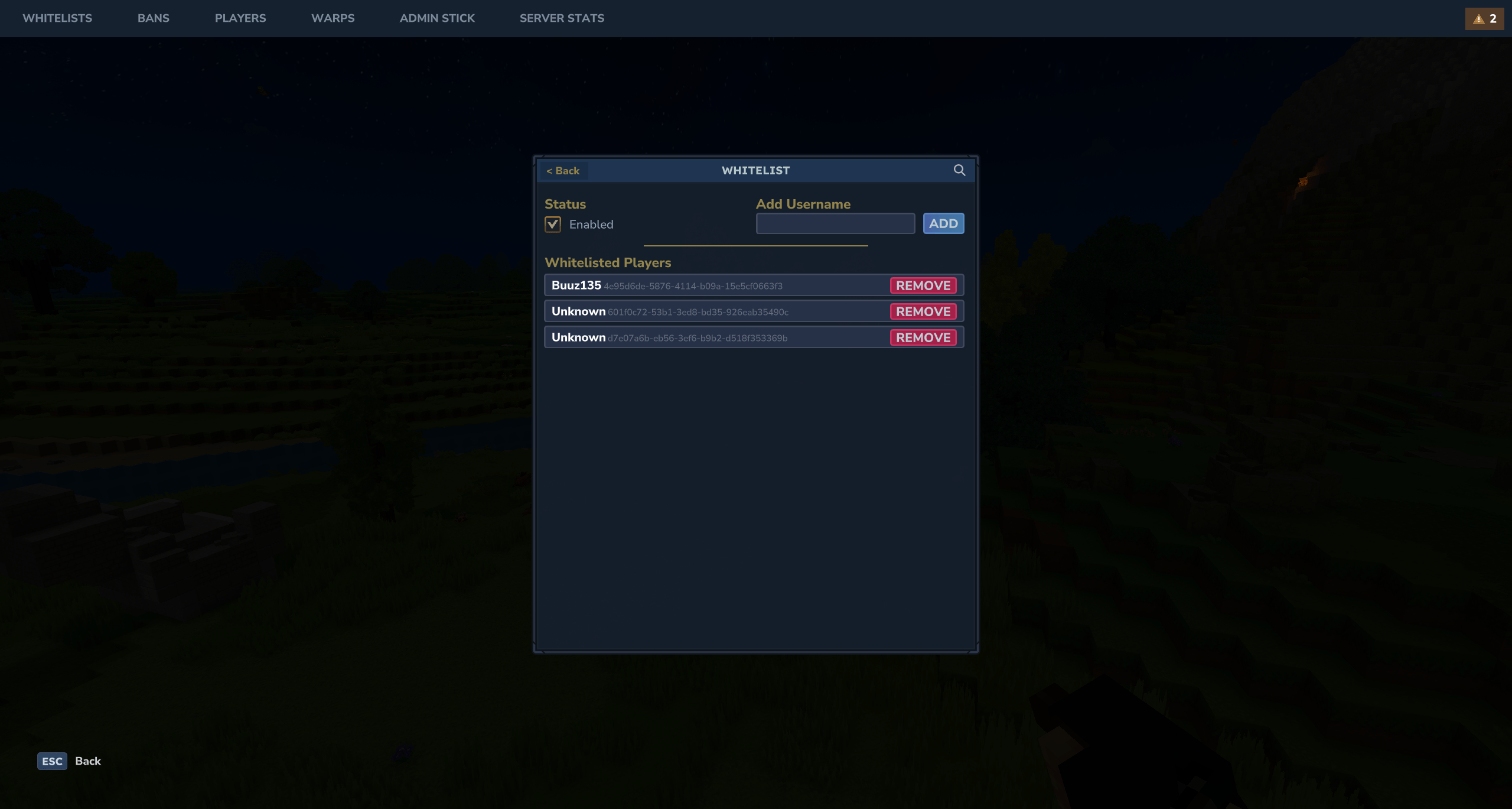
Whitelist (/admin wl)
Mute (Custom Feature) (/admin m)
Ban (/admin b)
Players (/admin p)
Warps (/admin w)
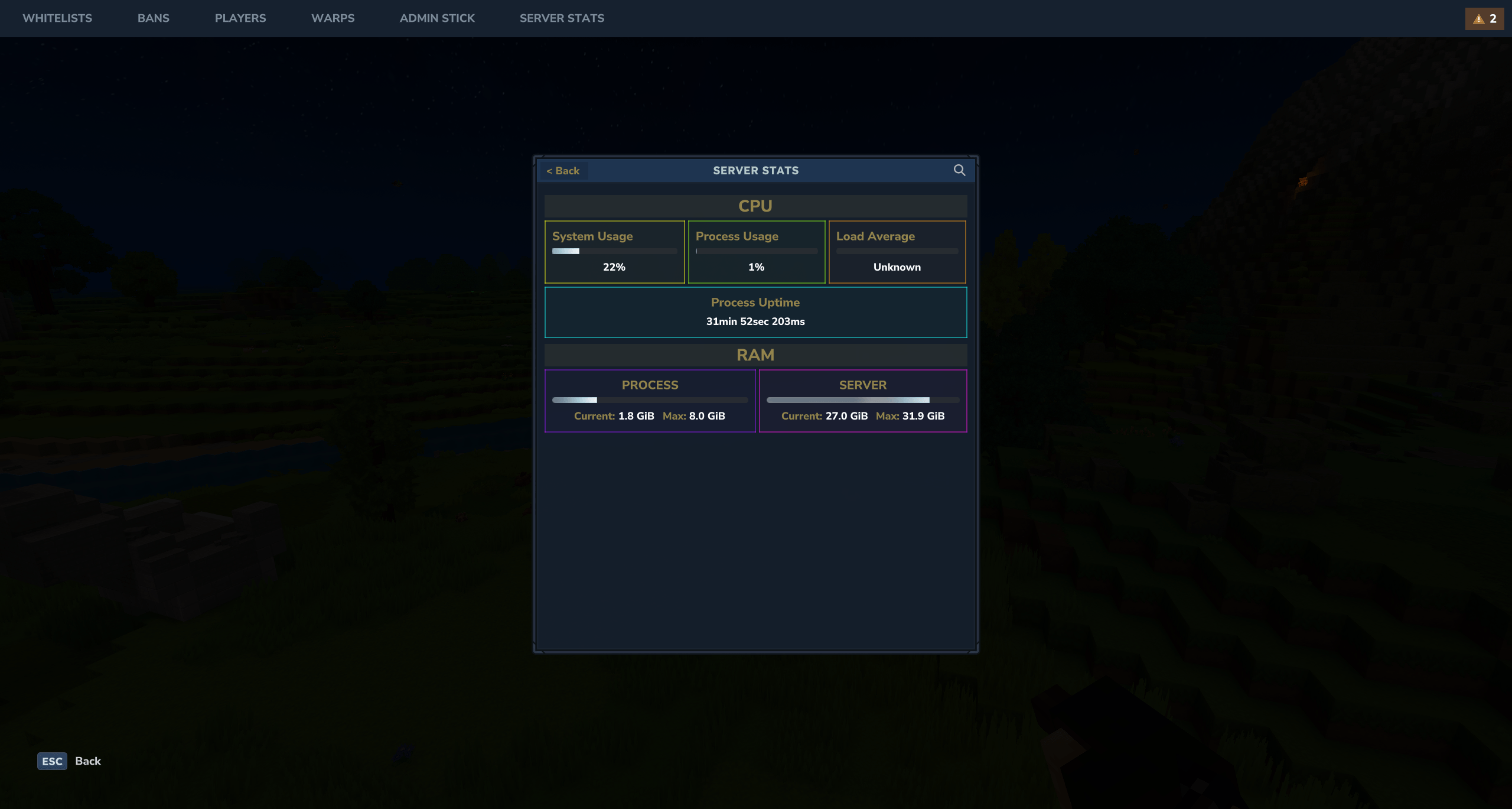
Live Server Stats Page (/admin st)
Backup managing (/admin bk)
You can also open the main interface with GUI
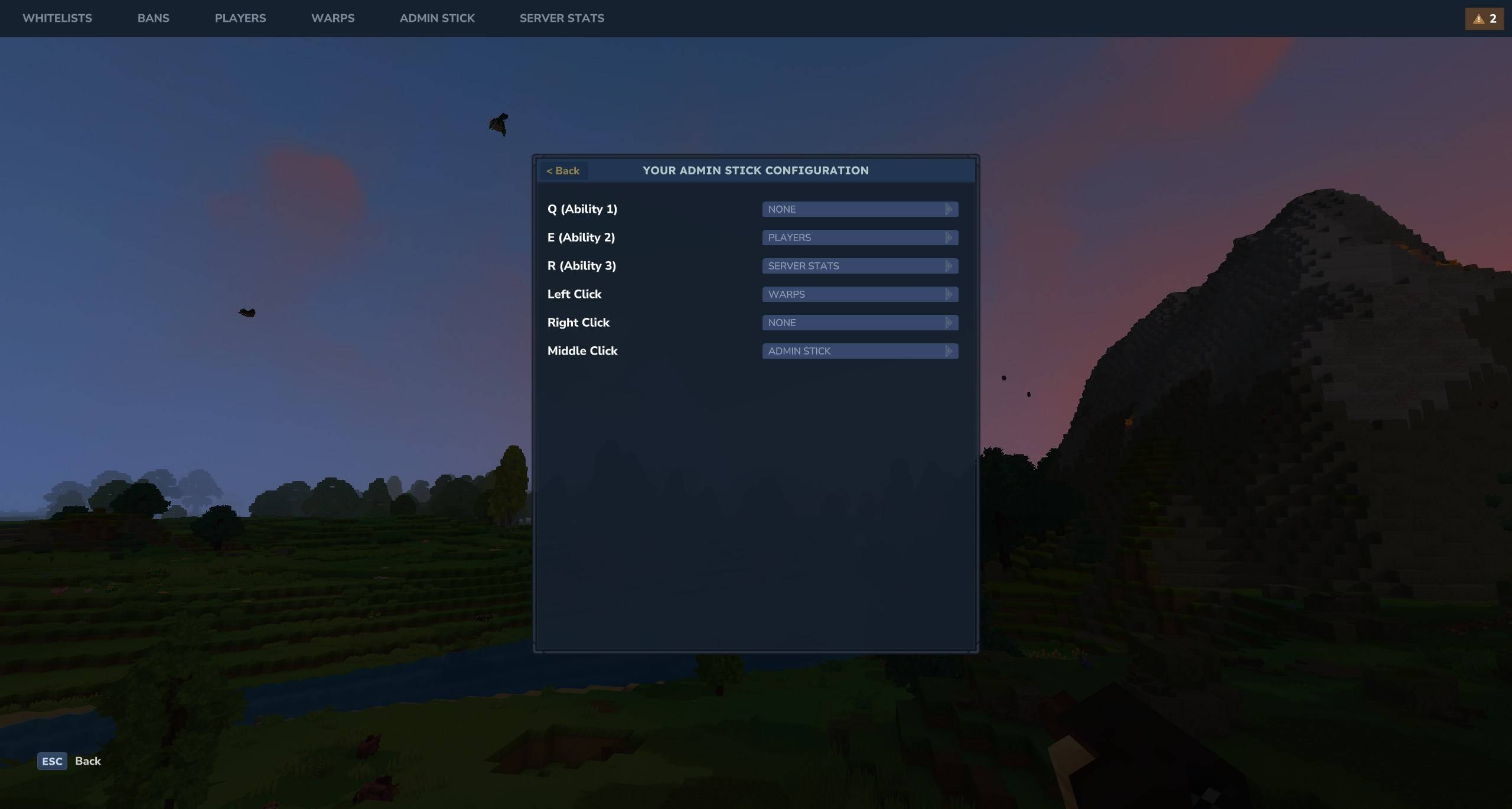
You can open the AdminUI interface with the /admin command. You can also open the GUI with the Admin Stick.
The Admin Stick is a configurable shortcuts item, where you can specify which GUI each action will do. This configuration is player based so each player can have a configuration each.
AdminUI Permissions
Core Permissions
Permission Description
AdminUI.admin Master permission. Grants access to all AdminUI features.
Module Permissions
These permissions grant access to specific modules within the AdminUI. They control visibility in the navigation bar and the ability to open the respective GUIs.
Granting the root permission (e.g., AdminUI.whitelist) grants access to all actions within that module.
Permission Description
AdminUI.ban.open Access to the Ban management GUI.
AdminUI.mute.open Access to the Mute management GUI.
AdminUI.player.open Access to the Player management GUI.
AdminUI.stats.open Access to the Server Stats GUI.
AdminUI.ui.open Grants access to the main /admin command and index GUI.
AdminUI.warp.open Access to the Warps management GUI.
AdminUI.whitelist.open Access to the Whitelist management GUI.
AdminUI.adminstick.open Access to the Admin Stick configuration GUI.
AdminUI.adminstick.use Access to the Admin Stick usage.
AdminUI.backup.open Access to the Server Backups management GUI.
Permission Roots
You can also use these root permissions to grant full access to a specific module:
AdminUI.ui
AdminUI.ban
AdminUI.mute
AdminUI.player
AdminUI.stats
AdminUI.warp
AdminUI.whitelist
AdminUI.adminstick
AdminUI.backup
Categories
Screenshots


Frequently Asked Questions
What is AdminUI?
Manage your server with multiple interactive GUIs. Using and interface is much better than commands.
How do I download AdminUI?
You can download AdminUI for free from CurseForge. Click the "Download on CurseForge" button on this page to go directly to the download page.
Who created AdminUI?
AdminUI was created by Buuz135. The mod has been downloaded 37.0K times.
Is AdminUI compatible with Hytale servers?
AdminUI is designed for Hytale and can be used on both single-player and multiplayer servers. Check the mod page on CurseForge for specific compatibility information.
How do I install AdminUI?
To install AdminUI: 1) Download the mod from CurseForge, 2) Place the file in your Hytale mods folder, 3) Restart the game. The mod should load automatically.
Related Qol Mods
View all mods
EyeSpy
DarkhaxDev
Adds a HUD that displays information about what you're looking at!

Advanced Item Info
Buuz135
Adds a searchable GUI that displays all the items and the game and displays extra properties they have

Overstacked
DarkhaxDev
Increases the maximum stack size of items.

Violet's Wardrobe
VioletsWorkshop
Adds more customisation options in the form of craftable cosmetics

Item Magnet
Jaredlll08
Adds a magnet that attracts items towards the player.

Endgame & QoL - Boss & Elite Update (3.0.0 in a week)
Lewaii
Endgame & QoL v2.2: Face the Alpha T-Rex & Void Spectres! Unlock Backpack IV & Void Gliders. Restore unused content and challenge stronger, rebalanced bosses!