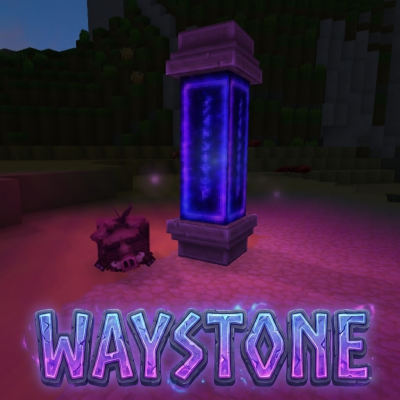
Ancient Waystone
Waystone + Warpberry consumable. Built with the community. NEW: Map markers!
About Ancient Waystone
🏛️ Ancient Waystone
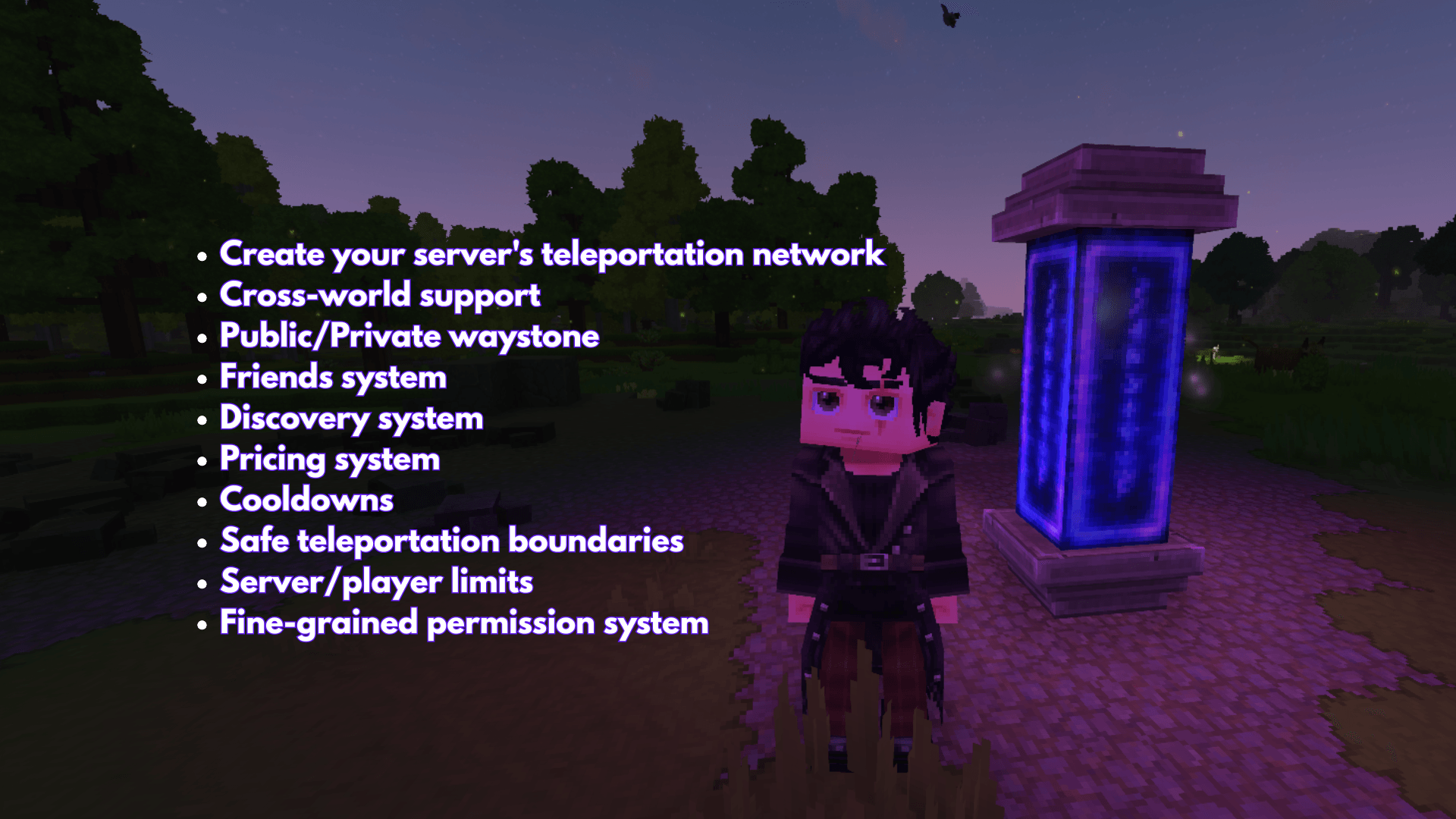
A complete waystone teleportation system for Hytale servers. Create interconnected teleport networks, manage visibility, share with friends, and travel across your world instantly!
NEW 1.11 VERSION: MAP MARKER
ASK FOR FEATURE/REPORT BUGS IN COMMENT
🚀 Getting Started
Placing Your First Waystone
Obtain a waystone item
Place it in the world
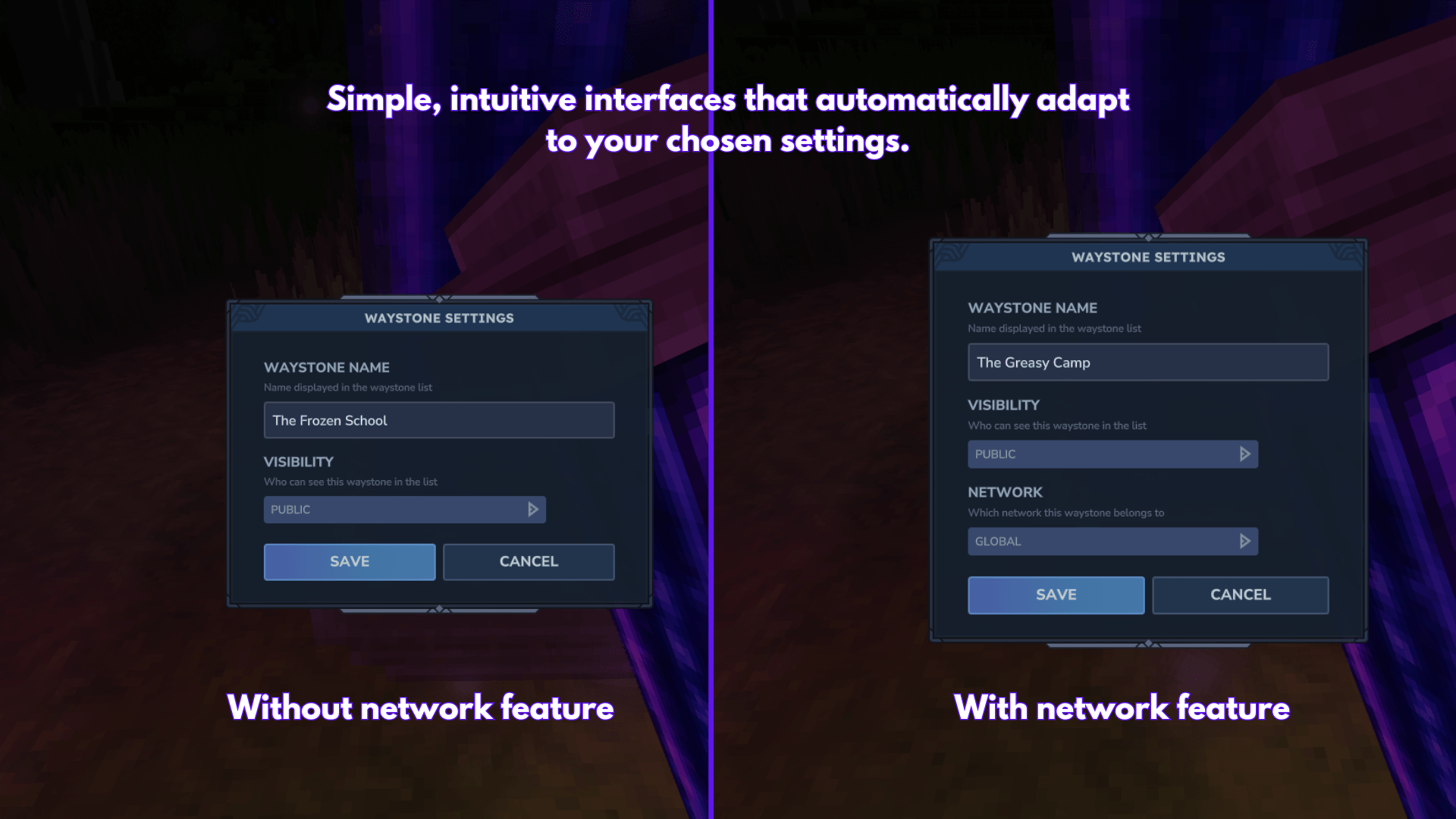
A settings dialog will appear - enter a unique name and configure visibility
Your waystone is now active!
Using Waystones
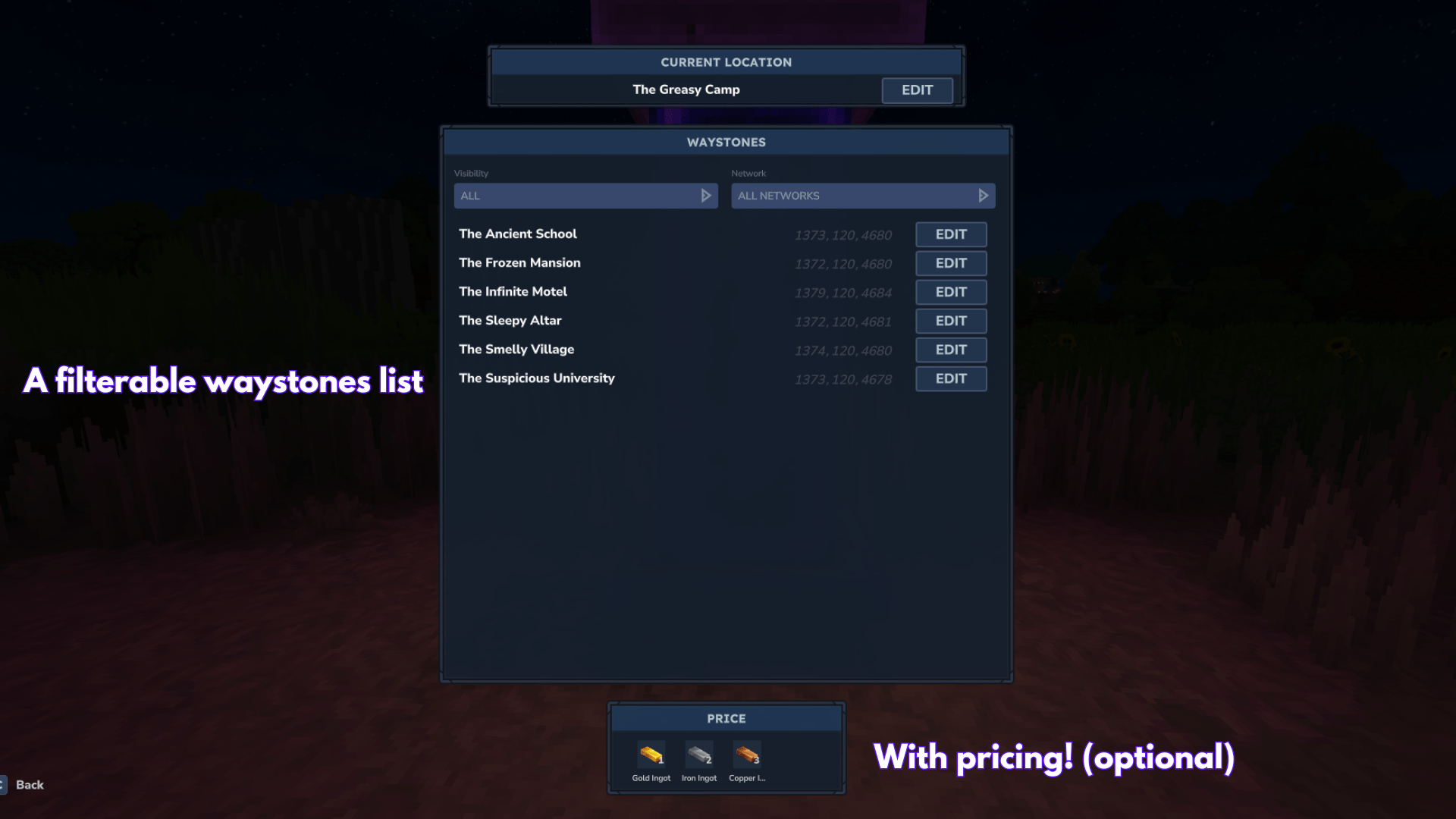
Use any waystone to open the teleport menu
Select a destination from the list
You'll be teleported instantly!
Tip: You can only see waystones that are public, owned by you, or shared by friends.
✨ Features
🌐 Teleportation Network
Create as many waystones as you want (unless limited by server settings) and teleport between them instantly. Waystones can be placed anywhere in any world.
Example: Place waystones at your base, a village, a dungeon entrance, and a friend's house. Now you can fast-travel between all of them!
🌍 Cross-World Support
Teleport between different worlds seamlessly. Place a waystone in the overworld and another in another world - you can travel between them (if they are not instancied).
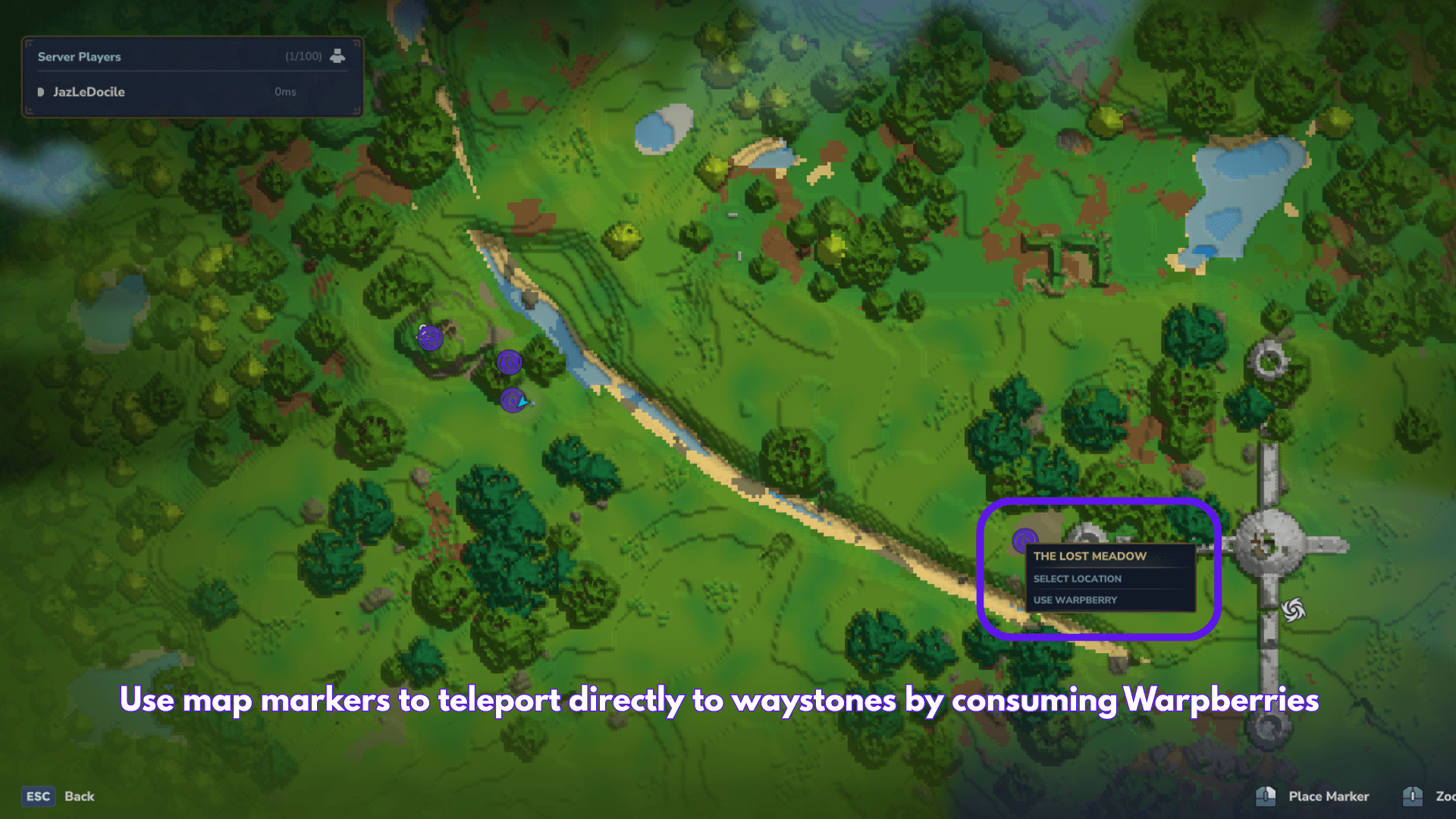
🗺️ Map Markers
See your waystones directly on the world map!
Visibility: Markers follow the same visibility rules as the waystone list.
Interaction: Right-click a marker to "Waystone Warp".
Warpberry: Use the "Use Warpberry" context menu option to consume a Warpberry and teleport instantly.
🔒 Public & Private Waystones
Control who can see and use your waystones:
Public waystones - Everyone can see and teleport to them
Private waystones - Only you and your friends can see them
To toggle visibility:
Use your waystone
Click the Edit button
Select "Public" or "Private" from the dropdown
👥 Friends System
Share your private waystones with friends:
/waystone friend add (player) - Player can now see your private waystones
/waystone friend remove (player) - Remove player's access
/waystone friend list - See all your friends
Example: You built a secret base and want only your friend Alex to access it. Make the waystone private, then run /waystone friend add Alex.
🔍 Discovery System (Optional)
Server admins can enable discovery mode, requiring players to physically visit a waystone before they can teleport to it.
How it works:
OP enables: /waystone discovery
Players must walk to a waystone first
Once discovered, it appears in their teleport menu
Undiscovered waystones are hidden
Example: Great for adventure servers where players should explore the world instead of teleporting everywhere immediately.
🔗 Networks System (Optional)
Group waystones into separate networks.
Use cases:
Create separate "Towns" and "Dungeons" networks with different settings
Give each player their own private network
Isolate waystone groups for different game modes
Network Commands:
/waystone network toggle - Toggle networks on/off (OP only)
/waystone network create (name) - Create a new network
/waystone network delete (name) - Delete a network
/waystone network list - List all networks
/waystone network info (name) - Show network settings
Per-Network Settings:
Each network can have its own discovery, cooldown, and price settings that override global settings. Important: These settings apply when you are using a waystone that belongs to this network (the source waystone).
Secret Networks & Members: By default, custom networks are Secret (only Owner, OPs, and Members can see them).
/waystone network settings secret (network) true/false - Toggle secret mode (false = Public)
/waystone network member add (network) (player) - Add a member
/waystone network member remove (network) (player) - Remove a member
/waystone network member list (network) - List members
Settings:
/waystone network settings discovery (network) (true/false/inherit) - Override global discovery
true: Force Enable (even if global is off)
false: Force Disable (even if global is on)
inherit: Use global setting (default)
/waystone network settings cooldown (network) (seconds) - Set cooldown (0 = use global)
/waystone network settings seeglobal (network) true/false - Can see global waystones
/waystone network settings priceadd (network) (qty) - Add cost (hold item)
/waystone network settings pricedelete (network) - Remove cost (hold item)
/waystone network settings priceclear (network) - Clear all costs
/waystone network settings pricelist (network) - List costs
Example:
/waystone network create dungeons /waystone network settings discovery dungeons true /waystone network settings cooldown dungeons 120 Note: Networks are disabled by default. All waystones share a global network.
💰 Teleport Costs
Server admins can require items to teleport:
Command Description
/waystone price add (qty) Hold item, run command to add as cost
/waystone price delete Hold the item to remove from costs
/waystone price list View all required items
/waystone price clear Remove all costs
Example: Want teleportation to cost 1 gold ingot and 2 copper ingots? Hold gold, run /waystone price add 1. Hold copper, run /waystone price add 2.
⏱️ Cooldowns
Prevent teleport spam with cooldowns:
/waystone cooldown 30 - Players must wait 30 seconds between teleports
Example: Set /waystone cooldown 60 for a 1-minute cooldown.
📊 Server & Player Limits
Control how many waystones can exist:
Command Description
/waystone limit 100 Max 100 waystones on entire server
/waystone limit -1 Unlimited server-wide
/waystone playerlimit 5 Each player can own max 5 waystones
/waystone playerlimit -1 Unlimited per player
Example: Run /waystone playerlimit 3 so each player can only place 3 waystones.
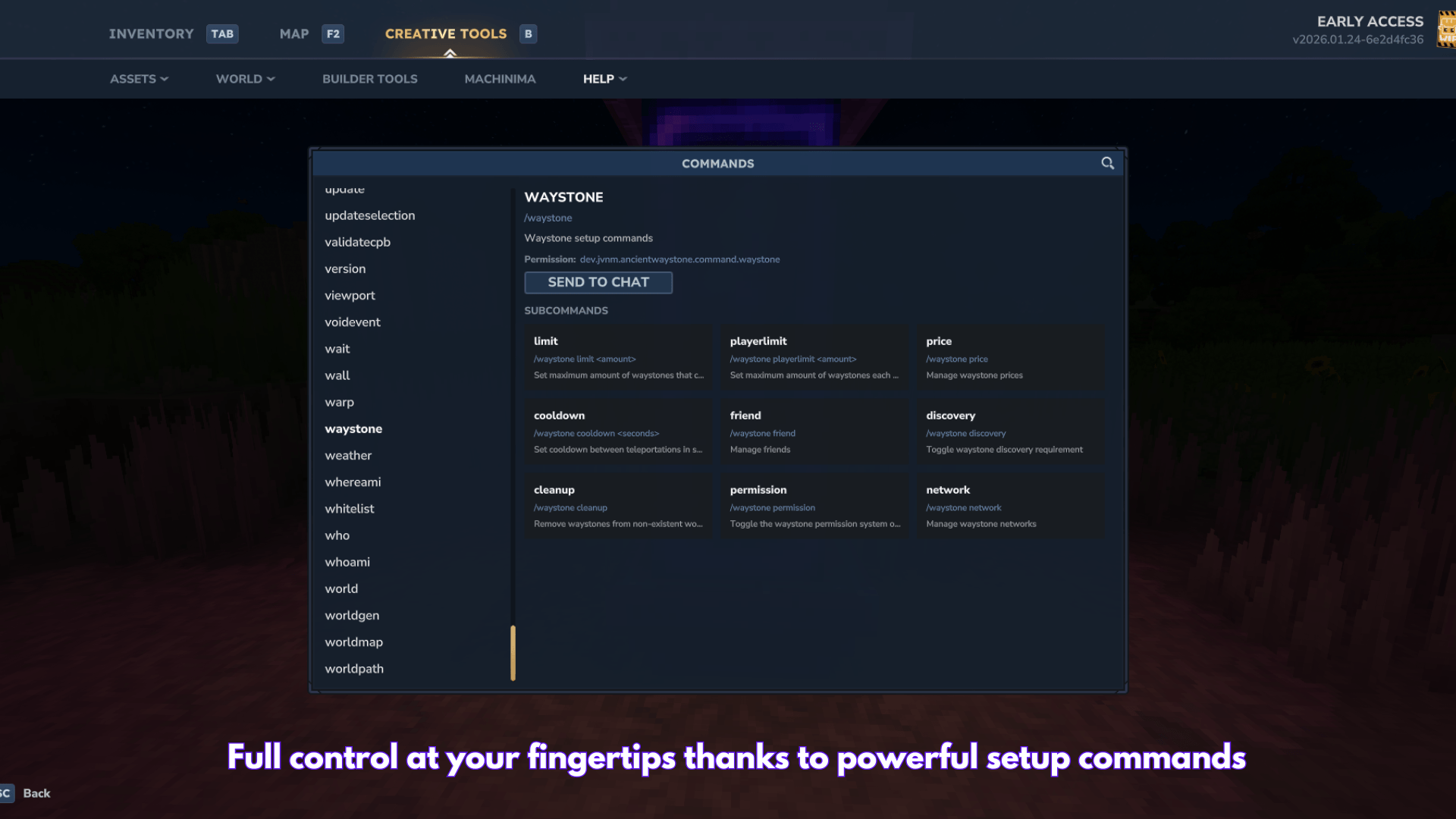
📖 Commands Reference
Player Commands
Command Description
/waystone friend add (player) Add a friend
/waystone friend remove (player) Remove a friend
/waystone friend list List all friends
OP Commands
Command Description
/waystone limit (limit) Set server-wide waystone limit
/waystone playerlimit (limit) Set per-player waystone limit
/waystone cooldown (seconds) Set teleport cooldown
/waystone discovery Toggle discovery system
/waystone permission Toggle permission system
/waystone price add (qty) Add held item as teleport cost
/waystone price delete Remove held item from costs
/waystone price list Show all teleport costs
/waystone price clear Remove all teleport costs
/waystone cleanup Remove waystones from deleted worlds
/waystone network toggle Toggle networks system
/waystone network create (name) Create a new network
/waystone network delete (name) Delete a network
/waystone network list List all networks
/waystone network info (name) Show network details
/waystone mapMarker [enable/disable] Toggle map markers visibility
📁 Data Files
All data is stored in JSON format in the plugin's data folder:
File Purpose
config.json Server settings (limits, cooldown, discovery)
waystones/waystones.json All waystone data (name, position, owner, visibility)
cooldowns.json Player teleport cooldown timers
friends.json Friend relationships
discoveries.json Which players have discovered which waystones
networks/networks.json Network definitions and settings
🔐 Permission System (Advanced)
The permission system is disabled by default. Everyone can use waystones freely.
To enable permissions, an OP must run:
/waystone permission When enabled, players need specific permissions to use waystone features. Permissions are managed via Hytale's built-in /perm command.
Permission Strings
Permission Description
hytale.command.waystone.place Place waystones
hytale.command.waystone.break Break waystones
hytale.command.waystone.use Use waystones (teleport)
hytale.command.waystone.friends Add/remove friends
hytale.command.waystone.cmd.limit Use /waystone limit command
hytale.command.waystone.cmd.playerlimit Use /waystone playerlimit command
hytale.command.waystone.cmd.price Use /waystone price commands
hytale.command.waystone.cmd.cooldown Use /waystone cooldown command
hytale.command.waystone.cmd.discovery Use /waystone discovery command
hytale.command.waystone.cmd.cleanup Use /waystone cleanup command
hytale.command.waystone.network.create Create networks
hytale.command.waystone.network.manage Edit/delete any network
hytale.command.waystone.network.assign Assign waystones to networks
Note: Renaming and visibility settings are handled in the waystone UI and are only available to the owner or OPs.
Wildcards
Permission Description
hytale.command.waystone.* All waystone permissions
hytale.command.waystone.cmd.* All OP commands
Examples
Give a player permission to place waystones:
/perm user add (player_uuid) hytale.command.waystone.place Give OP group all waystone permissions:
/perm group add OP hytale.command.waystone.* Give moderators only OP commands:
/perm group add moderator hytale.command.waystone.cmd.* Remove a player's teleport permission:
/perm user remove (player_uuid) hytale.command.waystone.use
🎮 Warpberry
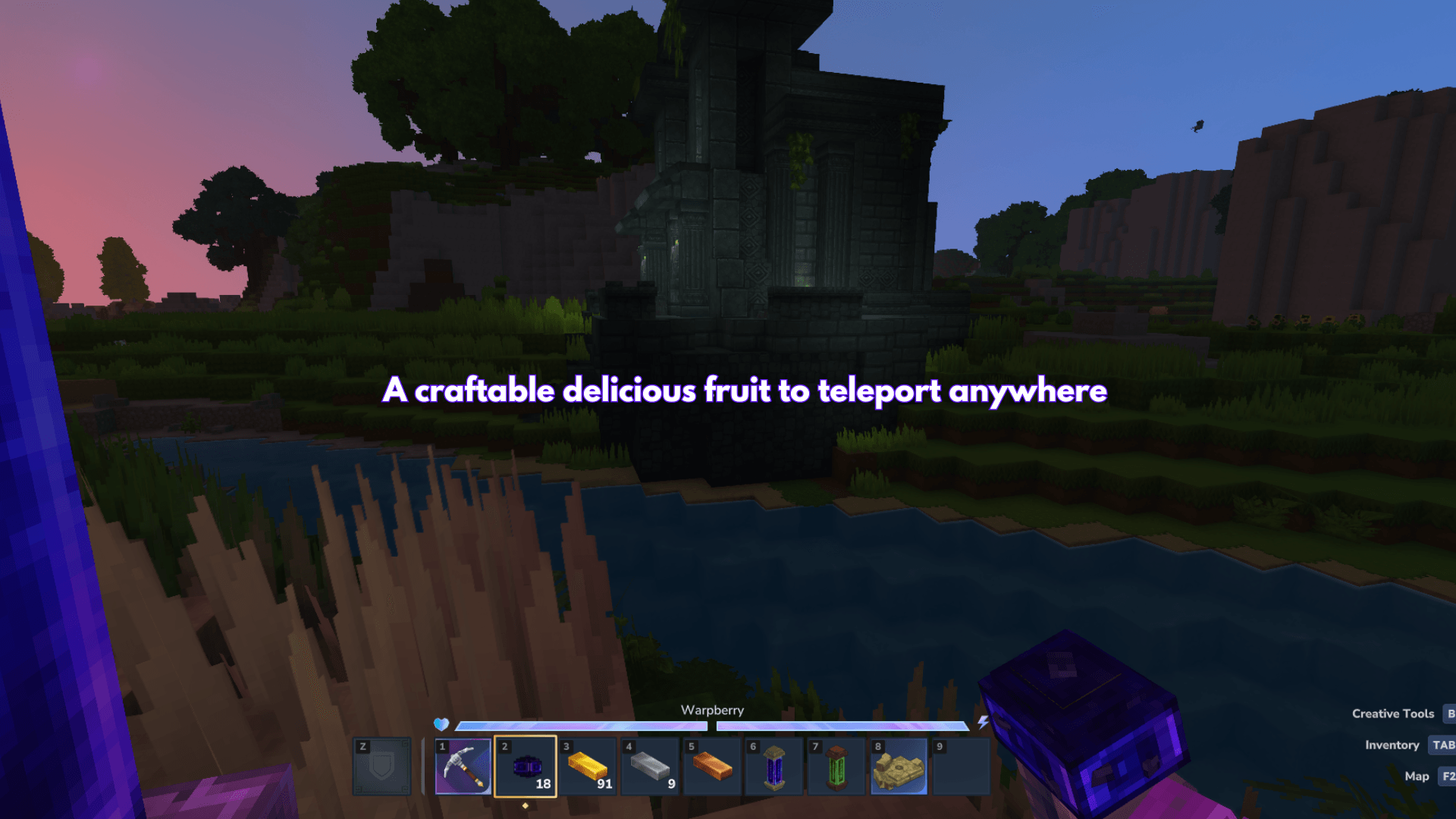
Craft Warpberries to teleport without needing a waystone! When consumed, a Warpberry opens the waystone menu from anywhere.
You can also use a Warpberry directly from the World Map:
Right-click a waystone marker.
Select "Use Warpberry".
Consumes 1 Warpberry and teleports you instantly (bypassing costs).
Recipe: 10 Red Berries + 1 Void Essence = Warpberry (at Survival Workbench)
💡 Tips & Best Practices
Name your waystones descriptively - "Village Market" is better than "Waystone 1"
Use networks for organization - Separate towns, dungeons, and player bases
Enable discovery for adventure - Makes exploration more rewarding
Set reasonable cooldowns - Prevents abuse while keeping travel convenient
Use friends for privacy - Share secret bases with trusted players only
Thanks:
San: Waystone model/texture + warpberry model/texture
Kappajaponais: Oak versions model/texture
Categories
Screenshots
Need a Server?
Run Ancient Waystone on a dedicated Hytale server with easy mod management.
Get Hytale HostingFrequently Asked Questions
What is Ancient Waystone?
Waystone + Warpberry consumable. Built with the community. NEW: Map markers!
How do I download Ancient Waystone?
You can download Ancient Waystone for free from CurseForge. Click the "Download on CurseForge" button on this page to go directly to the download page.
Who created Ancient Waystone?
Ancient Waystone was created by Jazledocile. The mod has been downloaded 15.6K times.
Is Ancient Waystone compatible with Hytale servers?
Ancient Waystone is designed for Hytale and can be used on both single-player and multiplayer servers. Check the mod page on CurseForge for specific compatibility information.
How do I install Ancient Waystone?
To install Ancient Waystone: 1) Download the mod from CurseForge, 2) Place the file in your Hytale mods folder, 3) Restart the game. The mod should load automatically.
Related Building Mods
View all mods
Violet's Furnishings
VioletsWorkshop
Expands on Hytale's existing furniture library

Simply Trash
Jaredlll08
Adds a trash can to easily destroy items!

Macaw's Hy Doors
sketch_macaw
Adds more doors to fit in your builds!

Violet's Plushies
VioletsWorkshop
Adds several plushies, some with unique SFX!
Thorium Furnaces
Jaredlll08
Faster Furnaces!

Macaw's Hy Lights and Lamps
sketch_macaw
Adds Lamps, Tiki Torches, Candle Holders, Ceiling Lights, Street Lights and more...!