Atmosphere - Natural Reshade Preset
Lightweight reshade preset that enhances visuals while keeping the vanilla game look.
About Atmosphere - Natural Reshade Preset
(gallery is out of order, it's curseforge's fault lol)
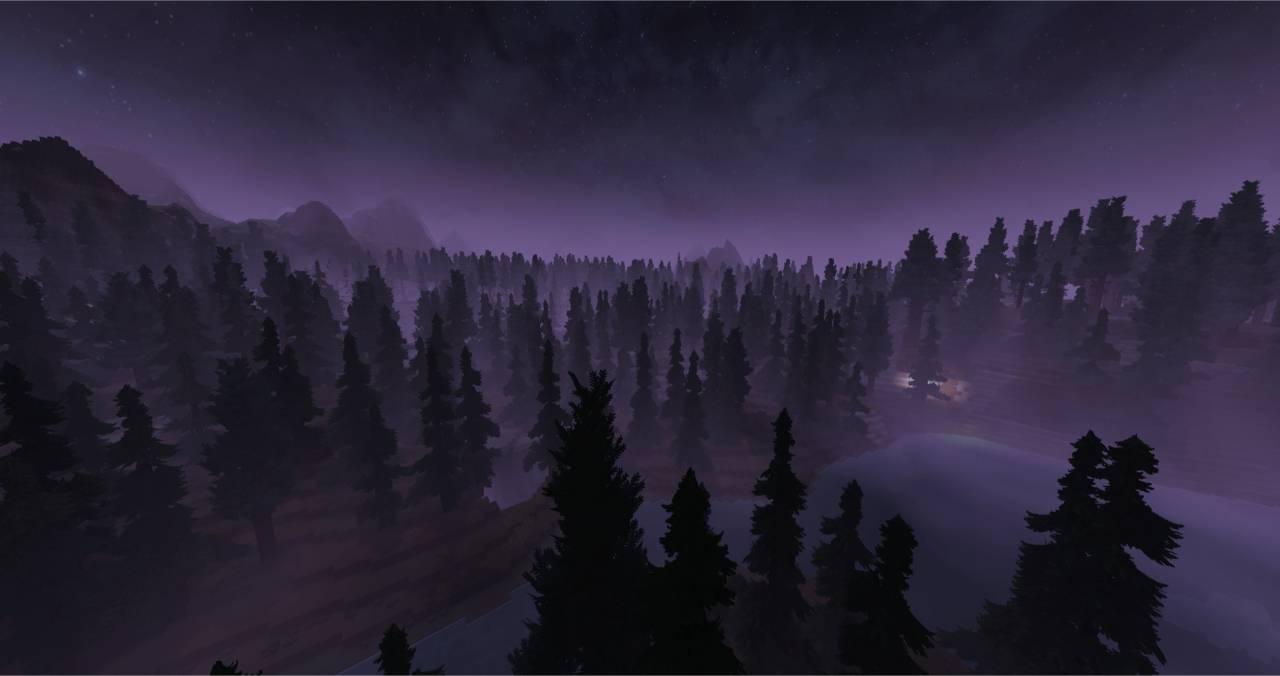
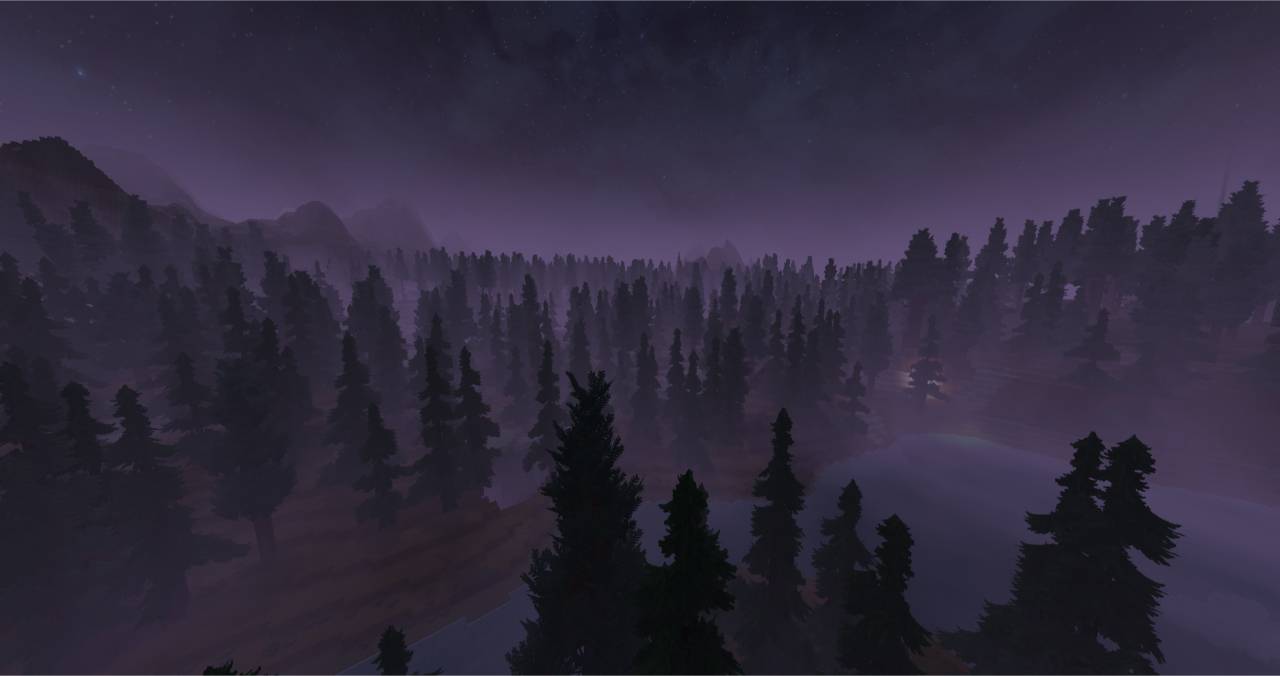
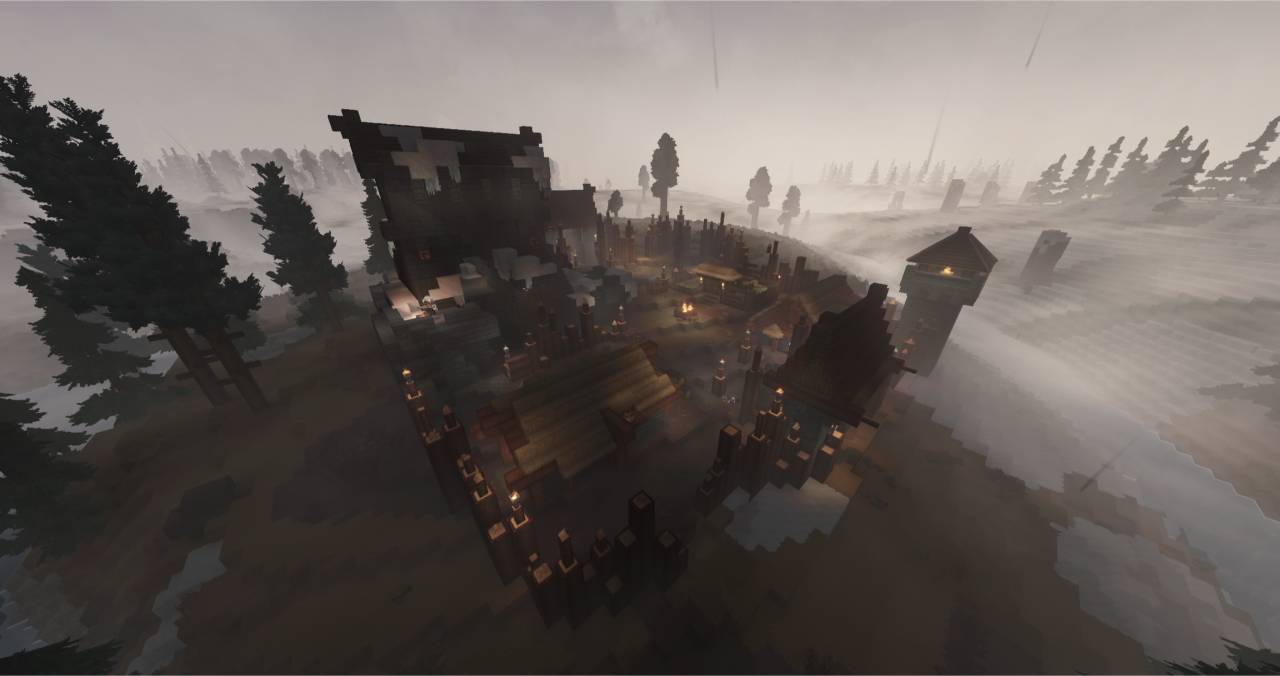
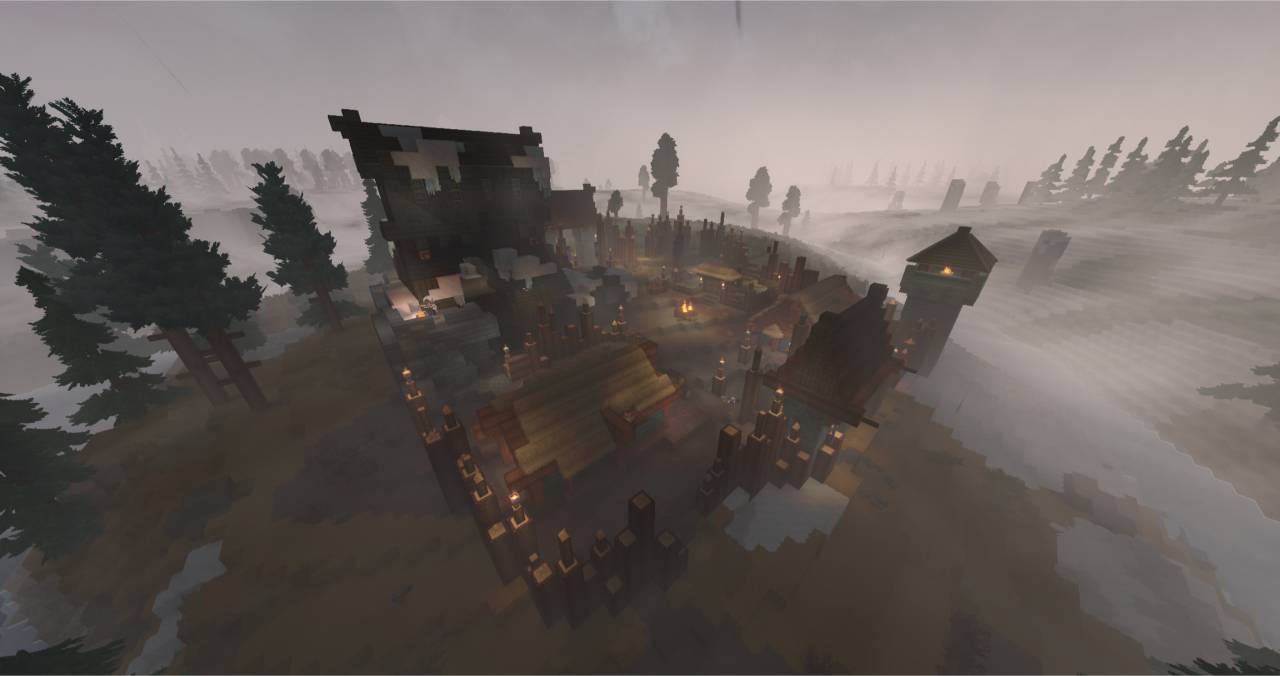
Find the base look of Hytale a bit bland? Try this Reshade preset. It enhances the visuals of the game while keeping it vanilla :)
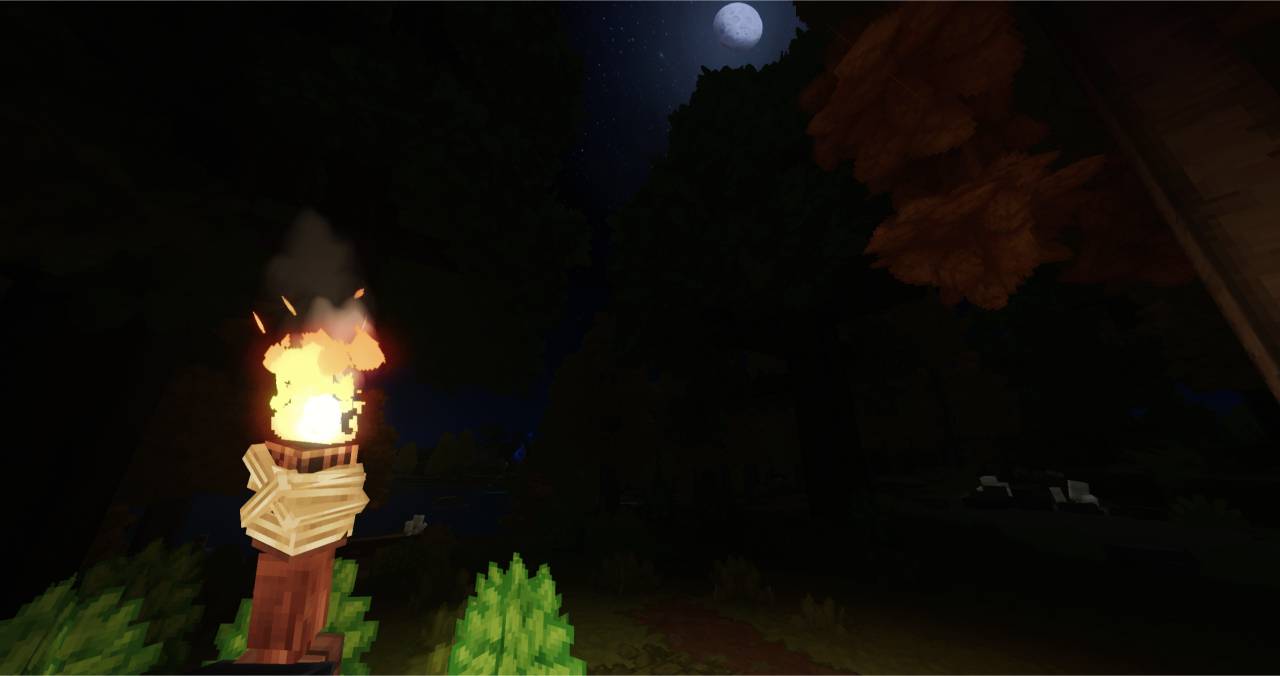
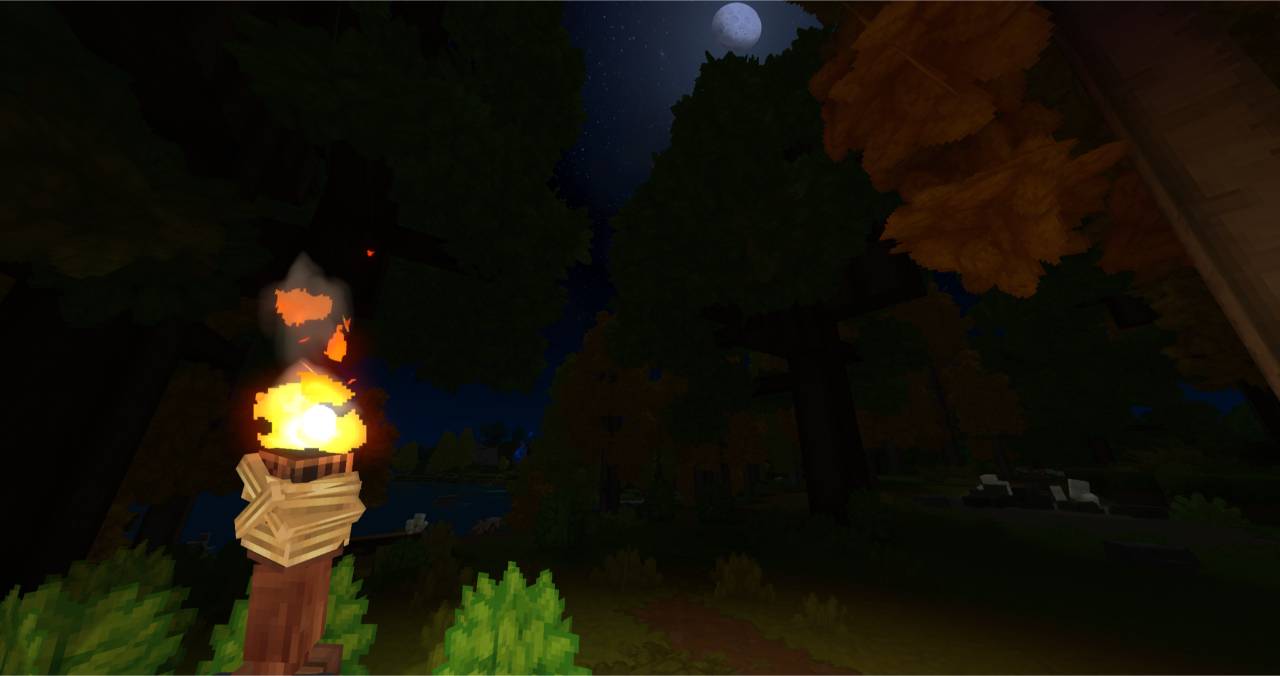
Since there aren't many presets out there and none were to my taste, I made my own. You won't find extreme bloom that overtakes the whole screen or a completely different color palette in this preset. UI is slightly affected by the preset, but it's barely noticeable. I'll admit it the nights are pretty dark, which I think is more immersive. It's feature, trust me. If you don't like it you can mess around with the settings. In a future update maybe I'll tweak it some more but it's hard right now as UI gets affected too, not just world visuals. Crossing my fingers for a Reshade Helper of some kind.
As this is my first preset ever, feedback is appreciated.
Enjoy!
PERFORMANCE:
I haven't seen any performance drop. I have a decent PC so it might be laggier on lower end systems. If this is the case, please let me know.
INSTALLATION (Must be done manually):
1. Download and install Reshade (Google it), select HypixelClient.exe and OpenGL
2. Download the preset
3. Start the game. Open the Reshade menu by pressing "Home". Navigate and select Atmosphere.ini.
4. Enable performance mode if it's not already done.
5. You're done!
NOTE:
Please don't edit/reupload this preset. Some exceptions may be allowed, please contact me :)
Categories
Screenshots
Need a Server?
Run Atmosphere - Natural Reshade Preset on a dedicated Hytale server with easy mod management.
Get Hytale HostingFrequently Asked Questions
What is Atmosphere - Natural Reshade Preset?
Lightweight reshade preset that enhances visuals while keeping the vanilla game look.
How do I download Atmosphere - Natural Reshade Preset?
You can download Atmosphere - Natural Reshade Preset for free from CurseForge. Click the "Download on CurseForge" button on this page to go directly to the download page.
Who created Atmosphere - Natural Reshade Preset?
Atmosphere - Natural Reshade Preset was created by shxeclaque. The mod has been downloaded 267 times.
Is Atmosphere - Natural Reshade Preset compatible with Hytale servers?
Atmosphere - Natural Reshade Preset is designed for Hytale and can be used on both single-player and multiplayer servers. Check the mod page on CurseForge for specific compatibility information.
How do I install Atmosphere - Natural Reshade Preset?
To install Atmosphere - Natural Reshade Preset: 1) Download the mod from CurseForge, 2) Place the file in your Hytale mods folder, 3) Restart the game. The mod should load automatically.
Related Misc Mods
View all mods
Ymmersive Melodies
Conczin
Upload and play MIDI files in-game on various instruments to annoy your friends with custom melodies!

MultipleHUD
Buuz135
A simple mod that allows you to have multiple HUDs present at once.

Spanish Translation
Plexu5
A Spanish language translation for Hytale. Includes UI, items, and menus.

YUNG's HyDungeons
YUNGNICKYOUNG
Adds new procedurally generated dungeon instances!

Just Enough Tales (JEI mod)
uwudwagon
A JEI mod for Hytale.
![[NoCube's] Simple Bags](https://media.forgecdn.net/avatars/thumbnails/1601/201/256/256/639034453685921721.png)
[NoCube's] Simple Bags
NoCube
Adds bags that you can put anything in!