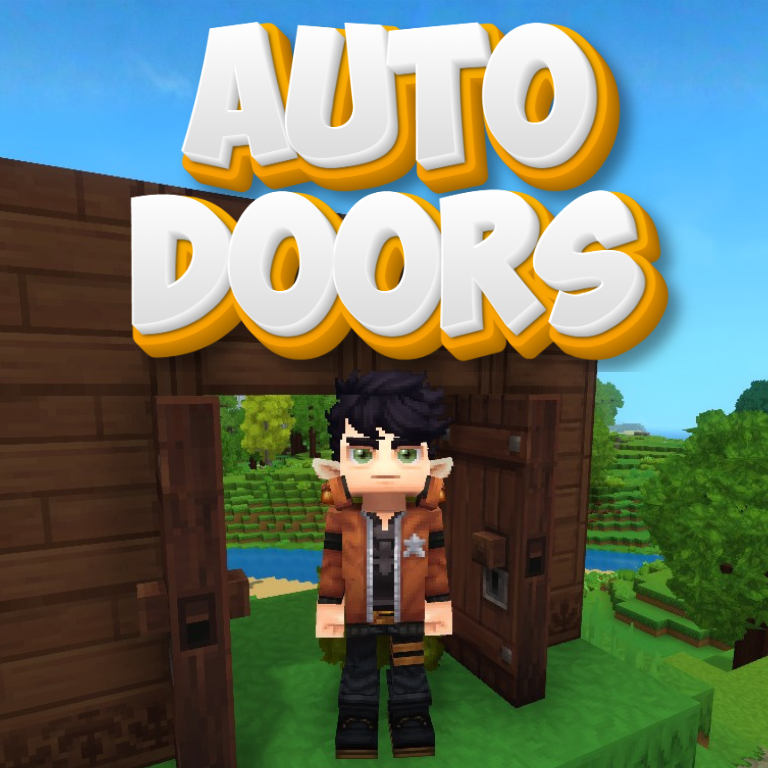
AutoDoors
I open the doors for you my friend!~
About AutoDoors
🚪 AUTO DOORS
Walk through doors seamlessly without ever lifting a finger!
✨ Features
Automatic Proximity Detection: Doors open magically as you approach and close behind you.
Intelligent Double Doors: Both sides of a double door open in the same direction, away from the player.
Multiplayer Safe: Doors won't close if another player is still within range — no more getting stuck!
Fully Configurable: Adjust the detection and closing ranges to fit your base layout.
🚀 Update: Control at your Fingertips!
Toggle on the fly: Easily enable or disable the mod in-game without restarting.
New Commands: Use /autodoor enable or /autodoor disable to control your automated doors instantly.
Performance: Code optimized for smoother detection logic.
🎮 How It Works
Approach a door within the OpenRange (default: 2.5 blocks).
The door opens automatically in the correct direction.
Step away beyond the CloseRange (default: 3.5 blocks).
The door closes once everyone has left the area!
🚶 Approach → ✨ Open → 🏃 Pass through → 🚪 Close automatically ⚙️ Configuration
The mod generates an AutoDoor.json config file in your server's config folder:
{ "OpenRange": 2.5, "CloseRange": 3.5, "Enabled": true }
Setting Default Description
OpenRange 2.5 Distance at which doors will trigger to open
CloseRange 3.5 Distance you must leave for the door to close
Enabled true Enable or disable the mod entirely
Pro Tip: Keep CloseRange slightly larger than OpenRange to avoid doors "flickering" open and shut if you stand right at the edge.
📥 Installation
Download the Linceros.AutoDoor-1.0.0.jar.
Place the .jar file into your Hytale server's mods folder.
Enjoy!
🔮 Future Ideas
Whitelist/Blacklist: Choose which specific door types should be automated.
Permission System: Only allow certain players or groups to trigger automatic doors.
Sound Effects: Custom magical or mechanical sounds when doors move.
👨‍💻 Author
Created by Linceros.
Part of the Linceros Mod Collection for Hytale.
Categories
Need a Server?
Run AutoDoors on a dedicated Hytale server with easy mod management.
Get Hytale HostingFrequently Asked Questions
What is AutoDoors?
I open the doors for you my friend!~
How do I download AutoDoors?
You can download AutoDoors for free from CurseForge. Click the "Download on CurseForge" button on this page to go directly to the download page.
Who created AutoDoors?
AutoDoors was created by Linceros. The mod has been downloaded 3.2K times.
Is AutoDoors compatible with Hytale servers?
AutoDoors is designed for Hytale and can be used on both single-player and multiplayer servers. Check the mod page on CurseForge for specific compatibility information.
How do I install AutoDoors?
To install AutoDoors: 1) Download the mod from CurseForge, 2) Place the file in your Hytale mods folder, 3) Restart the game. The mod should load automatically.
Related Qol Mods
View all mods
EyeSpy
DarkhaxDev
Adds a HUD that displays information about what you're looking at!

Advanced Item Info
Buuz135
Adds a searchable GUI that displays all the items and the game and displays extra properties they have

Overstacked
DarkhaxDev
Increases the maximum stack size of items.

Violet's Wardrobe
VioletsWorkshop
Adds more customisation options in the form of craftable cosmetics

Item Magnet
Jaredlll08
Adds a magnet that attracts items towards the player.

Endgame & QoL - Boss & Elite Update (3.0.0 in a week)
Lewaii
Endgame & QoL v2.2: Face the Alpha T-Rex & Void Spectres! Unlock Backpack IV & Void Gliders. Restore unused content and challenge stronger, rebalanced bosses!