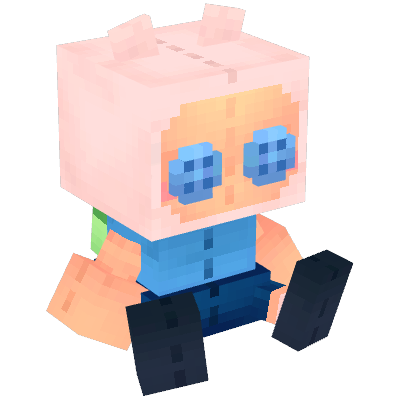
Block Pops
Collectible pluhies of players from your server and from multiple series/anime/games
About Block Pops
✨ Block Pops ✨
Block Pops introduces a collectible figure system to Minecraft. Whether you want to collect characters from your favorite media or miniature versions of your friends, Block Pops brings the thrill of the hunt to your world.
⚠️ Hytale still has an API under construction for modding, so dynamic blocks as such don't exist, which makes the player collection a bit cumbersome to use at first.
Core Features
Unlock figures in your favorite collections
Get figures of your friends
This mod is compatible with servers, featuring a special dynamic collection that allows you to obtain figures of all players who have visited the server.
The Gachapon Machine & Collection System
Block Pops uses a fair, time-based token system to help you build your collection. This gives players an incentive to play.
The Gachapon Machine: Craft and place this machine to access the menu that allows you to spend tokens on different collections
Regular Tokens: You hold up to 3 Regular Tokens at a time. Each token drops a random box from your selected collection and regenerates automatically every 8 hours of gameplay.
If you find any conflicts or bug, please report them!
~ Discord Server ~
Categories
Need a Server?
Run Block Pops on a dedicated Hytale server with easy mod management.
Get Hytale HostingFrequently Asked Questions
What is Block Pops?
Collectible pluhies of players from your server and from multiple series/anime/games
How do I download Block Pops?
You can download Block Pops for free from CurseForge. Click the "Download on CurseForge" button on this page to go directly to the download page.
Who created Block Pops?
Block Pops was created by ThePlum. The mod has been downloaded 241 times.
Is Block Pops compatible with Hytale servers?
Block Pops is designed for Hytale and can be used on both single-player and multiplayer servers. Check the mod page on CurseForge for specific compatibility information.
How do I install Block Pops?
To install Block Pops: 1) Download the mod from CurseForge, 2) Place the file in your Hytale mods folder, 3) Restart the game. The mod should load automatically.
Related Building Mods
View all mods
Violet's Furnishings
VioletsWorkshop
Expands on Hytale's existing furniture library
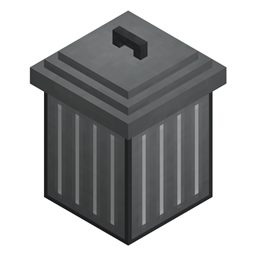
Simply Trash
Jaredlll08
Adds a trash can to easily destroy items!
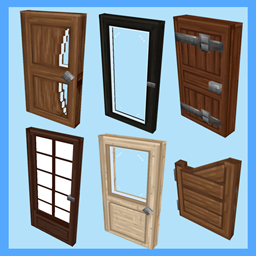
Macaw's Hy Doors
sketch_macaw
Adds more doors to fit in your builds!

Violet's Plushies
VioletsWorkshop
Adds several plushies, some with unique SFX!
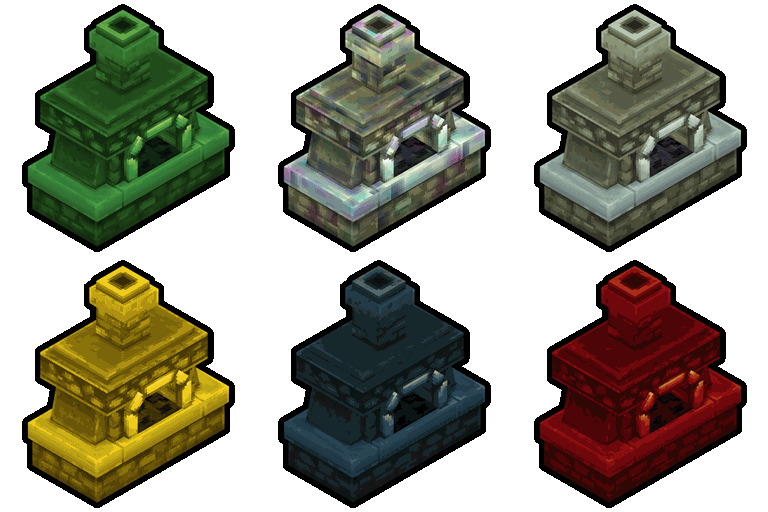
Thorium Furnaces
Jaredlll08
Faster Furnaces!
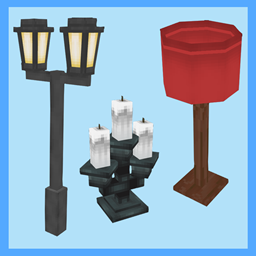
Macaw's Hy Lights and Lamps
sketch_macaw
Adds Lamps, Tiki Torches, Candle Holders, Ceiling Lights, Street Lights and more...!