
Brightness Tweaks
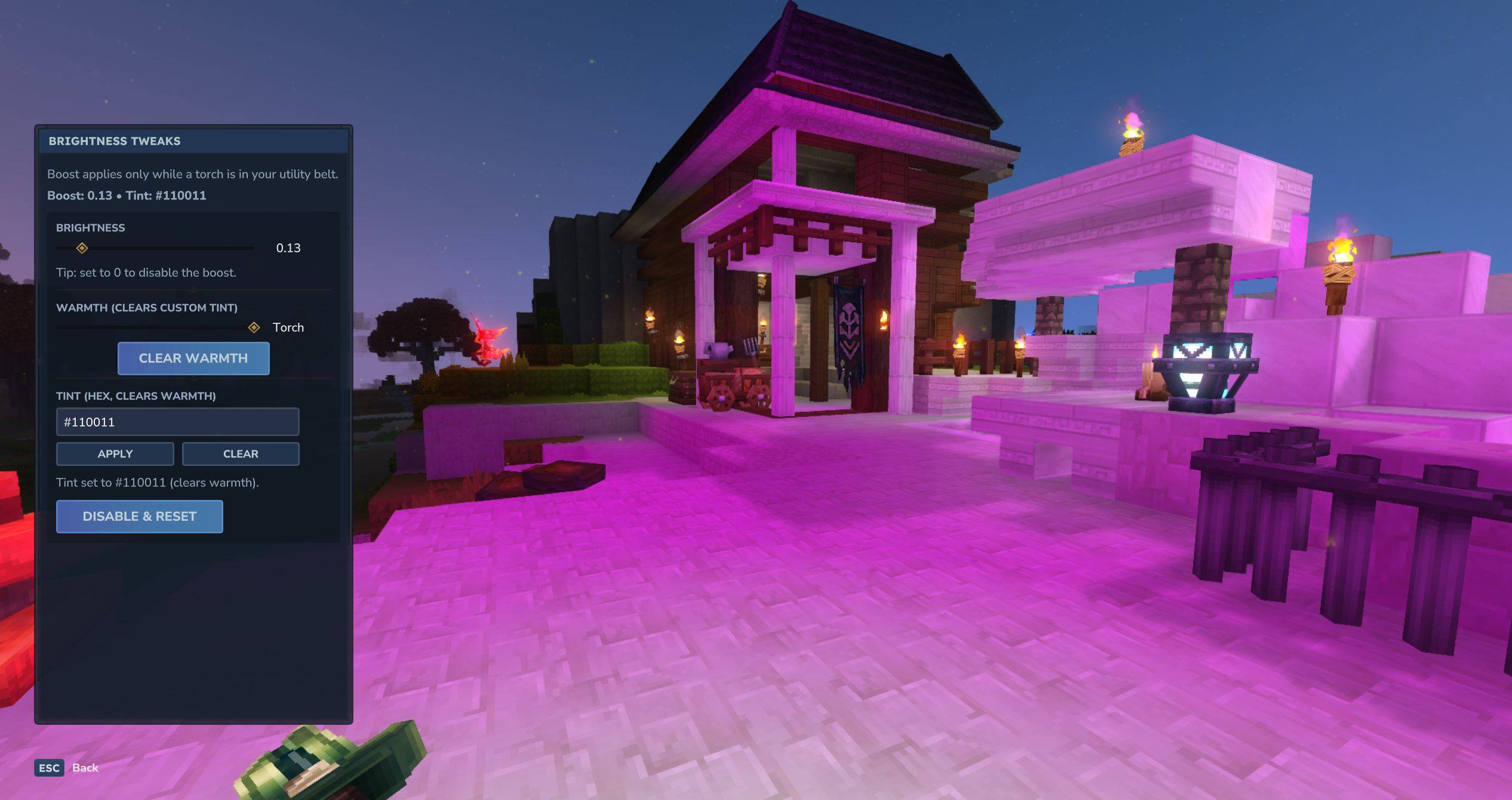
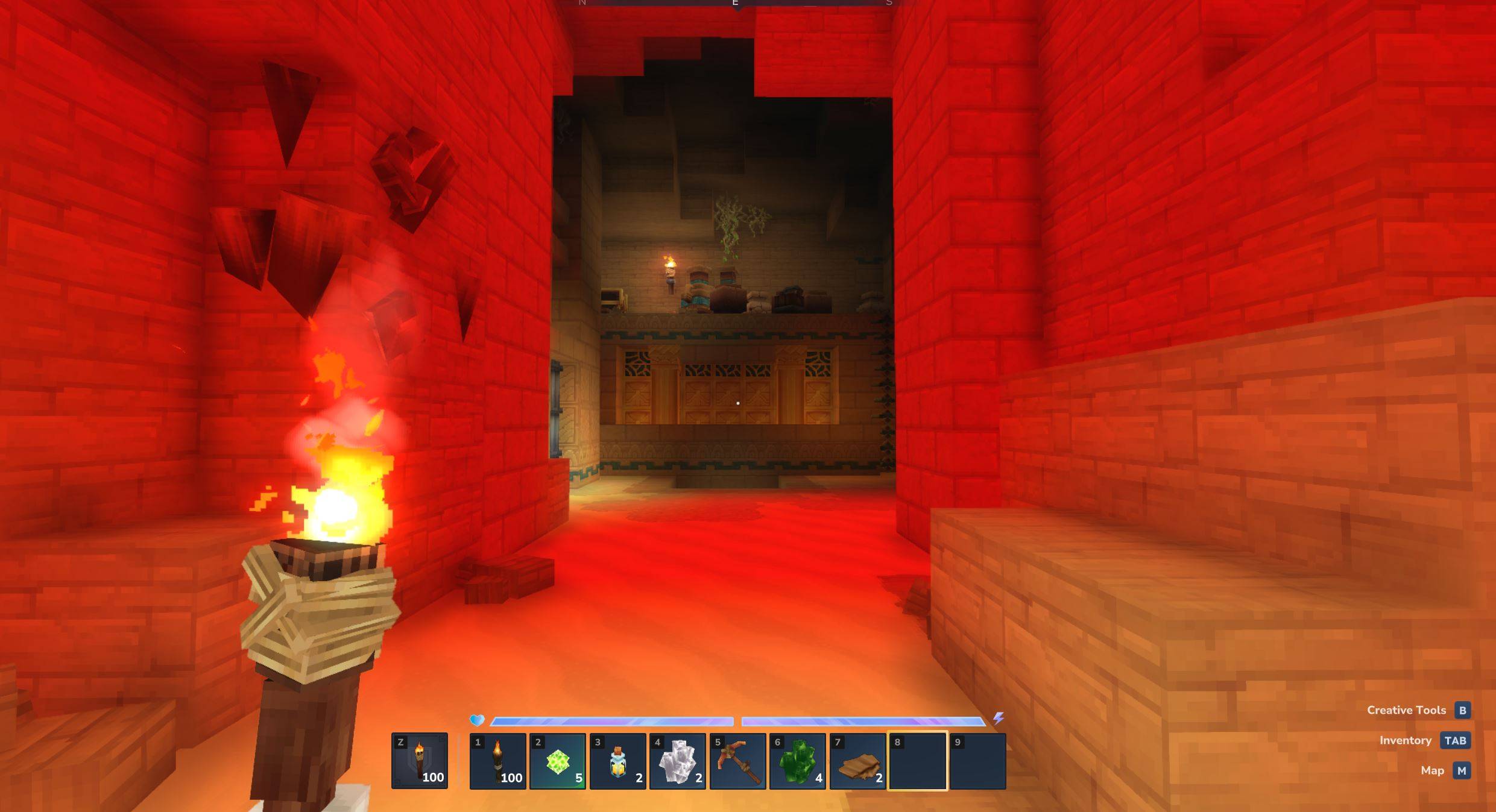
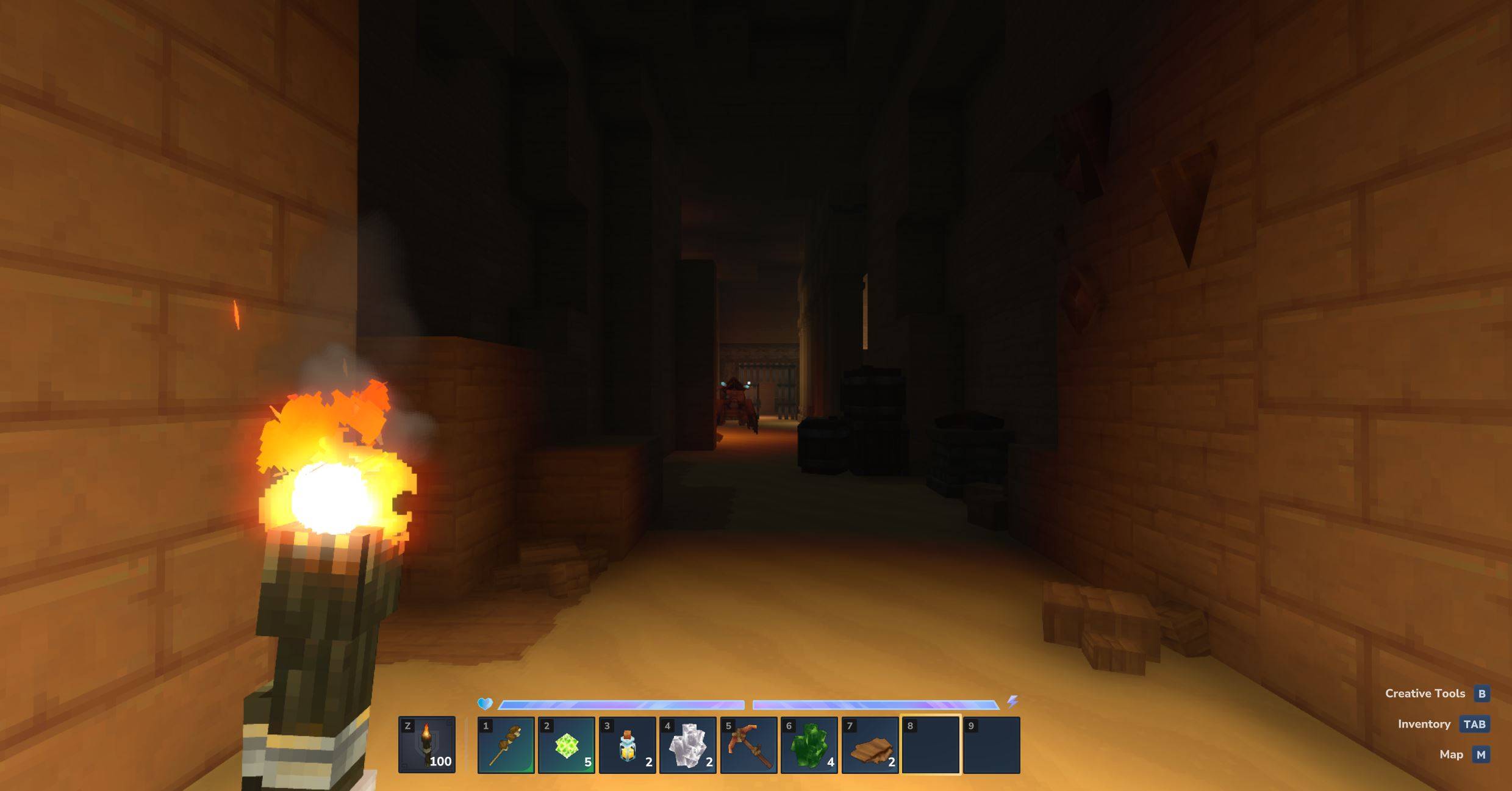
type /br | Brightness Tweaks emits dynamic light when torch is inside your utility belt, and lets you change the warmth, strength, and color!
About Brightness Tweaks
Brightness (and Torch) Tweaks
open-source
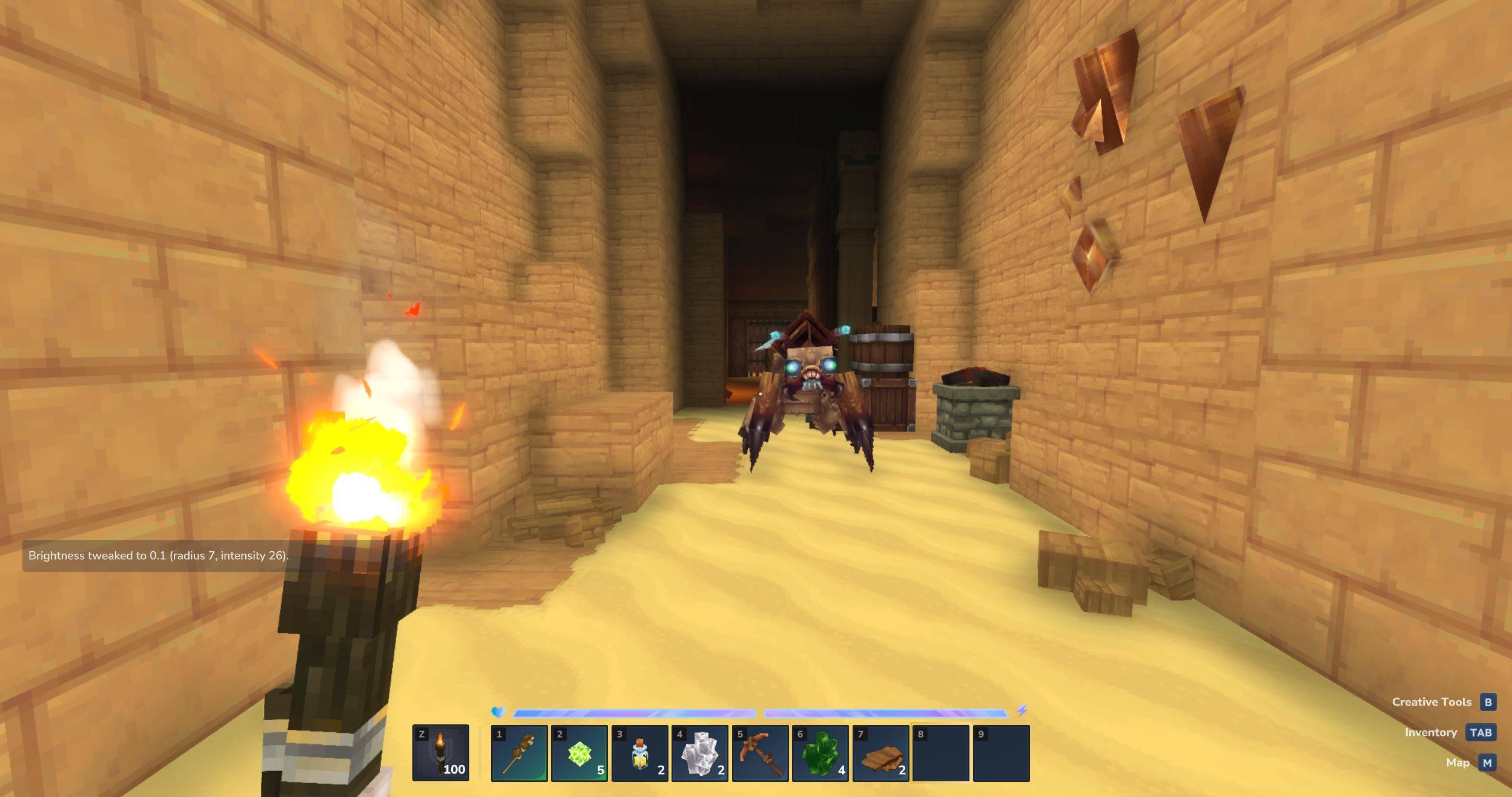
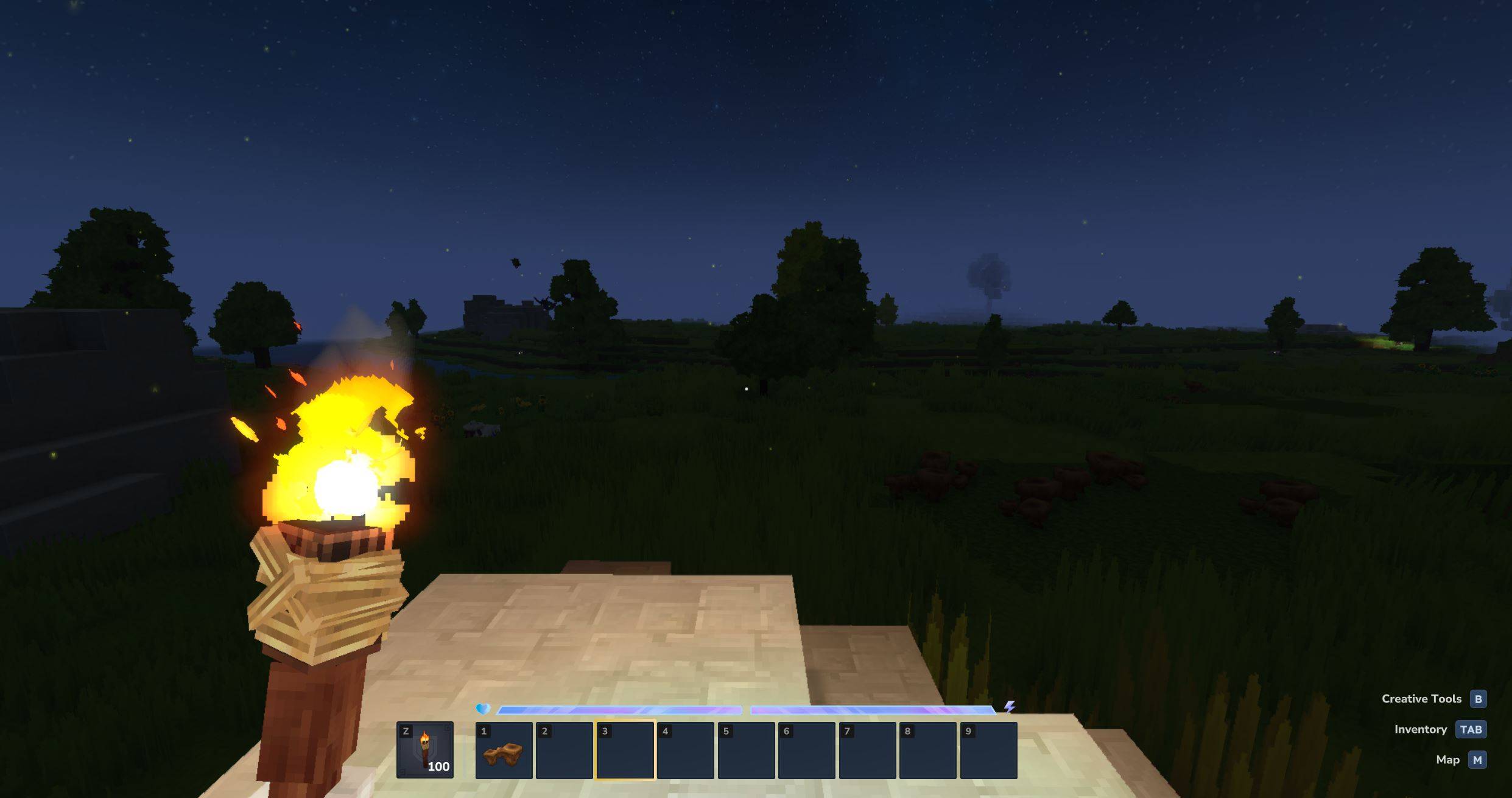
Brightness Tweaks adds fully configurable, dynamic light around the player so you can see better at night or underground while you fight and mine. Put any torch inside the utility belt, and set brightness using menu under /br command. Developer's note:
Looks 10x better with Shading Quality set higher than Low
From 0.1.9+ set settings once, they persist forever
UI added (0.2.0+); mod is now prod-ready but I'm open to suggestions
Features
Player-centered dynamic light
Adjust warmth, color, and strength of the light around you
Lightweight, server & single compatible, persistent across restarts
Commands & Usage
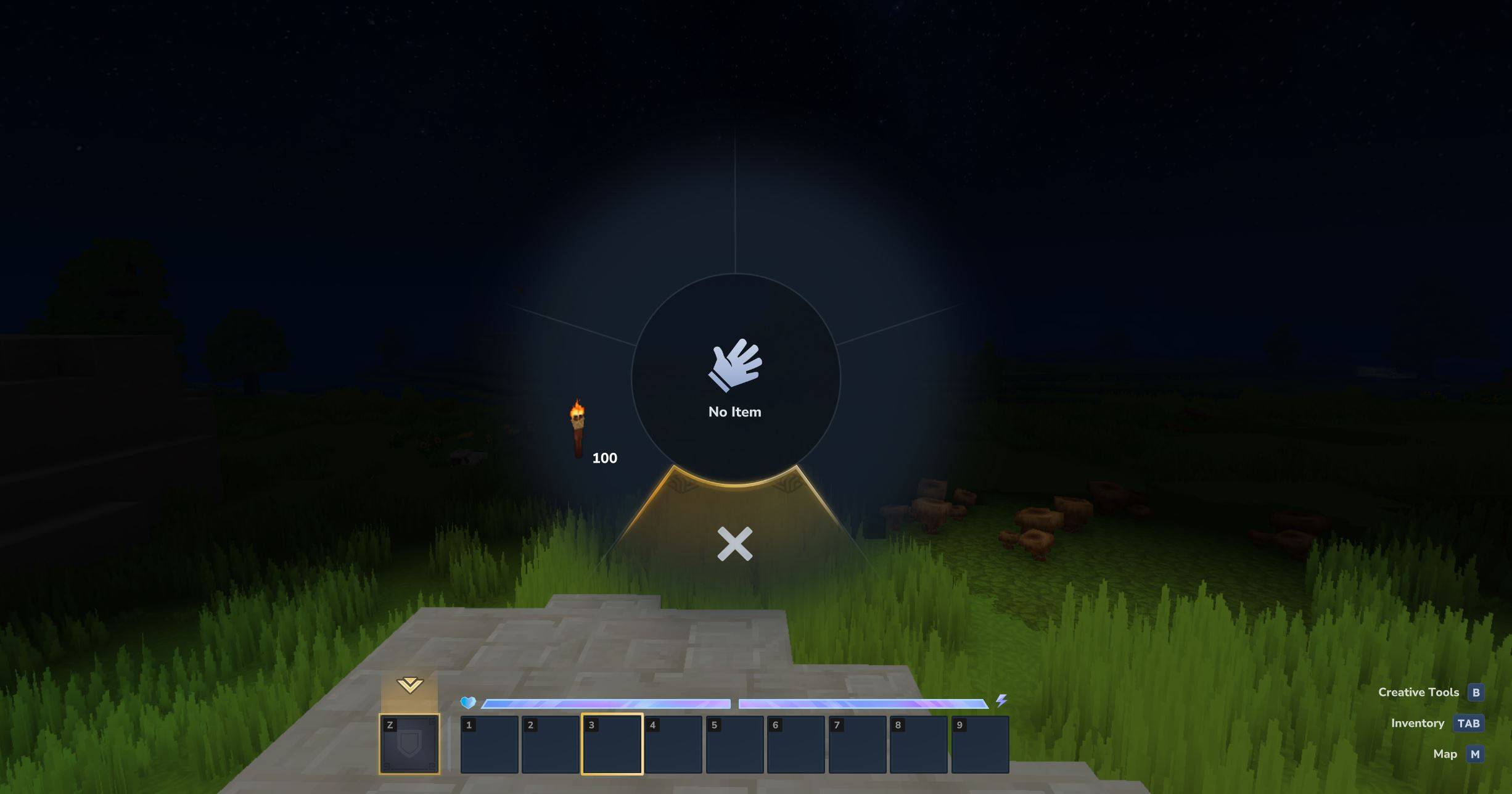
Equip / Put any torch in the utility belt and run:
`/br` to display user-friendly menu
Or use commands: - `/brightness` disables the effect (resets to normal) - `/brightness <value>` sets brightness from `0.01` to `1.0` - e.g. `/brightness 0.1` or `/brightness 1` - `/brightness warmth <value>` from `0.1` to `1.0` - `/brightness color <hex>` e.g. #aa0000
Server config:
After downloading the mod and restarting the server/world, check for a new file created at this path: UserData\Mods\plugin-config\FLOCK4H_BrightnessTweaks or in the /mods folder in server's filesystem. Modify or create the server-config.json if you want to tweak the global max brightness, example structure:
Installation
1. Download `Brightness-Tweaks-x.x.x.jar` where x.x.x is the most recently uploaded file 2. Put it in your server `mods/` folder (or your local .../Hytale/UserData/Mods folder) 3. Restart the server / start the local world
Links / Community
- Discord - Telegram
Feedback / Bugs
If you find issues or have suggestions, post them in Discord/Telegram (links above) or open an issue on the project repo. About author
Software Engineer & Cybersecurity Specialist currently exploring game development, I also provide development services for clients, so if you're interested in working together please reach out via official media in Links section above, check out my work: github.com/FLOCK4H
Categories
Screenshots
Need a Server?
Run Brightness Tweaks on a dedicated Hytale server with easy mod management.
Get Hytale HostingFrequently Asked Questions
What is Brightness Tweaks?
type /br | Brightness Tweaks emits dynamic light when torch is inside your utility belt, and lets you change the warmth, strength, and color!
How do I download Brightness Tweaks?
You can download Brightness Tweaks for free from CurseForge. Click the "Download on CurseForge" button on this page to go directly to the download page.
Who created Brightness Tweaks?
Brightness Tweaks was created by FLOCK4H. The mod has been downloaded 5.2K times.
Is Brightness Tweaks compatible with Hytale servers?
Brightness Tweaks is designed for Hytale and can be used on both single-player and multiplayer servers. Check the mod page on CurseForge for specific compatibility information.
How do I install Brightness Tweaks?
To install Brightness Tweaks: 1) Download the mod from CurseForge, 2) Place the file in your Hytale mods folder, 3) Restart the game. The mod should load automatically.
Related Misc Mods
View all mods
Ymmersive Melodies
Conczin
Upload and play MIDI files in-game on various instruments to annoy your friends with custom melodies!

MultipleHUD
Buuz135
A simple mod that allows you to have multiple HUDs present at once.

Spanish Translation
Plexu5
A Spanish language translation for Hytale. Includes UI, items, and menus.

YUNG's HyDungeons
YUNGNICKYOUNG
Adds new procedurally generated dungeon instances!

Just Enough Tales (JEI mod)
uwudwagon
A JEI mod for Hytale.
![[NoCube's] Simple Bags](https://media.forgecdn.net/avatars/thumbnails/1601/201/256/256/639034453685921721.png)
[NoCube's] Simple Bags
NoCube
Adds bags that you can put anything in!