Čeština
Czech translation for Hytale
About Čeština
Český jazykový balíček pro Hytale - Pomoz s překladem a opravami → GITHUB ← klikni
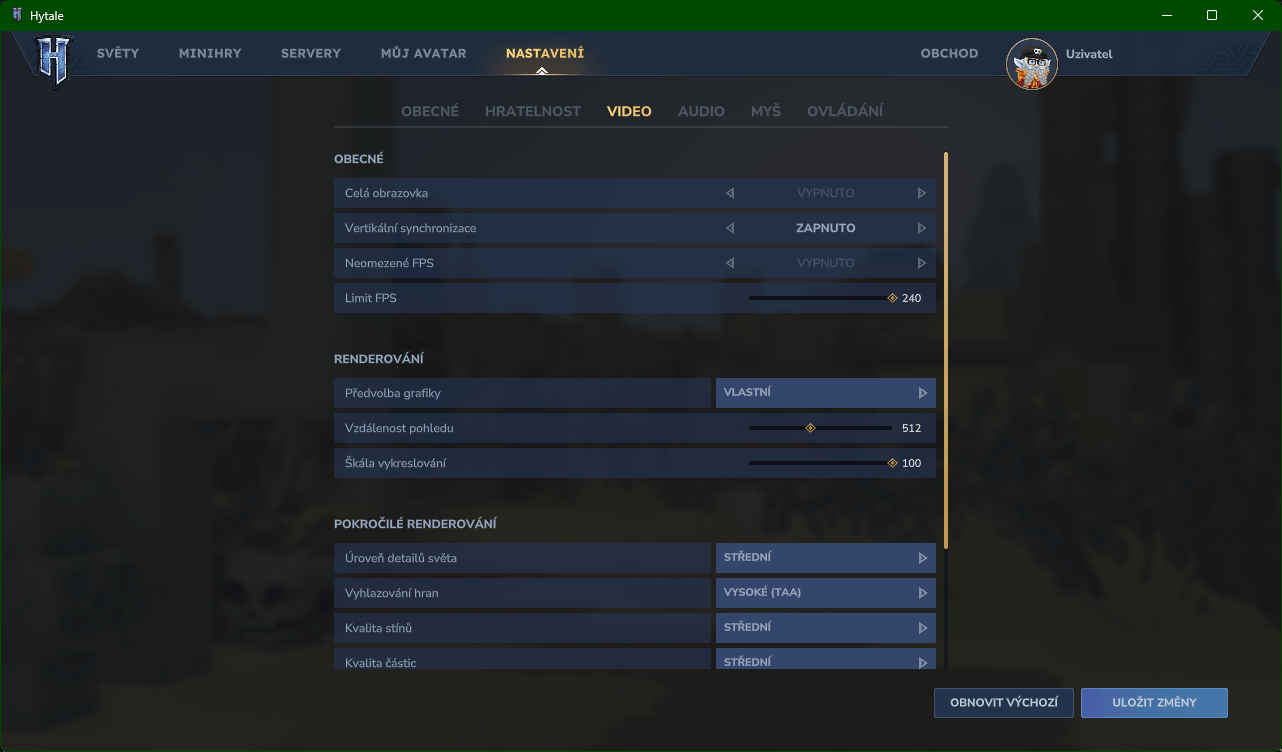
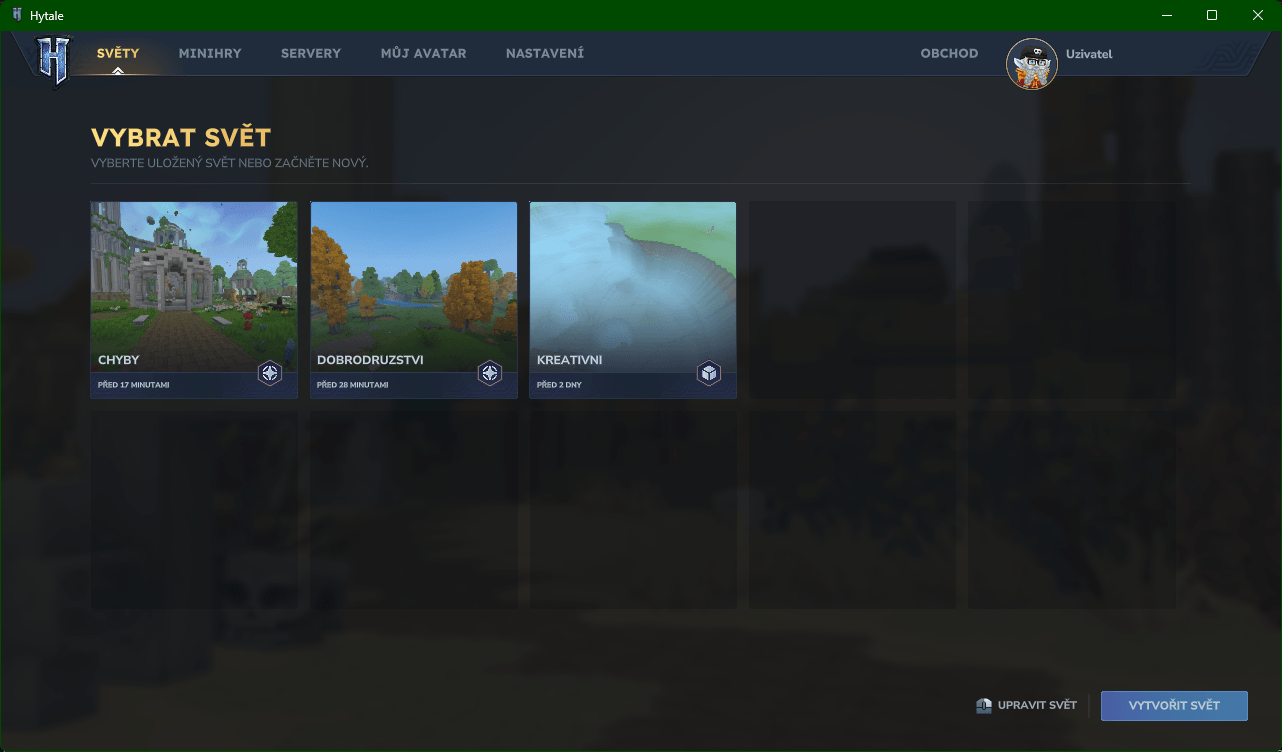
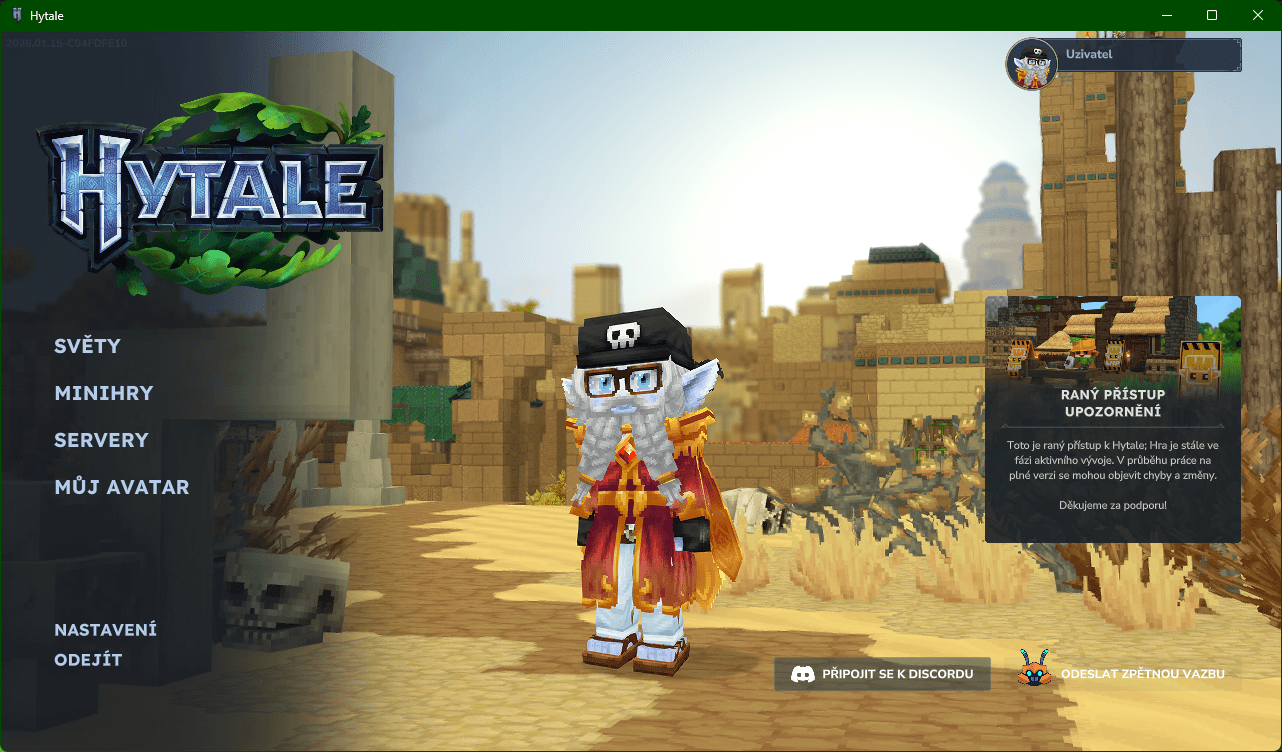
Tento český jazykový balíček si klade za cíl poskytnout přirozenější a pohodlnější herní zážitek. Překládá prvky uživatelského rozhraní a běžné herní zprávy, díky čemuž je každodenní hraní i nastavení hry přehlednější a intuitivnější pro česky mluvící hráče. Discord
!!! Tento jazykový balíček plně podporuje českou diakritiku (á, č, ď, é, ě, í, ň, ó, ř, š, ť, ú, ů, ý, ž). !!!
Návod k instalaci
Automaticky: Použij Instalátor
Manuálně:
Najděte kořenový adresář hry. Pokud si nejste jisti, kde se nachází, otevřete launcher, přejděte do Nastavení (ikona ozubeného kola) a zvolte Otevřít adresář.
Otevřete stažený soubor .zip a zkopírujte složku install do kořenového adresáře hry.
Pokud budete vyzváni, zvolte Nahradit vše (nebo Nahradit soubory v cílovém umístění).
Spusťte hru, otevřete Nastavení a nastavte jazyk na Češtinu.
(dobrovolné) Pro kompletní vynucený přepis jazyka rozbal Assets.zip a přepiš v těchno umístěních originální soubory a znovu vytvoř Assets.zip:
"\Hytale\install\release\package\game\latest\Assets.zip\Server\Languages\en-US" "\Hytale\install\release\package\game\latest\Assets.zip\Common\Languages\en-US\avatarCustomization"
Hotovo — překlad je nyní aktivní.
Důležité:
Pokud jste jazykový balíček stáhli prostřednictvím aplikace CurseForge, po instalaci odstraňte soubor .zip ze složky mods. Pokud by tam zůstal, může zabránit správnému načtení světa.
Po dnešní aktualizaci (15. 01. 2026) může dojít k problému s aplikací překladu.
Pro vyřešení tohoto problému postupujte následovně:
Přejděte do Nastavení a zvolte Otevřít adresář.
Odinstalujte hru.
Znovu nainstalujte hru.
Aplikujte překlad pomocí souborů rozbalených ze .zip archivu (nepoužívejte .zip přímo).
Tento postup by měl problém vyřešit.
Pokud chceš originální soubory jazyka hry tak jdi do:
"\Hytale\install\release\package\game\latest\Assets.zip\Server\Languages\en-US" a "\Hytale\install\release\package\game\latest\Assets.zip\Common\Languages\en-US\avatarCustomization"
Stav překladu Tento projekt je stále ve vývoji. Některé řádky mohou zůstat nepřeložené nebo je lze dále vylepšit. Jazykový balíček bude v budoucích aktualizacích dále zpřesňován a rozšiřován.
---------------------------------------------------------------------------------------------------------------
Czech Language Pack for Hytale - Contribute to this project → GITHUB ← click
This Czech language pack aims to provide a more natural and comfortable gameplay experience. It translates interface elements and common in-game messages, making everyday play and configuration clearer and more intuitive for Czech-speaking players. Discord
!!! This language pack fully supports Czech diacritics (á, č, ď, é, ě, í, ň, ó, ř, š, ť, ú, ů, ý, ž). !!!
Installation Guide
Locate the game’s root directory. If you are unsure where it is, open the launcher, go to Settings (gear icon), and select Open Directory.
Open the downloaded .zip file and copy the install folder into Hytale’s root directory.
When prompted, choose Replace all (or Replace files in the destination).
Launch the game, open Settings, and set the language to Čeština.
(Optional) For a complete forced language override, unzip Assets.zip and overwrite the original files in these locations, then recreate Assets.zip:
"\Hytale\install\release\package\game\latest\Assets.zip\Server\Languages\en-US" "\Hytale\install\release\package\game\latest\Assets.zip\Common\Languages\en-US\avatarCustomization"
That’s it — the translation is now active.
Important:
If you downloaded the pack via the CurseForge application, remove the .zip file from the mods folder after installation. Leaving it there may prevent your world from loading correctly.
After today’s update (15.01.2026), an issue with applying the translation may occur.
To resolve this problem, follow these steps:
Go to Settings and select Open Directory.
Uninstall the game.
Install the game again.
Apply the translation using the files extracted from the .zip archive (do not use the .zip directly).
This should fix the issue.
If you want to find original language files you can go in:
"\Hytale\install\release\package\game\latest\Assets.zip\Server\Languages\en-US" and "\Hytale\install\release\package\game\latest\Assets.zip\Common\Languages\en-US\avatarCustomization"
Translation Status
This project is still a work in progress. Some lines may remain untranslated or could be further improved. The language pack will be refined and expanded in future updates.
Categories
Screenshots
Frequently Asked Questions
What is Čeština?
Czech translation for Hytale
How do I download Čeština?
You can download Čeština for free from CurseForge. Click the "Download on CurseForge" button on this page to go directly to the download page.
Who created Čeština?
Čeština was created by CeskyVaclav. The mod has been downloaded 808 times.
Is Čeština compatible with Hytale servers?
Čeština is designed for Hytale and can be used on both single-player and multiplayer servers. Check the mod page on CurseForge for specific compatibility information.
How do I install Čeština?
To install Čeština: 1) Download the mod from CurseForge, 2) Place the file in your Hytale mods folder, 3) Restart the game. The mod should load automatically.
Related Qol Mods
View all mods
EyeSpy
DarkhaxDev
Adds a HUD that displays information about what you're looking at!

Advanced Item Info
Buuz135
Adds a searchable GUI that displays all the items and the game and displays extra properties they have

Overstacked
DarkhaxDev
Increases the maximum stack size of items.

Violet's Wardrobe
VioletsWorkshop
Adds more customisation options in the form of craftable cosmetics

Item Magnet
Jaredlll08
Adds a magnet that attracts items towards the player.

Endgame & QoL - Boss & Elite Update (3.0.0 in a week)
Lewaii
Endgame & QoL v2.2: Face the Alpha T-Rex & Void Spectres! Unlock Backpack IV & Void Gliders. Restore unused content and challenge stronger, rebalanced bosses!