Computale
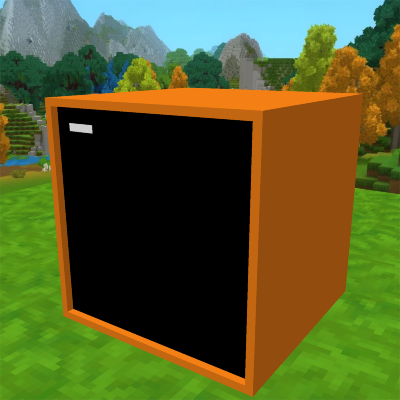
Adds computers to Hytale with integrated Lua programming. Inspired by ComputerCraft.
About Computale
Computale brings the power of programmable computers to Hytale! Heavily inspired by the legendary ComputerCraft mod for Minecraft, Computale allows you to write code, automate tasks, and build complex systems using the Lua programming language directly within the game.
🚧 Development Status
Disclaimer: This mod is currently under active development. Features are being added and refined constantly. You may encounter bugs or incomplete features independently of the final vision.
✨ Features
Integrated Lua Environment: Write and execute Lua code in-game.
REPL: A responsive command-line interface to test code snippets and control your computer in real-time.
Safety: Safely run loops and complex scripts without freezing the game server. Every script runs in its own isolated environment and instructions per tick are limited.
File System: (Planned) Save and load your scripts.
APIs: (Planned) Interact with the Hytale world, blocks, and redstone equivalents.
🚀 Getting Started
Craft or spawn a CopperComputer block from the Workbench (under the "Tinkering" tab).
Interract (F) to open the interface.
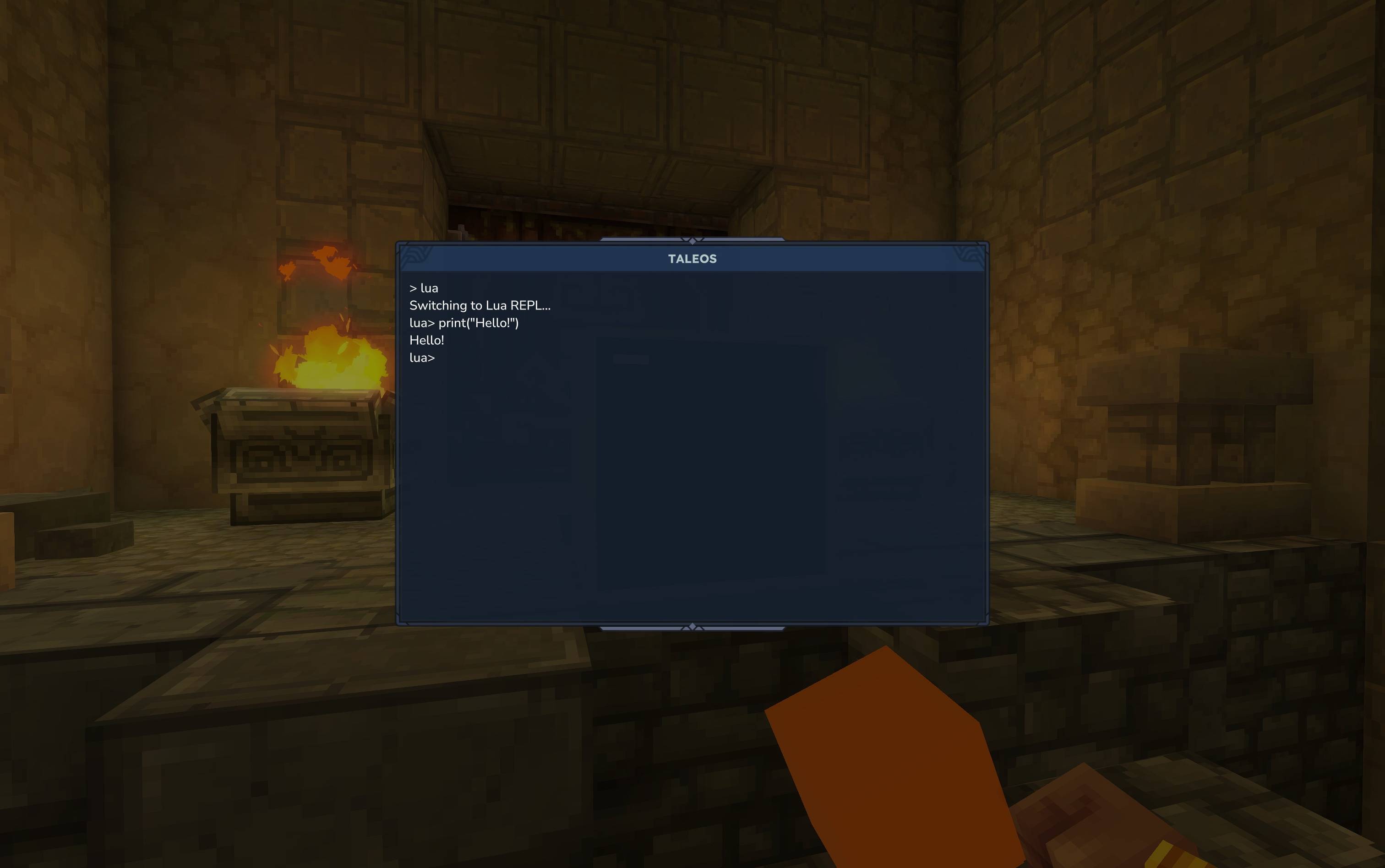
You will be greeted by the TaleOS shell.
Type lua to enter the Lua REPL.
Try running print("Hello, Hytale!")!
📜 Credits
Inspired by ComputerCraft by Dan200 and CC: Tweaked by SquidDev.
Categories
Screenshots
Need a Server?
Run Computale on a dedicated Hytale server with easy mod management.
Get Hytale HostingFrequently Asked Questions
What is Computale?
Adds computers to Hytale with integrated Lua programming. Inspired by ComputerCraft.
How do I download Computale?
You can download Computale for free from CurseForge. Click the "Download on CurseForge" button on this page to go directly to the download page.
Who created Computale?
Computale was created by quantumsheep. The mod has been downloaded 367 times.
Is Computale compatible with Hytale servers?
Computale is designed for Hytale and can be used on both single-player and multiplayer servers. Check the mod page on CurseForge for specific compatibility information.
How do I install Computale?
To install Computale: 1) Download the mod from CurseForge, 2) Place the file in your Hytale mods folder, 3) Restart the game. The mod should load automatically.
Related Misc Mods
View all mods
Ymmersive Melodies
Conczin
Upload and play MIDI files in-game on various instruments to annoy your friends with custom melodies!

MultipleHUD
Buuz135
A simple mod that allows you to have multiple HUDs present at once.

Spanish Translation
Plexu5
A Spanish language translation for Hytale. Includes UI, items, and menus.

YUNG's HyDungeons
YUNGNICKYOUNG
Adds new procedurally generated dungeon instances!

Just Enough Tales (JEI mod)
uwudwagon
A JEI mod for Hytale.
![[NoCube's] Simple Bags](https://media.forgecdn.net/avatars/thumbnails/1601/201/256/256/639034453685921721.png)
[NoCube's] Simple Bags
NoCube
Adds bags that you can put anything in!