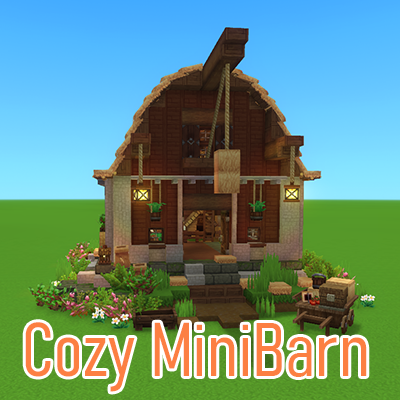
Cozy Barn with Coop and Storage
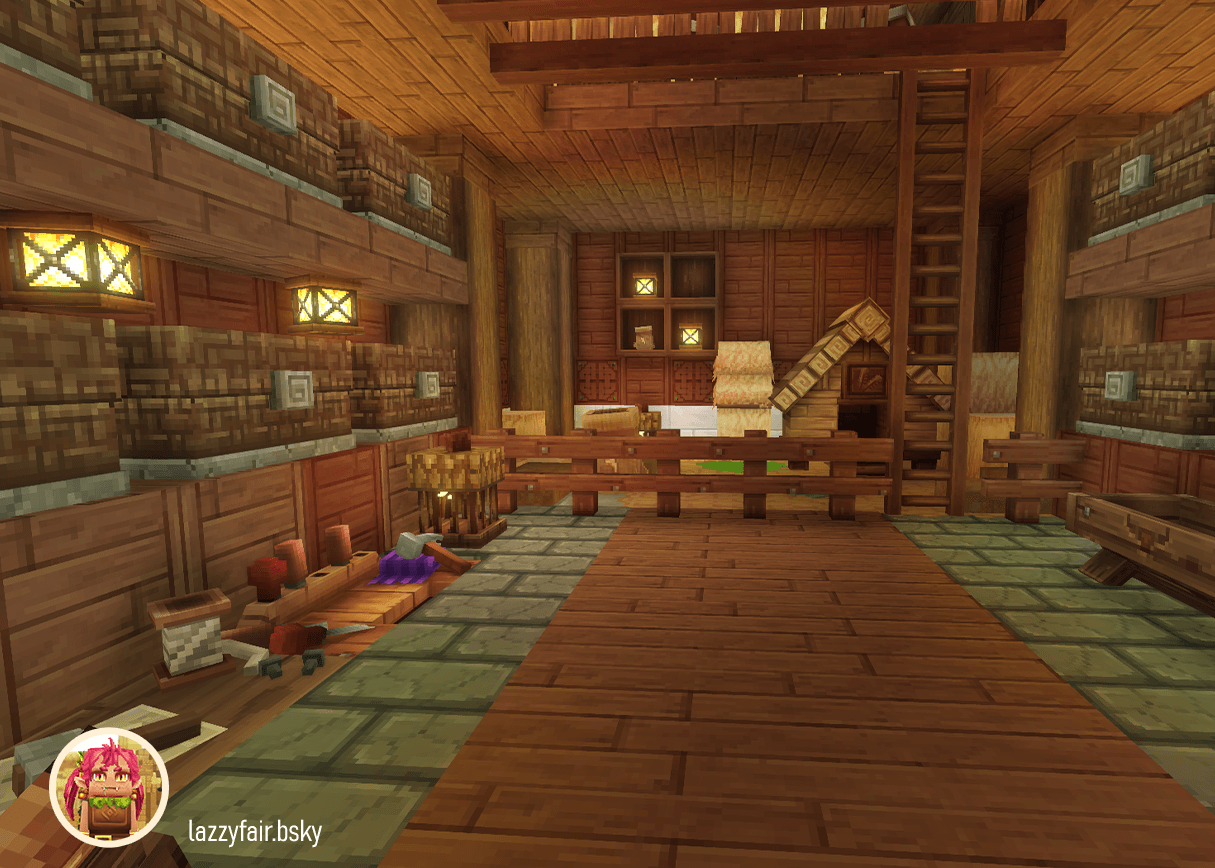
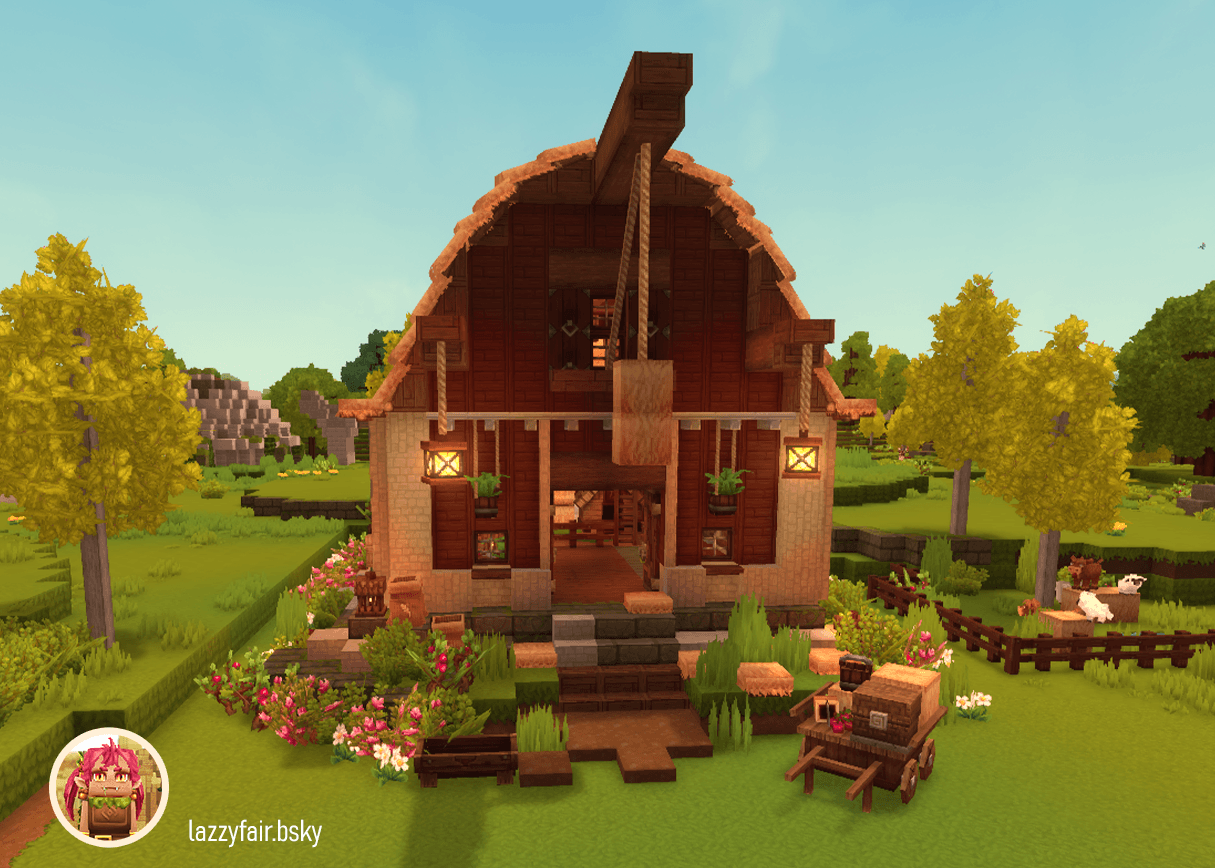
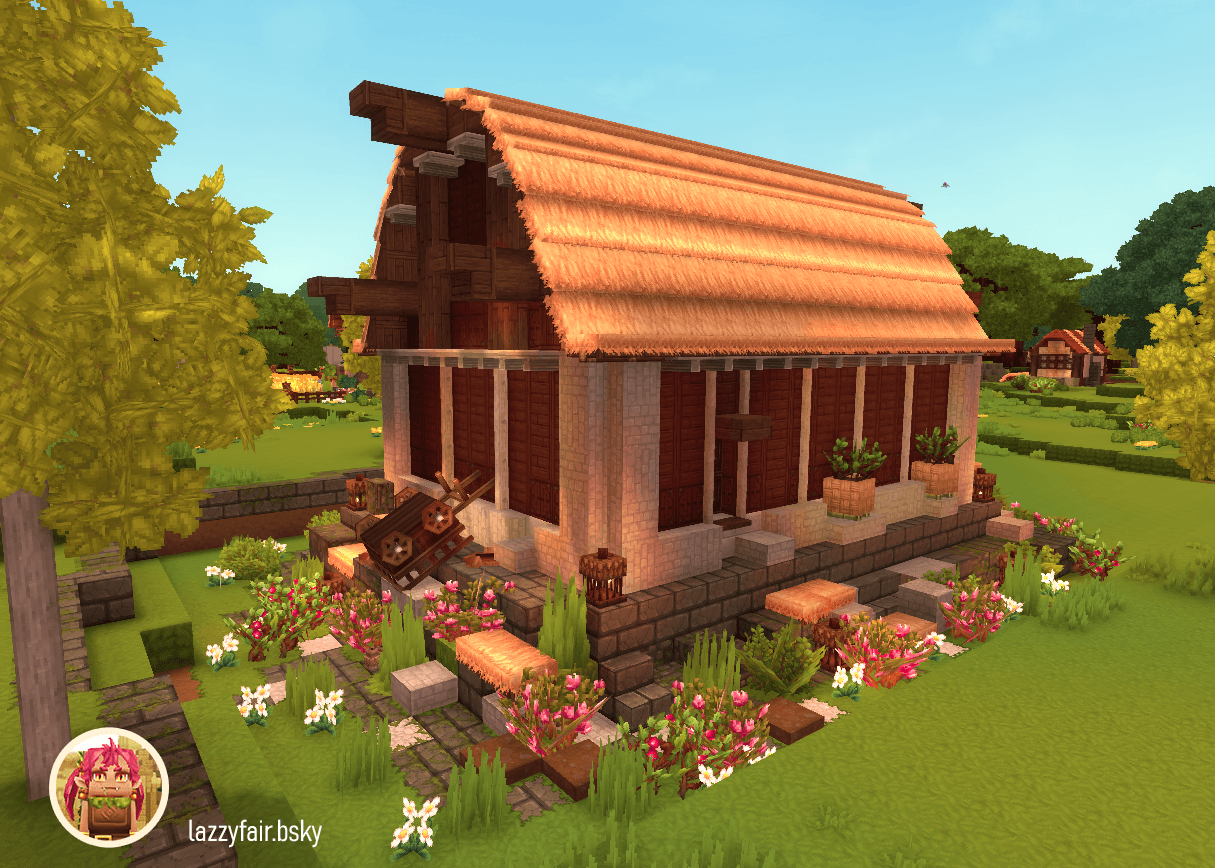
Prefab for a small cozy Barn with 12 large chests and a chicken coop.
About Cozy Barn with Coop and Storage
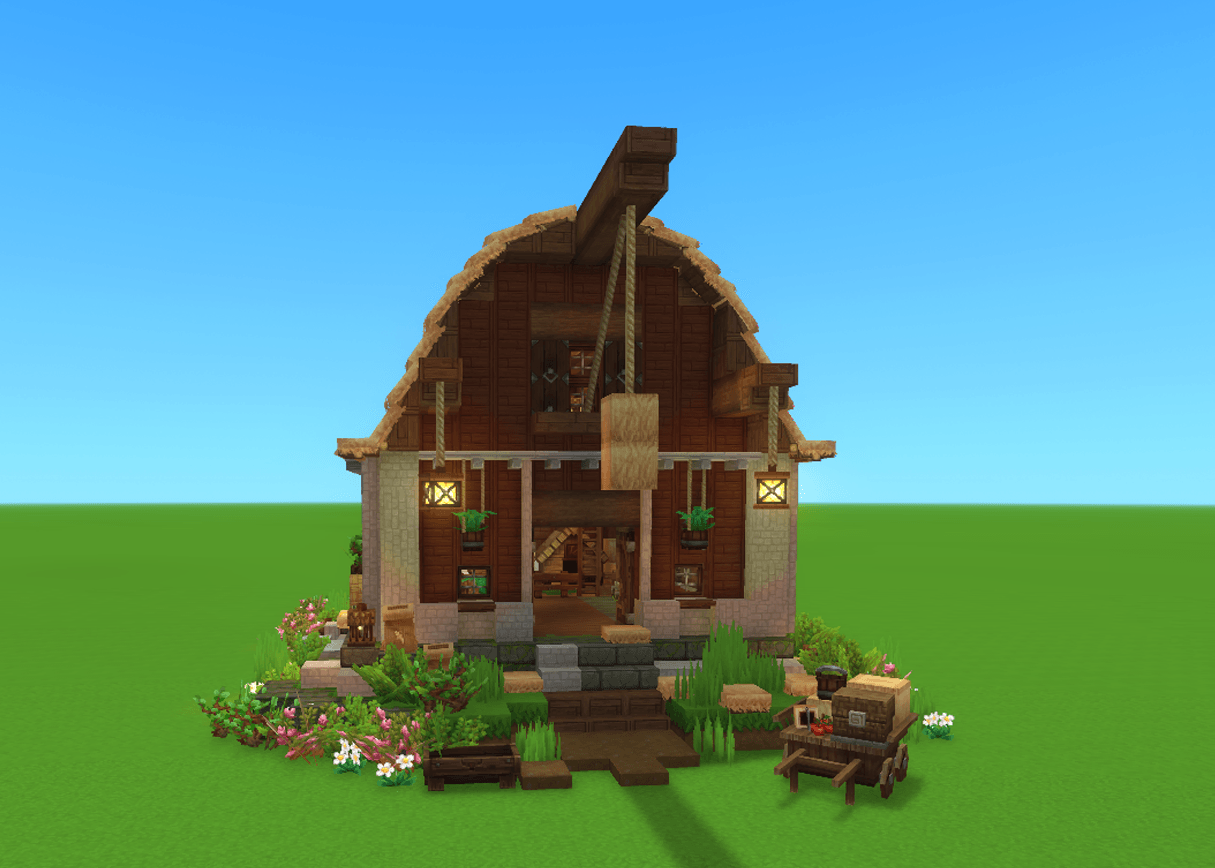
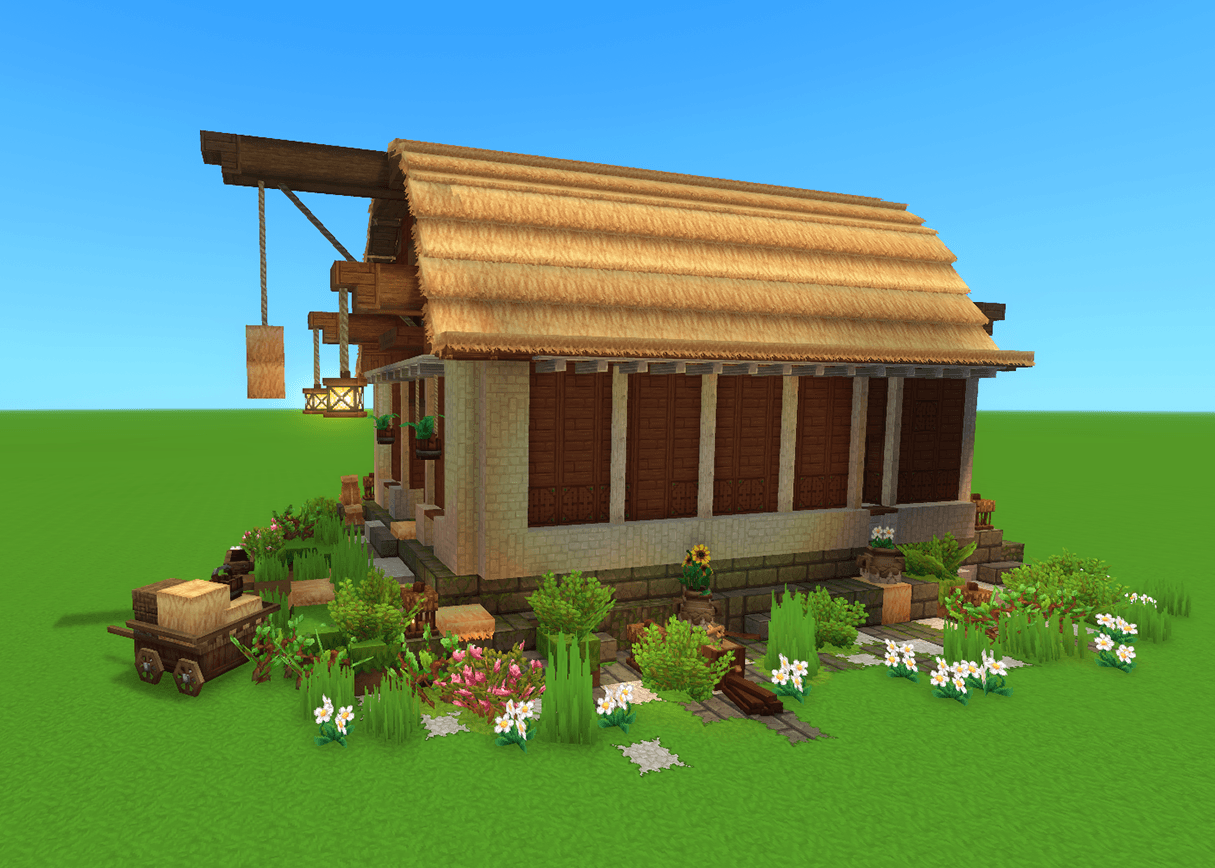
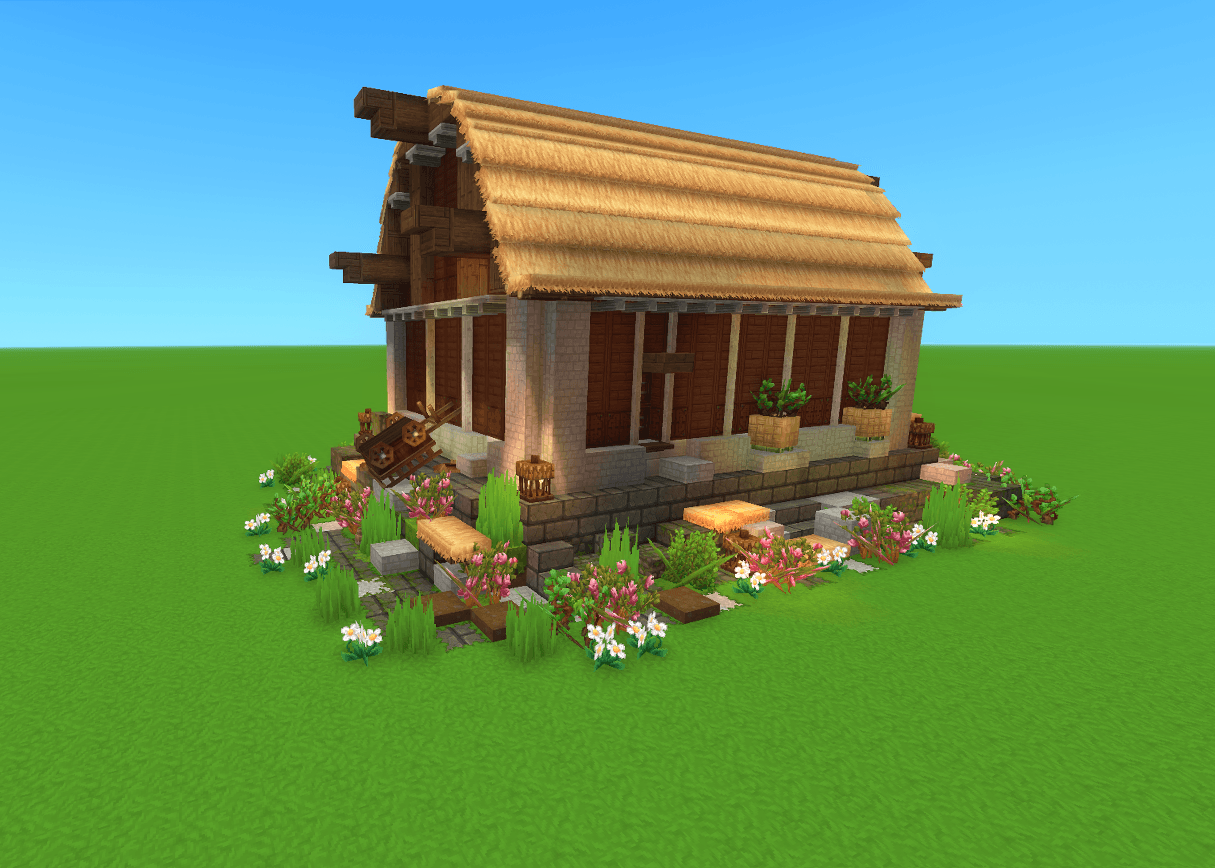
Cozy Barn with Coop and Storage brings a compact, detailed farm barn to your Hytale world – complete with chicken coop and fully equipped storage area. The barn stands on a sturdy stone and grass foundation, uses high-quality wood materials for walls, floors, and roof, and is supported by massive tree trunks. Inside, you'll find several large Kweebec chests with 36 slots each for your resources, plus thoughtfully placed decorations and lighting for a cozy atmosphere.
Technical specs: 2,584 placed blocks in a 21×14×31 block structure (width×height×depth).
Installation
Hytale Prefabs are not mods and do not go in the Mods folder.
Create a "prefabs" folder (lowercase) inside your desired save folder if it doesn't exist.
Decompress zip and extact JSON File
Copy the JSON file (e.g., "Cozy-Barn-with-Coop-and-Storage.prefab.json") directly into this folder.
Path Example (Windows): C:\Users\[YourUsername]\AppData\Roaming\Hytale\UserData\Saves\[YourSaveName]\prefabs
Open %appdata%\Hytale\UserData\Saves via Windows Run (Win+R).
Select your save folder, create "prefabs" inside it, and place the file there
Prefab is now available with Building Tools
Tip: Create a test prefab in-game first to auto-generate the folder.
Info on Entity-Tool
The chest on the wagon was placed as decoration using the Entity Tool and is not functional/useable.
All entities persist when removing the build with the /clear command.
To remove: Press O to enter Creative Mode.
Select the Entity Tool from the Build menu (Tools tab).
Click the entity and press DEL to delete it.
Using Prefab in Exploration Mode
You can use prefabs even in Exploration Mode by temporarily switching to Creative.
Press O to open Creative Mode. If that fails, open chat (Enter) and type /op self
Press O again to enter Creative Mode.
Press Tab to open the Build menu, then select the fourth Tab (Tools icon).
Placing the Prefab
Take the Paste Tool into your hotbar and close inventory.
Select the Paste Tool and press E to load a prefab.
Select "Server" from the dropdown, choose your prefab (e.g., "Cozy-Barn-with-Coop-and-Storage").
Place it using the Paste Tool – done!
Categories
Screenshots
Need a Server?
Run Cozy Barn with Coop and Storage on a dedicated Hytale server with easy mod management.
Get Hytale HostingFrequently Asked Questions
What is Cozy Barn with Coop and Storage?
Prefab for a small cozy Barn with 12 large chests and a chicken coop.
How do I download Cozy Barn with Coop and Storage?
You can download Cozy Barn with Coop and Storage for free from CurseForge. Click the "Download on CurseForge" button on this page to go directly to the download page.
Who created Cozy Barn with Coop and Storage?
Cozy Barn with Coop and Storage was created by lazyfair. The mod has been downloaded 187 times.
Is Cozy Barn with Coop and Storage compatible with Hytale servers?
Cozy Barn with Coop and Storage is designed for Hytale and can be used on both single-player and multiplayer servers. Check the mod page on CurseForge for specific compatibility information.
How do I install Cozy Barn with Coop and Storage?
To install Cozy Barn with Coop and Storage: 1) Download the mod from CurseForge, 2) Place the file in your Hytale mods folder, 3) Restart the game. The mod should load automatically.
Related Misc Mods
View all mods
Ymmersive Melodies
Conczin
Upload and play MIDI files in-game on various instruments to annoy your friends with custom melodies!

MultipleHUD
Buuz135
A simple mod that allows you to have multiple HUDs present at once.

Spanish Translation
Plexu5
A Spanish language translation for Hytale. Includes UI, items, and menus.

YUNG's HyDungeons
YUNGNICKYOUNG
Adds new procedurally generated dungeon instances!

Just Enough Tales (JEI mod)
uwudwagon
A JEI mod for Hytale.
![[NoCube's] Simple Bags](https://media.forgecdn.net/avatars/thumbnails/1601/201/256/256/639034453685921721.png)
[NoCube's] Simple Bags
NoCube
Adds bags that you can put anything in!