Dark Woods
Adds planks variations for all log types replacing the "Softwood, Hardwood, etc" system
About Dark Woods
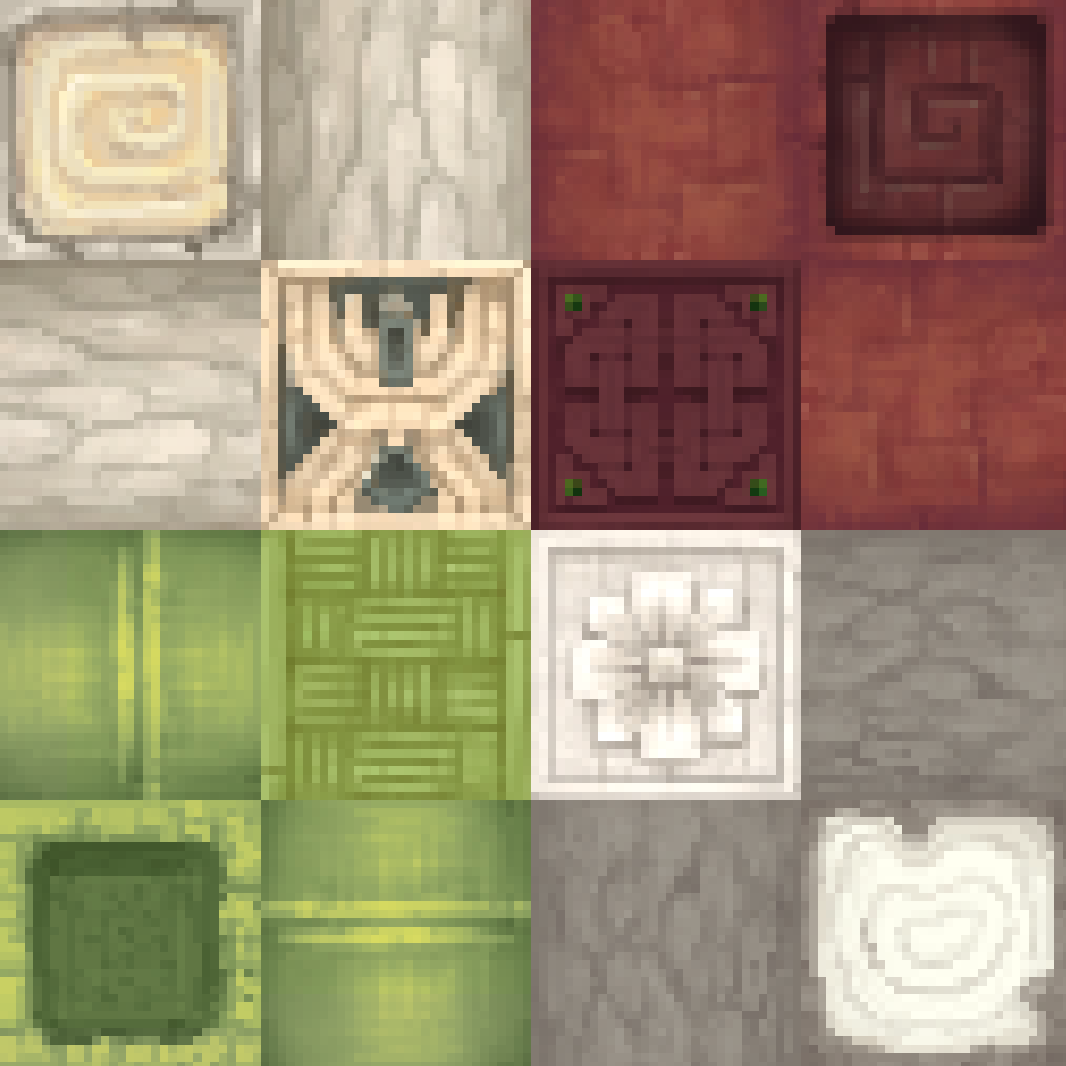
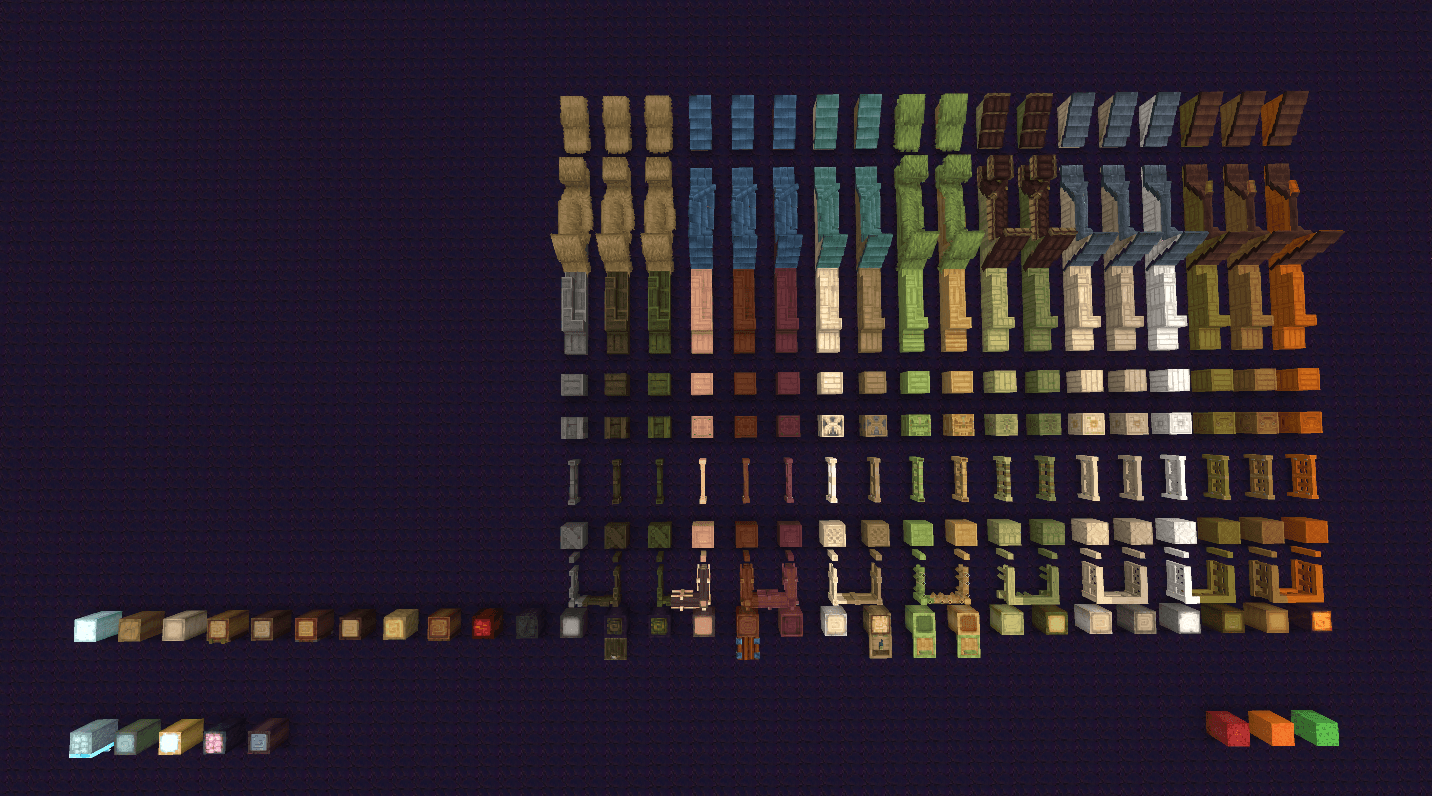
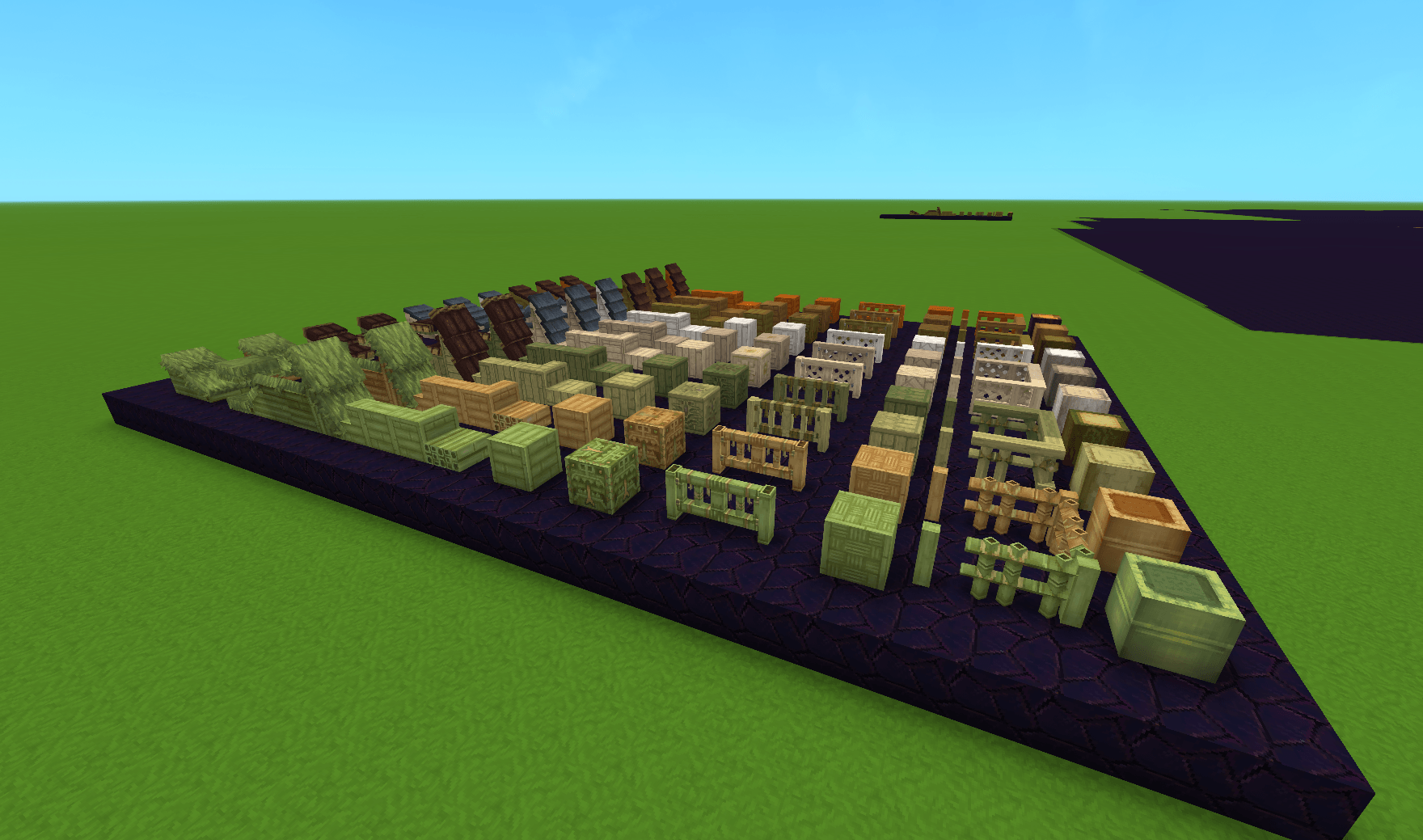
Adds wood sets for all the log types in the game, setting the vanilla sets to only one log type instead of multiple. The currently implimented sets are listed below along with future plans.
As I am far from an artist, the idea is that all woods under a category like "Goldenwood" will have the same pattern and just get recolored variants for each of the log types. (If you are an artist and would like to help in the making of this mod please reach out to me on twitter)
Before:
Sallow Log
Palm Tree Log -> Goldenwood Planks
Amber Log
After:
Sallow Log -> Sallow Planks
Palm Tree Log -> Palm tree Planks (Renamed Goldenwood Planks)
Amber Log -> Amber Planks
Implemented Wood Sets
Sallow Log
Palm Tree Log (Renammed Goldenwood)
Amber Log
Camphor
Gumboab (Renammed Lightwood)
Birch
Jungle (Renammed Greenwood)
Palo
*Dried Bamboo (Renammed Tropicalwood)
Bamboo
Dry Log
Bottletree
Maple
Redwood
Blue Fig
Poisoned
Petrified
**Deadwood
* You can craft Dried Bamboo items by putting [Regualar] Bamboo items in the furnace
** Deadwood items can be crafted buy "burning" the poison out of an poison wood items in the furnace (I really just though that deadwood did not match Petrified or Poisoned logs so I made news sets for both)
Planned Updates:
Will continue to add more woods sets until each log type has one
Rework the Amber set textures to better match the Amber Log
Adjust Icons of All Roof items to fit properly into frame and be consistent with Vanilla Roof Icons
Categories
Screenshots



Need a Server?
Run Dark Woods on a dedicated Hytale server with easy mod management.
Get Hytale HostingFrequently Asked Questions
What is Dark Woods?
Adds planks variations for all log types replacing the "Softwood, Hardwood, etc" system
How do I download Dark Woods?
You can download Dark Woods for free from CurseForge. Click the "Download on CurseForge" button on this page to go directly to the download page.
Who created Dark Woods?
Dark Woods was created by Darkstone158. The mod has been downloaded 828 times.
Is Dark Woods compatible with Hytale servers?
Dark Woods is designed for Hytale and can be used on both single-player and multiplayer servers. Check the mod page on CurseForge for specific compatibility information.
How do I install Dark Woods?
To install Dark Woods: 1) Download the mod from CurseForge, 2) Place the file in your Hytale mods folder, 3) Restart the game. The mod should load automatically.
Related Building Mods
View all mods
Violet's Furnishings
VioletsWorkshop
Expands on Hytale's existing furniture library
Simply Trash
Jaredlll08
Adds a trash can to easily destroy items!
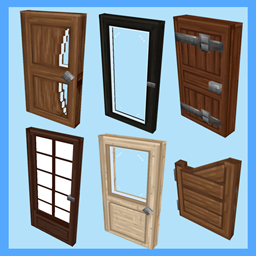
Macaw's Hy Doors
sketch_macaw
Adds more doors to fit in your builds!

Violet's Plushies
VioletsWorkshop
Adds several plushies, some with unique SFX!
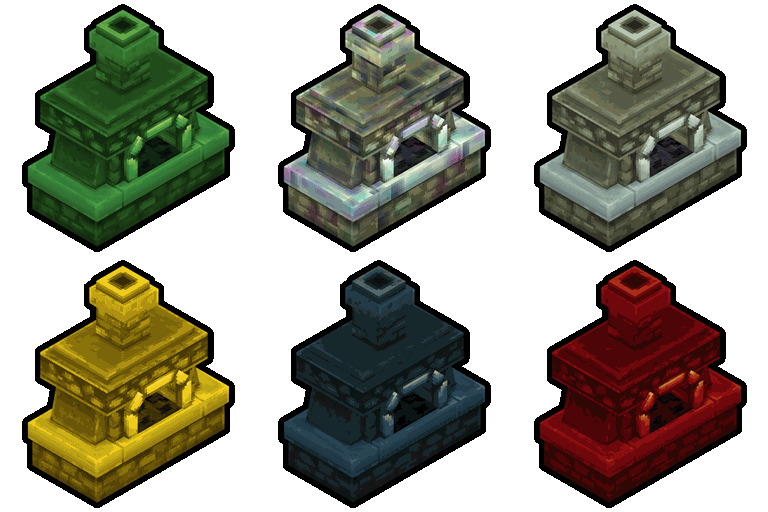
Thorium Furnaces
Jaredlll08
Faster Furnaces!
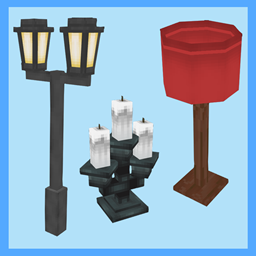
Macaw's Hy Lights and Lamps
sketch_macaw
Adds Lamps, Tiki Torches, Candle Holders, Ceiling Lights, Street Lights and more...!