DynaHUD
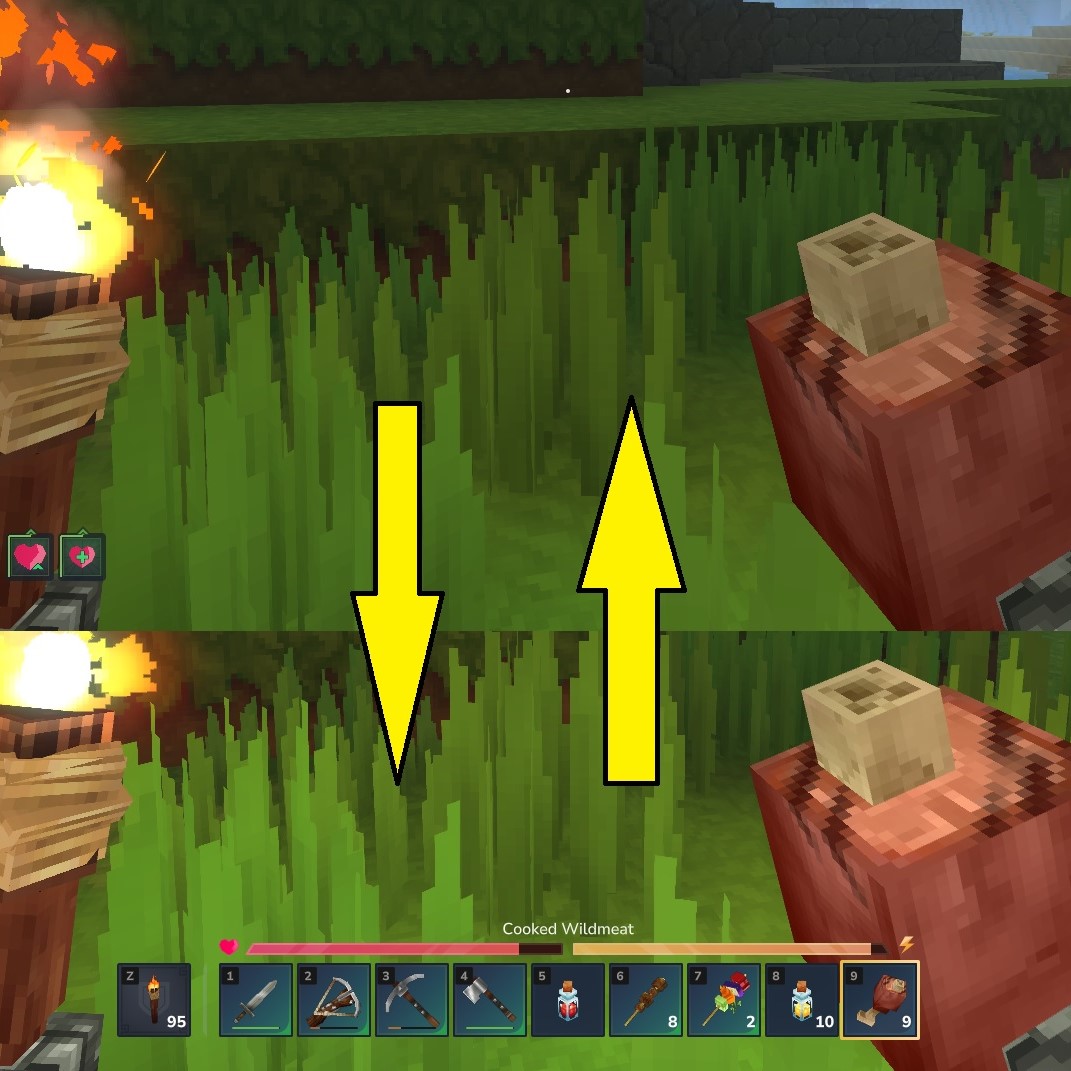
Dynamically hides HUD components, such as health, stamina, mana, hotbar, ammo, and compass.
About DynaHUD
A mod that dynamically hides HUD components depending on given states or condition. This is still being improved upon so any feedback is much appreciated.
Current functionality:
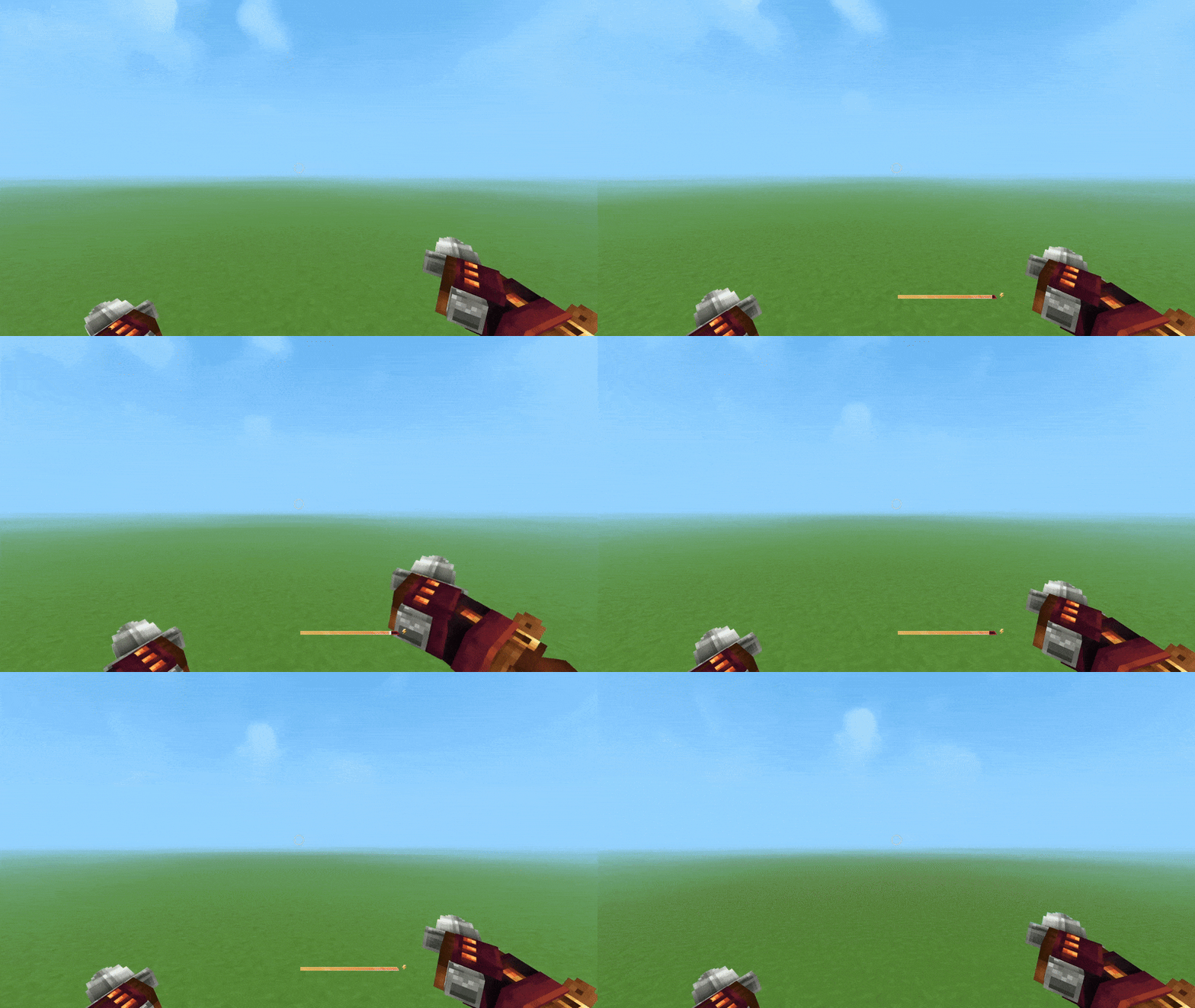
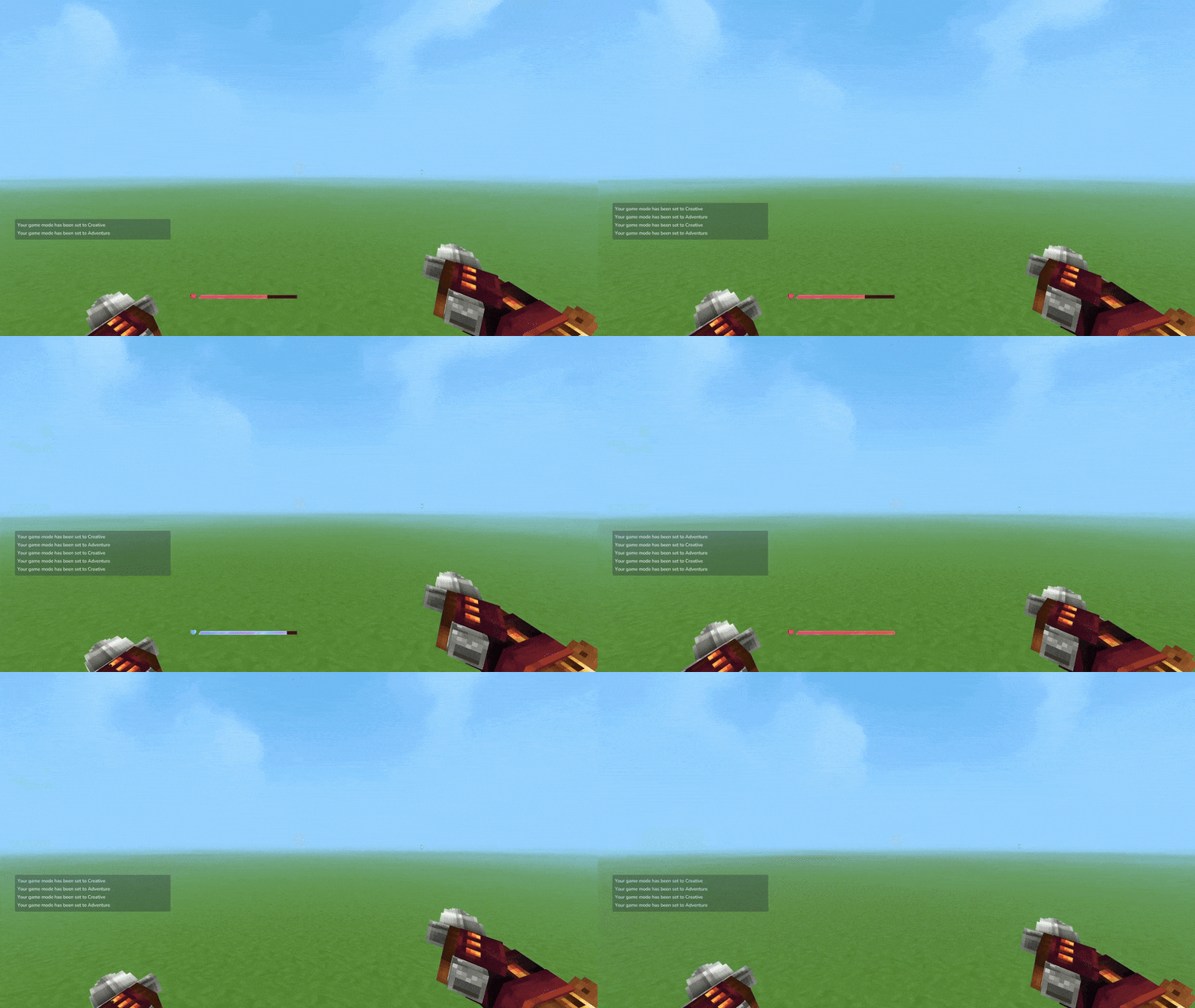
Hides Stamina, Health, and Mana bar when equal or above threshold (modifiable in settings), delayed by 1.5s.
Hides Hotbar when not switching slot, delayed by 5s. Resets when moving slot.
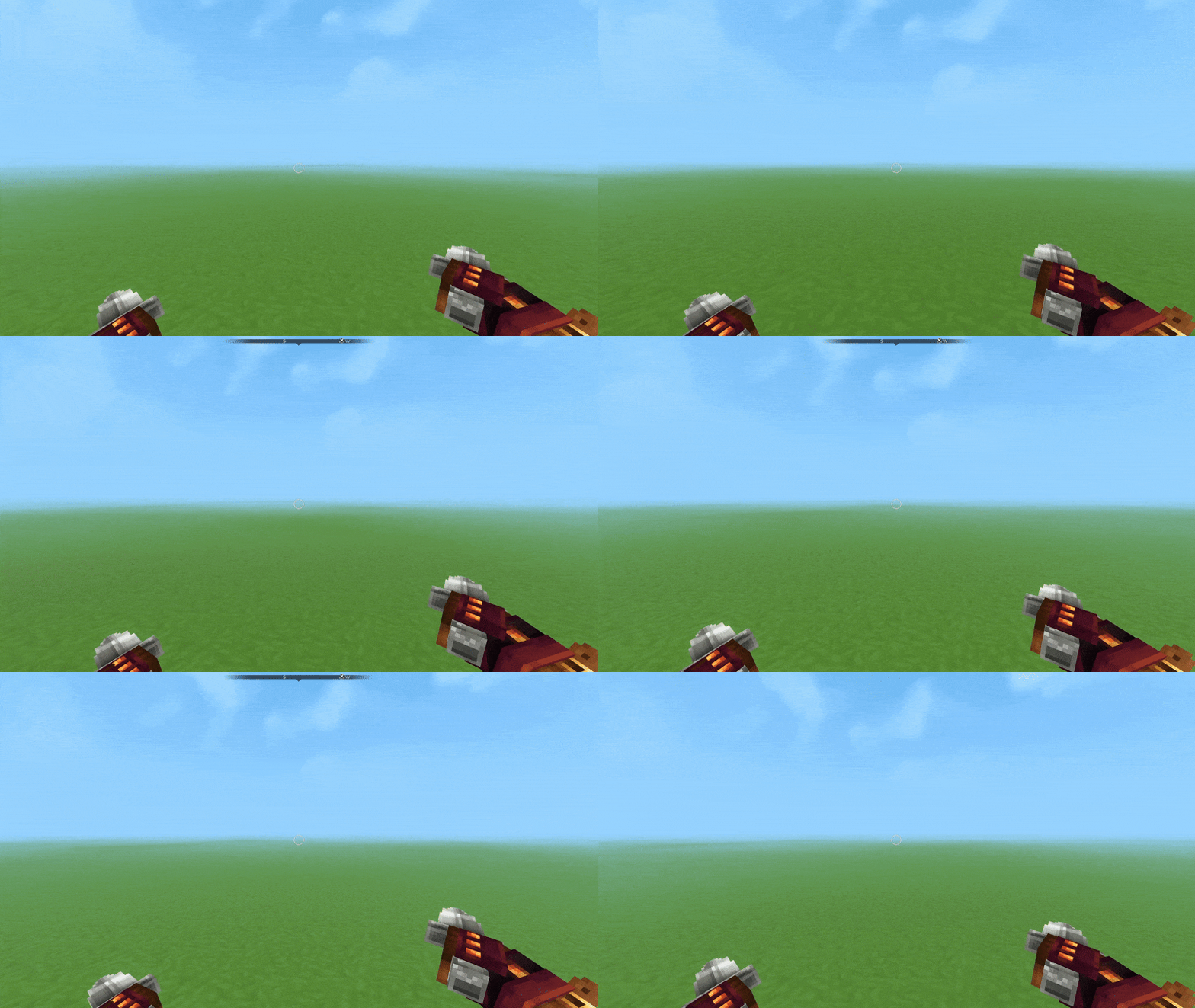
Hides Compass, only shows when crouching for 1s. Disappears after 5s when no longer crouching.
Hides Input Bindings, although still show inputs for held weapon. Can be fully hidden in game settings.
Hides Ammo Indicator when ammo is full, delayed by 1.5s.
Configurable mod settings.
Settings UI:
This can be opened using the /dynahud command. Currently there are only a few options. The rest is still being worked on, such as presets, delay timers, etc.
General - toggle on/off mod functionalities
Conditions - change trigger thresholds for showing HUDs, currently only for health, stamina, mana.
Future plans:
Add configurable delay time to hide and show in Settings UI.
Add preset options in the Settings UI.
Fade in/out - currently not possible with how the engine works, especially on the UI side, but I am hopeful.
Add compatibility with Heal Preview HUD mod.
Note:
It is suggested to use MultipleHUD when using more than one mod that alters the HUD.
Categories
Screenshots



Frequently Asked Questions
What is DynaHUD?
Dynamically hides HUD components, such as health, stamina, mana, hotbar, ammo, and compass.
How do I download DynaHUD?
You can download DynaHUD for free from CurseForge. Click the "Download on CurseForge" button on this page to go directly to the download page.
Who created DynaHUD?
DynaHUD was created by Niftly. The mod has been downloaded 479 times.
Is DynaHUD compatible with Hytale servers?
DynaHUD is designed for Hytale and can be used on both single-player and multiplayer servers. Check the mod page on CurseForge for specific compatibility information.
How do I install DynaHUD?
To install DynaHUD: 1) Download the mod from CurseForge, 2) Place the file in your Hytale mods folder, 3) Restart the game. The mod should load automatically.
Related Qol Mods
View all mods
EyeSpy
DarkhaxDev
Adds a HUD that displays information about what you're looking at!

Advanced Item Info
Buuz135
Adds a searchable GUI that displays all the items and the game and displays extra properties they have

Overstacked
DarkhaxDev
Increases the maximum stack size of items.

Violet's Wardrobe
VioletsWorkshop
Adds more customisation options in the form of craftable cosmetics

Item Magnet
Jaredlll08
Adds a magnet that attracts items towards the player.

Endgame & QoL - Boss & Elite Update (3.0.0 in a week)
Lewaii
Endgame & QoL v2.2: Face the Alpha T-Rex & Void Spectres! Unlock Backpack IV & Void Gliders. Restore unused content and challenge stronger, rebalanced bosses!