EpicMOTD
Transform your MOTD into a cinematic banner that delivers a powerful first impression.
About EpicMOTD
EpicMOTD transforms your server’s Message of the Day into a cinematic banner experience. Impress players from the very first glance with dynamic visuals, bold styling, and a polished presentation that elevates your server’s identity and atmosphere before they even join.
The Message of the Day is shown to the player every time it joins your server.
How to use?
Just add the .jar file into your mods folder and restart your server.
Configuration
This plugin supports a number of different configurations. To edit them, just open the file config.json present under net.alerok_EpicMOTD folder.
{ "MessageType": "TITLE", "ToastNotificationStyle": "SUCCESS", "Title": "Welcome to EpicMOTD plugin!", "Subtitle": "This is the default MOTD! You can change it in the configuration file at \"./net.alerok_EpicMOTD\".", "EpicTitle": true } MessageType:
Is the type of message you want. Supported values are: "TITLE", "TOAST" and "MESSAGE".
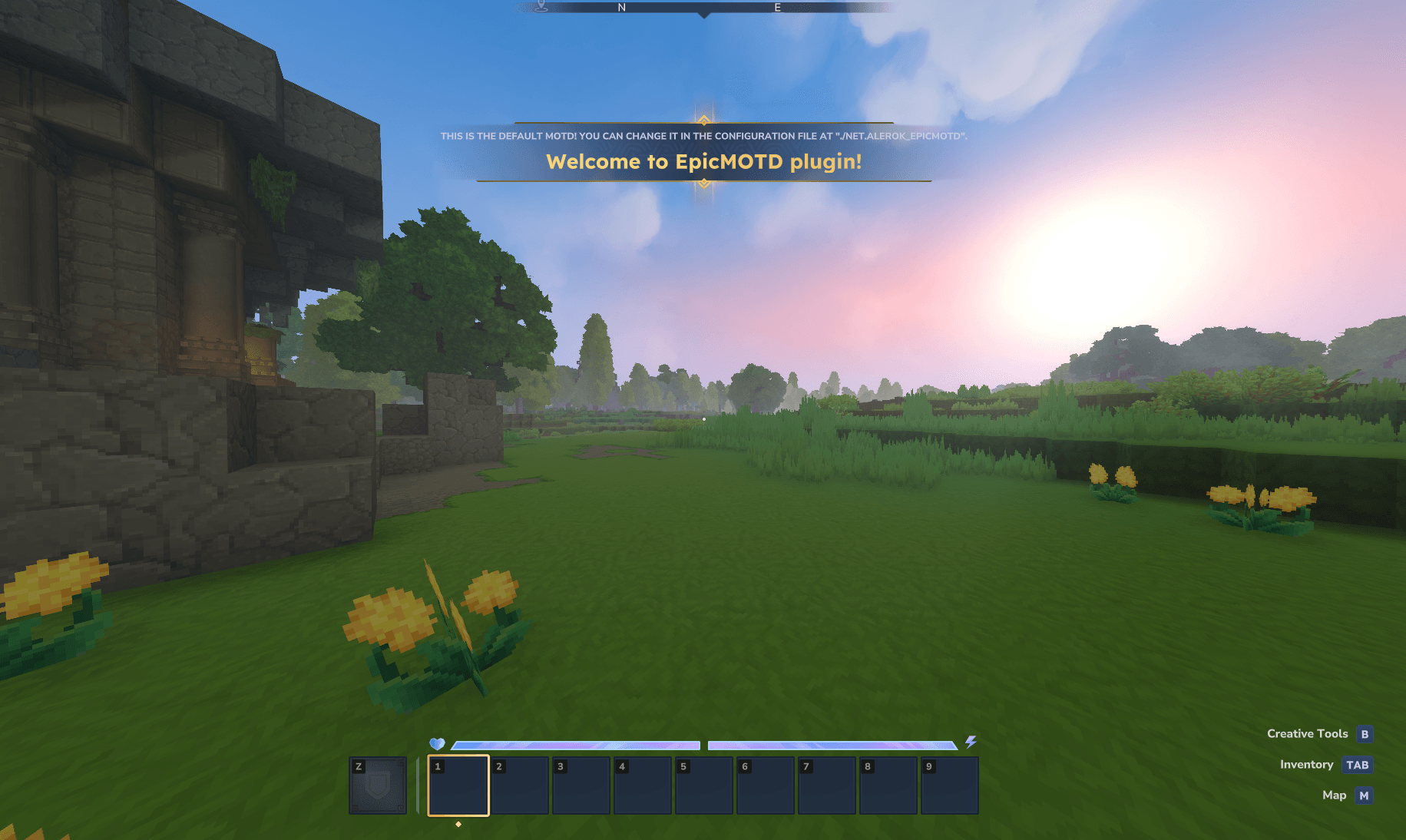
TITLE: Is the title message, same as the one presented to the player when it enters a new biome.
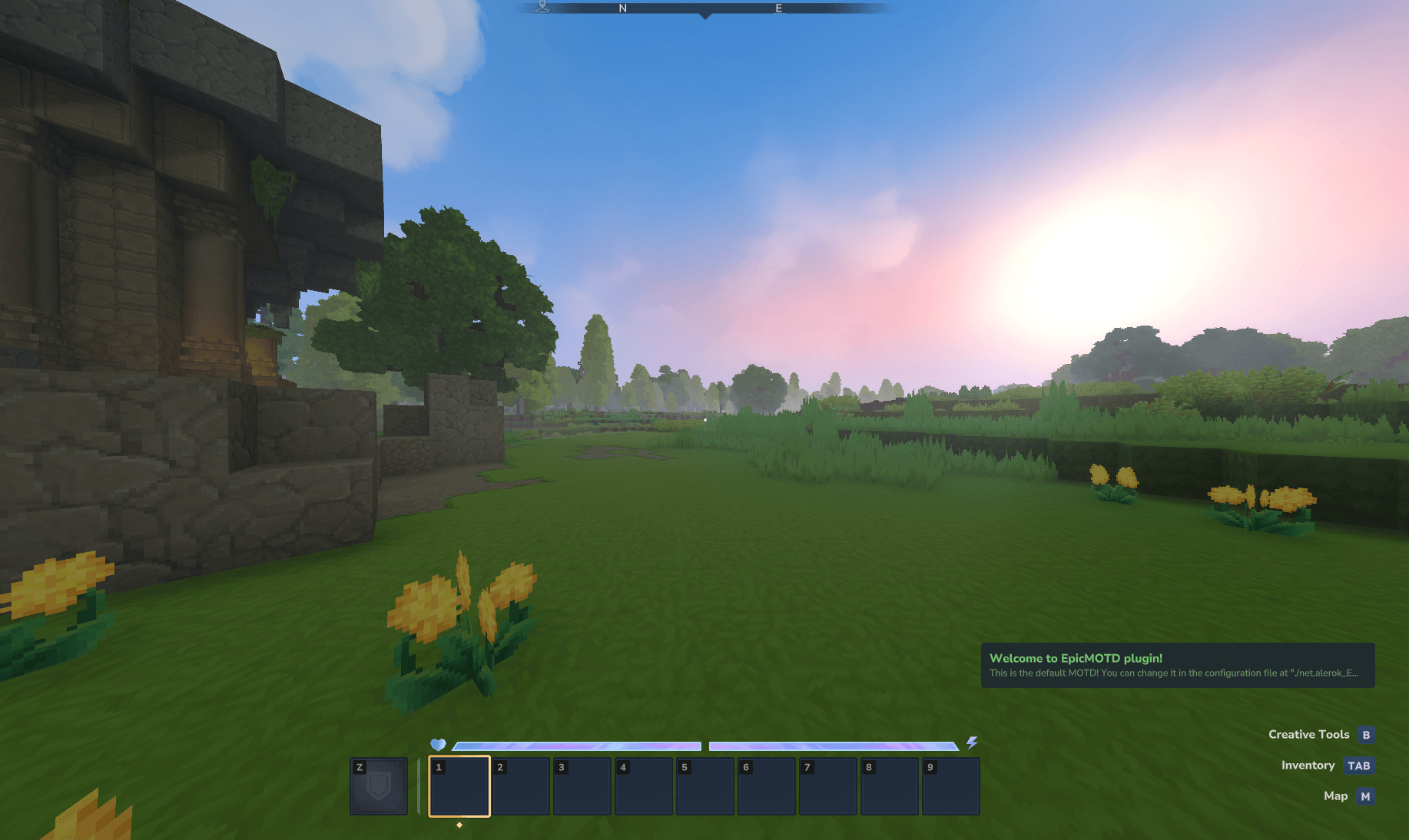
TOAST: Is a little popup that is shown in the bottom right corner of the screen.
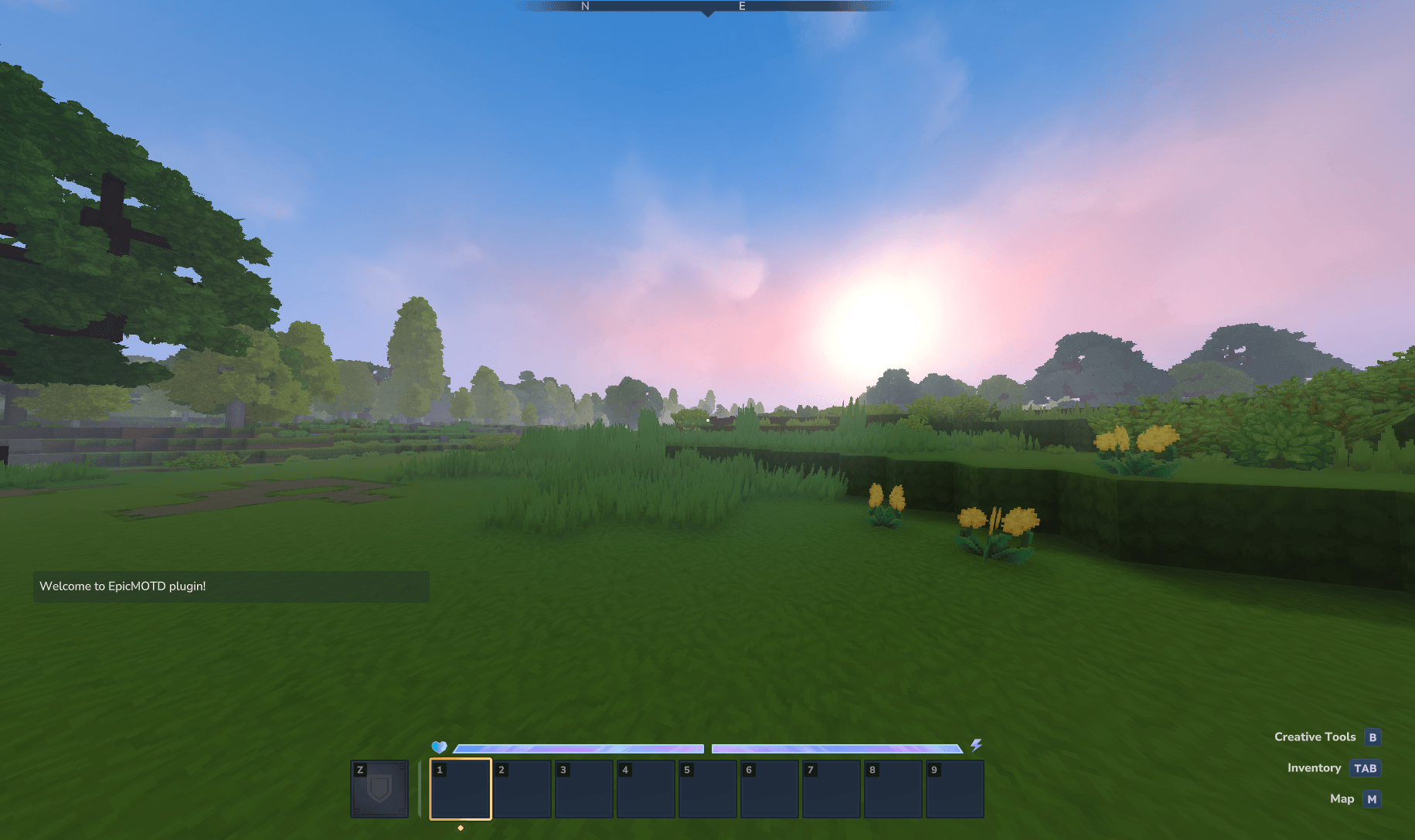
MESSAGE: A direct message to the player via chat.
ToastNotificationStyle:
Is only applicable when MessageType is set to TOAST. It changes the color of the letters in the message, available options are "DEFAULT", "SUCCESS", "WARNING" and "DANGER".
DEFAULT: White
SUCCESS: Green
WARNING: Orange
DANGER: Red
Title:
The main message of your MOTD.
Subtitle:
The subtitle of your MOTD. This option is ignored if MessageType: MESSAGE is set.
EpicTitle:
This option is only applied to the MessageType: TITLE. It makes your title "Epic" witch in turn adds a golden bord to it. Available options are: true or false.
true: Enables EpicTitle
false: Disables EpicTitle
Categories
Screenshots
Frequently Asked Questions
What is EpicMOTD?
Transform your MOTD into a cinematic banner that delivers a powerful first impression.
How do I download EpicMOTD?
You can download EpicMOTD for free from CurseForge. Click the "Download on CurseForge" button on this page to go directly to the download page.
Who created EpicMOTD?
EpicMOTD was created by aleroktv. The mod has been downloaded 4 times.
Is EpicMOTD compatible with Hytale servers?
EpicMOTD is designed for Hytale and can be used on both single-player and multiplayer servers. Check the mod page on CurseForge for specific compatibility information.
How do I install EpicMOTD?
To install EpicMOTD: 1) Download the mod from CurseForge, 2) Place the file in your Hytale mods folder, 3) Restart the game. The mod should load automatically.
Related Qol Mods
View all mods
EyeSpy
DarkhaxDev
Adds a HUD that displays information about what you're looking at!

Advanced Item Info
Buuz135
Adds a searchable GUI that displays all the items and the game and displays extra properties they have

Overstacked
DarkhaxDev
Increases the maximum stack size of items.

Violet's Wardrobe
VioletsWorkshop
Adds more customisation options in the form of craftable cosmetics

Item Magnet
Jaredlll08
Adds a magnet that attracts items towards the player.

Endgame & QoL - Boss & Elite Update (3.0.0 in a week)
Lewaii
Endgame & QoL v2.2: Face the Alpha T-Rex & Void Spectres! Unlock Backpack IV & Void Gliders. Restore unused content and challenge stronger, rebalanced bosses!