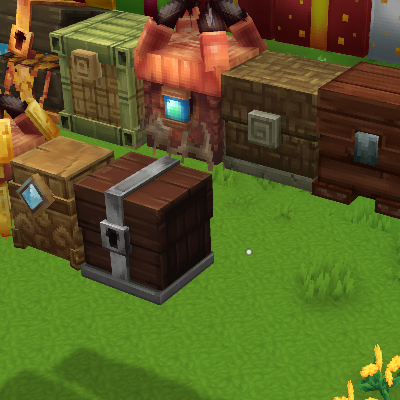
Floating Chests
For those who don't want chests to break when you are changing your floor blocks
About Floating Chests
Floating Chests (Hytale)
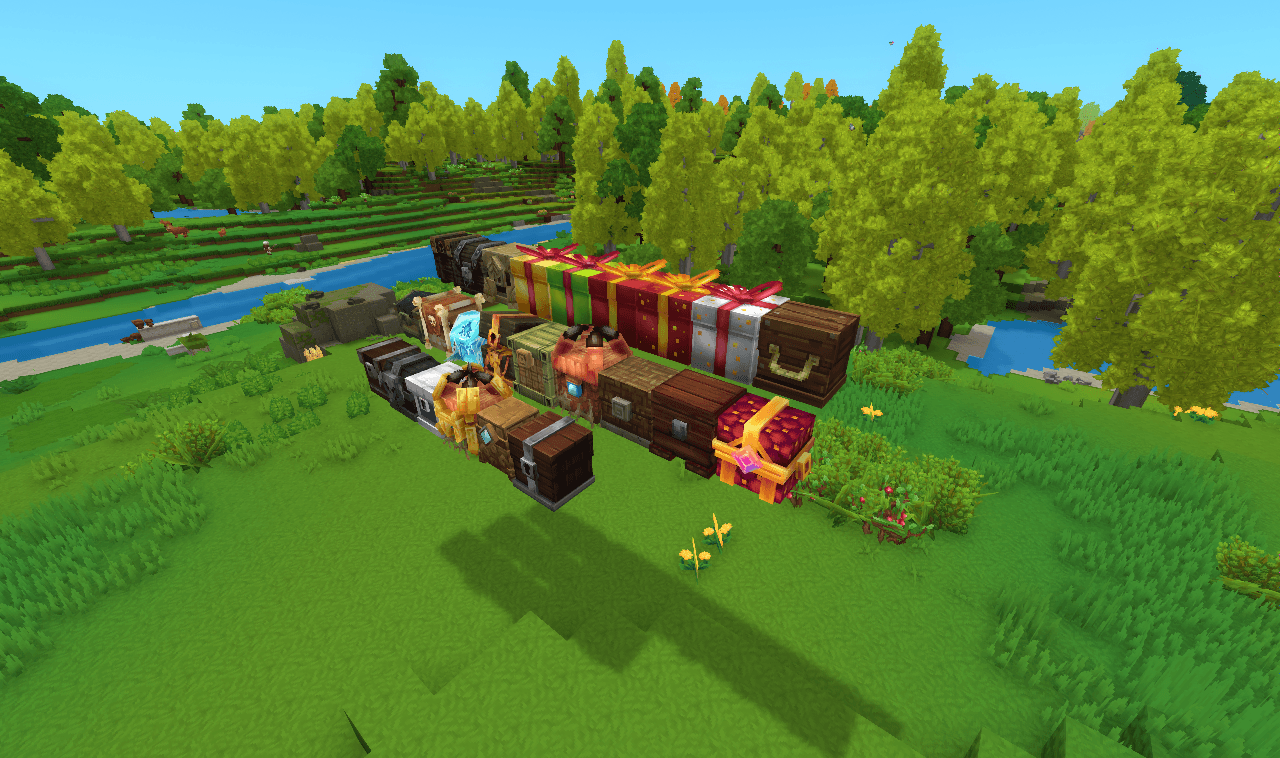
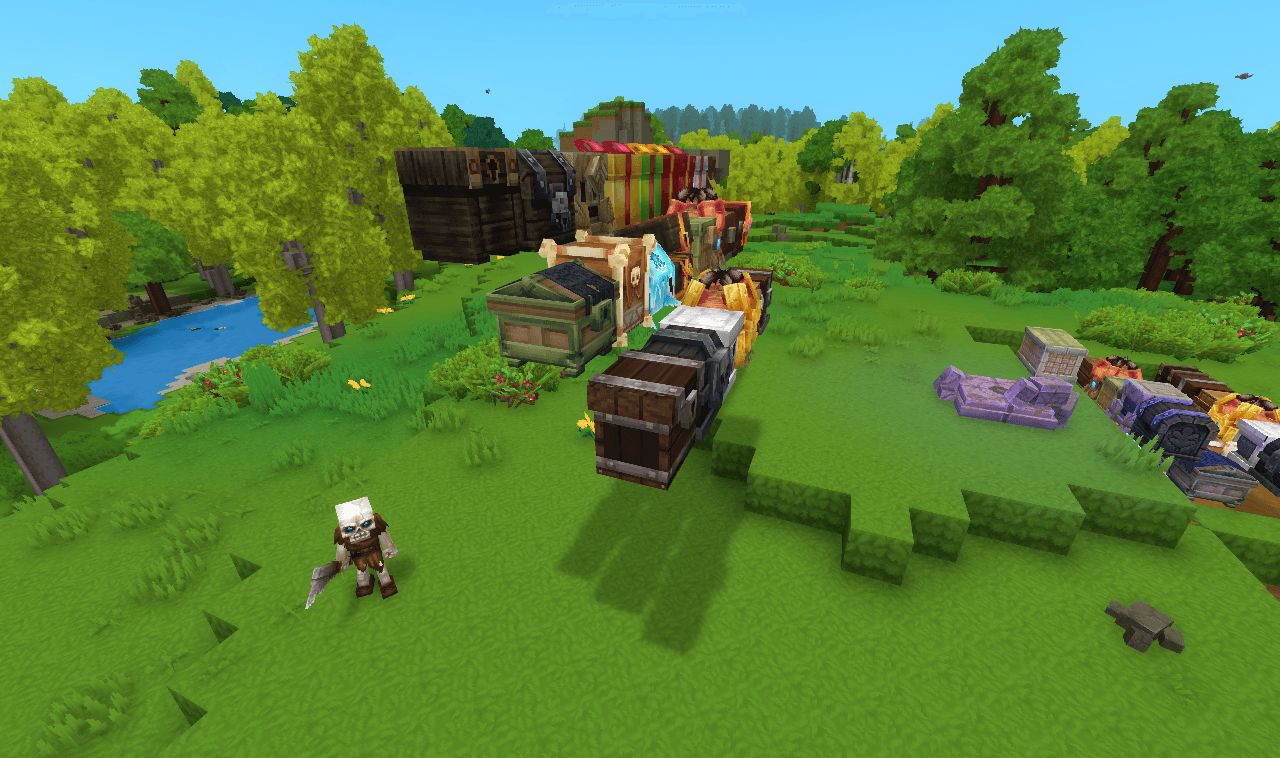
Floating Chests is a simple, quality-of-life mod that changes how chests behave when the blocks beneath them are removed.
What this mod does
In vanilla Hytale behavior, chests will break if their supporting block is mined or destroyed. This mod removes that limitation by allowing chests to remain floating in place, even when there is no block directly underneath them.
Key Features
Chests no longer break when the block below them is removed Chests stay exactly where they were placed, preserving orientation and contents No new blocks, GUIs, or recipes, this is a pure behavior change Fully compatible with existing worlds (no migration required)
How this affects gameplay
This mod is designed to reduce frustration and expand building freedom: Builders can create floating platforms, airships, tree builds, caves, and decorative storage without worrying about chest physics Players can safely clear terrain or change their floor without accidentally destroying storage
Why download this mod?
If you’ve ever: Broken a chest by accident changing the floor Wanted more freedom when designing builds Needed storage that doesn’t rely on block support
Then Floating Chests provides a clean, lightweight solution that simply makes the game behave the way you expect.
Categories
Screenshots
Need a Server?
Run Floating Chests on a dedicated Hytale server with easy mod management.
Get Hytale HostingFrequently Asked Questions
What is Floating Chests?
For those who don't want chests to break when you are changing your floor blocks
How do I download Floating Chests?
You can download Floating Chests for free from CurseForge. Click the "Download on CurseForge" button on this page to go directly to the download page.
Who created Floating Chests?
Floating Chests was created by heruedhel. The mod has been downloaded 1.4K times.
Is Floating Chests compatible with Hytale servers?
Floating Chests is designed for Hytale and can be used on both single-player and multiplayer servers. Check the mod page on CurseForge for specific compatibility information.
How do I install Floating Chests?
To install Floating Chests: 1) Download the mod from CurseForge, 2) Place the file in your Hytale mods folder, 3) Restart the game. The mod should load automatically.
Related Building Mods
View all mods
Violet's Furnishings
VioletsWorkshop
Expands on Hytale's existing furniture library
Simply Trash
Jaredlll08
Adds a trash can to easily destroy items!
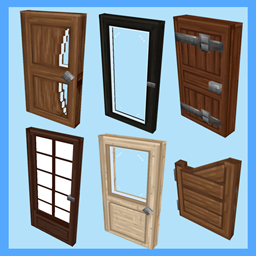
Macaw's Hy Doors
sketch_macaw
Adds more doors to fit in your builds!

Violet's Plushies
VioletsWorkshop
Adds several plushies, some with unique SFX!
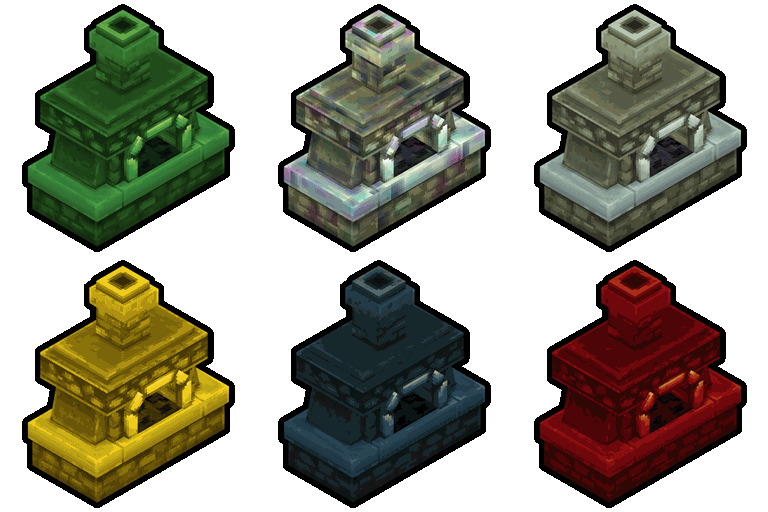
Thorium Furnaces
Jaredlll08
Faster Furnaces!
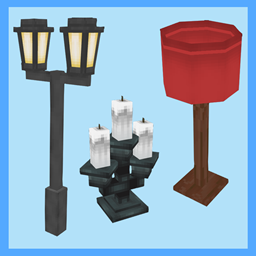
Macaw's Hy Lights and Lamps
sketch_macaw
Adds Lamps, Tiki Torches, Candle Holders, Ceiling Lights, Street Lights and more...!