Forever Tilled And More
A GUI that lets you set whether soil blocks are forever tilled, watered and fertilized.
About Forever Tilled And More
Take the manual labor out of farming with Forever Tilled - Farming Tweaks! This mod is designed for Hytale players who want to focus on the joy of designing their worlds and harvesting crops without the constant hassle of maintenance.
In vanilla Hytale, maintaining a productive farm requires a cycle of constant attention: tilling soil that eventually dries out, watering crops daily, and reapplying fertilizer to keep growth rates high.
Forever Tilled changes the rules. Once you prepare your land, it stays prepared. Whether you're building a massive vineyard or a small cottage garden, this mod ensures your farm remains in peak condition indefinitely. No more returning from a long adventure to find a field of dried-out dirt!
Mod Features
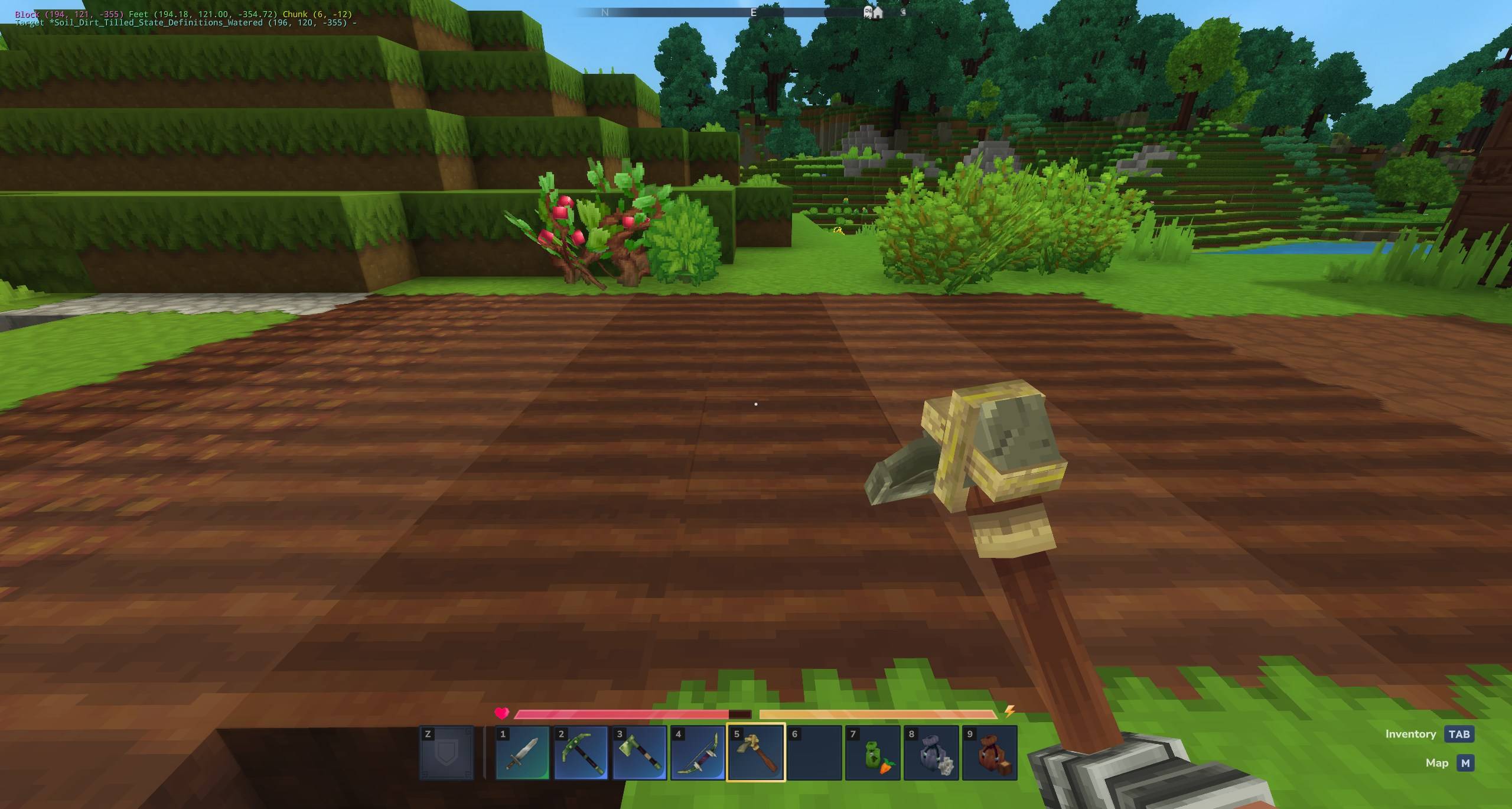
Forever Tilled - (Default on) Soil never reverts to plain dirt. Once it's hoed, it stays ready for seeds forever.
Forever Watered - (Default on) Keeps your farmland hydrated without the need for nearby water sources or manual watering.
Forever Fertilized - (Optional) Keep that soil rich and glowing! Fertilizer effects persist through harvests.
Toggleable via GUI - Don't want everything on at once? Use the built-in menu to enable or disable specific features on the fly. No need to restart your server!
Lightweight & Efficient - Uses a clean system-based approach to monitor block changes without impacting server performance.
How to Use
Open the configuration menu with any of these commands:
/forevertilled
/ft
/tilled
These have the permission forevertilled.admin. If you're an Op then you can access it too. If you are on singleplayer, run the command "/op self" in chat.
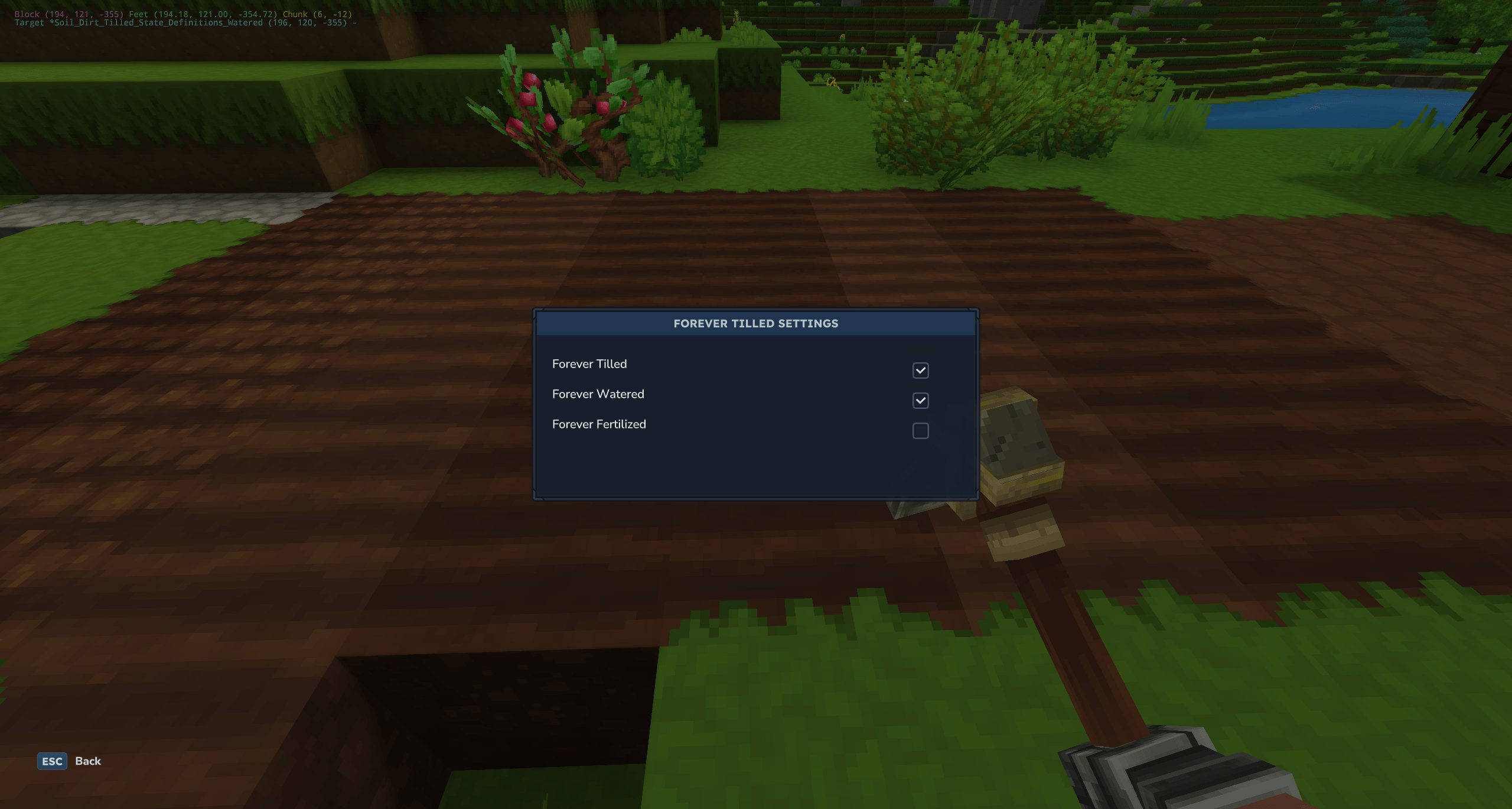
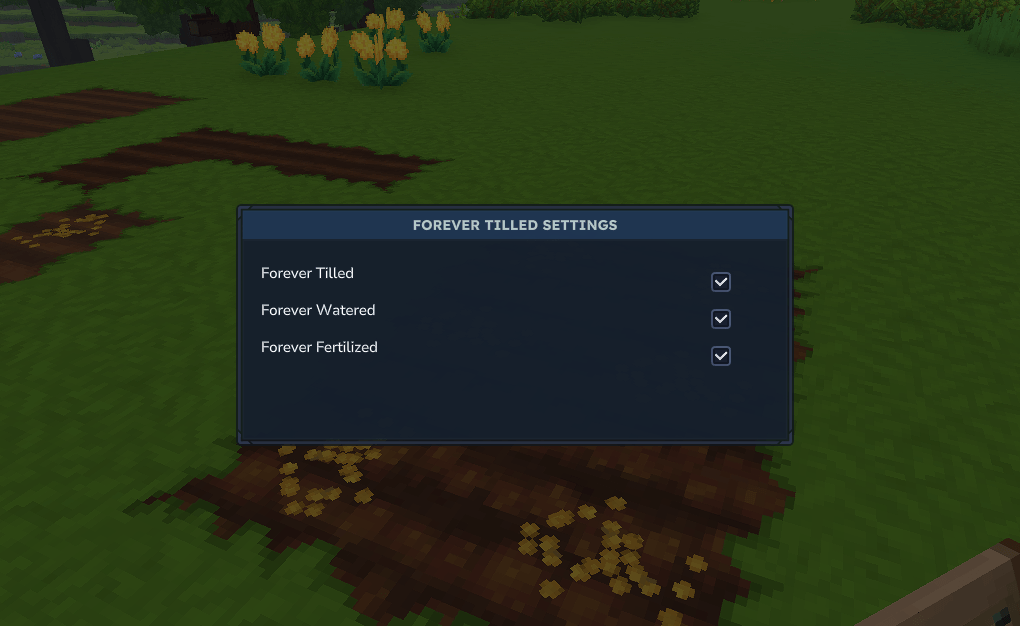
From the "Forever Tilled Settings" menu, you can toggle:
Forever Tilled: ON/OFF
Forever Watered: ON/OFF
Forever Fertilized: ON/OFF
Settings are saved instantly to the server config and apply to all newly updated farming blocks.
Use Cases
Creative Builders:
Create beautiful, lush gardens as part of your builds without worrying about them turning into dry dirt because you forgot to hide a water block nearby.
Server Owners:
Reduce the "chore" aspect of survival for your community.
Create public community farms that stay productive for new players without constant staff maintenance.
RPG & Adventure Maps:
Design static farm environments that serve as permanent landmarks or quest locations without the visual degradation of unworked soil.
Future Plans
We're looking into expanding to include growth rate multipliers, seed auto-replanting, and more advanced crop management tools.
Have a suggestion for the next "Farming Tweak"? Let me know in the comments!
Categories
Screenshots
Need a Server?
Run Forever Tilled And More on a dedicated Hytale server with easy mod management.
Get Hytale HostingFrequently Asked Questions
What is Forever Tilled And More?
A GUI that lets you set whether soil blocks are forever tilled, watered and fertilized.
How do I download Forever Tilled And More?
You can download Forever Tilled And More for free from CurseForge. Click the "Download on CurseForge" button on this page to go directly to the download page.
Who created Forever Tilled And More?
Forever Tilled And More was created by EllieAU. The mod has been downloaded 2.3K times.
Is Forever Tilled And More compatible with Hytale servers?
Forever Tilled And More is designed for Hytale and can be used on both single-player and multiplayer servers. Check the mod page on CurseForge for specific compatibility information.
How do I install Forever Tilled And More?
To install Forever Tilled And More: 1) Download the mod from CurseForge, 2) Place the file in your Hytale mods folder, 3) Restart the game. The mod should load automatically.
Related Qol Mods
View all mods
EyeSpy
DarkhaxDev
Adds a HUD that displays information about what you're looking at!

Advanced Item Info
Buuz135
Adds a searchable GUI that displays all the items and the game and displays extra properties they have

Overstacked
DarkhaxDev
Increases the maximum stack size of items.

Violet's Wardrobe
VioletsWorkshop
Adds more customisation options in the form of craftable cosmetics

Item Magnet
Jaredlll08
Adds a magnet that attracts items towards the player.

Endgame & QoL - Boss & Elite Update (3.0.0 in a week)
Lewaii
Endgame & QoL v2.2: Face the Alpha T-Rex & Void Spectres! Unlock Backpack IV & Void Gliders. Restore unused content and challenge stronger, rebalanced bosses!