
Functional TV
TV that can play animated gifs with music. Add your own gifs with the included developer tool
About Functional TV
Adds a functional TV to hytale that can play animated gifs.
Each video adds lighting based on the color of the gif.
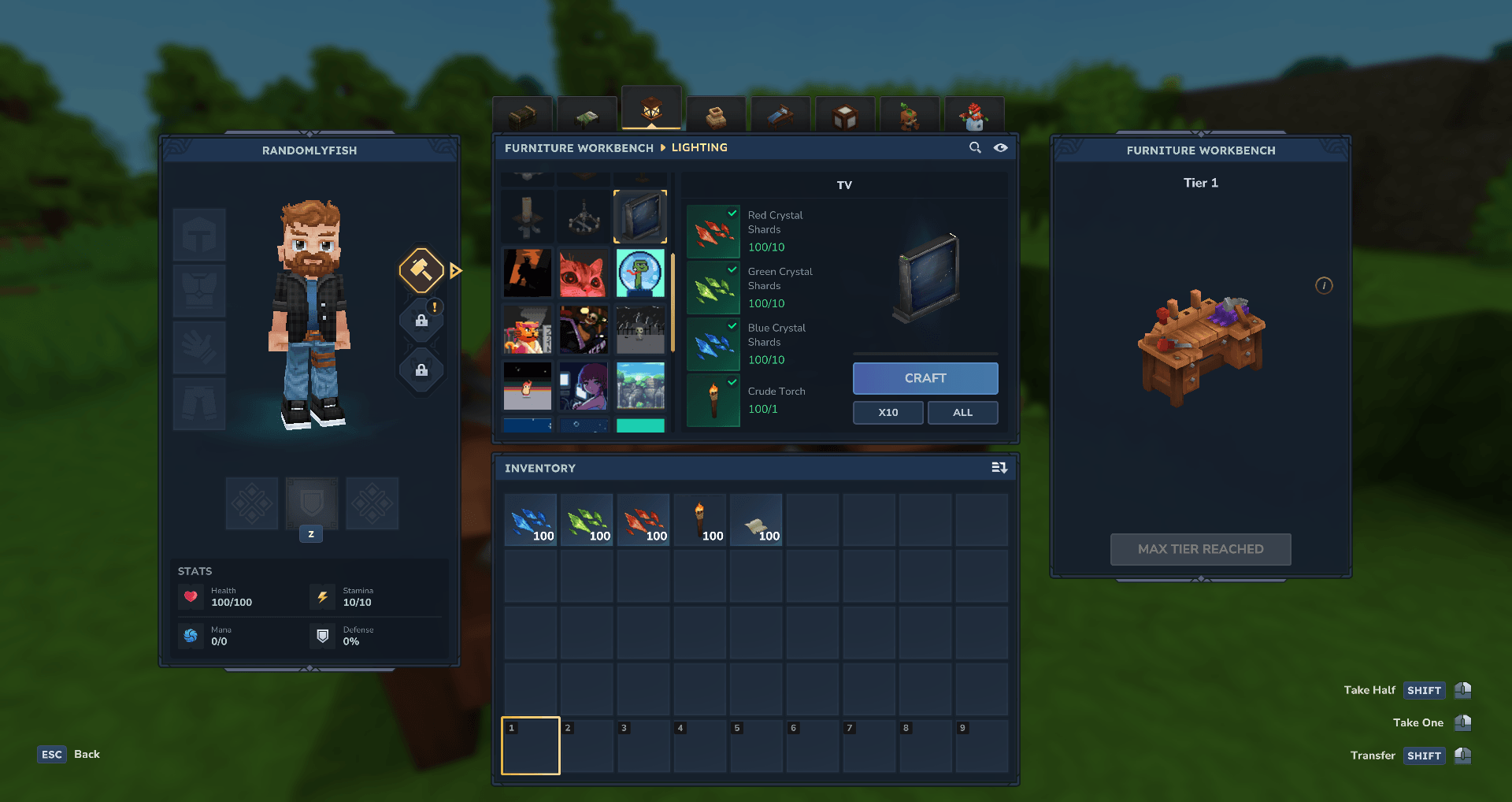
Crafting: The items can be crafted in the Furniture Workbench, in the lighting category.
Usage: Place down the TV and with a Video item selected, aim at the center of the screen and right click or press the 'interact' key.
Once a video is playing, right clicking with a different video will swap the video that is playing. Pressing the 'interact' key pauses/plays the current video.
Adding your own gifs: The tool I'm using to convert gifs into mod items is included in the zip. It just requires NodeJS to run it. For more information, please check the included instructions in the README.pdf.
If you add your own gifs, feel free to create your own mod pack and share it.
Credits: The gifs used were found on tenor.com. The names of the gifs are included in the video item names.
Note: I built a tool for converting gifs into animated hytale blocks. If someone can create a plugin for doing the same, that would be great.
Categories
Screenshots
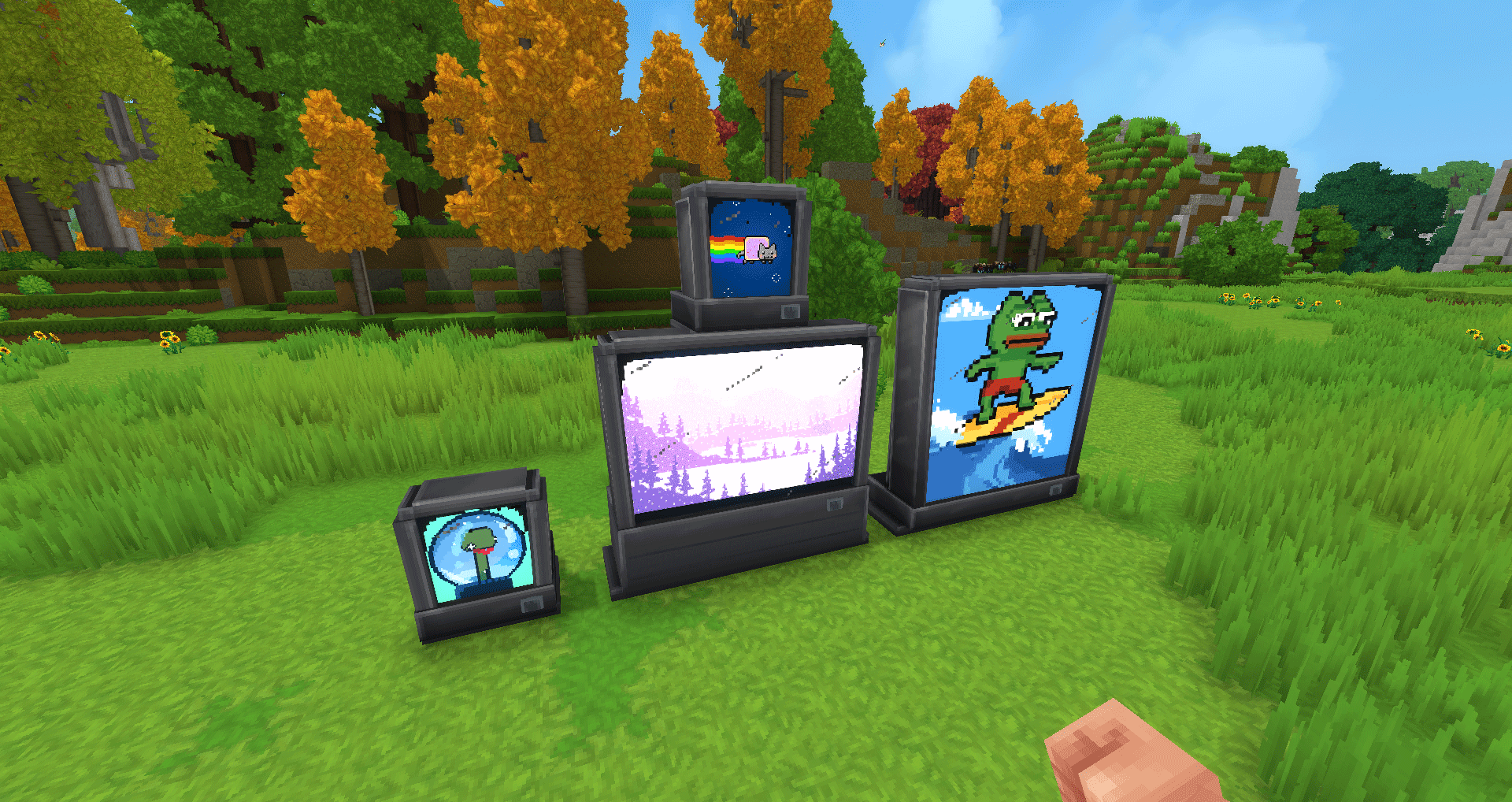
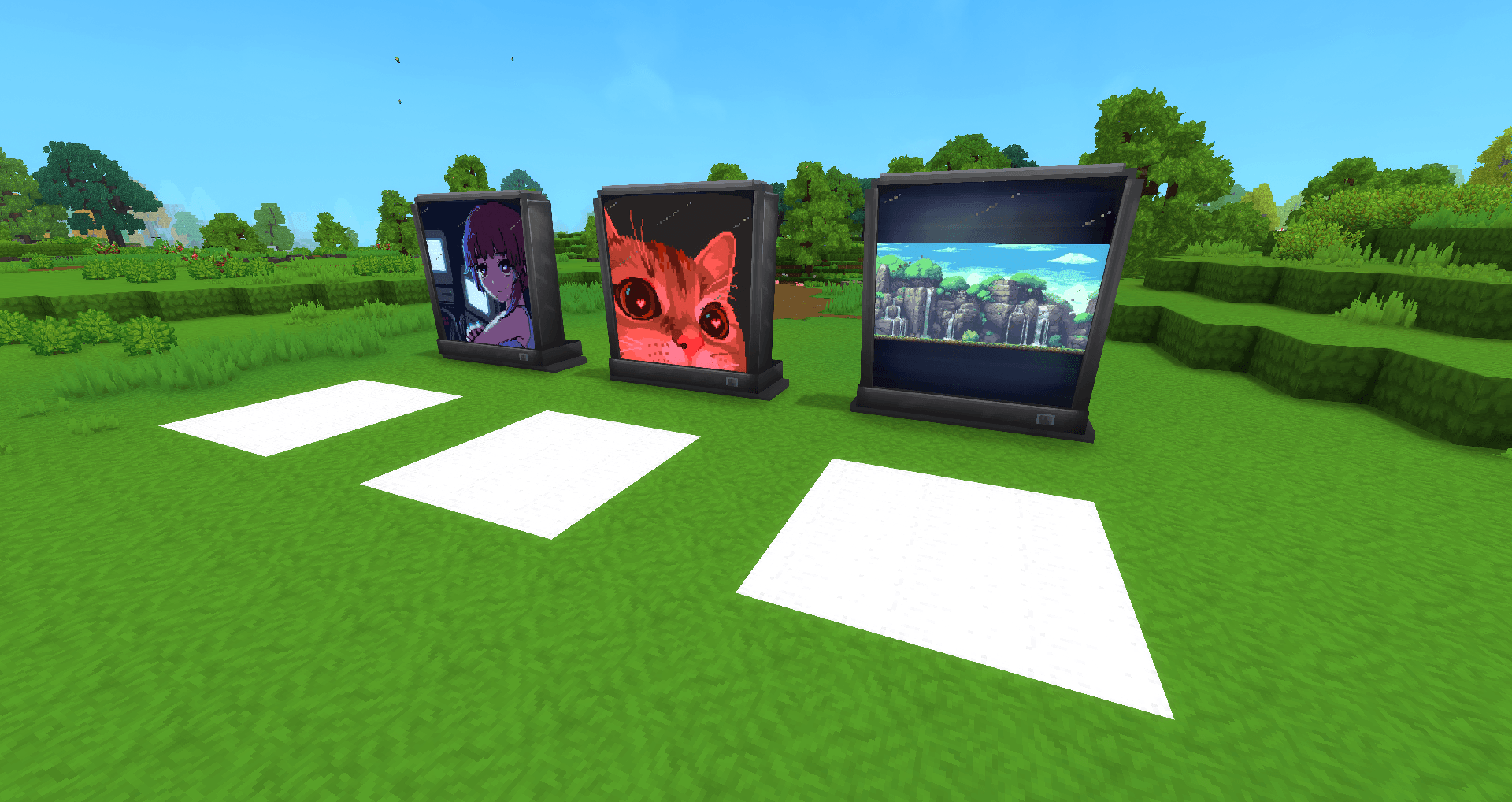
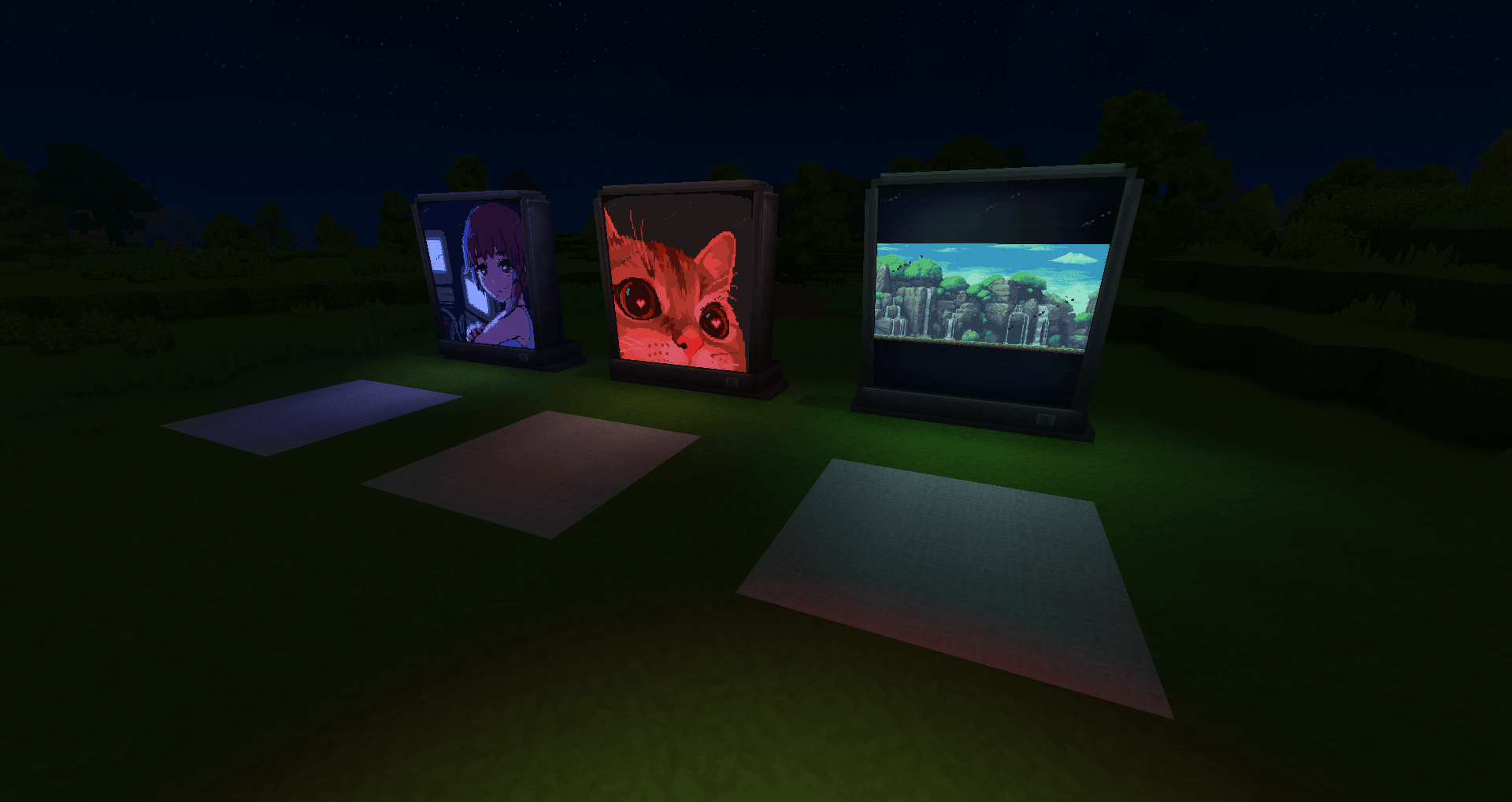
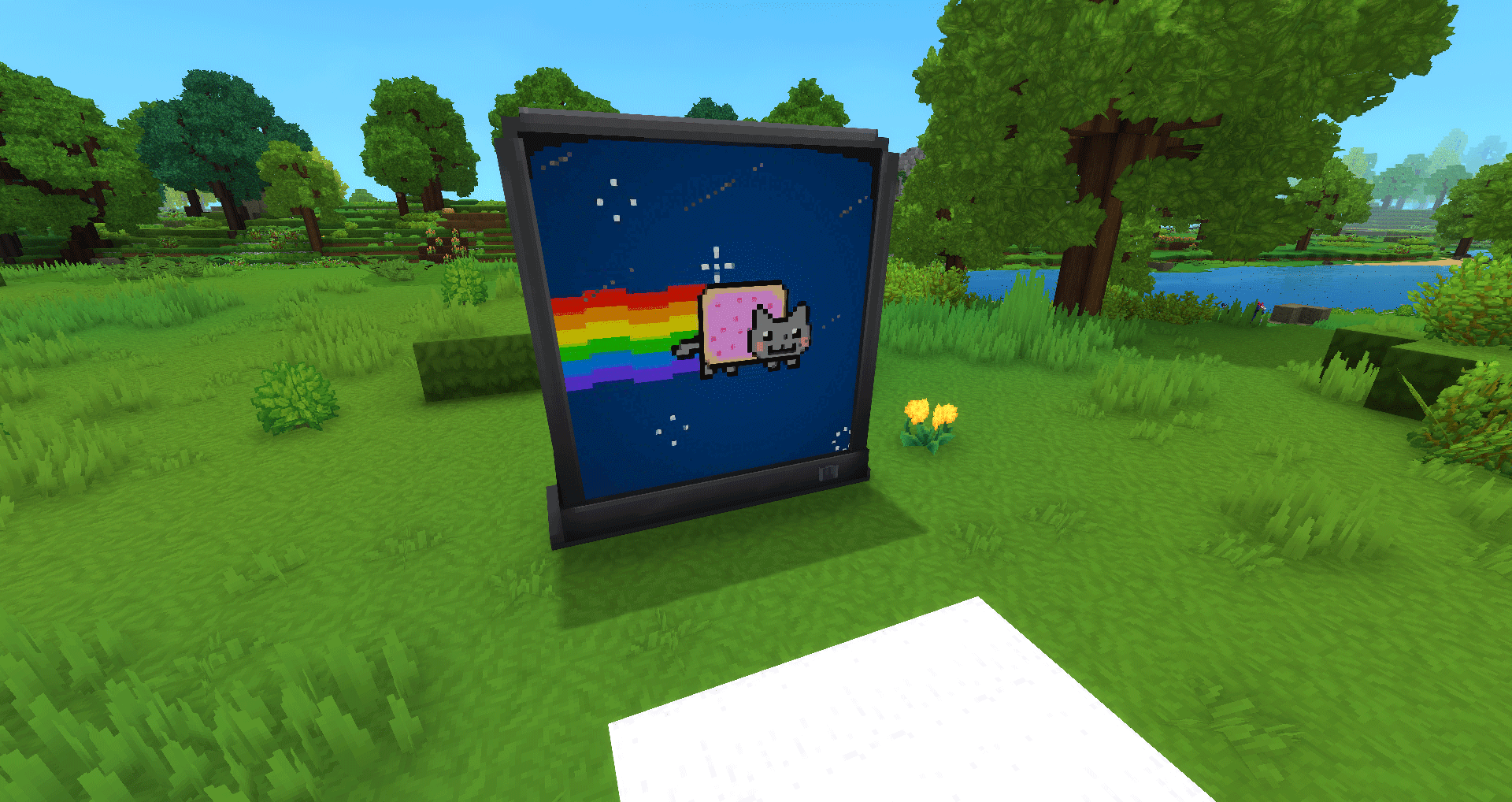
Need a Server?
Run Functional TV on a dedicated Hytale server with easy mod management.
Get Hytale HostingFrequently Asked Questions
What is Functional TV?
TV that can play animated gifs with music. Add your own gifs with the included developer tool
How do I download Functional TV?
You can download Functional TV for free from CurseForge. Click the "Download on CurseForge" button on this page to go directly to the download page.
Who created Functional TV?
Functional TV was created by RandomlyFish. The mod has been downloaded 1.1K times.
Is Functional TV compatible with Hytale servers?
Functional TV is designed for Hytale and can be used on both single-player and multiplayer servers. Check the mod page on CurseForge for specific compatibility information.
How do I install Functional TV?
To install Functional TV: 1) Download the mod from CurseForge, 2) Place the file in your Hytale mods folder, 3) Restart the game. The mod should load automatically.
Related Building Mods
View all mods
Violet's Furnishings
VioletsWorkshop
Expands on Hytale's existing furniture library
Simply Trash
Jaredlll08
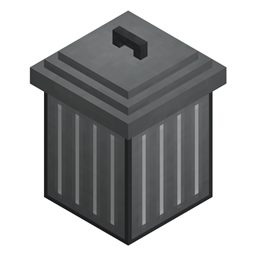
Adds a trash can to easily destroy items!
Macaw's Hy Doors
sketch_macaw
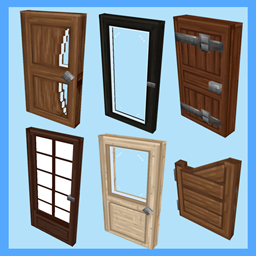
Adds more doors to fit in your builds!

Violet's Plushies
VioletsWorkshop
Adds several plushies, some with unique SFX!
Thorium Furnaces
Jaredlll08
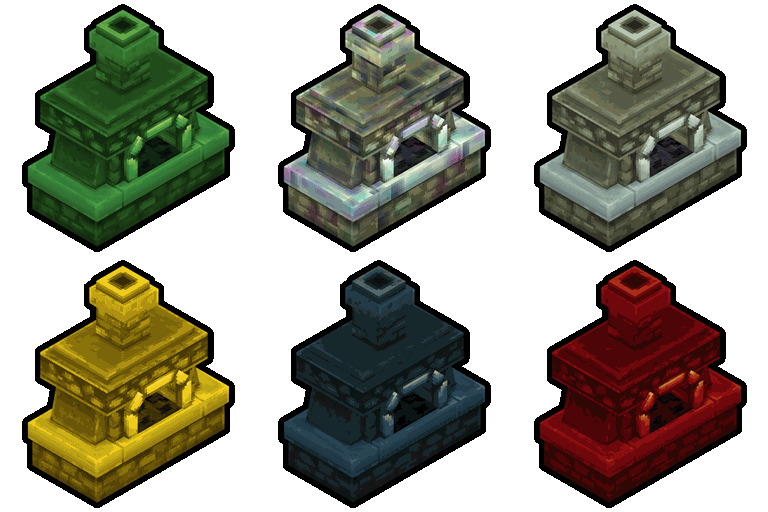
Faster Furnaces!
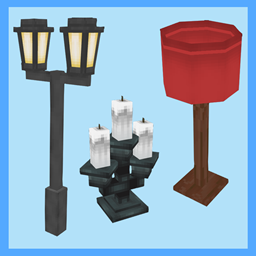
Macaw's Hy Lights and Lamps
sketch_macaw
Adds Lamps, Tiki Torches, Candle Holders, Ceiling Lights, Street Lights and more...!