
HTSkyblock
Brings you skyblock in Hytale
About HTSkyblock
HTSkyBlock
Please not this is early days and alot can change each update.
Join our discord here:
https://discord.gg/y6RemcjSaD
Small Showcase video https://youtu.be/Vasb6i8pClo If you want to showcase mode please share link and ill add it here If you want to support me i made a server list site the ads on it will help me with a passive trickle.
Hytale Server List
Commands Table
Command Permission Description
/island htskyblock.island Main island command - shows help or creates island
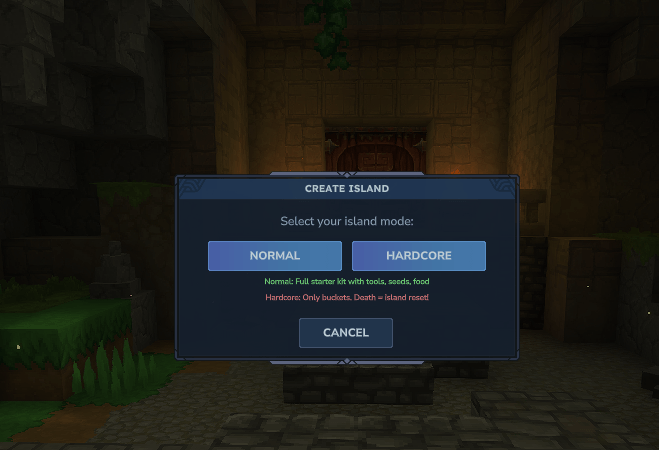
/island create htskyblock.island.create Create your personal island
/island home htskyblock.island.home Teleport to your island
/island sethome htskyblock.island.sethome Set your personal home location
/island setspawn htskyblock.island.setspawn Set where visitors spawn
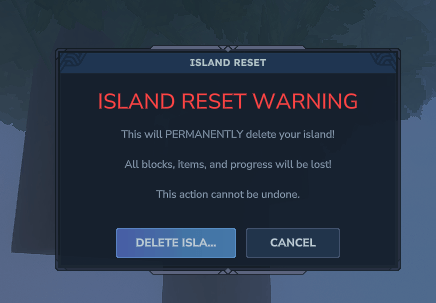
/island reset htskyblock.island.reset Reset your island (with confirmation)
/island settings htskyblock.island.settings Open island settings UI
/island visit htskyblock.island.visit Browse public islands
/island goto [player] htskyblock.island.goto Visit a specific player's island
/island members htskyblock.island.members Manage island members
/island leave htskyblock.island.leave Leave the island you are visiting
/island top htskyblock.island.top View island leaderboard
/island info htskyblock.island.info Show your island information
/island calc htskyblock.island.calc Recalculate your island rank
/island expel htskyblock.island.expel Expel all visitors from your island
/island requests htskyblock.island.requests View pending visit requests
/island accept [player] htskyblock.island.accept Accept a visit request
/island deny [player] htskyblock.island.deny Deny a visit request
/island denyall htskyblock.island.denyall Toggle auto-deny all requests
/island fly htskyblock.island.fly Toggle fly mode on your island
/island upgrade htskyblock.island.upgrade Upgrade island size (single-world mode)
/island help htskyblock.island.help Show island commands
/balance (or /bal) htskyblock.balance Check your balance
/shop htskyblock.shop Open the shop UI
/spawn htskyblock.spawn Teleport to spawn
/htskyblock reload htskyblock.admin.reload Reload config and data
/htskyblock help htskyblock.admin.help Show admin help
/adminbalance add [player] [amount] htskyblock.admin.balance.add Add money to a player
/adminbalance remove [player] [amount] htskyblock.admin.balance.remove Remove money from a player
/adminbalance set [player] [amount] htskyblock.admin.balance.set Set a player's balance
/adminbalance check [player] htskyblock.admin.balance.check Check a player's balance
Configuration Guide
The config.json file is located in plugins/HTSkyBlock/ and is created automatically on first run.
Per-World vs Single-World Mode
The plugin supports two island modes controlled by the "mode" setting inside the "island" section:
per_world - Each player gets their own private world for their island. This gives maximum isolation and no limit on island size, but uses more server resources.
single_world - All islands exist in one shared world. Islands are placed on a grid with spacing between them. This uses fewer resources but requires boundary enforcement.
To switch between modes, change the "mode" value:
Set "mode": "per_world" for separate worlds per player
Set "mode": "single_world" for all islands in one world
When using single_world mode, you can configure:
"sharedWorldName": "skyblock_islands" - the name of the shared world
"singleWorldSpacing": 500 - distance between island centers
Island Tiers System (Single-World Mode Only)
Tiers control the buildable area size of each island. Players start at Tier 1 and can upgrade to larger tiers.
Tier Default Size Upgrade Cost
Tier 1 50x50 blocks Starting tier
Tier 2 100x100 blocks 10,000
Tier 3 150x150 blocks 50,000
Tier 4 200x200 blocks 200,000
You can customize these sizes in config:
"tier1Size": 50
"tier2Size": 100
"tier3Size": 150
"tier4Size": 200
And the upgrade costs:
"tier2UpgradeCost": 10000
"tier3UpgradeCost": 50000
"tier4UpgradeCost": 200000
Switching from Score to Economy for Upgrades
The "upgradeCurrencyType" setting controls what players spend to upgrade their island size.
score - Players spend their island score (points earned from placing blocks) to upgrade. The score is consumed when upgrading.
economy - Players spend in-game currency (coins) to upgrade.
To switch:
Set "upgradeCurrencyType": "score" to use island points
Set "upgradeCurrencyType": "economy" to use money
Economy Provider Options
The plugin can use its own built-in economy or connect to TheEconomy plugin.
self - Uses the built-in economy system. Player balances are stored in plugins/HTSkyBlock/playerdata.json
theeconomy - Uses TheEconomy plugin as the balance provider. HTSkyBlock will read/write balances through TheEconomy's API.
To switch economy providers, change the "provider" value in the "economy" section:
Set "provider": "self" for built-in economy
Set "provider": "theeconomy" to use TheEconomy plugin
When using theeconomy provider, the /adminbalance commands will show a message directing you to use TheEconomy's admin commands instead.
You can also set:
"startingBalance": 0.0 - how much money new players receive
"currencySymbol": "$" - displayed before amounts
"currencyFormat": "#,##0.00" - number formatting pattern
MC Color Codes Feature
The plugin supports standard color codes in all translation files and UI text.
Basic Color Codes
Use & or § followed by a code:
&0 = Black
&1 = Dark Blue
&2 = Dark Green
&3 = Dark Aqua
&4 = Dark Red
&5 = Dark Purple
&6 = Gold
&7 = Gray
&8 = Dark Gray
&9 = Blue
&a = Green
&b = Aqua
&c = Red
&d = Light Purple
&e = Yellow
&f = White
Formatting Codes
&l = Bold
&o = Italic
&r = Reset all formatting
Hex Colors
You can use custom hex colors in two formats:
Leading hex: Start any message with #RRGGBB Example: #FF6600This text is orange
Inline hex: Use &#RRGGBB anywhere in text Example: Hello &#FF0000red �FF00green text
Examples in Translation Files
"success_message": "&aSuccess! &7The action completed." This shows "Success!" in green followed by gray text.
"error_message": "&c&lERROR: &fSomething went wrong" This shows "ERROR:" in bold red followed by white text.
"custom_color": "#FF6600This is custom orange text" This shows the entire message in a custom orange color.
Translation System
All text in the plugin can be translated by editing language files.
Language Files Location
Language files are stored in: plugins/HTSkyBlock/lang/
The default file is en.json (English). The plugin creates this automatically.
Setting Your Language
In config.json, change the "language" setting:
"language": "en" for English
"language": "de" for German
"language": "es" for Spanish
Create a new JSON file for any language you want (example: fr.json for French).
Translation File Structure
The files use nested JSON with dot-notation keys internally. Here is how to structure entries:
For a simple message: "general": { "error": "#FF0000An error occurred: {error}", "no_permission": "#FF0000You do not have permission." }
For messages with placeholders, use {placeholder_name}: "island": { "sethome": { "success": "#00FF00Home set to {x}, {y}, {z}!" } }
Translating Commands and Descriptions
Commands can be fully translated in the "commands" section of the language file. This changes both the command name players type and the description shown in help.
Example structure:
"commands": { "island": { "name": "island", "description": "Island commands", "create": { "name": "create", "description": "Create your personal island" }, "home": { "name": "home", "description": "Teleport to your island" }, "goto": { "name": "goto", "description": "Visit a player's island", "args": { "player": "Player name" } } }, "balance": { "name": "balance", "aliases": "bal", "description": "Check your balance" }, "shop": { "name": "shop", "description": "Open the shop" }, "spawn": { "name": "spawn", "description": "Teleport to spawn" } }
To translate a command:
Change the "name" value to your translated command word
Change the "description" value to your translated description
For commands with arguments, translate the "args" values
Example translating to German:
"commands": { "island": { "name": "insel", "description": "Insel-Befehle", "create": { "name": "erstellen", "description": "Erstelle deine persönliche Insel" }, "home": { "name": "zuhause", "description": "Teleportiere zu deiner Insel" } }, "balance": { "name": "kontostand", "aliases": "geld", "description": "Überprüfe dein Guthaben" } }
After this translation, players would type /insel erstellen instead of /island create.
Creating a New Language
Copy en.json and rename it to your language code (example: pt.json for Portuguese)
Translate all the text values (keep the keys the same, only change the values)
Set "language": "pt" in config.json
Reload the plugin with /htskyblock reload
The plugin always loads English first as a fallback, so any missing translations will show in English.
Public API
Contact me if u need something more specific.
API Methods for teleport plugins: // Check if player can visit an island HTSkyBlockAPI.canVisitIsland(playerUUID, islandOwnerUUID) HTSkyBlockAPI.canVisitIslandWorld(playerUUID, worldName)
// Register a visit (call after teleporting) HTSkyBlockAPI.registerVisit(playerUUID, islandOwnerUUID) HTSkyBlockAPI.registerVisitByWorld(playerUUID, worldName)
// Clear visit state HTSkyBlockAPI.clearVisit(playerUUID)
// Query methods HTSkyBlockAPI.isIslandWorld(world) HTSkyBlockAPI.getIslandOwnerByWorldName(worldName) HTSkyBlockAPI.canBuildOnIsland(playerUUID, islandOwnerUUID)
Categories
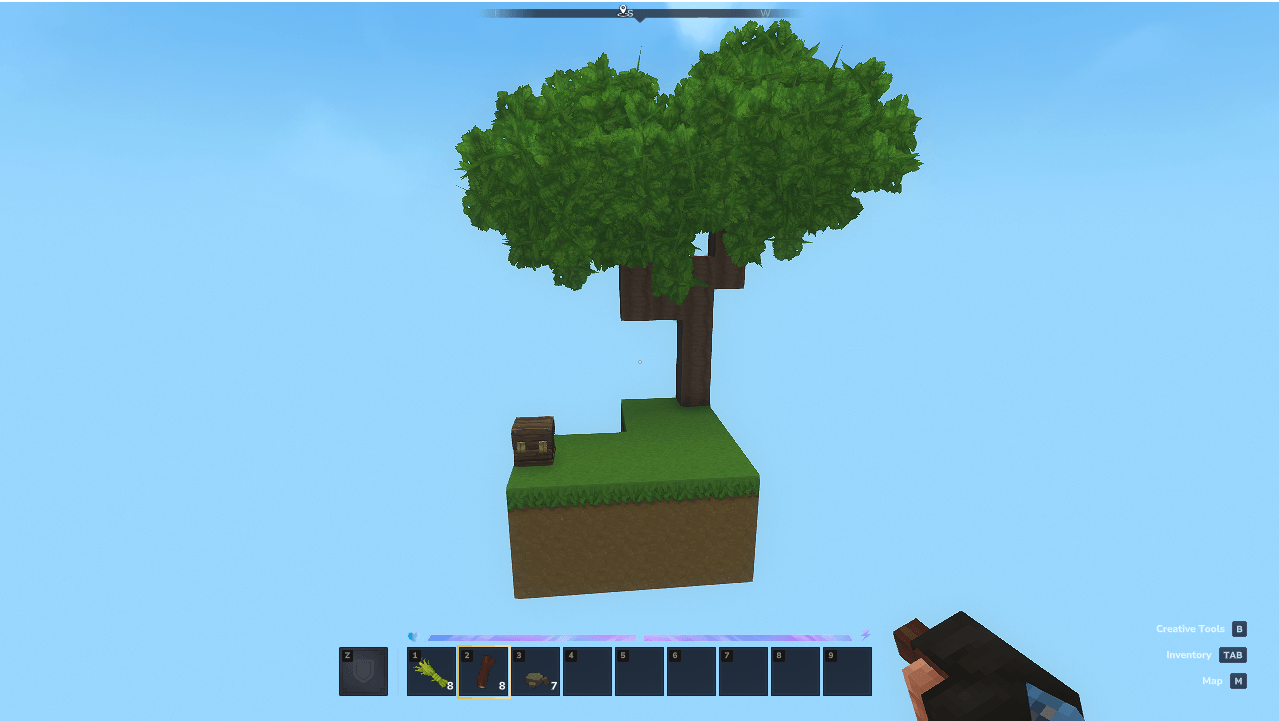
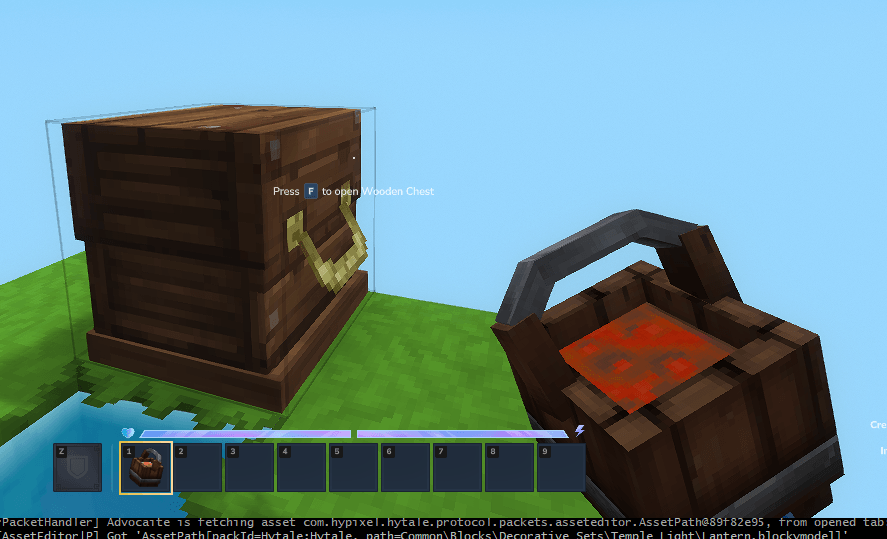
Screenshots

Need a Server?
Run HTSkyblock on a dedicated Hytale server with easy mod management.
Get Hytale HostingFrequently Asked Questions
What is HTSkyblock?
Brings you skyblock in Hytale
How do I download HTSkyblock?
You can download HTSkyblock for free from CurseForge. Click the "Download on CurseForge" button on this page to go directly to the download page.
Who created HTSkyblock?
HTSkyblock was created by LxAddons. The mod has been downloaded 1.2K times.
Is HTSkyblock compatible with Hytale servers?
HTSkyblock is designed for Hytale and can be used on both single-player and multiplayer servers. Check the mod page on CurseForge for specific compatibility information.
How do I install HTSkyblock?
To install HTSkyblock: 1) Download the mod from CurseForge, 2) Place the file in your Hytale mods folder, 3) Restart the game. The mod should load automatically.
Related Misc Mods
View all mods
Ymmersive Melodies
Conczin
Upload and play MIDI files in-game on various instruments to annoy your friends with custom melodies!

MultipleHUD
Buuz135
A simple mod that allows you to have multiple HUDs present at once.

Spanish Translation
Plexu5
A Spanish language translation for Hytale. Includes UI, items, and menus.

YUNG's HyDungeons
YUNGNICKYOUNG
Adds new procedurally generated dungeon instances!

Just Enough Tales (JEI mod)
uwudwagon
A JEI mod for Hytale.
![[NoCube's] Simple Bags](https://media.forgecdn.net/avatars/thumbnails/1601/201/256/256/639034453685921721.png)
[NoCube's] Simple Bags
NoCube
Adds bags that you can put anything in!