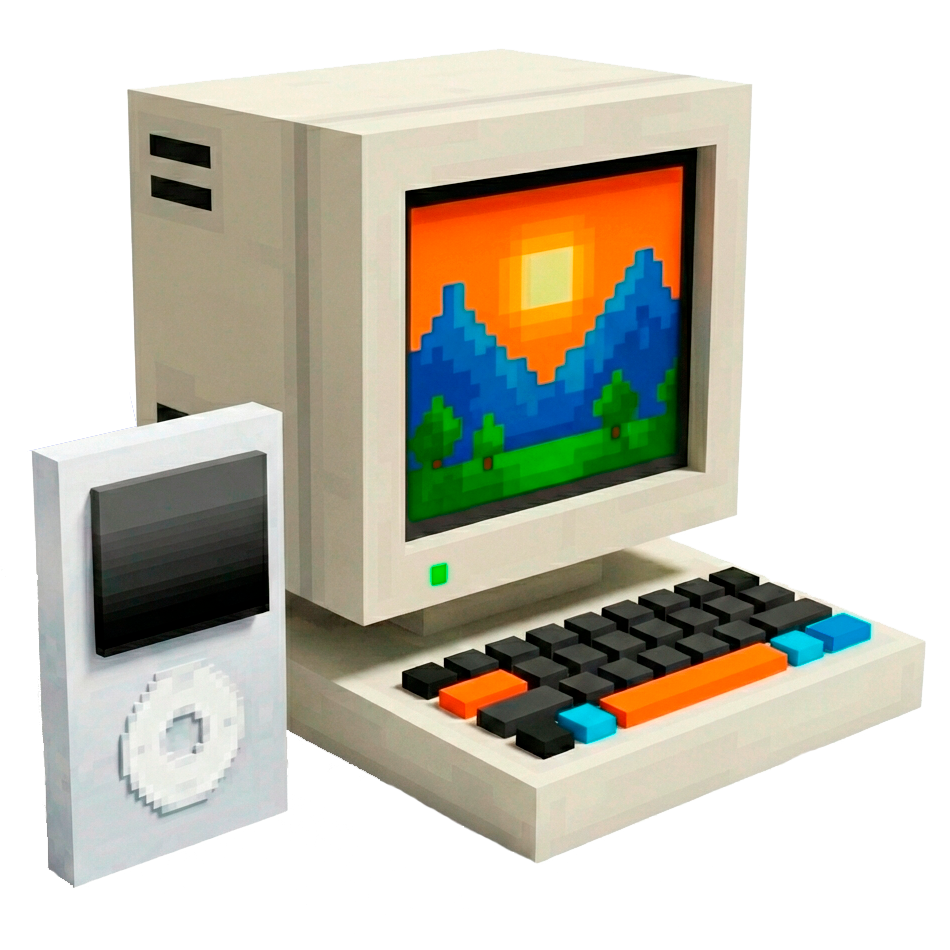
HyComputer & HyPod
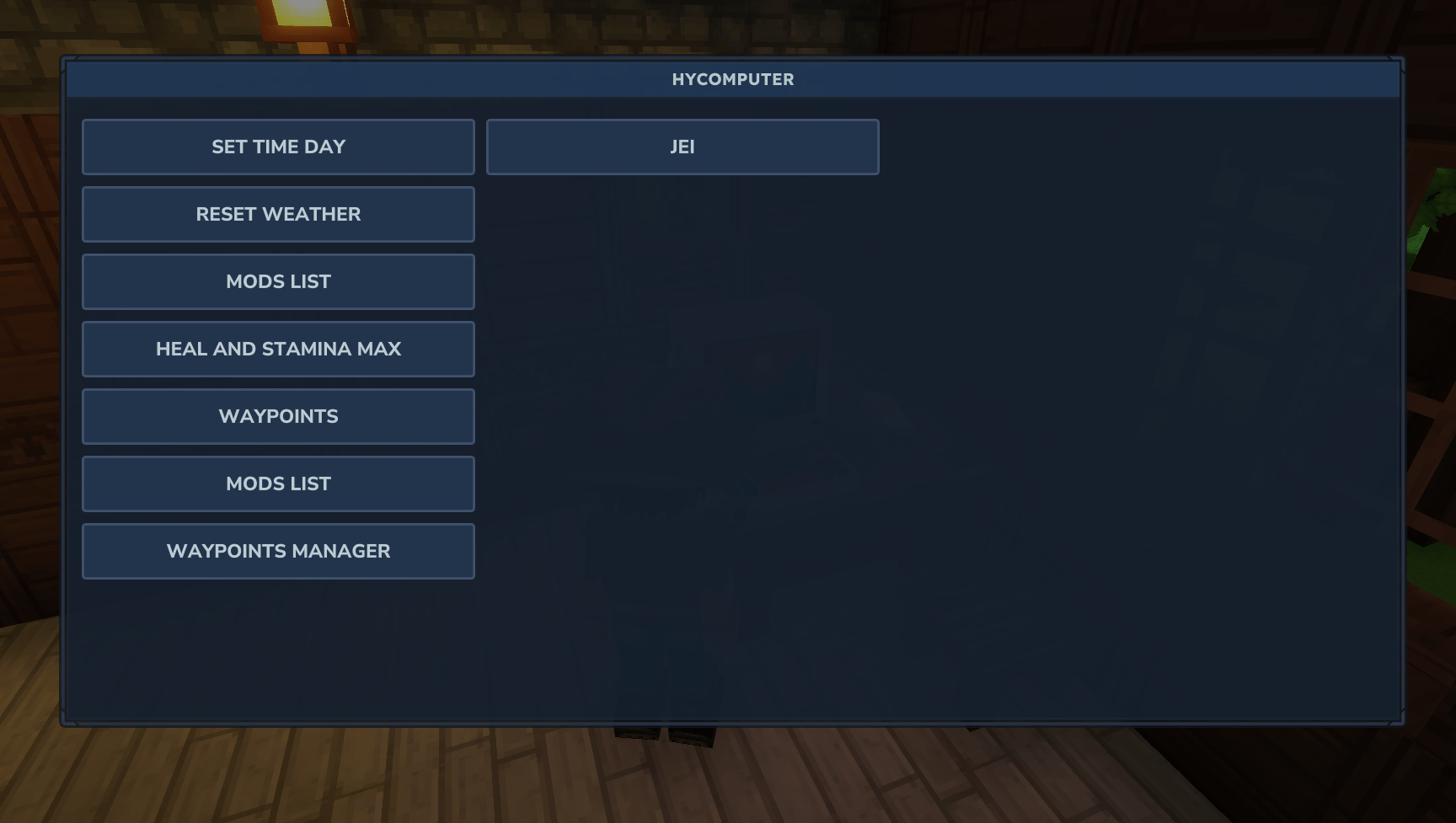
With HyComputer, you can execute commands (both vanilla and modded) using convenient buttons instead of typing. All commands are fully customizable.
About HyComputer & HyPod
HyComputer: Command Interaction Made Easy
HyComputer is a Hytale mod designed to streamline how you interact with chat commands. Currently, most mods require manual typing for configuration or activation, which can break the game's immersion. Stopping your gameplay to type complex commands is a thing of the past!
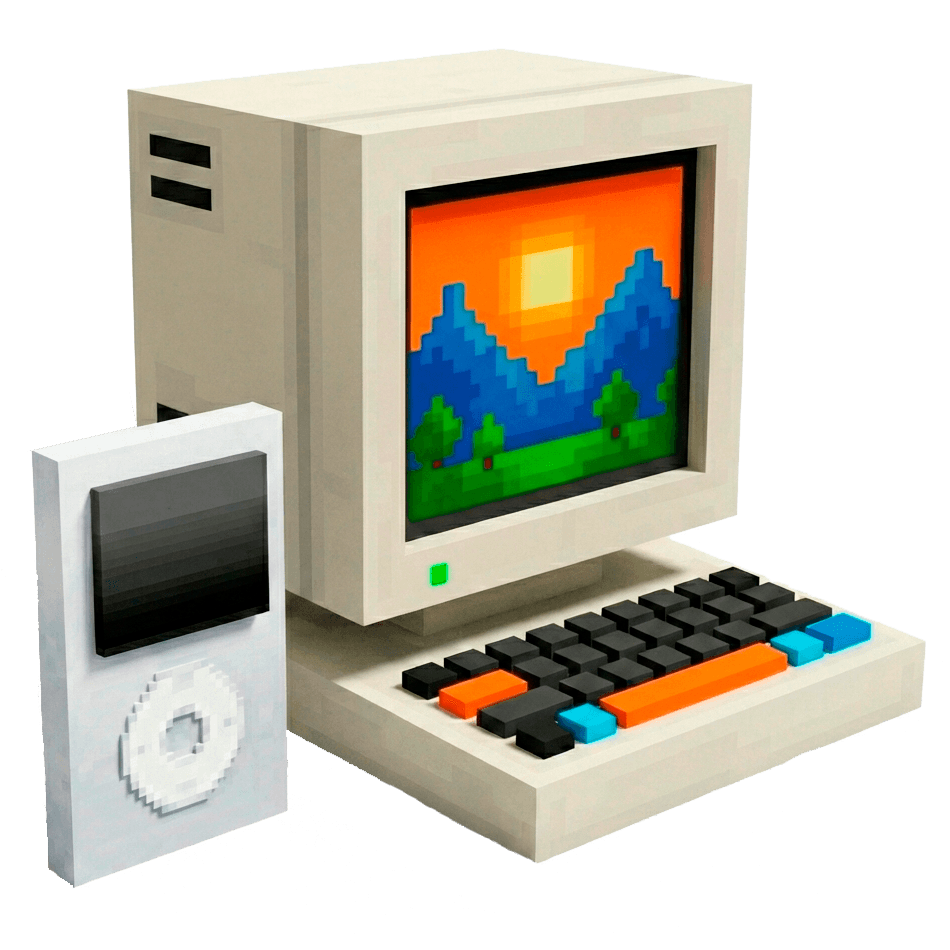
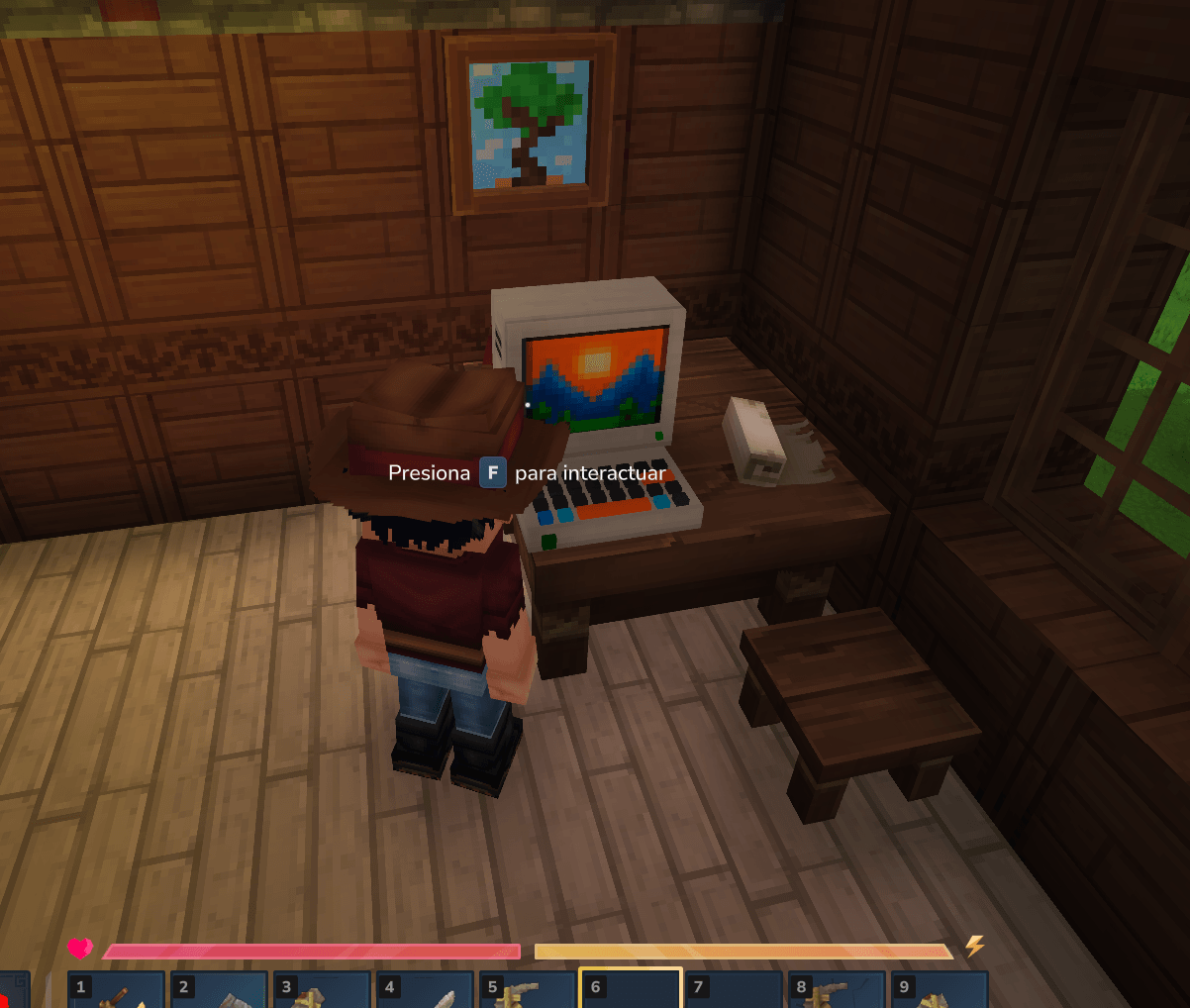
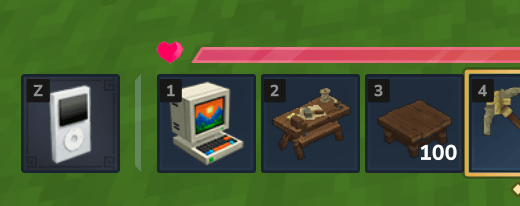
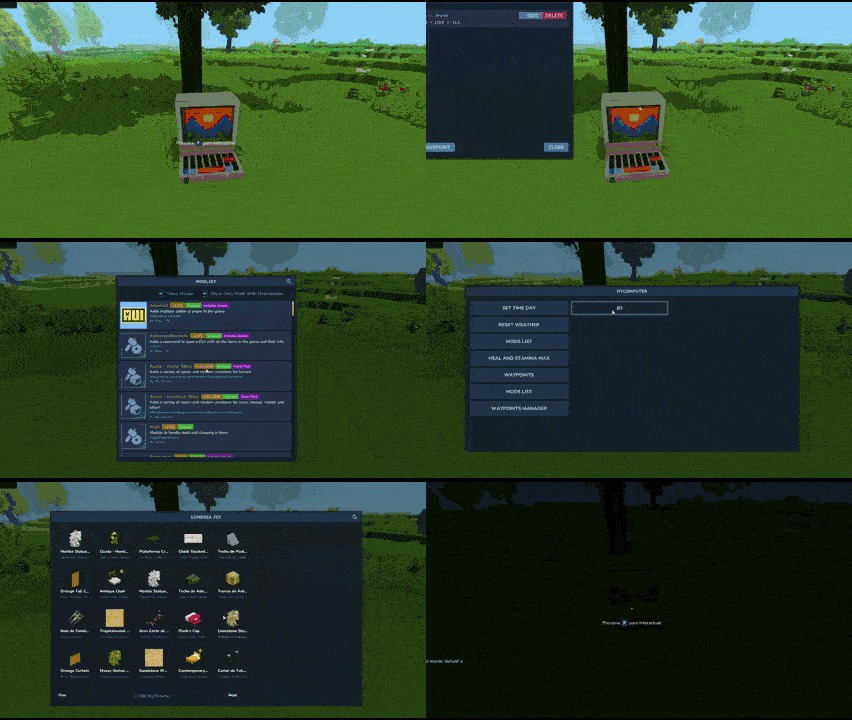
With HyComputer, you can place a functional computer anywhere in your world. It features a clean graphical interface with customizable buttons to execute any command—whether they are Vanilla (like /time, /weather, /op) or from other installed mods (like opening GUIs or creating waypoints).
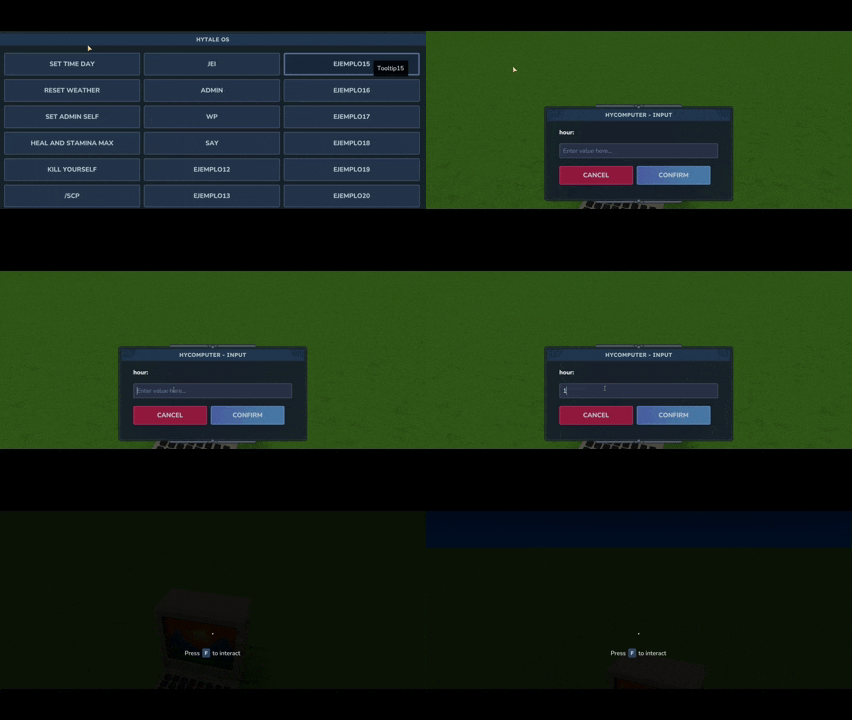
Command integration with arguments has been added. Now, by adding %text% to the command in the JSON, a second window will appear in-game asking for the value of that argument. For example, with time %hour%, you can type the hour you want to set the time to. Another example would be say %user% %message%: two windows will appear to enter a name and a text, resulting in /say FirstValue SecondValue.
HyPod: Remote Command Interaction
HyPod brings the full power of HyComputer to you on the go. It functions as a remote terminal: once booted, you can access your custom command buttons by equipping it in your hotbar or off-hand (press K).
🌟 Why use HyComputer & HyPod?
Convenience: No more typing or memorizing dozens of complex commands.
Immersion: Interact with the world through a physical object instead of a chat box.
Server Management: Ideal for server owners who want to provide players with an intuitive way to use server features without teaching them every command.
📥 Installation
Download the latest release of HyComputer.
Place the .jar file into your server's or client's Mods folder.
Start the game to generate the default configuration file.
⚙️ Configuration
The mod automatically generates a HyComputer.json file in your mod folder the first time it runs. You can configure up to 21 custom buttons.
For each button, there are three parameters:
Name: The label displayed on the button.
Command: The command to execute (Note: Do NOT include the leading /).
Tooltip: The descriptive text that appears when hovering over the button.
OnlyOp: Set this parameter to true so that the button only appears for users with OP permissions.
You can also configure the header message that appears at the top of the window. It’s ideal for providing information to your server members (upcoming events, rules, or relevant info).
MessageTitle: Edit title.
MessageText: Edit information text.
Default Configuration Example:
{
"MessageTitle": "Welcome to Hytale OS!",
"MessageText": "Select an option from the menu below:",
"Button1Name": "Set Time",
"Button1Command": "time %hour%",
"Button1Tooltip": "Change time of the world",
"Button1OnlyOP": false,
"Button2Name": "Reset weather",
"Button2Command": "weather reset",
"Button2Tooltip": "Execute /weather reset",
"Button2OnlyOP": false,
"Button3Name": "Set admin",
"Button3Command": "op add %player%",
"Button3Tooltip": "Execute /op <playername>",
"Button3OnlyOP": true,
"Button4Name": "Heal and Stamina max",
"Button4Command": "heal",
"Button4Tooltip": "Execute /heal",
"Button4OnlyOP": false,
"Button5Name": "Kill Player",
"Button5Command": "kill %player%",
"Button5Tooltip": "Execute /kill <player>",
... }
📜 License & Permissions
I give full permission to include HyComputer in any modpack.
Enjoy the mod! If you have any feedback or find any bugs, feel free to reach out.
Categories
Screenshots
Need a Server?
Run HyComputer & HyPod on a dedicated Hytale server with easy mod management.
Get Hytale HostingFrequently Asked Questions
What is HyComputer & HyPod?
With HyComputer, you can execute commands (both vanilla and modded) using convenient buttons instead of typing. All commands are fully customizable.
How do I download HyComputer & HyPod?
You can download HyComputer & HyPod for free from CurseForge. Click the "Download on CurseForge" button on this page to go directly to the download page.
Who created HyComputer & HyPod?
HyComputer & HyPod was created by XESC. The mod has been downloaded 766 times.
Is HyComputer & HyPod compatible with Hytale servers?
HyComputer & HyPod is designed for Hytale and can be used on both single-player and multiplayer servers. Check the mod page on CurseForge for specific compatibility information.
How do I install HyComputer & HyPod?
To install HyComputer & HyPod: 1) Download the mod from CurseForge, 2) Place the file in your Hytale mods folder, 3) Restart the game. The mod should load automatically.
Related Misc Mods
View all mods
Ymmersive Melodies
Conczin
Upload and play MIDI files in-game on various instruments to annoy your friends with custom melodies!

MultipleHUD
Buuz135
A simple mod that allows you to have multiple HUDs present at once.

Spanish Translation
Plexu5
A Spanish language translation for Hytale. Includes UI, items, and menus.

YUNG's HyDungeons
YUNGNICKYOUNG
Adds new procedurally generated dungeon instances!

Just Enough Tales (JEI mod)
uwudwagon
A JEI mod for Hytale.
![[NoCube's] Simple Bags](https://media.forgecdn.net/avatars/thumbnails/1601/201/256/256/639034453685921721.png)
[NoCube's] Simple Bags
NoCube
Adds bags that you can put anything in!