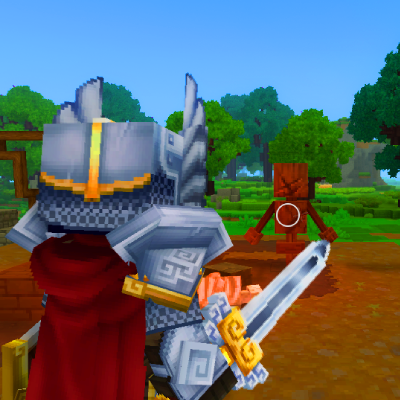
Improved Third Person
A simple camera adjustment mod that improves third person view positioning for a more RPG and natural gameplay perspective.
About Improved Third Person
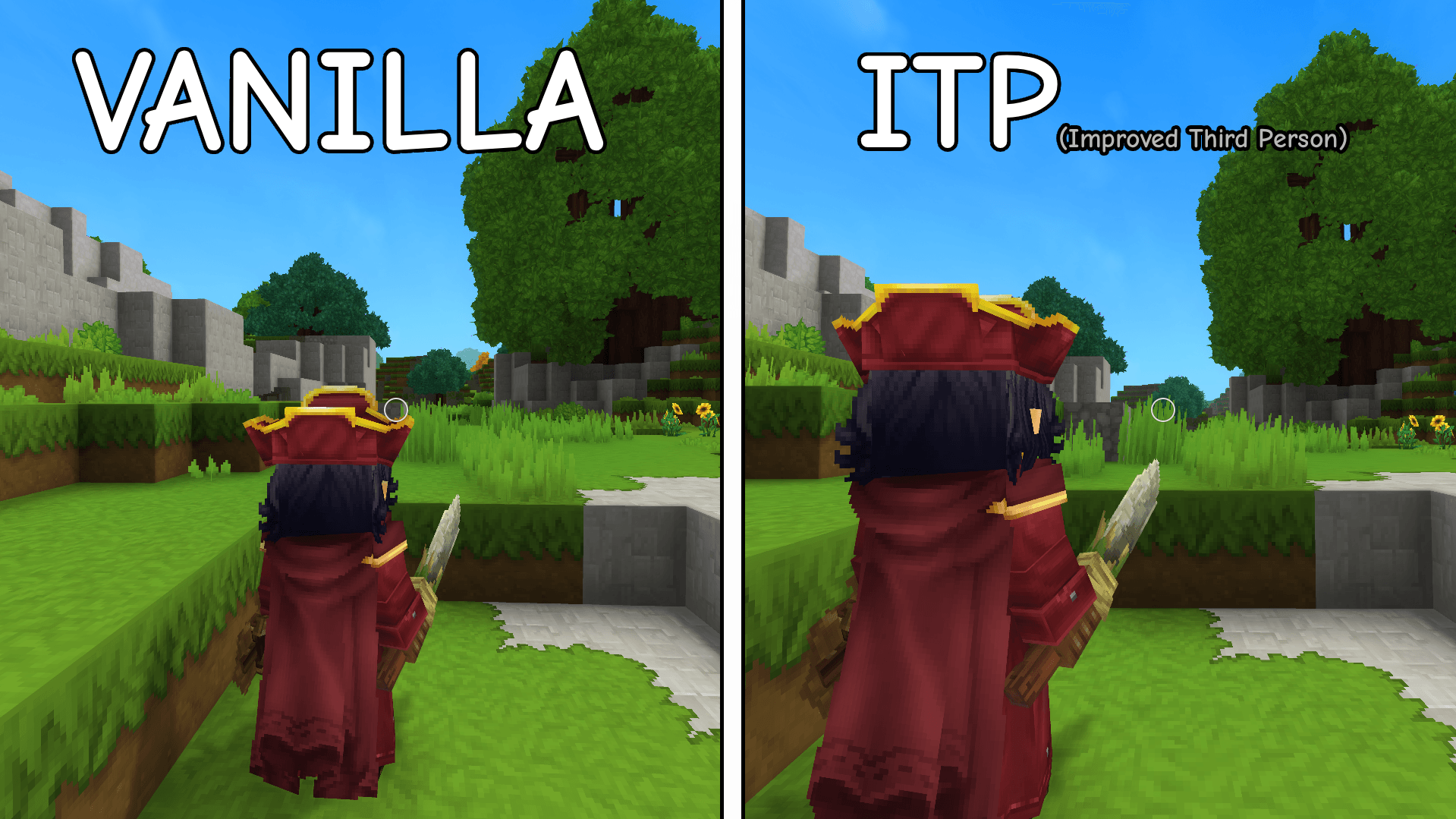
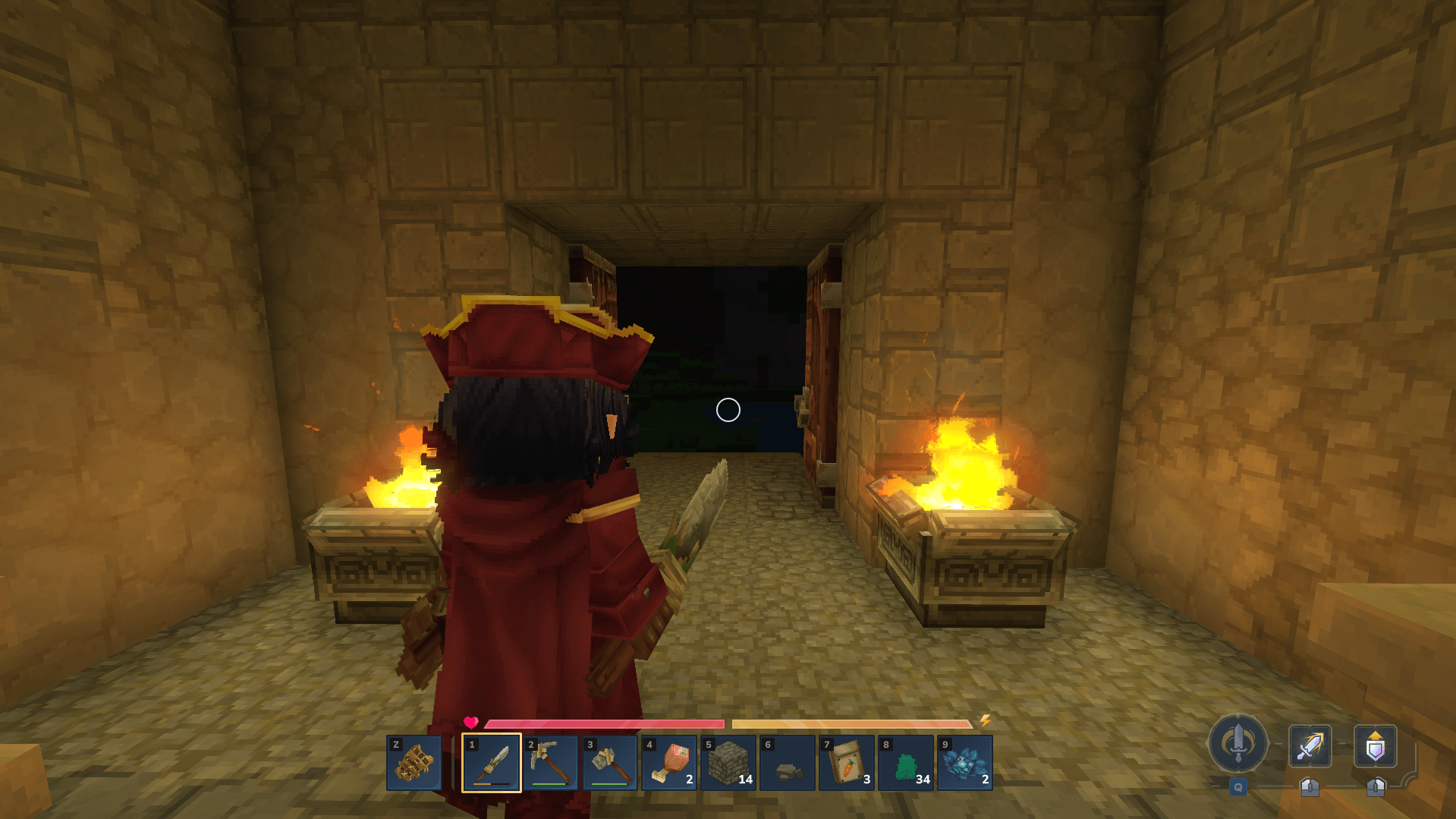
Improved Third Person is a specialized camera mod designed to enhance the third person gameplay experience in Hytale. It provides a more natural, RPG-like, and visually balanced perspective by subtly adjusting the camera’s position relative to the character. First person gameplay remains completely unaffected, ensuring your alternate perspective is preserved.
Customization:
You can personalize the third person camera to suit your preferences by modifying the position offsets!
Navigate to AppData\Roaming\Hytale\UserData\Mods.
Extract the Improved Third Person.zip.
Open \Server\Models\Human\Player.json in a text editor like Notepad to access and edit the file.
Locate the "Camera" section and modify the "PositionOffset" values for X, Y, and Z.
X adjusts the horizontal offset, moving the camera slightly to the left or right of the character. Y controls the vertical height of the camera relative to the character’s head. Z sets the distance of the camera behind the character.
Let me know your thoughts on the comments, what could be changed, fixed, or improved!
Categories
Screenshots
Need a Server?
Run Improved Third Person on a dedicated Hytale server with easy mod management.
Get Hytale HostingFrequently Asked Questions
What is Improved Third Person?
A simple camera adjustment mod that improves third person view positioning for a more RPG and natural gameplay perspective.
How do I download Improved Third Person?
You can download Improved Third Person for free from CurseForge. Click the "Download on CurseForge" button on this page to go directly to the download page.
Who created Improved Third Person?
Improved Third Person was created by merstty. The mod has been downloaded 1.2K times.
Is Improved Third Person compatible with Hytale servers?
Improved Third Person is designed for Hytale and can be used on both single-player and multiplayer servers. Check the mod page on CurseForge for specific compatibility information.
How do I install Improved Third Person?
To install Improved Third Person: 1) Download the mod from CurseForge, 2) Place the file in your Hytale mods folder, 3) Restart the game. The mod should load automatically.
Related Qol Mods
View all mods
EyeSpy
DarkhaxDev
Adds a HUD that displays information about what you're looking at!

Advanced Item Info
Buuz135
Adds a searchable GUI that displays all the items and the game and displays extra properties they have

Overstacked
DarkhaxDev
Increases the maximum stack size of items.

Violet's Wardrobe
VioletsWorkshop
Adds more customisation options in the form of craftable cosmetics

Item Magnet
Jaredlll08
Adds a magnet that attracts items towards the player.

Endgame & QoL - Boss & Elite Update (3.0.0 in a week)
Lewaii
Endgame & QoL v2.2: Face the Alpha T-Rex & Void Spectres! Unlock Backpack IV & Void Gliders. Restore unused content and challenge stronger, rebalanced bosses!