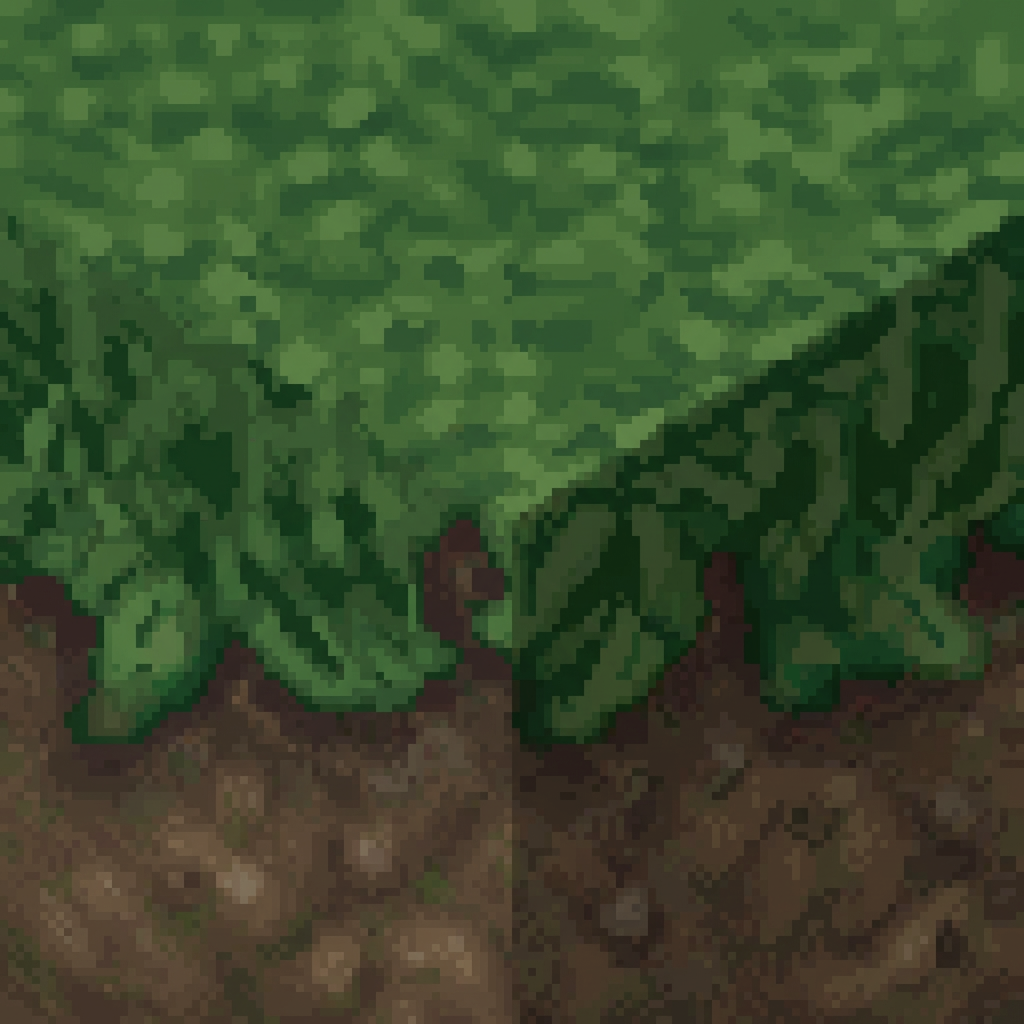
Less bright Game
A visual overhaul mod for Hytale that reduces glare and saturates colors for a more grounded, eye-friendly atmosphere.
About Less bright Game
English
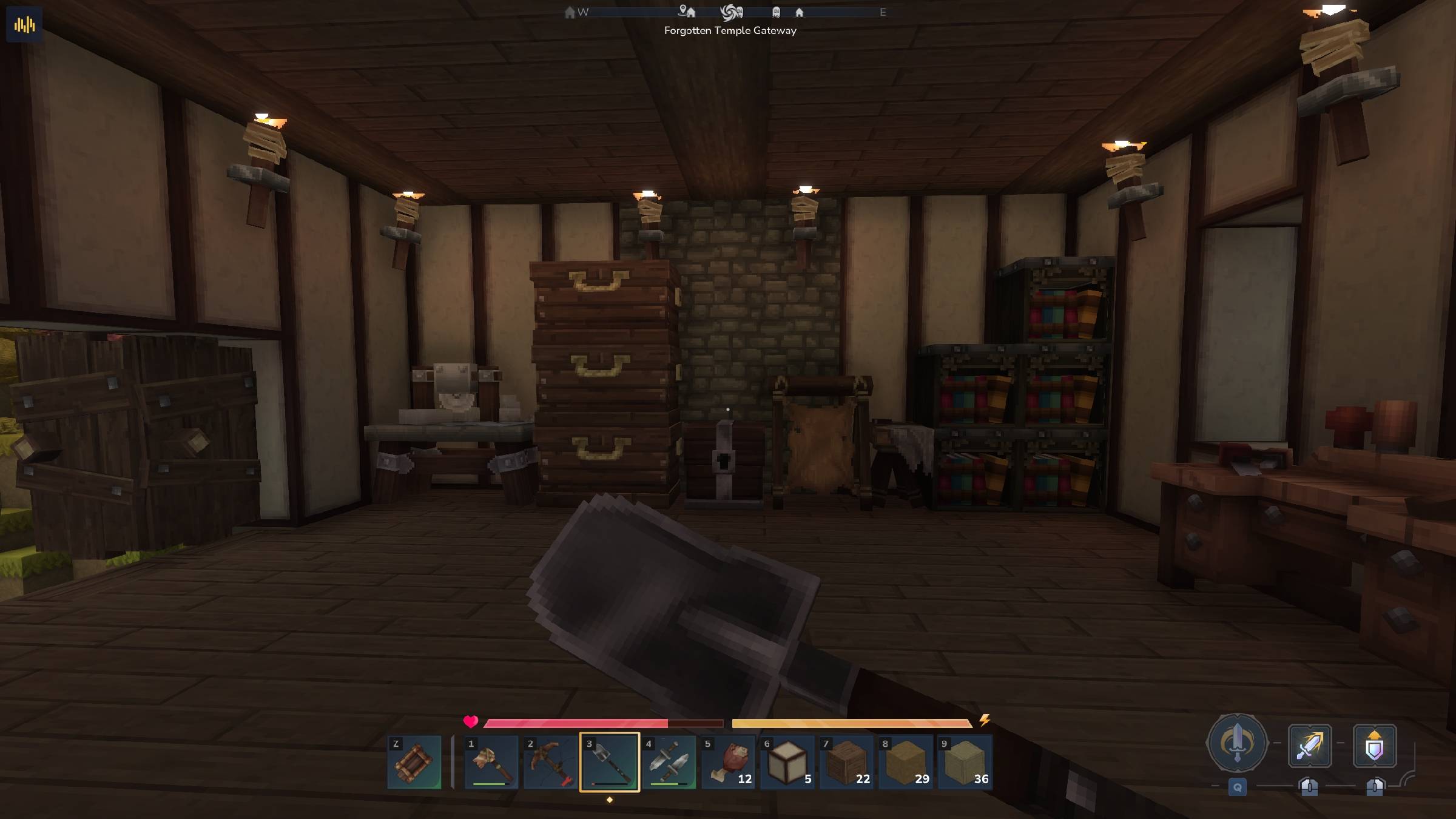
Less Bright Game is a comprehensive visual enhancement designed to clean up the game's aesthetic by softening its naturally high contrast and vibrant lighting. Hytale's default graphics are gorgeous, but intense bloom and oversaturated tones can cause eye strain during extended play. This project recalibrates the environment palette, adding soft shadows, reducing highlights, and implementing a more organic color grading. The result is a grounded style that preserves the game's magical essence while making the world deeper, more atmospheric, and more comfortable to the eye.
Russian
Less bright Game — это комплексное визуальное улучшение, созданное для очистки эстетики игры путем смягчения её естественного высокого контраста и яркого освещения. Стандартная графика Hytale великолепна, но из-за интенсивного свечения (bloom) и перенасыщенных тонов глаза могут уставать при длительной игре. Этот проект перенастраивает палитру окружения, добавляя мягкие тени, уменьшая блики и внедряя более органичную цветокоррекцию. Итог — «приземленный» стиль, который сохраняет магическую суть игры, делая мир более глубоким, атмосферным и комфортным для зрения.
Categories
Screenshots


Need a Server?
Run Less bright Game on a dedicated Hytale server with easy mod management.
Get Hytale HostingFrequently Asked Questions
What is Less bright Game?
A visual overhaul mod for Hytale that reduces glare and saturates colors for a more grounded, eye-friendly atmosphere.
How do I download Less bright Game?
You can download Less bright Game for free from CurseForge. Click the "Download on CurseForge" button on this page to go directly to the download page.
Who created Less bright Game?
Less bright Game was created by Aquamarinus. The mod has been downloaded 79 times.
Is Less bright Game compatible with Hytale servers?
Less bright Game is designed for Hytale and can be used on both single-player and multiplayer servers. Check the mod page on CurseForge for specific compatibility information.
How do I install Less bright Game?
To install Less bright Game: 1) Download the mod from CurseForge, 2) Place the file in your Hytale mods folder, 3) Restart the game. The mod should load automatically.
Related Misc Mods
View all mods
Ymmersive Melodies
Conczin
Upload and play MIDI files in-game on various instruments to annoy your friends with custom melodies!

MultipleHUD
Buuz135
A simple mod that allows you to have multiple HUDs present at once.

Spanish Translation
Plexu5
A Spanish language translation for Hytale. Includes UI, items, and menus.

YUNG's HyDungeons
YUNGNICKYOUNG
Adds new procedurally generated dungeon instances!

Just Enough Tales (JEI mod)
uwudwagon
A JEI mod for Hytale.
![[NoCube's] Simple Bags](https://media.forgecdn.net/avatars/thumbnails/1601/201/256/256/639034453685921721.png)
[NoCube's] Simple Bags
NoCube
Adds bags that you can put anything in!