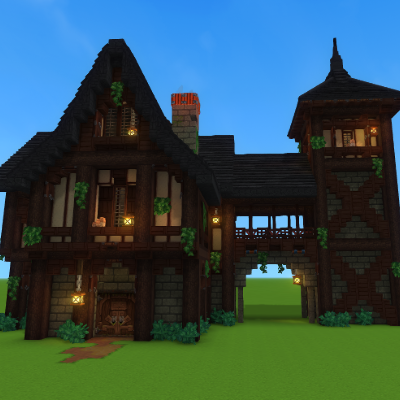
Medieval Inn
A medieval themed Inn.
About Medieval Inn
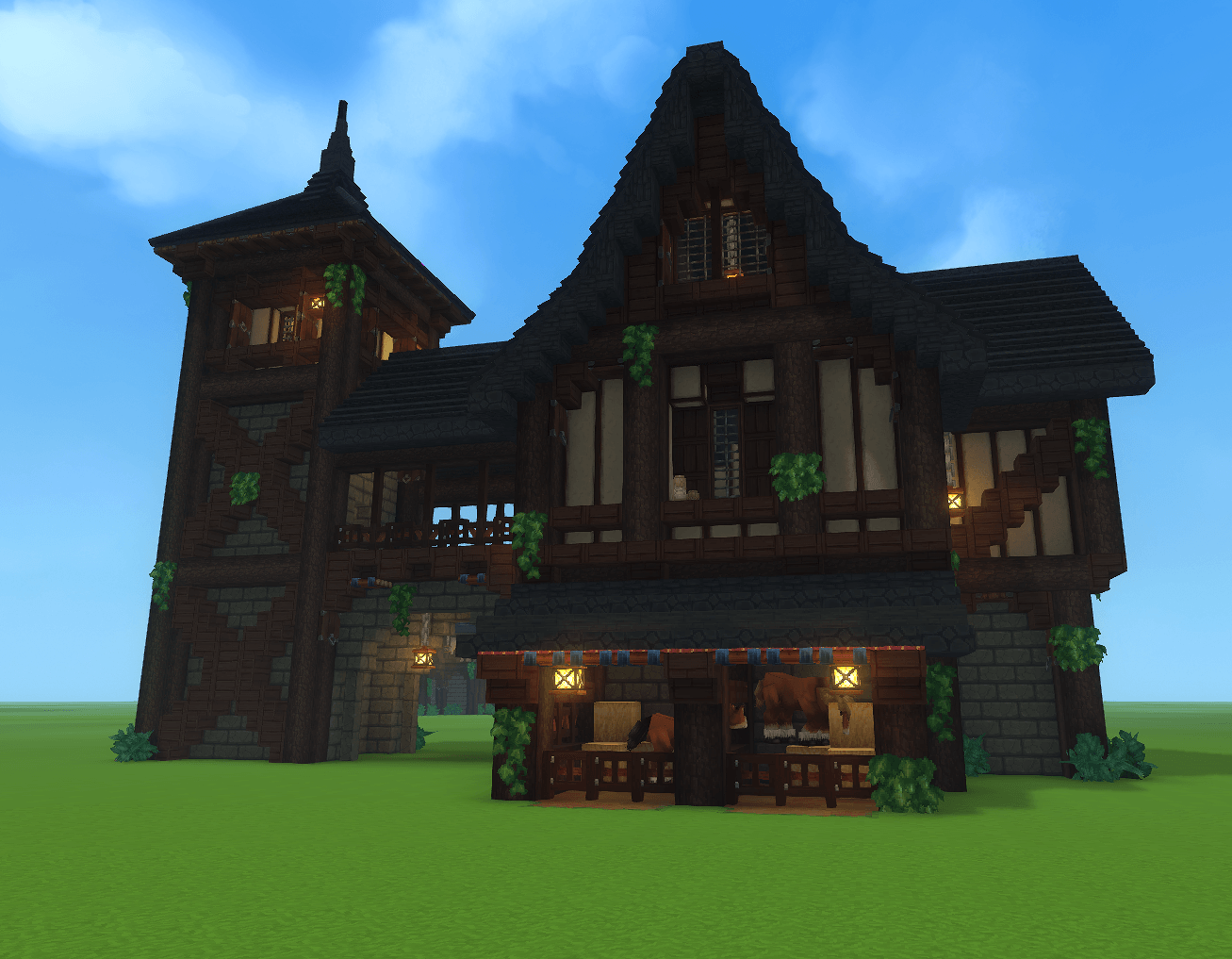
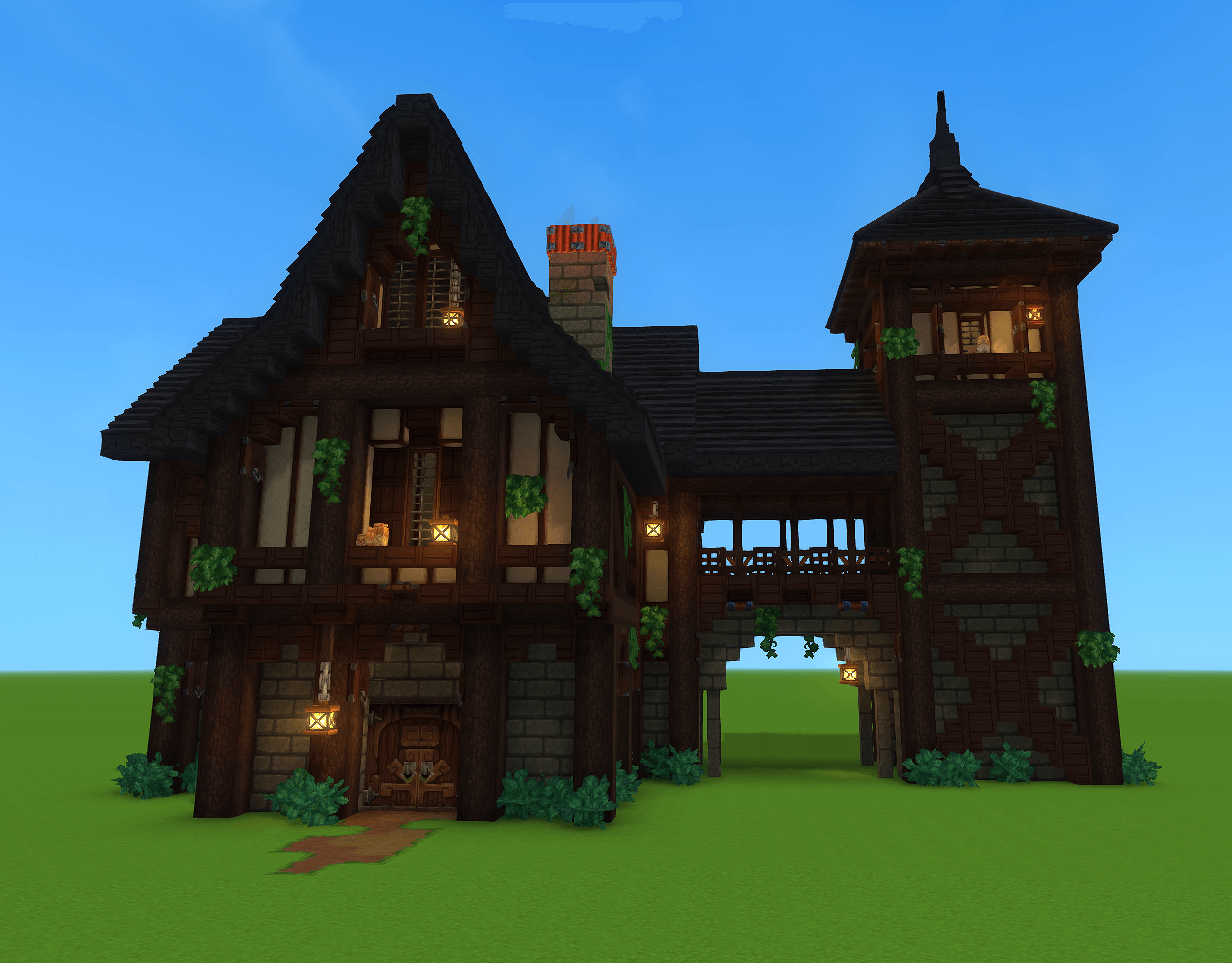
This Prefab has the charm of a classic medieval inn, but with the layered detail and environmental storytelling that would fit beautifully into any Hytale world. The Interior was left barebones intentionally for Customization Purposes, allowing you to decorate and fill the space how ever you'd like! Here’s a rich breakdown of how adding this inn to your world could shape the gameplay experience for you or anyone on your server.
🏰 Overall Architectural Identity The inn blends stone foundations, timber framing, and steep gabled roofing, creating a warm, grounded medieval aesthetic. This style immediately signals safety, civilization, and social interaction a place where players can rest, trade, or gather information. How this affects player experience: • Players instantly recognize it as a hub location. • The layered textures and believable structure make the world feel crafted and lived-in, increasing immersion. • The vertical silhouette draws players toward it from a distance, acting as a landmark for navigation.
🕯️ Lighting and Atmosphere Lanterns hang from beams and posts, casting warm pools of light around entrances and windows. This creates a cozy, inviting glow. Player impact: • Warm lighting communicates safety at night, encouraging players to approach. • It helps guide players to key entry points. • The ambiance supports roleplay and storytelling, making the inn feel like a place worth returning to.
🌿 Natural Detailing Vines, bushes, and greenery soften the structure, giving it a sense of age and belonging in the environment. Player impact: • Adds visual richness that makes the inn feel like part of a larger ecosystem. • Suggests the inn has history, which deepens worldbuilding. • Makes exploration more rewarding players feel they’re discovering something with character, not a generic prefab.
🐴 Stable or Market Area (Ground Level) The lower level includes stalls, animals, and wooden partitions. This could function as: • A stable for mounts • A trading post • A supply depot • A quest-giver’s workspace Player impact: • Provides functional gameplay spaces mount storage, merchant interactions, crafting stations. • Creates a sense of activity and purpose, making the inn feel like a working establishment. • Encourages players to stop by regularly for resources or NPC interactions.
🏠 Potential Upper Living Quarters • Reinforces the idea that this is a social hub, not just a decorative building.
🗼 Watchtower or Lookout Tower The tall tower on the left adds a dramatic silhouette and a functional vantage point. Player impact: • Acts as a navigation beacon visible from afar. • Could serve as a lookout for enemies or a quest-related location. • Adds vertical variety, making the build feel more like a small complex than a single structure.
🧱 Material Variety and Texture The mix of stone, wood, glass, and greenery creates depth and realism. i
Player impact: • Makes the inn feel handcrafted, enhancing immersion. • Encourages players to inspect details, rewarding curiosity. • Sets a high visual standard for the surrounding settlement or region.
🎮 Gameplay Role in a Hytale Setting This inn could serve multiple gameplay functions: • Spawn point or rest location • Quest hub • Trading center • Safe zone during storms or nighttime • Social gathering spot for multiplayer Its design supports all of these roles by being: • Visually welcoming • Functionally organized • Architecturally believable • Easy to navigate
Categories
Screenshots
Need a Server?
Run Medieval Inn on a dedicated Hytale server with easy mod management.
Get Hytale HostingFrequently Asked Questions
What is Medieval Inn?
A medieval themed Inn.
How do I download Medieval Inn?
You can download Medieval Inn for free from CurseForge. Click the "Download on CurseForge" button on this page to go directly to the download page.
Who created Medieval Inn?
Medieval Inn was created by ManicSpiders. The mod has been downloaded 119 times.
Is Medieval Inn compatible with Hytale servers?
Medieval Inn is designed for Hytale and can be used on both single-player and multiplayer servers. Check the mod page on CurseForge for specific compatibility information.
How do I install Medieval Inn?
To install Medieval Inn: 1) Download the mod from CurseForge, 2) Place the file in your Hytale mods folder, 3) Restart the game. The mod should load automatically.
Related Misc Mods
View all mods
Ymmersive Melodies
Conczin
Upload and play MIDI files in-game on various instruments to annoy your friends with custom melodies!

MultipleHUD
Buuz135
A simple mod that allows you to have multiple HUDs present at once.

Spanish Translation
Plexu5
A Spanish language translation for Hytale. Includes UI, items, and menus.

YUNG's HyDungeons
YUNGNICKYOUNG
Adds new procedurally generated dungeon instances!

Just Enough Tales (JEI mod)
uwudwagon
A JEI mod for Hytale.
![[NoCube's] Simple Bags](https://media.forgecdn.net/avatars/thumbnails/1601/201/256/256/639034453685921721.png)
[NoCube's] Simple Bags
NoCube
Adds bags that you can put anything in!