Metallurgy 2
The famous Minecraft mod Metallurgy is now coming to Hytale! With plans to add a series of new metals, gear, and more!
About Metallurgy 2
Metallurgy finally comes to Hytale!
This mod will expand the options available to players by implementing a myriad of new metals, weapons, armor, building options and more so that players can enhance their exploration and progression.
Current Version: A10 (1/26/2026)
Changelog:
Added Metallurgy Armory
Moved Tools, Weapons, Armor to the Metallurgy Armory from the Bench and default Armory and Weapon Bench.
Fixed Metallurgy Bench icon
Fixed Metallurgy Bench upgrade art changes (there shouldn't be any)
Fixed Venteres Hatchet quality
==========================================
New Metals
Adds Tin and Bronze to the game. Tin is obtained via Cassitin, a mineral you obtain rarely while mining Basalt which is crushed into Tin Dust and smelted in an Alloyer to make Bronze. Bronze can be used to make Iron-tier armor, weapons, and tools.
Adds a series of twelve endgame metals. Obtained through a special dimension (the crystal of which is crafted at your Metallurgy Bench.) These ores can be added to Adamantite in an Alloyer to improve it.
New Benches
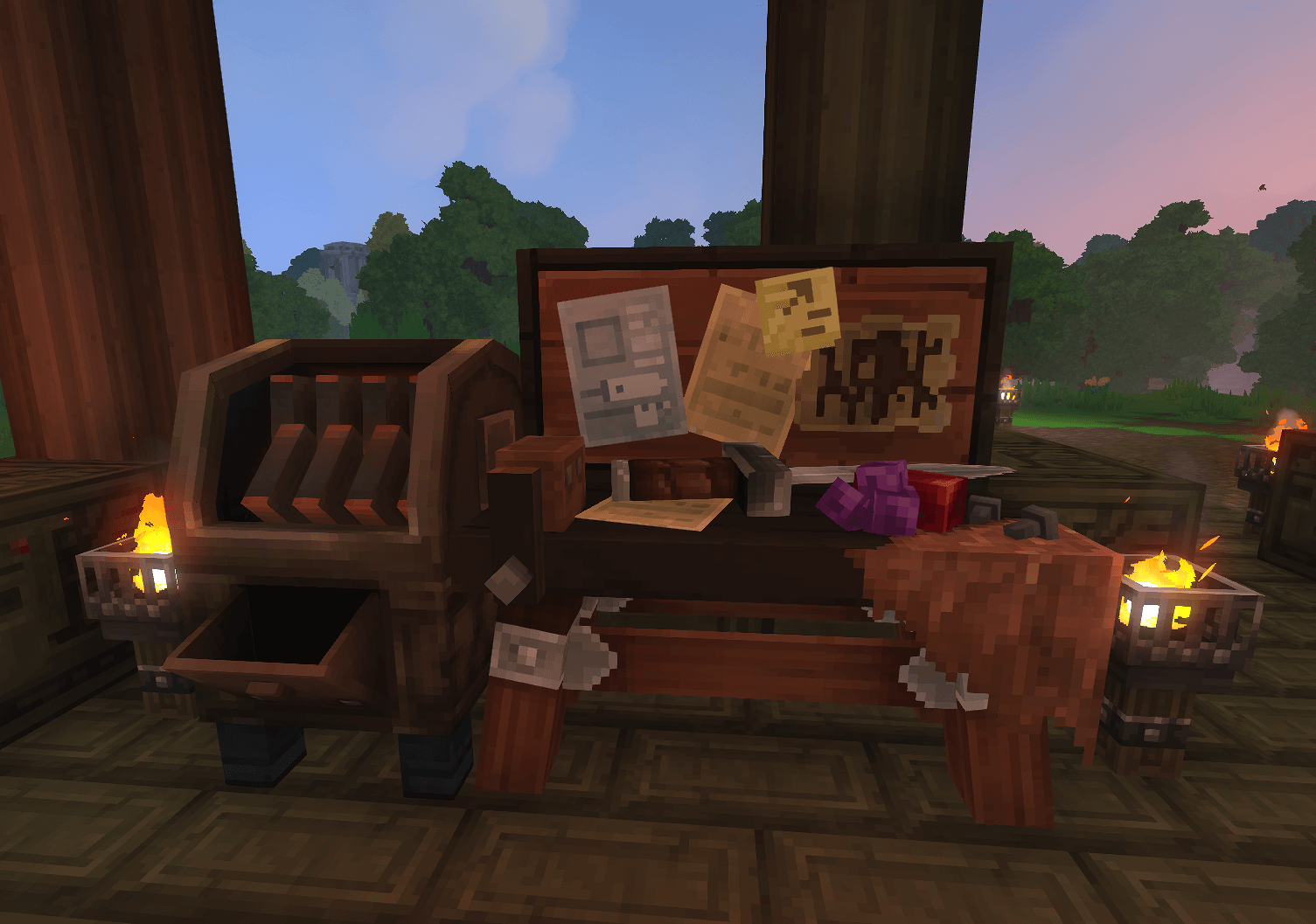
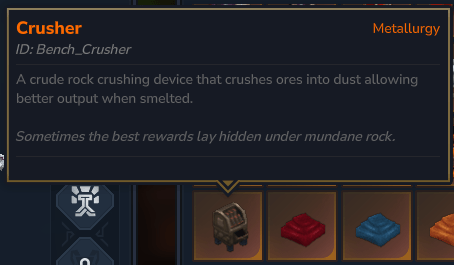
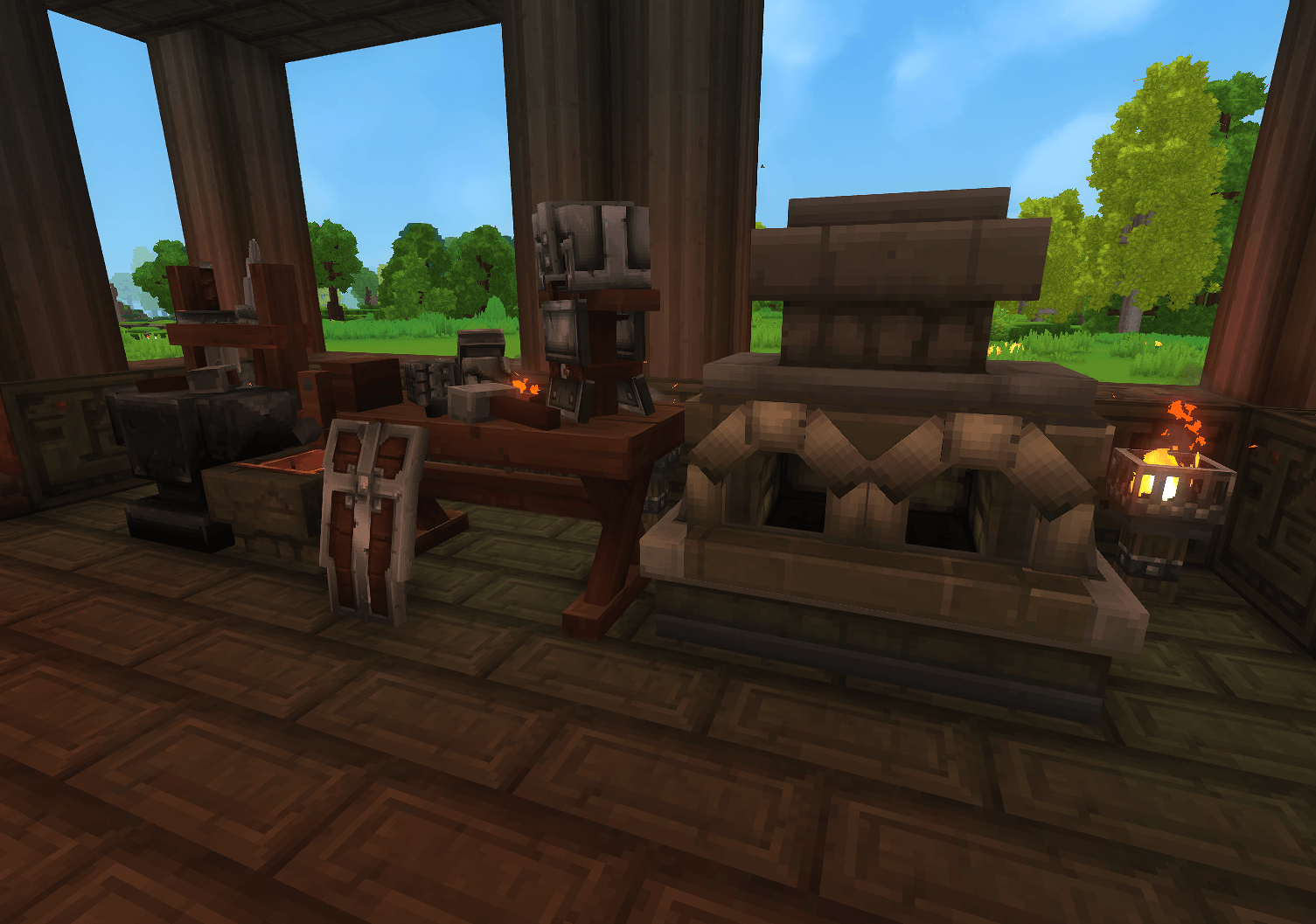
The Crusher doubles all of your ore output in exchange for fuel. By putting in any base Hytale ore it can grind it into 2 dust, and then each dust can be smelted into a bar (doubling your output!). It can be upgraded to increase its speed and slots.
The Alloyer is a special furnace that combines two metals into an alloy. It can take bars, dust, or raw ore to smelt the recipe.
New Gear
Allows crafting of Hytale's Bronze Gear using bronze ingots.
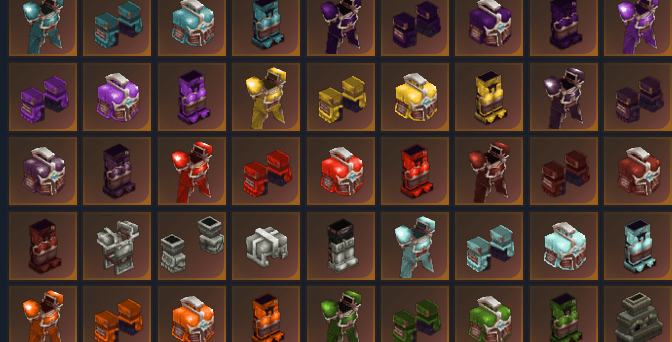
Each of the twelve types of endgame metal can make armor, pickaxes, and hatchets. These are all post-Adamantite level strength.
Each of the twelve at the moment has the same statline and placeholder art. This will be changing soon as we explore the combat systems. (Expect special damage types and effects.)
The new Advanced Repair Kit now allows you to repair your gear with no penalty to its durability!
New Planet
Quick incursions into Anaur, the burning land of seven empyreal lords, allows you to grab treasure and leave with only ten minutes of time to do so. We intend to eventually expand upon this dimension with enemies, loot, challenges, and more exciting worldgen in the future.
Coming Soon!
Earlier alloys like Steel, Angmallen, Damascus Steel, Rose Gold, Electrum, and more from classic Metallurgy make their return!
Decorative blocks for all metals (including vanilla!)
Unique gear effects, stats, and abilities!
Weapons, weapons, weapons!
More tool types!
Lore and narrative surrounding Anaur and the other worlds, and the metals and elements belonging to them!
FAQ
Who are you?
I am the original creator of Metallurgy, Atum, Aquaculture, and Masonry for Minecraft Java Edition, and leader of the Team Metallurgy Minecraft Java team and Minecraft Bedrock Marketplace team. My mods have garnered over 200m downloads in their history.
What is Metallurgy?
Metallurgy is an old mod from the earliest days of Minecraft, formerly known as Minecraft+, it added over 50 new metals to Minecraft to pad out the progression and expand upon its endgame abilities. Metallurgy had four major versions (Metallurgy, Metallurgy 2, Metallurgy 4, and an unofficial port Metallurgy: Reforged.) Some metals from Metallurgy have been ported and become staples of plenty of other mods and you might see some familiar names out there! At one point we were one of the top three mods for Minecraft on downloads, and we're looking to make a comeback in Hytale!
Why Hytale?
Hytales moddability, enhanced combat mechanics, and damage types makes for a more interesting platform to explore Metallurgy. We can do some really cool things and make some epic weapons and armor for players to enjoy!
What's the deal with the art?
We're focusing on features first and art second, our goal is to get everything ingame, functioning, and working which is a tall order for such a bulk content mod. Most of the art the moment is recolors of existing art though that will definitely change in the future.
This mod has issues!
We are currently in super alpha, expect there to be plenty. Please report them in the comments until we have better contact points established.
Are you looking for help? We are currently looking into potential artists, worldgen, and others especially those that can create full gear renders based on concept art provided! If you are interested please DM me on Curse and provide a link to your portfolio! Most of these will be on a short term or commission basis, but we are always keeping an eye out for long term team members!
Why Metallurgy 2? Someone else has used the namespace for Metallurgy in Hytale, and it is a sequel to our Minecraft era so might as well call it a sequel. This might change based on future circumstances.
Is AI used in the production of this mod?
Absolutely not. All of this can only come from the creative brains of our very human team.
Categories
Screenshots
Need a Server?
Run Metallurgy 2 on a dedicated Hytale server with easy mod management.
Get Hytale HostingFrequently Asked Questions
What is Metallurgy 2?
The famous Minecraft mod Metallurgy is now coming to Hytale! With plans to add a series of new metals, gear, and more!
How do I download Metallurgy 2?
You can download Metallurgy 2 for free from CurseForge. Click the "Download on CurseForge" button on this page to go directly to the download page.
Who created Metallurgy 2?
Metallurgy 2 was created by Shadow. The mod has been downloaded 5.3K times.
Is Metallurgy 2 compatible with Hytale servers?
Metallurgy 2 is designed for Hytale and can be used on both single-player and multiplayer servers. Check the mod page on CurseForge for specific compatibility information.
How do I install Metallurgy 2?
To install Metallurgy 2: 1) Download the mod from CurseForge, 2) Place the file in your Hytale mods folder, 3) Restart the game. The mod should load automatically.
Related Building Mods
View all mods
Violet's Furnishings
VioletsWorkshop
Expands on Hytale's existing furniture library
Simply Trash
Jaredlll08
Adds a trash can to easily destroy items!
Macaw's Hy Doors
sketch_macaw
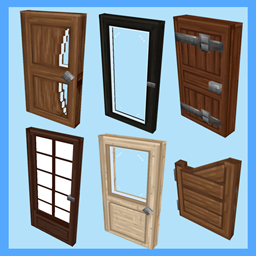
Adds more doors to fit in your builds!

Violet's Plushies
VioletsWorkshop
Adds several plushies, some with unique SFX!
Thorium Furnaces
Jaredlll08
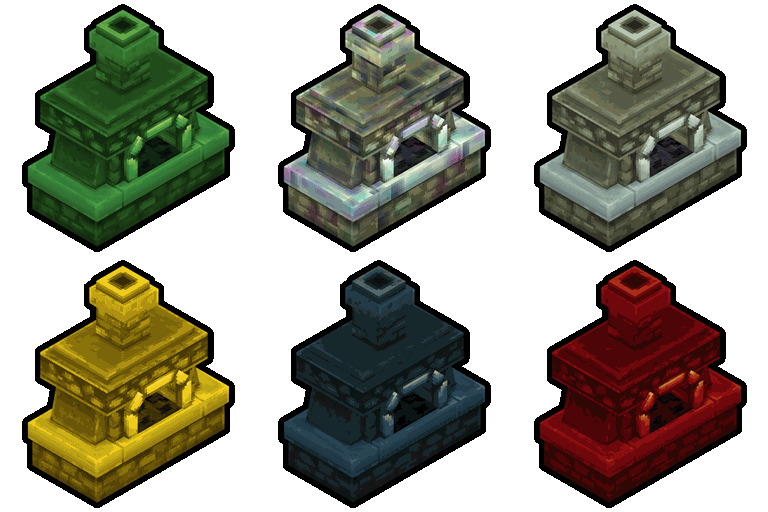
Faster Furnaces!
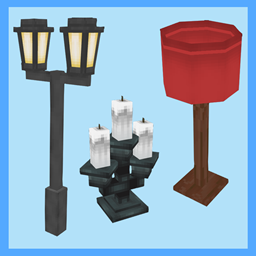
Macaw's Hy Lights and Lamps
sketch_macaw
Adds Lamps, Tiki Torches, Candle Holders, Ceiling Lights, Street Lights and more...!