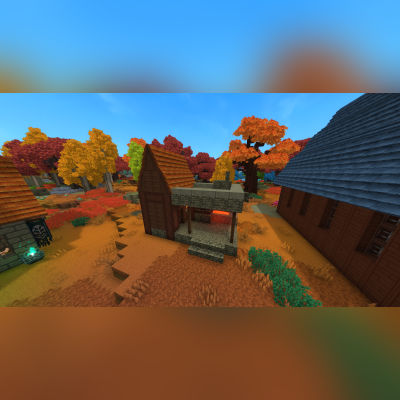
Minecraft Blacksmith
A recreation of the Minecraft blacksmith found in villages.
About Minecraft Blacksmith
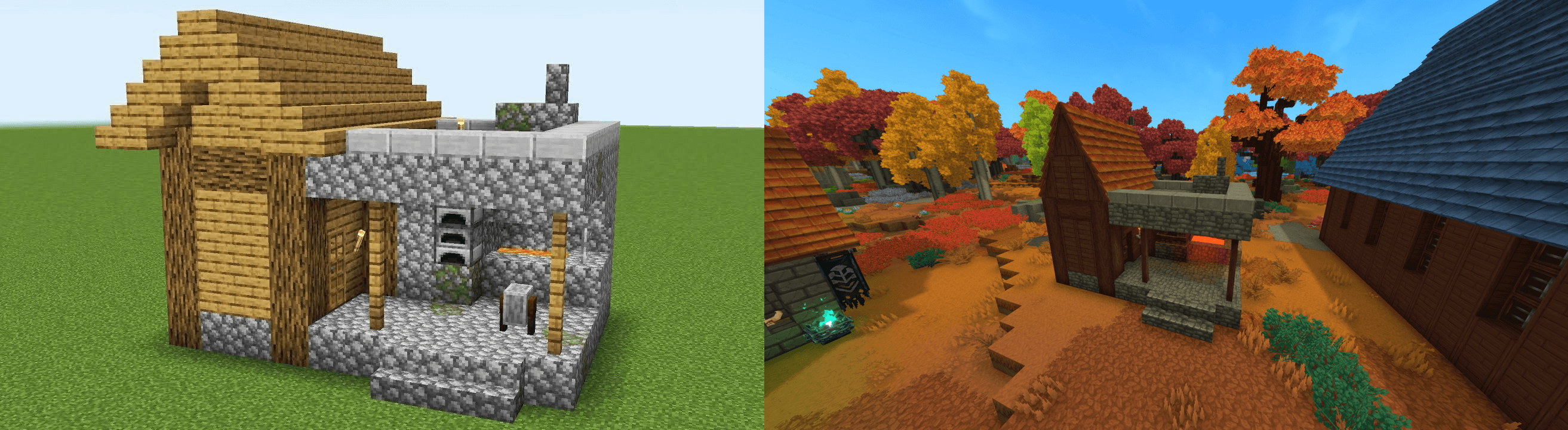
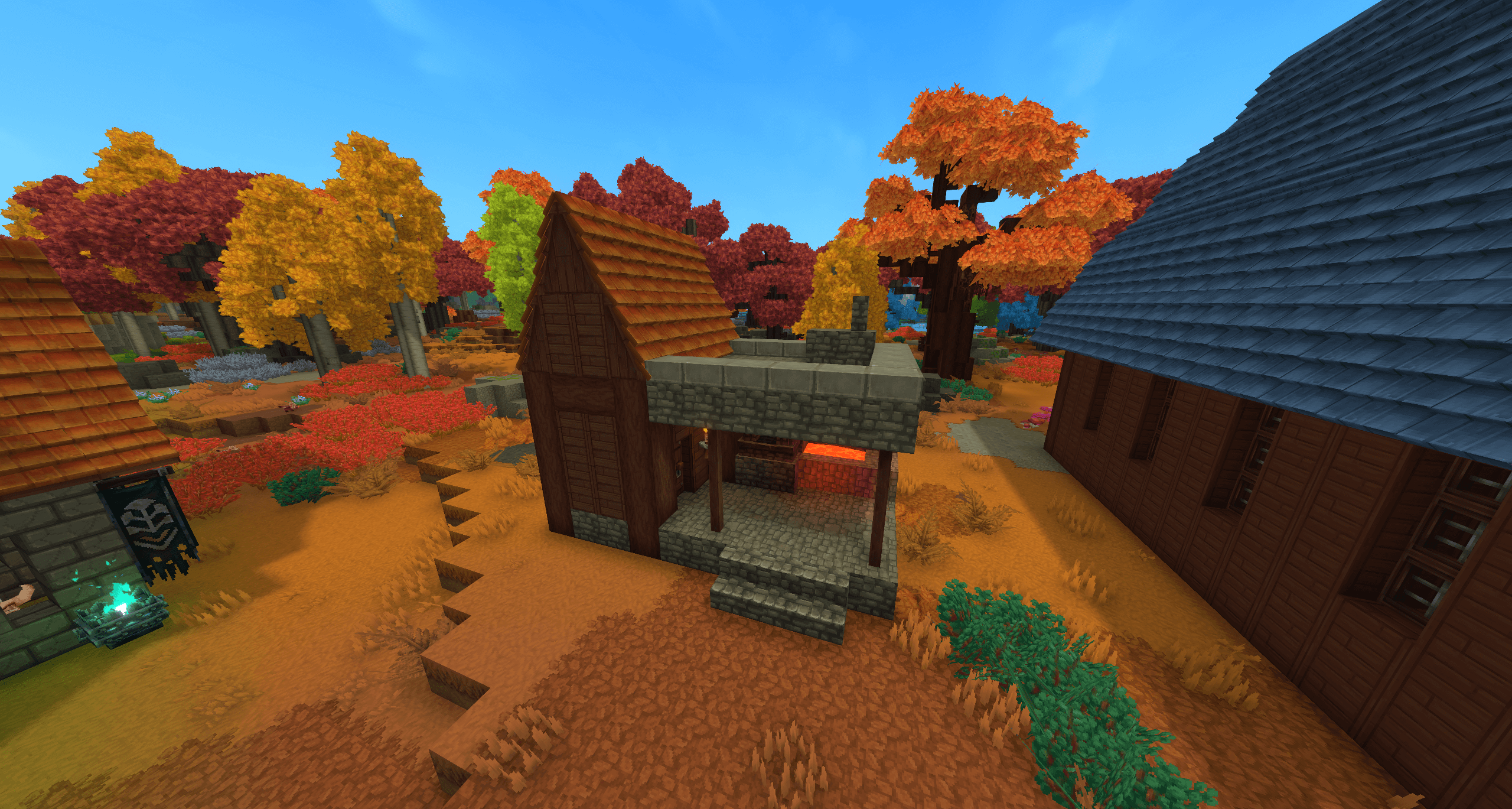
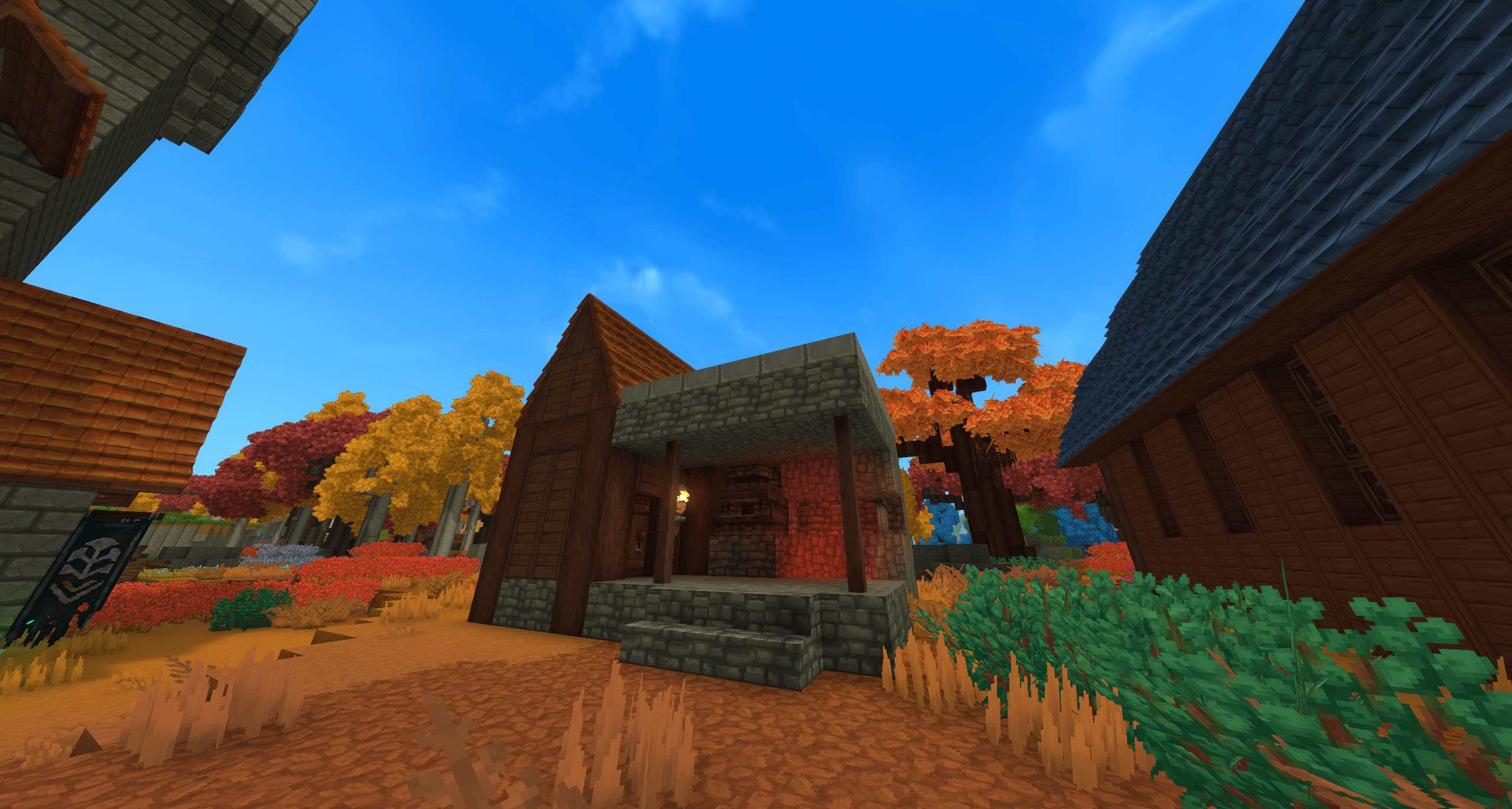
This prefab is a faithful recreation of the blacksmith building found in Minecraft villages, adapted for use as a standalone structure or as part of a larger Minecraft themed settlement or as a part of any build, for fun and old times sake. It features the familiar layout and design, making it perfect for villages, trading hubs, or roleplay environments.
The build captures the iconic look and functionality of the original with the Hytale furnace where the original would have been, serving as a natural focal point for crafting, smithing, or NPC work areas while blending in with surrounding structures.
Usage & Permissions:
You may use this prefab in exploration worlds or creative worlds for private use only.
You are not permitted to use this build in any commercial projects.
You are not permitted to re-upload this build or claim it as your own.
Please respect these terms and enjoy using the Small Medieval Tower in your worlds.
Instructions:
Copy the file to this file location: C:\Users\[USERNAME]\AppData\Roaming\Hytale\UserData\Saves\[SAVE FILE NAME]\prefabs - this will be different depending on where the game is installed to. For example, I have my game installed to my F: drive which would make my file path F:\Hytale\UserData\Saves\[SAVE FILE NAME]\prefabs
If you do not have have a file named "prefabs" then you will need to create a new prefabs file in your save file. A prefabs file will only generate in your save file if you have already made a prefab in that world. If you have never made a prefab before then you will not see this file hence the need to create it manually.
Afterwards, place the Minecraft Blacksmith.prefab.json file into the prefabs file.
Once you load into the world enter creative mode and select the 'paste' tool. With the paste tool in your hand, press 'E' and click the drop down box which by default is set to "assets" and select "server" then select the relevant prefab. You will see a ghost/outline of the prefab to know where it will be placed and then tap right click to paste it into the world and enjoy.
Categories
Screenshots
Need a Server?
Run Minecraft Blacksmith on a dedicated Hytale server with easy mod management.
Get Hytale HostingFrequently Asked Questions
What is Minecraft Blacksmith?
A recreation of the Minecraft blacksmith found in villages.
How do I download Minecraft Blacksmith?
You can download Minecraft Blacksmith for free from CurseForge. Click the "Download on CurseForge" button on this page to go directly to the download page.
Who created Minecraft Blacksmith?
Minecraft Blacksmith was created by Surulias. The mod has been downloaded 14 times.
Is Minecraft Blacksmith compatible with Hytale servers?
Minecraft Blacksmith is designed for Hytale and can be used on both single-player and multiplayer servers. Check the mod page on CurseForge for specific compatibility information.
How do I install Minecraft Blacksmith?
To install Minecraft Blacksmith: 1) Download the mod from CurseForge, 2) Place the file in your Hytale mods folder, 3) Restart the game. The mod should load automatically.
Related Misc Mods
View all mods
Ymmersive Melodies
Conczin
Upload and play MIDI files in-game on various instruments to annoy your friends with custom melodies!

MultipleHUD
Buuz135
A simple mod that allows you to have multiple HUDs present at once.

Spanish Translation
Plexu5
A Spanish language translation for Hytale. Includes UI, items, and menus.

YUNG's HyDungeons
YUNGNICKYOUNG
Adds new procedurally generated dungeon instances!

Just Enough Tales (JEI mod)
uwudwagon
A JEI mod for Hytale.
![[NoCube's] Simple Bags](https://media.forgecdn.net/avatars/thumbnails/1601/201/256/256/639034453685921721.png)
[NoCube's] Simple Bags
NoCube
Adds bags that you can put anything in!