Nick Name Changer
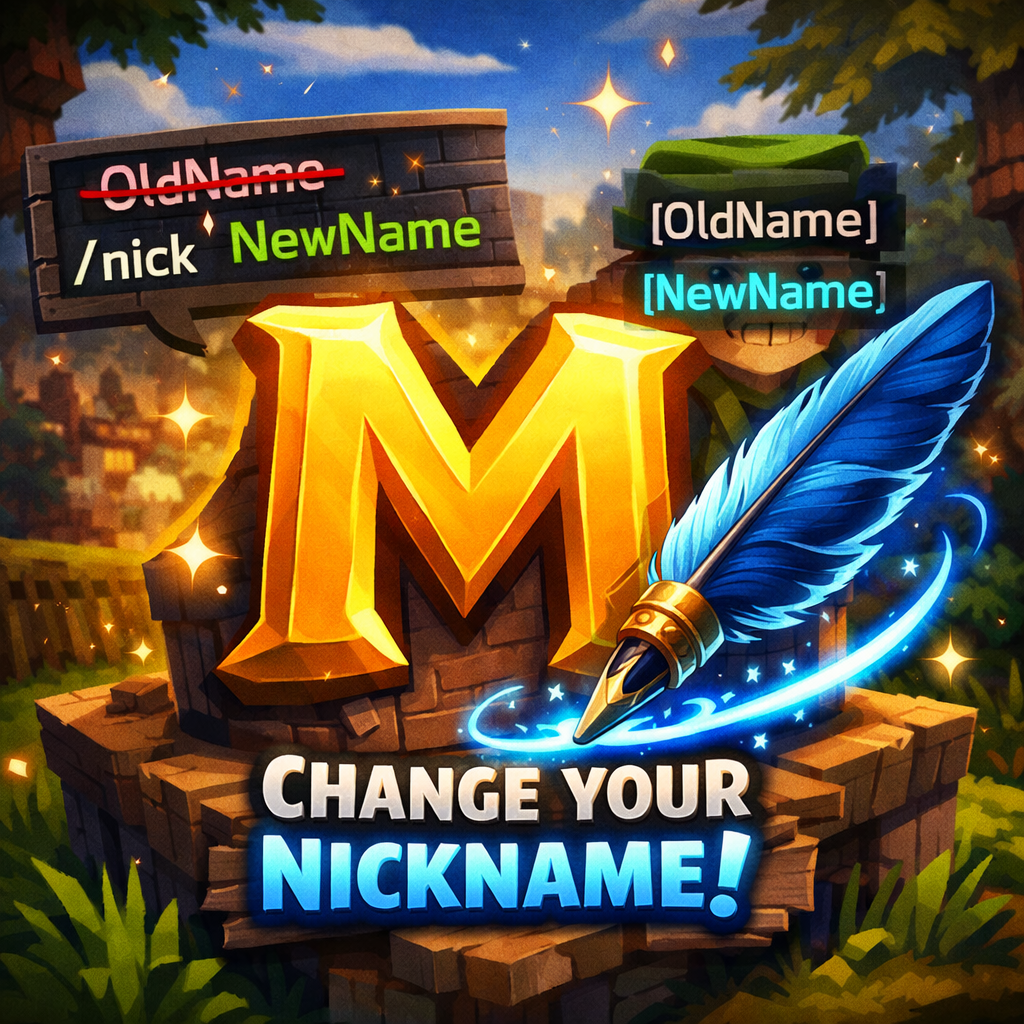
A Hytale server plugin that lets players set custom nicknames displayed in chat, map, and above their heads.
About Nick Name Changer
NickNameChanger
A server-side plugin for Hytale that allows players to customize their display nickname.
Features
Chat — Custom nickname displayed in chat messages
Nameplate — Nickname shown above player's head
Map — Custom name displayed on the world map
Tab List — Nickname visible in the player list
Commands
Command Description
/nick View your current nickname and usage
/nick <name> Set a new display nickname
/nick reset Reset to your original username
Installation
Place NickNameChanger-0.0.1.jar into Hytale\UserData\Mods
Launch the game and open world settings
Enable the mod in the Mods section
Load the world
If installed correctly, you will see a personal chat message showing your current nickname when joining the world.
Limitations
Inventory header — Cannot be changed as it is rendered client-side. This may be addressed in future updates.
Localization
English (en-US)
Russian (ru-RU)
NickNameChanger (Русский)
Серверный плагин для Hytale, позволяющий игрокам менять отображаемый никнейм.
Возможности
Чат — Никнейм отображается в сообщениях чата
Табличка над головой — Имя над персонажем
Карта — Имя на карте мира
Таб-лист — Никнейм в списке игроков
Команды
Команда Описание
/nick Посмотреть текущий никнейм
/nick <имя> Установить новый никнейм
/nick reset Сбросить на оригинальное имя
Установка
Поместите NickNameChanger-0.0.1.jar в папку Hytale\UserData\Mods
Запустите игру и откройте настройки мира
Включите мод в разделе Mods
Загрузите мир
Если всё выполнено верно, при загрузке мира вы увидите личное сообщение в чате о том, какой у вас текущий никнейм.
Ограничения
Шапка инвентаря — Невозможно изменить, так как отрисовывается на стороне клиента. Возможно будет исправлено в будущих обновлениях.
Локализация
Английский (en-US)
Русский (ru-RU)
Categories
Need a Server?
Run Nick Name Changer on a dedicated Hytale server with easy mod management.
Get Hytale HostingFrequently Asked Questions
What is Nick Name Changer?
A Hytale server plugin that lets players set custom nicknames displayed in chat, map, and above their heads.
How do I download Nick Name Changer?
You can download Nick Name Changer for free from CurseForge. Click the "Download on CurseForge" button on this page to go directly to the download page.
Who created Nick Name Changer?
Nick Name Changer was created by Morgott. The mod has been downloaded 123 times.
Is Nick Name Changer compatible with Hytale servers?
Nick Name Changer is designed for Hytale and can be used on both single-player and multiplayer servers. Check the mod page on CurseForge for specific compatibility information.
How do I install Nick Name Changer?
To install Nick Name Changer: 1) Download the mod from CurseForge, 2) Place the file in your Hytale mods folder, 3) Restart the game. The mod should load automatically.
Related Qol Mods
View all mods
EyeSpy
DarkhaxDev
Adds a HUD that displays information about what you're looking at!

Advanced Item Info
Buuz135
Adds a searchable GUI that displays all the items and the game and displays extra properties they have

Overstacked
DarkhaxDev
Increases the maximum stack size of items.

Violet's Wardrobe
VioletsWorkshop
Adds more customisation options in the form of craftable cosmetics

Item Magnet
Jaredlll08
Adds a magnet that attracts items towards the player.

Endgame & QoL - Boss & Elite Update (3.0.0 in a week)
Lewaii
Endgame & QoL v2.2: Face the Alpha T-Rex & Void Spectres! Unlock Backpack IV & Void Gliders. Restore unused content and challenge stronger, rebalanced bosses!