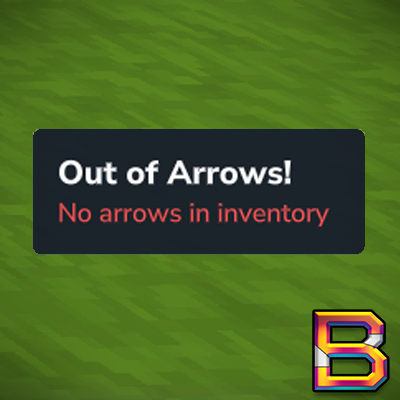
No Arrows Indicator
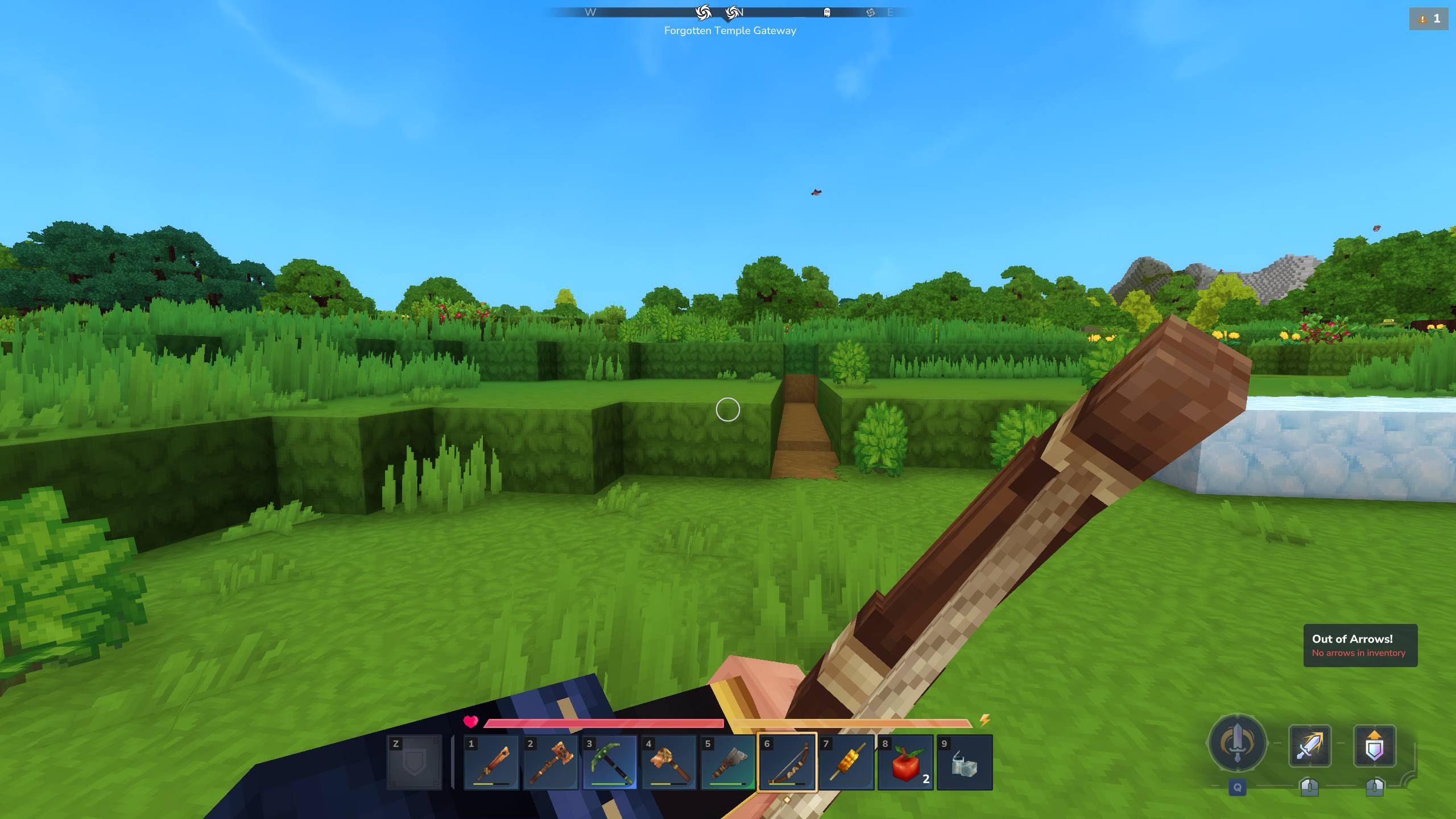
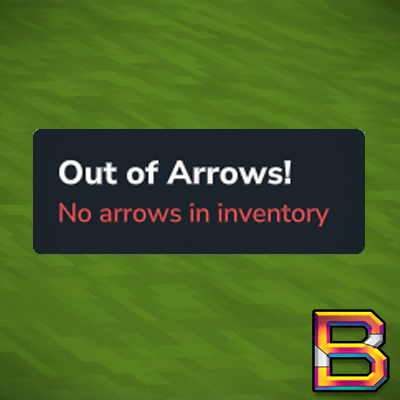
Shows an "Out of Arrows!" notification with sound effect when you try to shoot a bow but have no arrows in your inventory. The notification appears when you left-click (attack) while holding a bow without arrows.
About No Arrows Indicator
No Arrow Indicator
Description
Shows an "Out of Arrows!" notification with sound effect when you try to shoot a bow but have no arrows in your inventory. The notification appears when you left-click (attack) while holding a bow without arrows.
Features
Detects left-click while holding a bow
Inventory scanning for arrows (hotbar + storage)
Notification display on right side with customizable colors
Sound effect ("SFX_Avatar_Powers_Disable")
Auto-dismiss notifications
1-second cooldown to prevent spam from rapid clicking
Packet-based (no background polling)
How It Works
Plugin intercepts SyncInteractionChains packets sent when you start an attack action
When a Primary interaction (left-click) is detected with a bow, it scans your entire inventory (hotbar + storage)
If no arrows are found, shows "Out of Arrows!" notification and plays "SFX_Avatar_Powers_Disable" sound
Notifications have a 1-second cooldown to prevent spam from rapid clicking
Notification auto-dismisses after a few seconds
Technical Details
Trigger: Packet filter intercepting SyncInteractionChains (Primary interaction type)
Detection: Checks item IDs containing "Bow" or "Arrow"
UI: NotificationUtil system (right-side notifications with configurable colors)
Sound: SFX_Avatar_Powers_Disable (powers disable sound effect)
Cooldown: 1 second between notifications
Commands: /noarrows shows current settings; subcommands: line1, line2, reset
Default Colors: Line1=#ffffff (white), Line2=#ff5555 (red)
Configuration: Settings persist to config.json in plugin data directory
Installation
Download NoArrowIndicator-1.0.0.jar
Place in %AppData%\Roaming\Hytale\UserData\Mods\
Restart Hytale
Usage
Automatic Detection
Works automatically when you try to attack with a bow:
Equip a bow
Remove all arrows from inventory
Left-click (attack) with the bow
See "Out of Arrows!" notification appear on the right side
Hear the "powers disable" sound effect
Notification will auto-dismiss after a few seconds
Won't spam - has 1-second cooldown between notifications
Configuration Commands
Customize the notification appearance with /noarrows:
Note: All settings are automatically saved to config.json in the plugin data directory and persist between sessions.
View current settings:
/noarrows
Shows current line1 color and line2 color
Lists all available commands
Example output displays colors in their current hex values
Change primary message color:
/noarrows line1 <hex color>
Example: /noarrows line1 ffffff - Changes "Out of Arrows!" to white
Accepts formats: ffffff or #ffffff
Preview: Color of confirmation message matches your chosen color
Change secondary message color:
/noarrows line2 <hex color>
Example: /noarrows line2 ff5555 - Changes "No arrows in inventory" to red
Accepts formats: ff5555 or #ff5555
Preview: Color of confirmation message matches your chosen color
Reset all settings to defaults:
/noarrows reset
Resets line1 to #ffffff (white)
Resets line2 to #ff5555 (red)
Shows confirmation with reset values
Default colors:
Line 1 (primary): #ffffff (white)
Line 2 (secondary): #ff5555 (red)
Compatibility
Works with all bow types
Works with all arrow types
Compatible with other HUD mods
Future Updates
Arrow count display (e.g., "5 arrows remaining")
Low arrow warning threshold (e.g., "Only 3 arrows left!")
Custom warning text
Position customization
Additional sound effect options
Support
For issues or suggestions, please comment on this mod.
Version: 1.0.0
Author: BeyondSmash
Platform: Hytale Early Access
Categories
Screenshots
Need a Server?
Run No Arrows Indicator on a dedicated Hytale server with easy mod management.
Get Hytale HostingFrequently Asked Questions
What is No Arrows Indicator?
Shows an "Out of Arrows!" notification with sound effect when you try to shoot a bow but have no arrows in your inventory. The notification appears when you left-click (attack) while holding a bow without arrows.
How do I download No Arrows Indicator?
You can download No Arrows Indicator for free from CurseForge. Click the "Download on CurseForge" button on this page to go directly to the download page.
Who created No Arrows Indicator?
No Arrows Indicator was created by BeyondSmash. The mod has been downloaded 96 times.
Is No Arrows Indicator compatible with Hytale servers?
No Arrows Indicator is designed for Hytale and can be used on both single-player and multiplayer servers. Check the mod page on CurseForge for specific compatibility information.
How do I install No Arrows Indicator?
To install No Arrows Indicator: 1) Download the mod from CurseForge, 2) Place the file in your Hytale mods folder, 3) Restart the game. The mod should load automatically.
Related Qol Mods
View all mods
EyeSpy
DarkhaxDev
Adds a HUD that displays information about what you're looking at!

Advanced Item Info
Buuz135
Adds a searchable GUI that displays all the items and the game and displays extra properties they have

Overstacked
DarkhaxDev
Increases the maximum stack size of items.

Violet's Wardrobe
VioletsWorkshop
Adds more customisation options in the form of craftable cosmetics

Item Magnet
Jaredlll08
Adds a magnet that attracts items towards the player.

Endgame & QoL - Boss & Elite Update (3.0.0 in a week)
Lewaii
Endgame & QoL v2.2: Face the Alpha T-Rex & Void Spectres! Unlock Backpack IV & Void Gliders. Restore unused content and challenge stronger, rebalanced bosses!