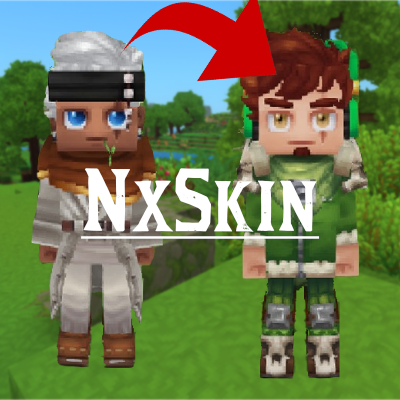
NxSkin
NxSkin is a Hytale plugin that introduces a dynamic skin management system, allowing players and admins to change their appearance instantly using simple commands.
About NxSkin
NxSkin (v2.0 - Early Access)
⚠️ EARLY ACCESS WARNING ⚠️
This is the first release of version 2.0 (Beta).
It introduces a completely new GUI system, file saving handling, and entitlement checks. While we have tested it extensively, bugs may occur.
If you encounter any issues, please REPORT THEM immediately on our Discord Server. Your feedback is crucial for a stable release!
NxSkin is a comprehensive Hytale plugin that revolutionizes skin management. It goes beyond simple commands, introducing a full Visual Outfit Manager that allows players to create, save, and load their own custom styles instantly.
🚀 New Features in v2.0
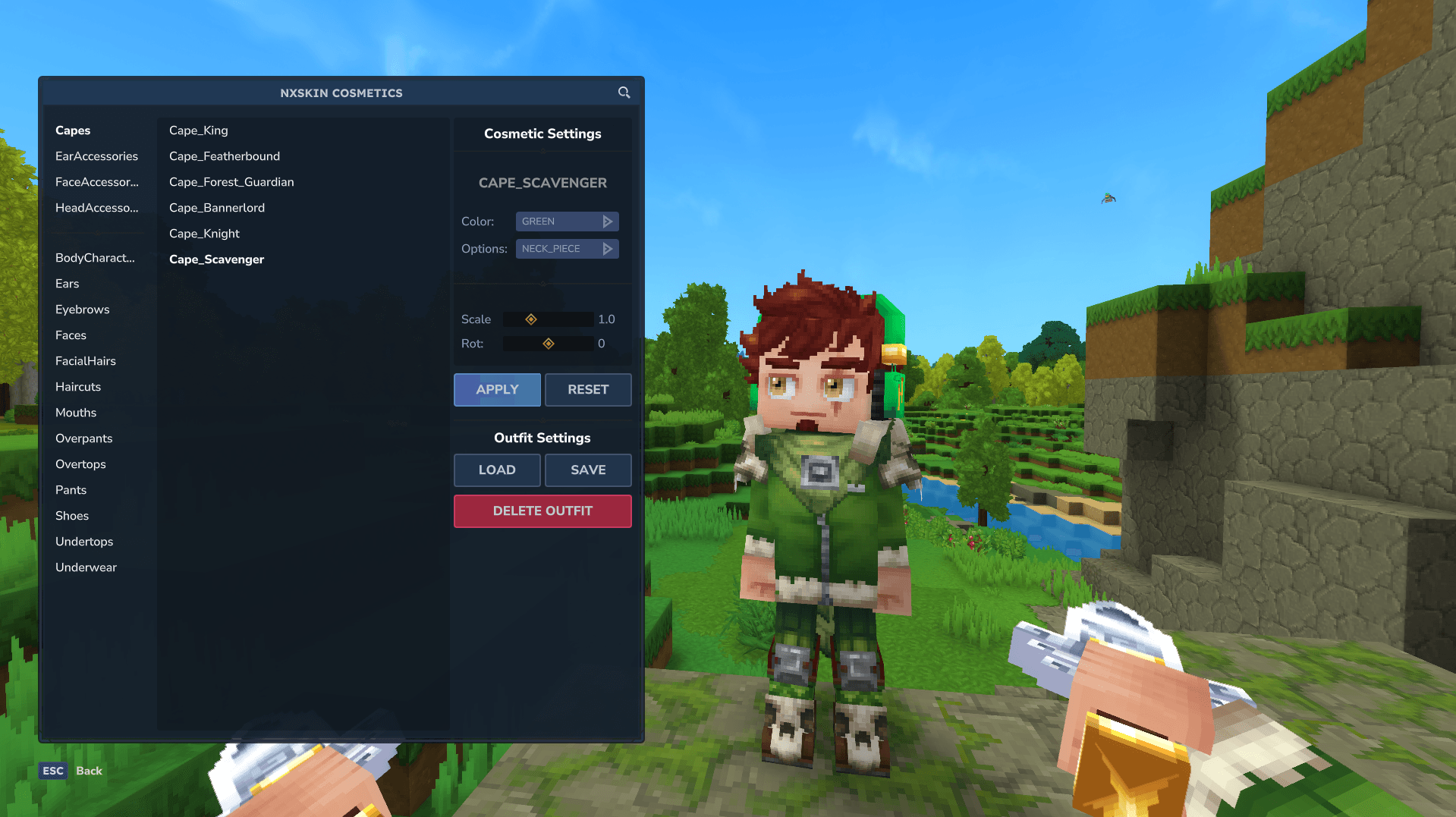
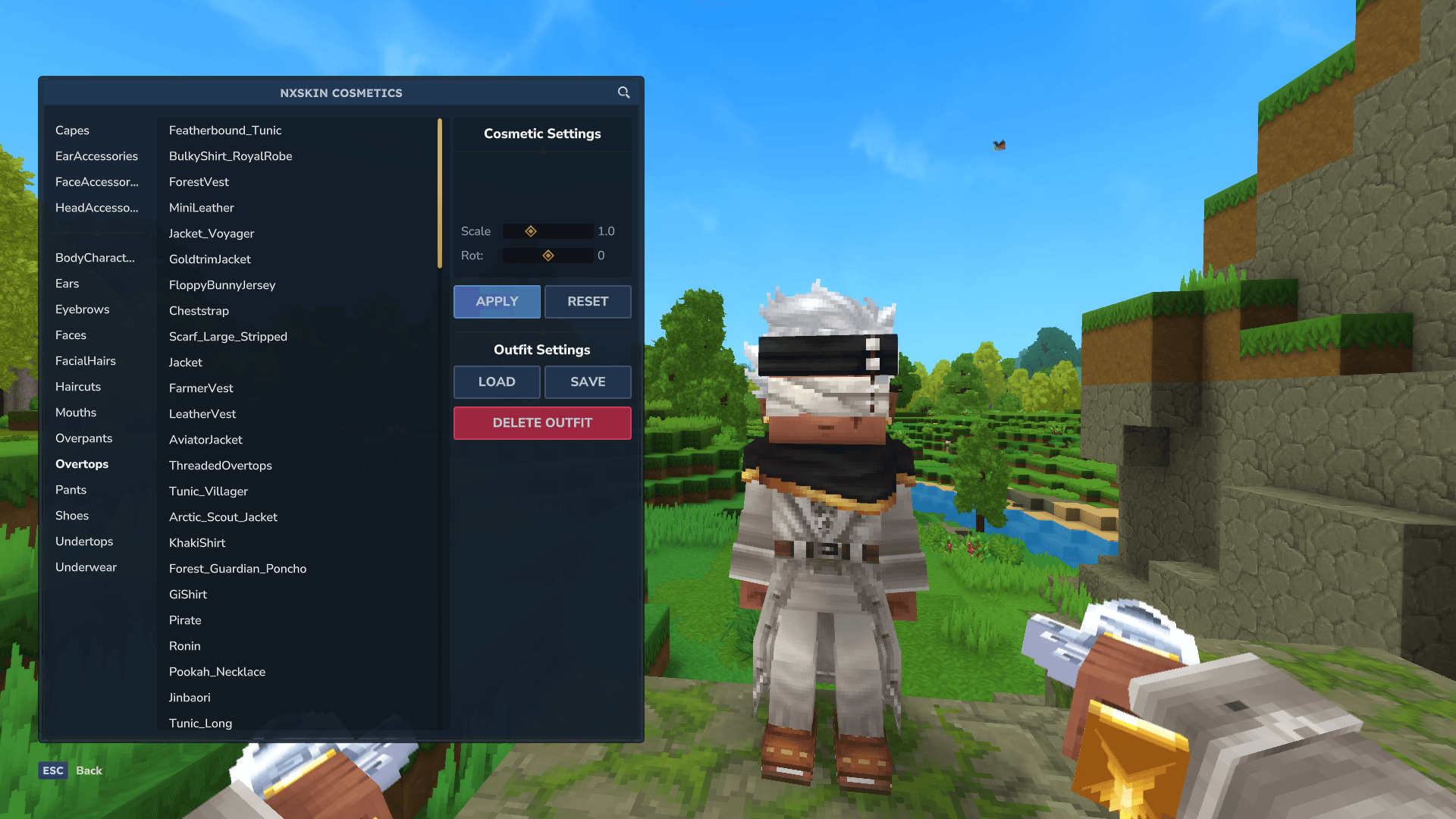
🎨 Visual Outfit GUI: A brand new interface where players can customize their character, mix and match parts, and preview changes in real-time.
💾 Save & Load System: Players can save their favorite outfit combinations (up to a configurable limit) and load them later with a single click.
💎 Smart Entitlements: The plugin now respects Hytale's Editions. It automatically verifies if a player owns specific Edition (like Supporter or Cursebreaker).
🛡️ Safety & Security: Includes file name sanitization and limits on how many outfits a player can save to prevent server spam.
Classic Features
Instant Skin Change: Fetch and apply skins from any user instantly via commands.
Target System: Admins can manage other players' skins.
Skin Persistence: Skins remain applied even after restarts.
Hot Reloading: Update configurations without stopping the server.
💻 Commands
All commands are accessed via the main /nxskin parent command.
🎨 Outfit Manager (GUI) (NEW)
Usage: /nxskin cosmetic
Opens the new Visual Interface.
From here, you can Change Parts, Save your current look, Load saved outfits, or Delete old ones.
Setting a Skin (Command Mode)
Usage: /nxskin set <skinName> [targetPlayer]
skinName: The username of the skin you want to fetch.
targetPlayer: (Optional) Applies the skin to another player.
Examples:
/nxskin set Nykoo
/nxskin set HytaleSteve --targetPlayer="MrJoao04"
Resetting a Skin
Usage: /nxskin clear [targetPlayer]
Restores the player's original skin.
Aliases: reset, remove.
Reloading Configuration
Usage: /nxskin reload
Reloads config.json immediately.
👗 How the Outfit System Works
Open the Menu: Type /nxskin cosmetic.
Customize: Browse through categories (Capes, Overtops, Pants, etc.).
Save: Click the Save button, type a name for your outfit (e.g., "Warrior"), and confirm.
Load: Click Load, select "Warrior", and your character will update instantly!
Delete: Use the Delete button to remove old outfits. A confirmation screen will appear to prevent accidents.
🪄 Roadmap & Upcoming Features
We are constantly working to push the boundaries of customization in Hytale. While v2.0 introduces the core Outfit System, here is what we are developing for v3.0 and beyond:
🌍 NxSkin Loadout (Cross-Server): A groundbreaking feature allowing players to save their outfit JSONs locally. When joining any server running NxSkin, you will be able to select and apply your local saves instantly. Your style travels with you!
📦 Custom Cosmetic Import: We are working on an intuitive system to load custom cosmetics, allowing players to equip cosmetics that don't exist in the base game.
👕 Server Presets: The plugin will support pre-made outfit templates (Kits/Classes) defined by admins, perfect for RPGs or minigames where players need quick, themed uniforms.
🛠️ Developer API: A comprehensive API allowing other developers to hook into NxSkin. (without many details for now.)
⚙️ Configuration
NxSkin creates a config.json file in your mods/NxSkin folder.
JSON
{ "CommandCooldownSeconds": 10, "CacheDurationHours": 24, "maxOutfitsPerPlayer": 3 }
Option Default Description
CommandCooldownSeconds 10 Cooldown (in seconds) between using /nxskin set.
CacheDurationHours 24 How long fetched skins are kept in memory before re-checking the API.
maxOutfitsPerPlayer 3 (NEW) The maximum number of custom outfits a single player can save on the server.
🔐 Permissions
Manage access to NxSkin features using the following permission nodes. v2.0 introduces new nodes for the Outfit System.
Permission Node Description
nxskin.command.nxskin Parent Permission. Grants basic access to the command structure.
nxskin.command.cosmetic (NEW) Allows opening the GUI menu via /nxskin cosmetic.
nxskin.outfit.save (NEW) Allows saving custom outfits to the server.
nxskin.outfit.load (NEW) Allows loading saved outfits.
nxskin.outfit.delete (NEW) Allows deleting saved outfits.
nxskin.command.set Allows using the command-based fetcher (/nxskin set).
nxskin.command.clear Allows resetting skins.
nxskin.command.reload Allows reloading the config.
nxskin.admin or nxskin.* Grants full access, including targeting other players.
📦 Installation
Download the latest release of NxSkin.
Place the jar file into your Hytale server's mods folder.
Restart the server.
Author
Nykoo - Github
Found a bug in the Beta? Join our discord: https://discord.gg/WbKXXKm5Gb
Categories
Screenshots
Frequently Asked Questions
What is NxSkin?
NxSkin is a Hytale plugin that introduces a dynamic skin management system, allowing players and admins to change their appearance instantly using simple commands.
How do I download NxSkin?
You can download NxSkin for free from CurseForge. Click the "Download on CurseForge" button on this page to go directly to the download page.
Who created NxSkin?
NxSkin was created by Nxkoo. The mod has been downloaded 332 times.
Is NxSkin compatible with Hytale servers?
NxSkin is designed for Hytale and can be used on both single-player and multiplayer servers. Check the mod page on CurseForge for specific compatibility information.
How do I install NxSkin?
To install NxSkin: 1) Download the mod from CurseForge, 2) Place the file in your Hytale mods folder, 3) Restart the game. The mod should load automatically.
Related Misc Mods
View all mods
Ymmersive Melodies
Conczin
Upload and play MIDI files in-game on various instruments to annoy your friends with custom melodies!

MultipleHUD
Buuz135
A simple mod that allows you to have multiple HUDs present at once.

Spanish Translation
Plexu5
A Spanish language translation for Hytale. Includes UI, items, and menus.

YUNG's HyDungeons
YUNGNICKYOUNG
Adds new procedurally generated dungeon instances!

Just Enough Tales (JEI mod)
uwudwagon
A JEI mod for Hytale.
![[NoCube's] Simple Bags](https://media.forgecdn.net/avatars/thumbnails/1601/201/256/256/639034453685921721.png)
[NoCube's] Simple Bags
NoCube
Adds bags that you can put anything in!