
Online Picture Frames
Adds frames that displays images from the internet.
About Online Picture Frames
Frames — Dynamic Picture Frames for Hytale
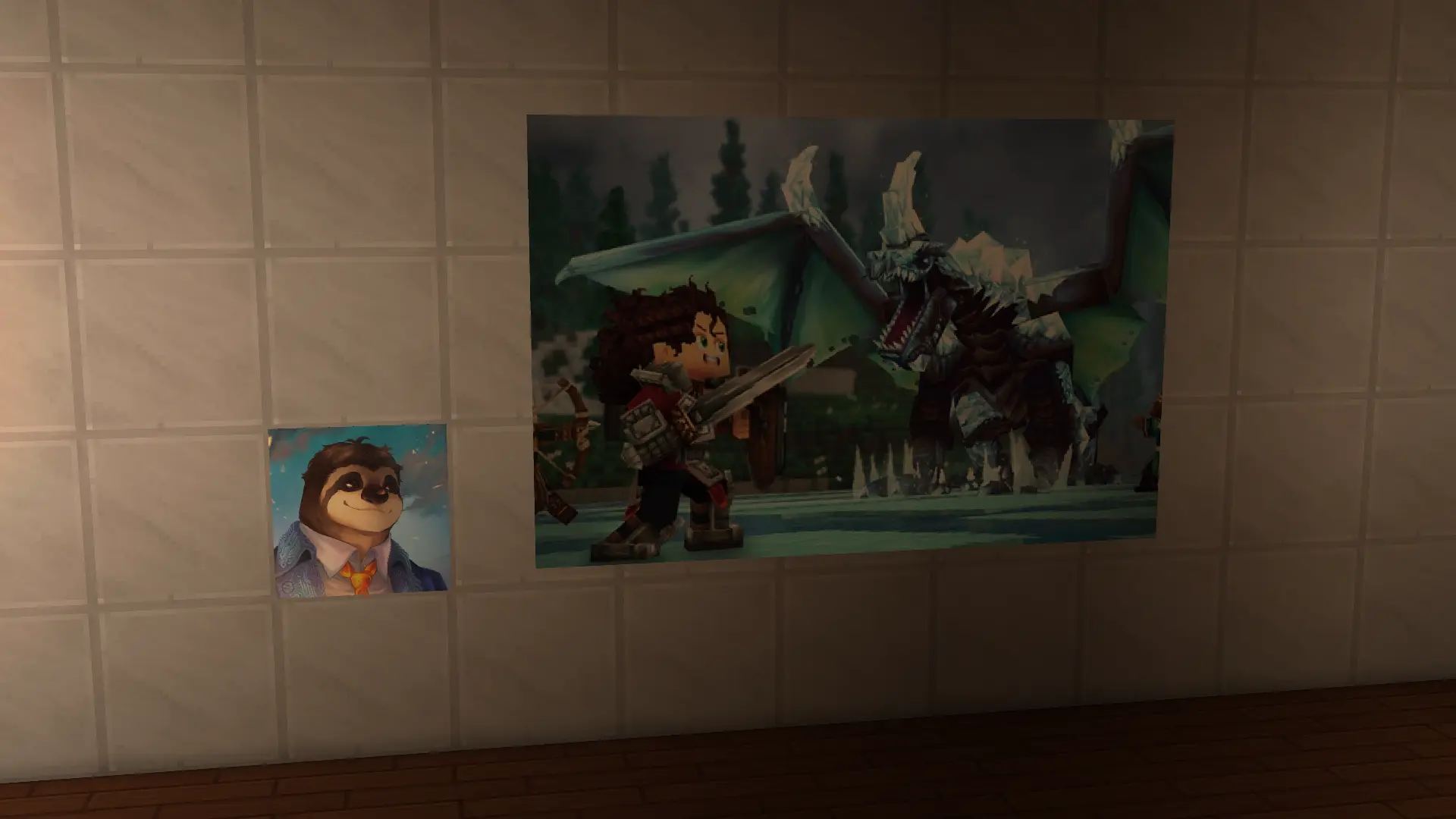
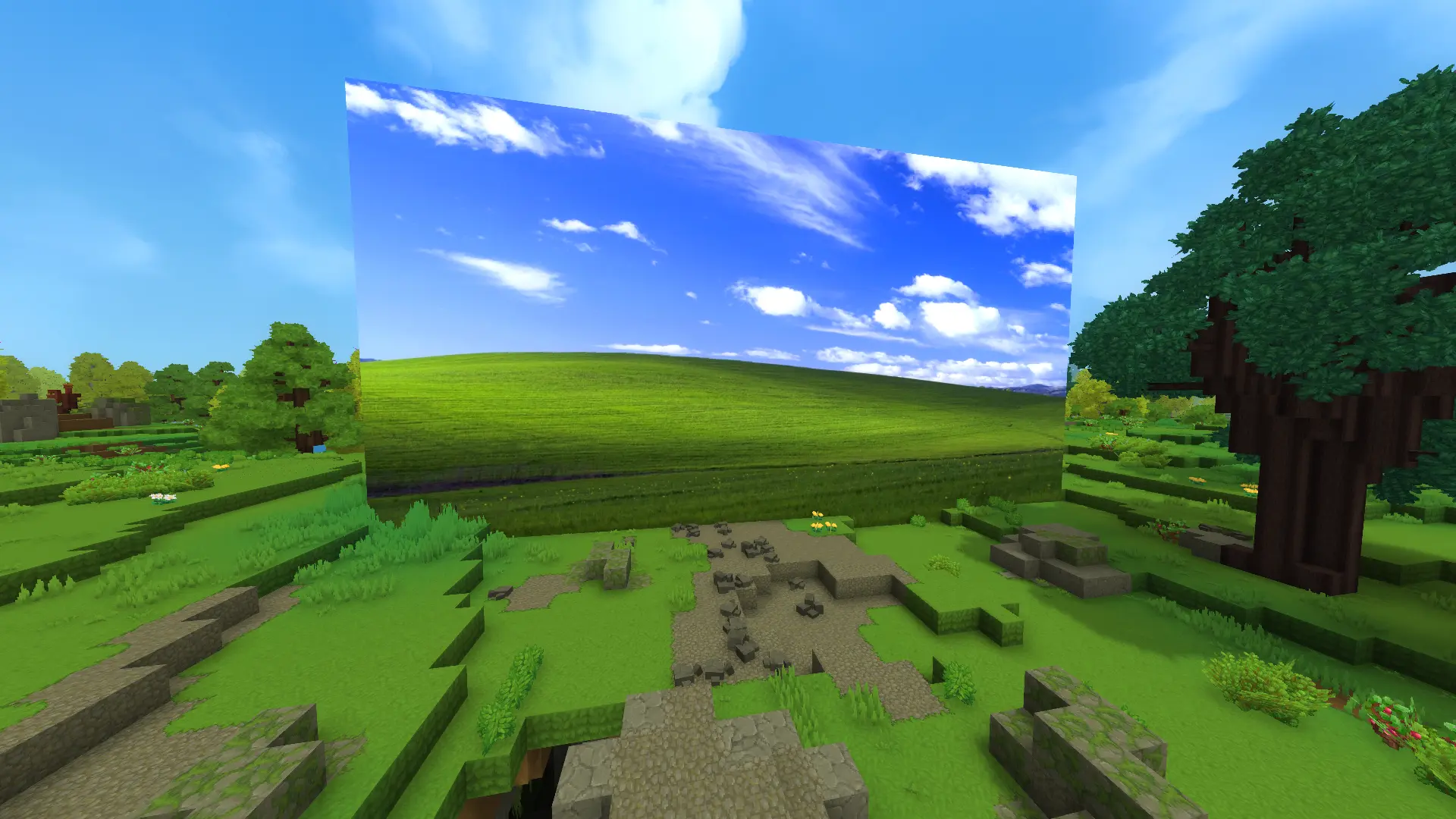
Frames adds in-game picture frames that can display full-resolution images from any URL. No client-side modding required — upload or apply images from the in-game UI and they render at the exact pixel resolution you supply (scaled to the chosen block size).
Highlights
Full-resolution image rendering: supports saving and displaying images at their native pixel dimensions, then scales to the requested block dimensions while preserving aspect ratio.
Dynamic assets: when you upload an image the mod generates a dedicated item, block model, and texture automatically.
Frame sizes: You can choose the pictures to be any size you want! You just need to specify a width (in blocks) and the height will scale accordingly.
Per-instance metadata: every placed frame instance is recorded in per-item metadata (mods/BoffmediaFrames/Frames/<itemId>.json) with coordinates and block sizing.
Global index: fast coord → item lookup via mods/BoffmediaFrames/FramesIndex.json for quick UI prefill and admin tasks.
Admin UI & tools: /listframes admin command with a list UI, and options to delete generated assets cleanly.
How it works
Place a frame and interact with it.
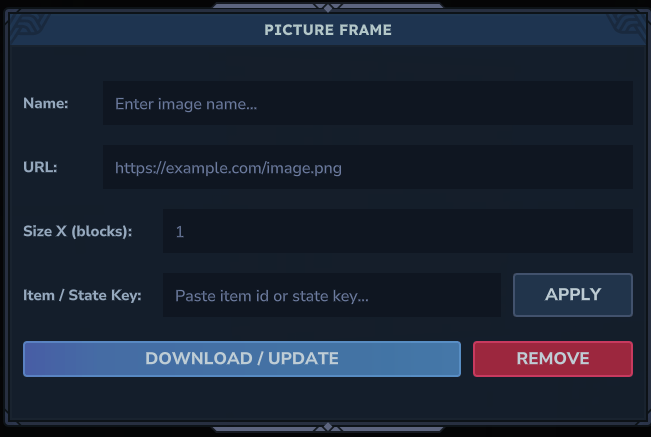
Paste an image URL into the in-game UI and Upload, or paste an existing generated Boff_Frame_<Name> id and Apply.
The mod downloads the image, creates a texture, blockymodel and an item JSON, writes per-item metadata, updates the global index, and (after a short delay) replaces the block so the new item appears in-world.
Installation
Place the mod in your mods folder.
Start the server and allow the mod to copy its default assets into mods/BoffmediaFrames (a server restart or a world save may be required on first run).
Requirements
Server restart/save: on first install you may need to restart or save the server once so the mod can initialize and copy its default assets.
Experimental: this mod is experimental and leverages the server's asset system — reload timing can affect when generated assets are available for immediate use.
Credits & Source
Source and technical details: https://github.com/luisca343/Frames
Categories
Screenshots
Need a Server?
Run Online Picture Frames on a dedicated Hytale server with easy mod management.
Get Hytale HostingFrequently Asked Questions
What is Online Picture Frames?
Adds frames that displays images from the internet.
How do I download Online Picture Frames?
You can download Online Picture Frames for free from CurseForge. Click the "Download on CurseForge" button on this page to go directly to the download page.
Who created Online Picture Frames?
Online Picture Frames was created by Luisca343. The mod has been downloaded 530 times.
Is Online Picture Frames compatible with Hytale servers?
Online Picture Frames is designed for Hytale and can be used on both single-player and multiplayer servers. Check the mod page on CurseForge for specific compatibility information.
How do I install Online Picture Frames?
To install Online Picture Frames: 1) Download the mod from CurseForge, 2) Place the file in your Hytale mods folder, 3) Restart the game. The mod should load automatically.
Related Building Mods
View all mods
Violet's Furnishings
VioletsWorkshop
Expands on Hytale's existing furniture library
Simply Trash
Jaredlll08
Adds a trash can to easily destroy items!
Macaw's Hy Doors
sketch_macaw
Adds more doors to fit in your builds!

Violet's Plushies
VioletsWorkshop
Adds several plushies, some with unique SFX!
Thorium Furnaces
Jaredlll08
Faster Furnaces!
Macaw's Hy Lights and Lamps
sketch_macaw
Adds Lamps, Tiki Torches, Candle Holders, Ceiling Lights, Street Lights and more...!