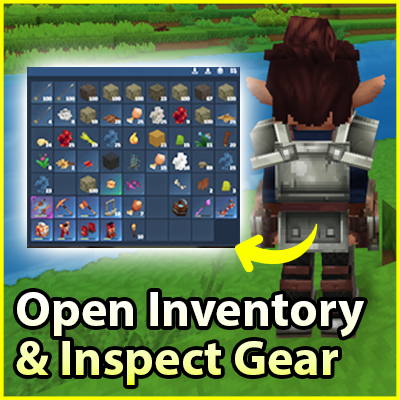
Open Inventory & Inspect Gear
A lightweight mod to open player inventories, inspect gear safely, and interact with backpacks. Includes admin tools, offline access, permissions, distance limits, configurable sections, and multi-language support
About Open Inventory & Inspect Gear
🧰 Open Inventory & Inspect Gear
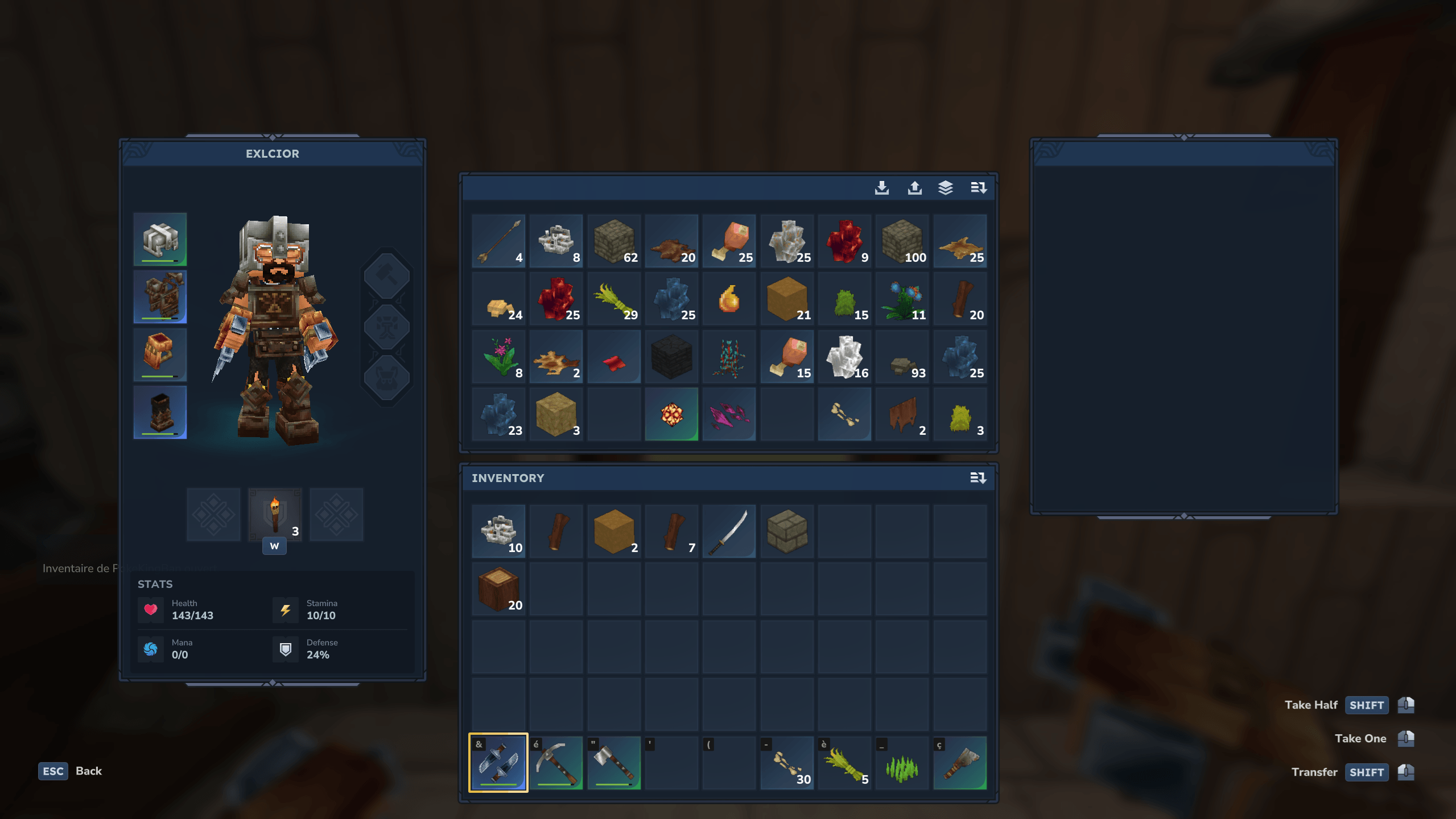
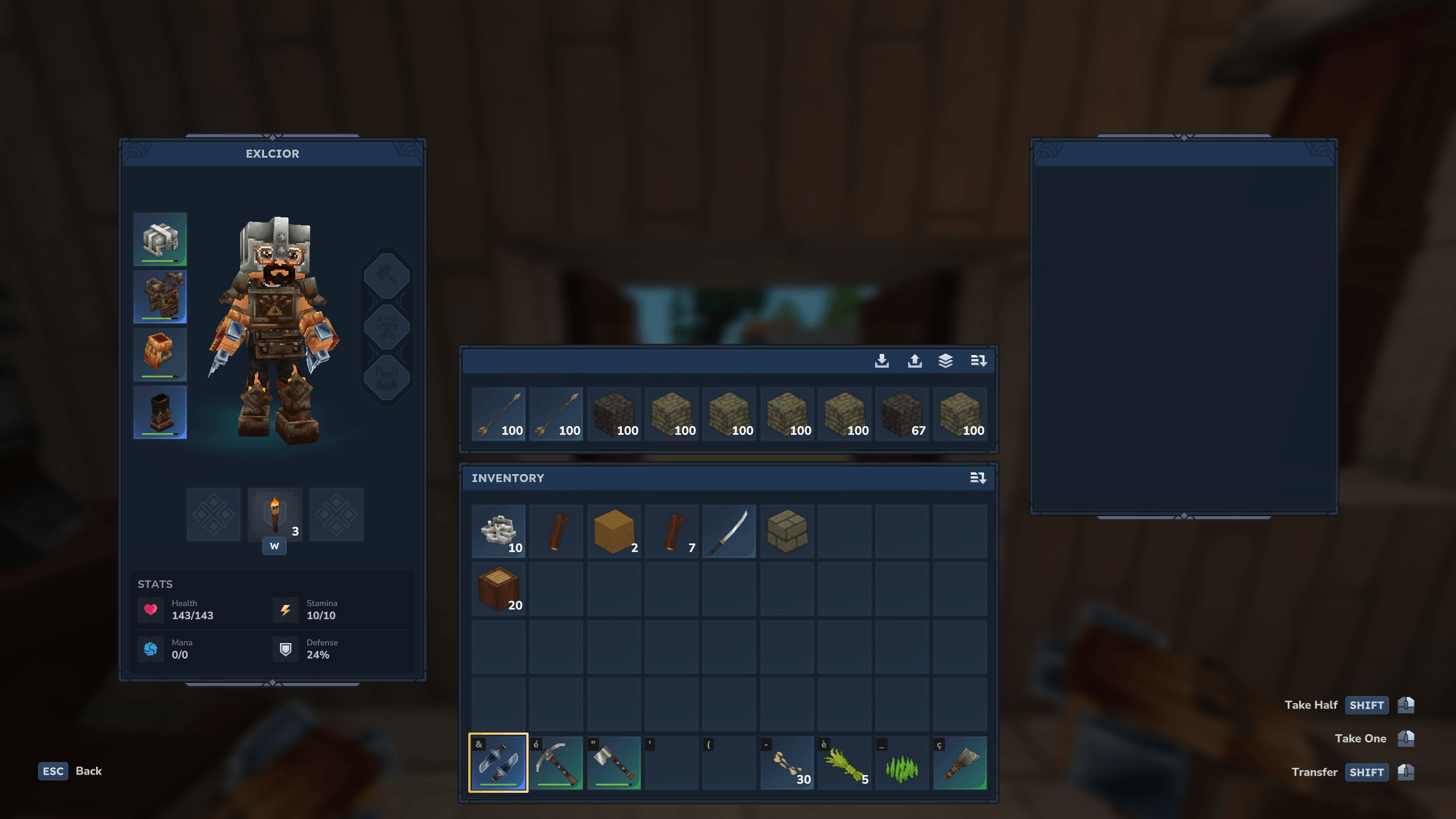
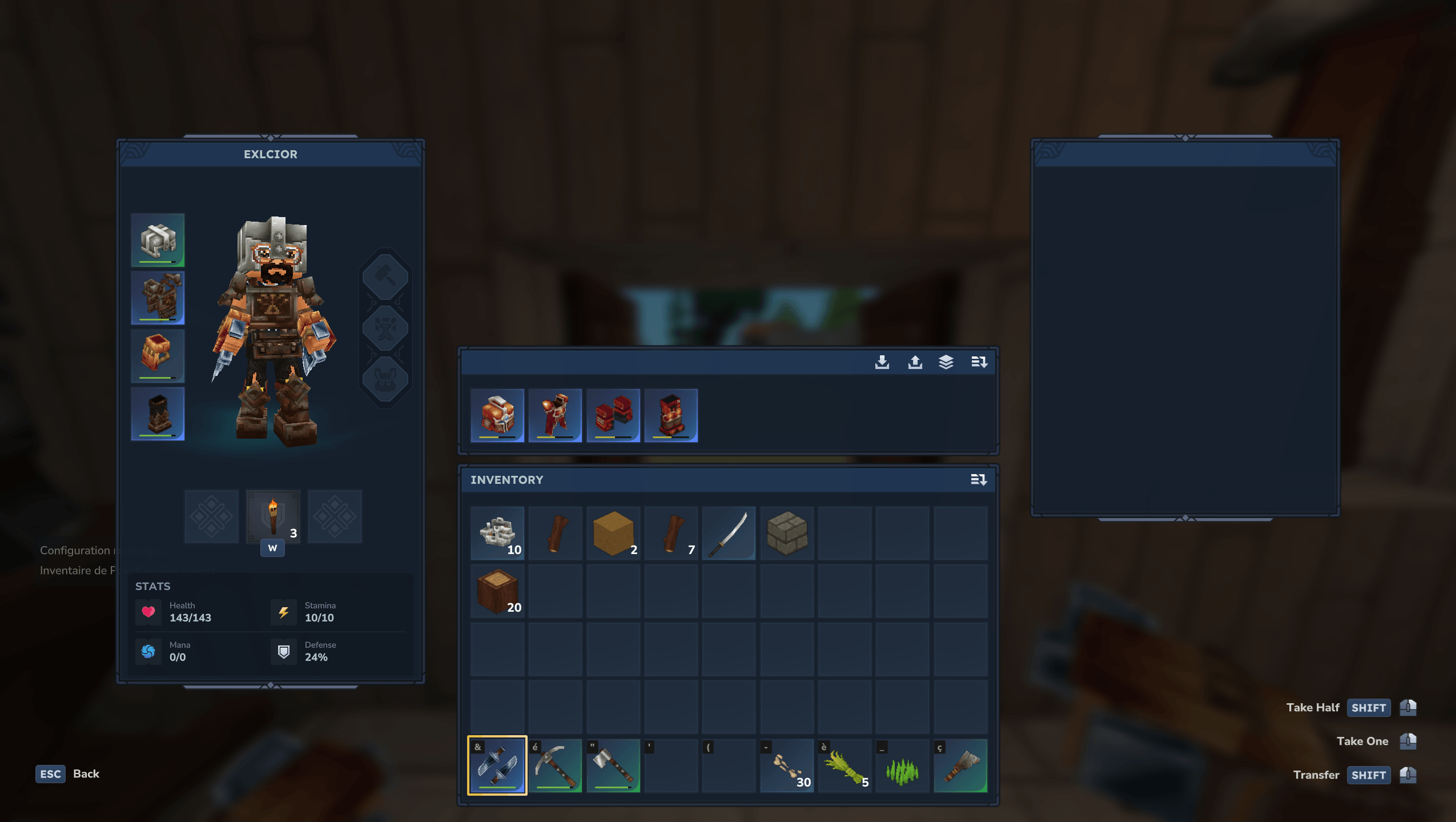
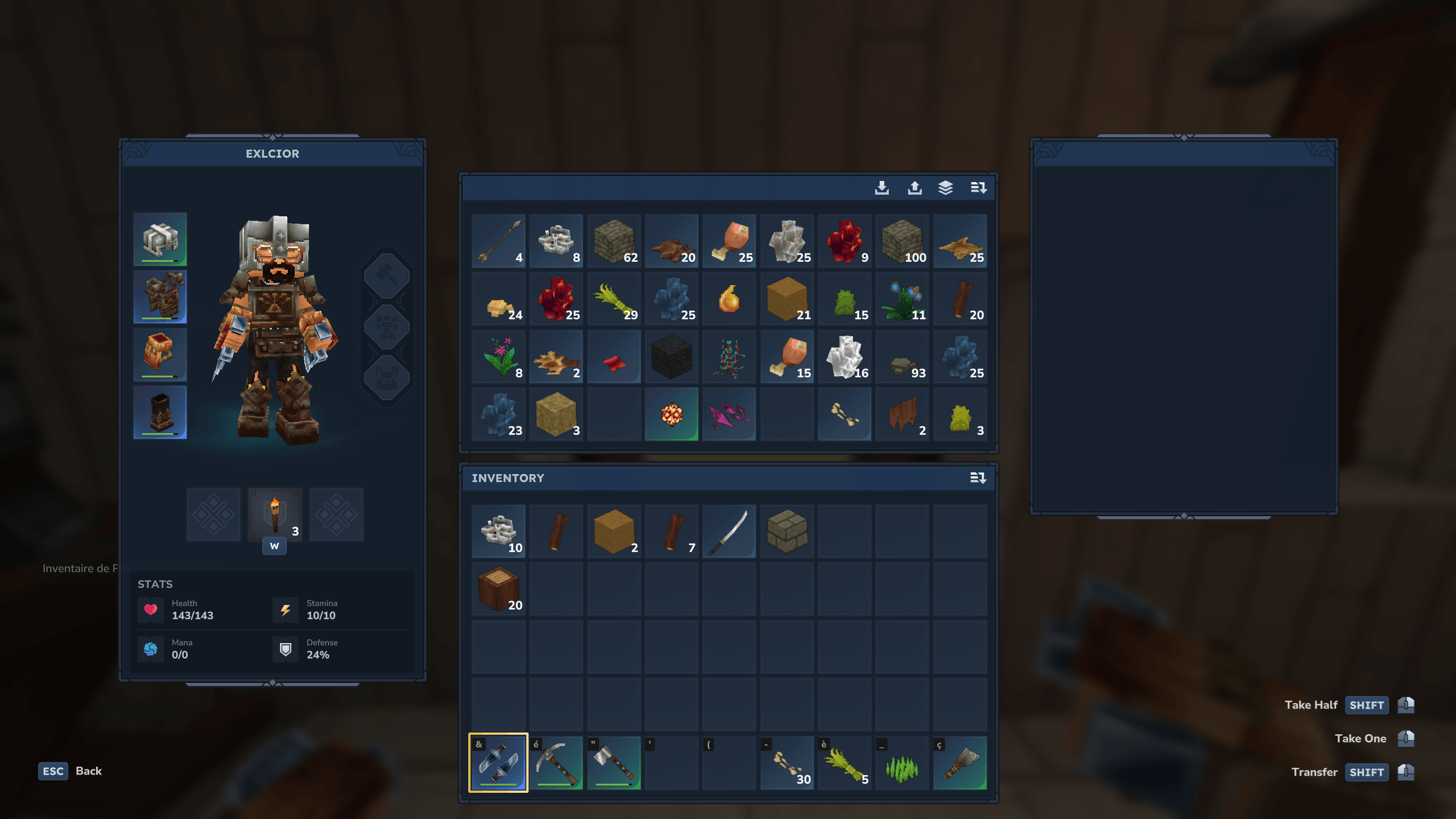
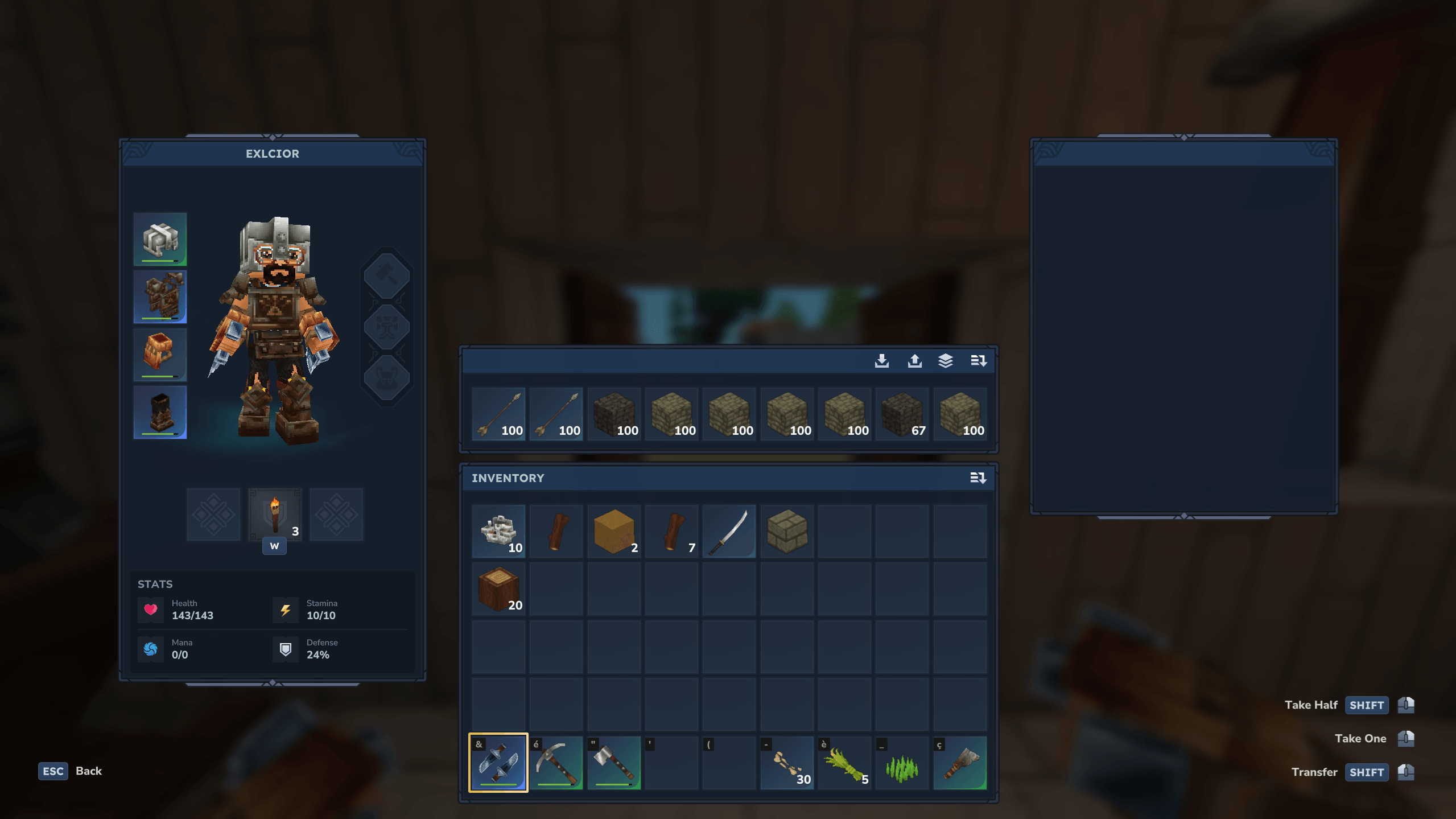
Open Inventory & Inspect Gear is a light, simple and powerful mod that lets you open / check / inspect a player’s inventory, inspect their equipment, and interact with their backpack.
Whether you’re an administrator or a player, this mod provides powerful but secure tools:
open a player’s inventory,
open their backpack while standing behind them,
inspect their equipment in read-only, with no possibility of stealing.
Every feature is fully configurable: you can enable or disable commands, show or hide sections (backpack, storage, hotbar, armor, utility), and fine-tune permissions, distance limits, and language localization.
Backpack and inspect commands can target the nearest player by default, or a specific player if specified. You can also force your player to specify a player via configuration.
✨ Features
✅ Open another player's inventory with a simple command.
🎒 Open a nearby player's backpack from behind.
🛡️ Inspect a player's equipment in read-only (no stealing possible).
🎯 Commands target the nearest player by default, with optional player argument.
⚙️ Fully configurable commands (can be disabled individually).
⚙️ Configurable sections: backpack, storage, hotbar, armor, utility.
👑 Admin command that ignores config and shows everything.
👑 Admins can manage the inventory of offline players
🔄 Reload config without restarting.
🌍 Editable language files: EN / FR / DE / ES / IT / RU / PT / TR / PH (by ChatGPT sorry).
🔐 Permissions per command and per feature.
🚀 Optimized performance & permission handling.
🕑 Future Plans
Display the player’s name in menus
Open Backpack or Inspect without using a command, by interacting directly with the player
Display the slot type on each slot
Properly separate each section with a label
🐞 Bug Reports & Suggestions
Found a bug, have an idea, or want to request a feature?
✅ Best way: join my Discord and post in the appropriate channel
⌨️ All commands
By default, backpack and inspect commands target the nearest player. You can specify a player name, and optionally force this behavior in the config.
Command Description
/openinv [player] Opens the target player's inventory
/invadmin [player] Opens the full inventory regardless of config
/backpack [player] Opens the target or nearest player's backpack
/inspect [player] Inspects the target or nearest player's equipment (read-only)
/openinv reload Reloads the plugin configuration
🔐 Permissions
Permissions are properly linked and enforced per command and interaction.
Command Permission
/openinv [player] openinv.use
/backpack openinv.interact
/inspect openinv.inspect
/invadmin [player] openinv.admin
/openinv reload openinv.reload
Feature Permission
Bypass inv distance limits openinv.distance.bypass
Bypass interaction blocking openinv.blocking.bypass
Bypass inspect distance limits openinv.inspect.distance.bypass
⚙️ Configuration file
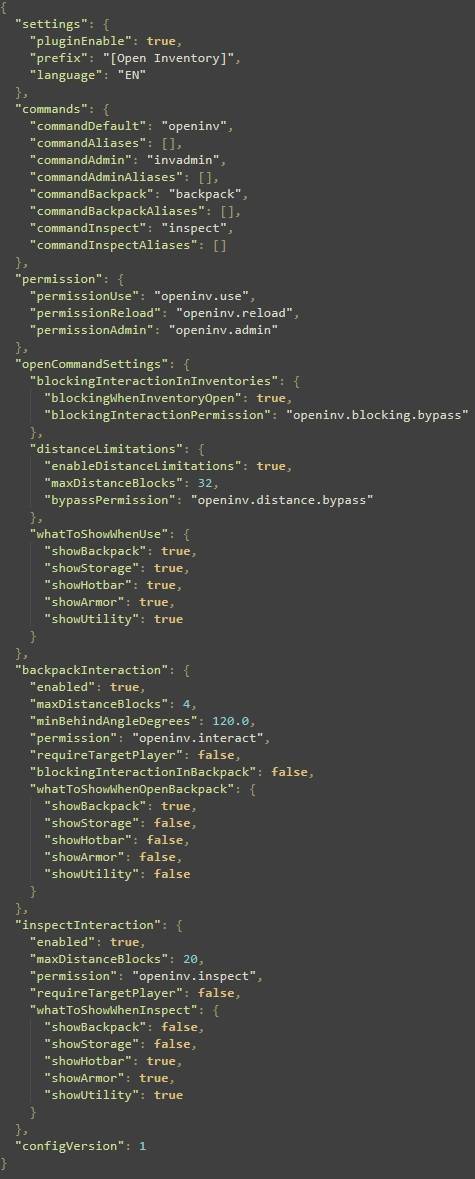
The configuration file is organized by sections. Each command, interaction, permission, distance rule and visible inventory section can be fully customized.
settings
pluginEnable : enables or disables the plugin
prefix : prefix added before plugin messages
language : existing language file (EN / FR / DE / ES / IT / RU / PT / TR / PH)
commands
commandDefault : main command to open inventory
commandAliases : aliases for main command
commandAdmin : admin command
commandAdminAliases : admin command aliases
commandBackpack: backpack command
commandBackpackAliases : backpack command aliases
commandInspect : inspect command
commandInspectAliases : inspect command aliases
permission
permissionUse : permission for /openinv [player]
permissionReload : permission for reload command
permissionAdmin : permission for admin inventory
🧩 Open Command Settings
Settings section called invBasicCommandSettings applied to the main inventory opening command.
blockingInteractionInInventories
blockingWhenInventoryOpen : blocks interactions when inventory is open
blockingInteractionPermission : permission to bypass blocking
distanceLimitations
enableDistanceLimitations : enable distance checks
maxDistanceBlocks : maximum distance allowed
bypassInvDistancePermission : permission to bypass distance limits
whatToShowWhenUse (true/false)
showBackpack
showStorage
showHotbar
showArmor
showUtility
🔎 Inspect Interaction
Inspect mode config section called inspectInteraction. Allows safe equipment viewing only, with no interaction or item stealing possible.
enabled : enables inspection
enableDistanceLimitations : enable distance checks
maxDistanceBlocks : max allowed distance
permission : required permission
bypassInspectDistancePermission : permission to bypass inspect distance limits
forcePlayerArgument : require explicit player name instead
whatToShowWhenInspect (true/false)
showBackpack
showStorage
showHotbar
showArmor
showUtility
🎒 Backpack Interaction
Backpack config section called backpackInteraction. Provide access is secure, distance-limited, and configurable.
enabled : enables backpack interaction
maxDistanceBlocks : max interaction distance
minBehindAngleDegrees : minimum angle behind target
permission : required permission
blockingInteractionInBackpack : opens backpack in read-only
forcePlayerArgument : require explicit player name
whatToShowWhenOpenBackpack (true/false)
showBackpack
showStorage
showHotbar
showArmor
showUtility
🌍 Language Files
On first launch, the plugin generates lang_EN.json. Changing the language setting will automatically generate the corresponding file (e.g. lang_FR.json). I’ve used ChatGPT to translate multiple languages in order to improve accessibility. But all messages are fully editable.
🧩 Checkout my mods
If you enjoy Open Inventory & Inspect Gear, you might like my other mods too :
🔥 Automatic Storage
👉 I try to keep my mods easy to use, lightweight, configurable and server-friendly.
Categories
Screenshots
Need a Server?
Run Open Inventory & Inspect Gear on a dedicated Hytale server with easy mod management.
Get Hytale HostingFrequently Asked Questions
What is Open Inventory & Inspect Gear?
A lightweight mod to open player inventories, inspect gear safely, and interact with backpacks. Includes admin tools, offline access, permissions, distance limits, configurable sections, and multi-language support
How do I download Open Inventory & Inspect Gear?
You can download Open Inventory & Inspect Gear for free from CurseForge. Click the "Download on CurseForge" button on this page to go directly to the download page.
Who created Open Inventory & Inspect Gear?
Open Inventory & Inspect Gear was created by Exlcior. The mod has been downloaded 298 times.
Is Open Inventory & Inspect Gear compatible with Hytale servers?
Open Inventory & Inspect Gear is designed for Hytale and can be used on both single-player and multiplayer servers. Check the mod page on CurseForge for specific compatibility information.
How do I install Open Inventory & Inspect Gear?
To install Open Inventory & Inspect Gear: 1) Download the mod from CurseForge, 2) Place the file in your Hytale mods folder, 3) Restart the game. The mod should load automatically.
Related Misc Mods
View all mods
Ymmersive Melodies
Conczin
Upload and play MIDI files in-game on various instruments to annoy your friends with custom melodies!

MultipleHUD
Buuz135
A simple mod that allows you to have multiple HUDs present at once.

Spanish Translation
Plexu5
A Spanish language translation for Hytale. Includes UI, items, and menus.

YUNG's HyDungeons
YUNGNICKYOUNG
Adds new procedurally generated dungeon instances!

Just Enough Tales (JEI mod)
uwudwagon
A JEI mod for Hytale.
![[NoCube's] Simple Bags](https://media.forgecdn.net/avatars/thumbnails/1601/201/256/256/639034453685921721.png)
[NoCube's] Simple Bags
NoCube
Adds bags that you can put anything in!