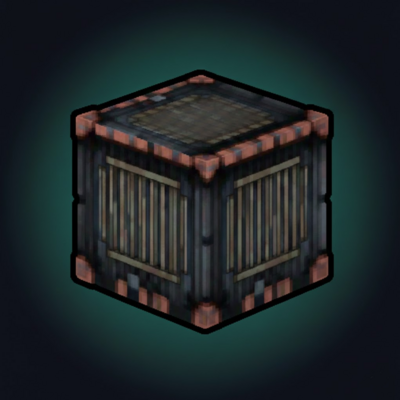
Persistent Containers (chest that keeps itens when broken)
Persistent Containers adds chest-sized storage that keeps items inside when broken. Containers drop as items with their contents preserved and take only 1 inventory slot, making transport safe and efficient.
About Persistent Containers (chest that keeps itens when broken)
Persistent Containers is a Hytale mod that introduces a new storage system focused on portability and item safety.
Each Persistent Container has the same storage capacity as a normal chest. Unlike standard containers, when it is broken it does not drop its contents. All stored items are preserved inside the container item itself, allowing it to be picked up, moved, and placed again without any risk of item loss and the inventory of containers placed together connects.
Each container occupies only one inventory slot, making it an efficient solution for transporting large quantities of items while exploring, building, or reorganizing storage.
This mod is ideal for players who want reliable, compact, and persistent storage without changing the familiar chest-sized inventory experience also because benchs use its storage.
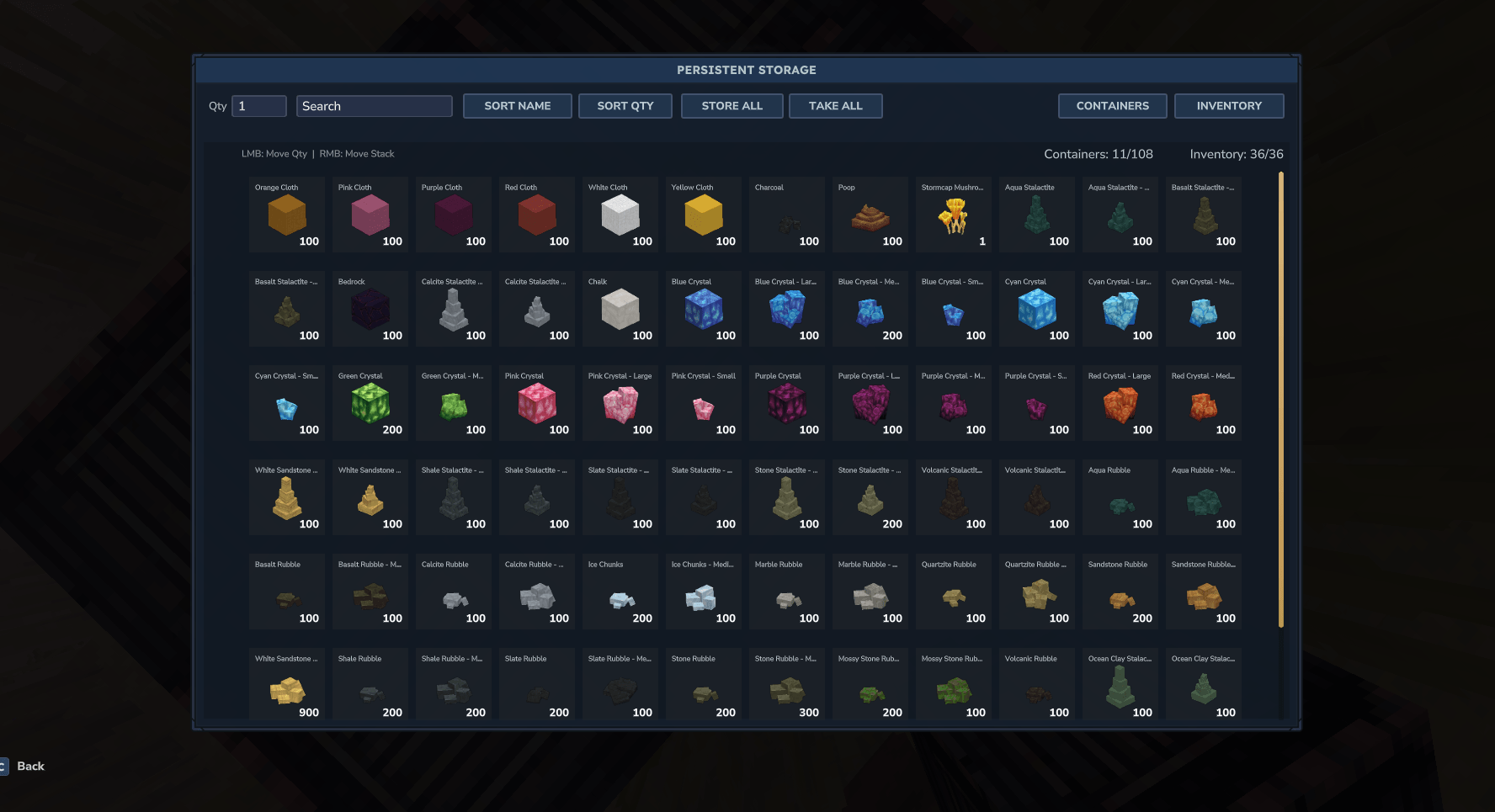
Persistent Storage UI
The Persistent Storage UI provides separate tabs for connected containers and player inventory. It includes search and sorting options, bulk actions to store or take items, and a quantity input for precise transfers. Items are displayed in a clear grid with name, icon, and total count, while the header shows available slot capacity in real time.
Controls: Left Mouse Button moves the selected quantity. Right Mouse Button moves the entire stack.
Linked Containers
A new update expands the storage system by allowing Persistent Containers placed directly next to each other to link together. When containers are connected, opening any one of them will display a shared inventory that includes the contents of all adjacent containers. This enables larger, scalable storage setups while keeping the same persistent and portable behavior.
Recipe:
For balance reasons, Persistent Containers cannot be stored inside other Persistent Containers, preventing infinite storage chaining and ensuring fair gameplay.
Categories
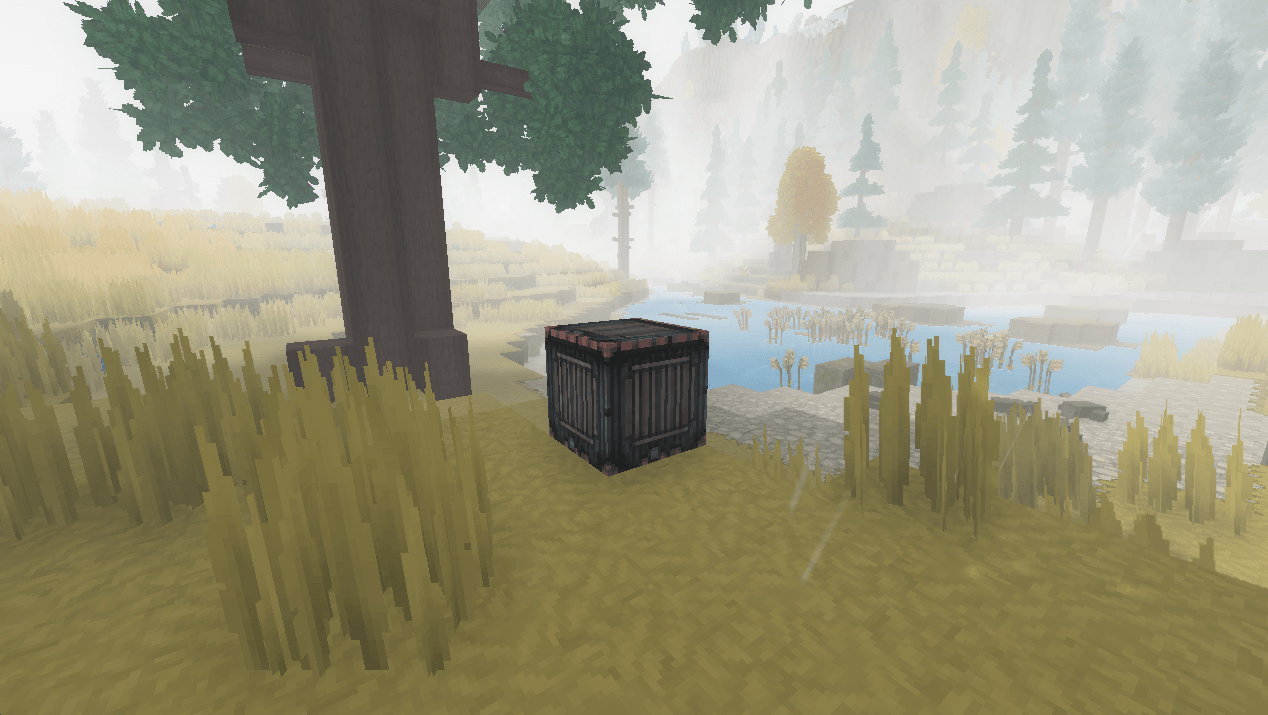
Screenshots
Need a Server?
Run Persistent Containers (chest that keeps itens when broken) on a dedicated Hytale server with easy mod management.
Get Hytale HostingFrequently Asked Questions
What is Persistent Containers (chest that keeps itens when broken)?
Persistent Containers adds chest-sized storage that keeps items inside when broken. Containers drop as items with their contents preserved and take only 1 inventory slot, making transport safe and efficient.
How do I download Persistent Containers (chest that keeps itens when broken)?
You can download Persistent Containers (chest that keeps itens when broken) for free from CurseForge. Click the "Download on CurseForge" button on this page to go directly to the download page.
Who created Persistent Containers (chest that keeps itens when broken)?
Persistent Containers (chest that keeps itens when broken) was created by NRAPM. The mod has been downloaded 783 times.
Is Persistent Containers (chest that keeps itens when broken) compatible with Hytale servers?
Persistent Containers (chest that keeps itens when broken) is designed for Hytale and can be used on both single-player and multiplayer servers. Check the mod page on CurseForge for specific compatibility information.
How do I install Persistent Containers (chest that keeps itens when broken)?
To install Persistent Containers (chest that keeps itens when broken): 1) Download the mod from CurseForge, 2) Place the file in your Hytale mods folder, 3) Restart the game. The mod should load automatically.
Related Misc Mods
View all mods
Ymmersive Melodies
Conczin
Upload and play MIDI files in-game on various instruments to annoy your friends with custom melodies!

MultipleHUD
Buuz135
A simple mod that allows you to have multiple HUDs present at once.

Spanish Translation
Plexu5
A Spanish language translation for Hytale. Includes UI, items, and menus.

YUNG's HyDungeons
YUNGNICKYOUNG
Adds new procedurally generated dungeon instances!

Just Enough Tales (JEI mod)
uwudwagon
A JEI mod for Hytale.
![[NoCube's] Simple Bags](https://media.forgecdn.net/avatars/thumbnails/1601/201/256/256/639034453685921721.png)
[NoCube's] Simple Bags
NoCube
Adds bags that you can put anything in!