Plots Plugin
A dynamic prefab-based land management system. Define grids, load complex structures, and protect your world with intelligent masking
About Plots Plugin
Plots
A dynamic prefab-based land management system. Define grids, load complex structures, and protect your world with intelligent masking.
A simple yet powerful way to manage creative spaces, allowing you to focus on what truly matters: building.
Table of Contents
Introduction
Installation
Dynamic Generation
Showcase
Configuration
Quick Start
Commands
The Masking System
Permissions
Localization
Public API
Data Architecture
Installation
Place the .jar file in your mods folder.
(Optional) Add your .prefab.json files to mods/Hytale_Plots/prefabs/.
Start the server to generate the default configuration.
Dynamic Generation
Plots is not just a static grid. It adapts to your specific design.
Adaptive Sizing: The grid automatically adjusts to any road or plot width (whether 4 or 150 blocks wide).
Islands Mode (Masking): Perfect for floating island worlds. The system understands your construction's shape and prevents expansions that deviate from the original design.
Vacuum Protection: Prevents players from joining separate islands or building in the "void," keeping your map's aesthetics intact.
Non-Square Support: Full support for independent width and depth (e.g., 32x64 plots).
Showcase
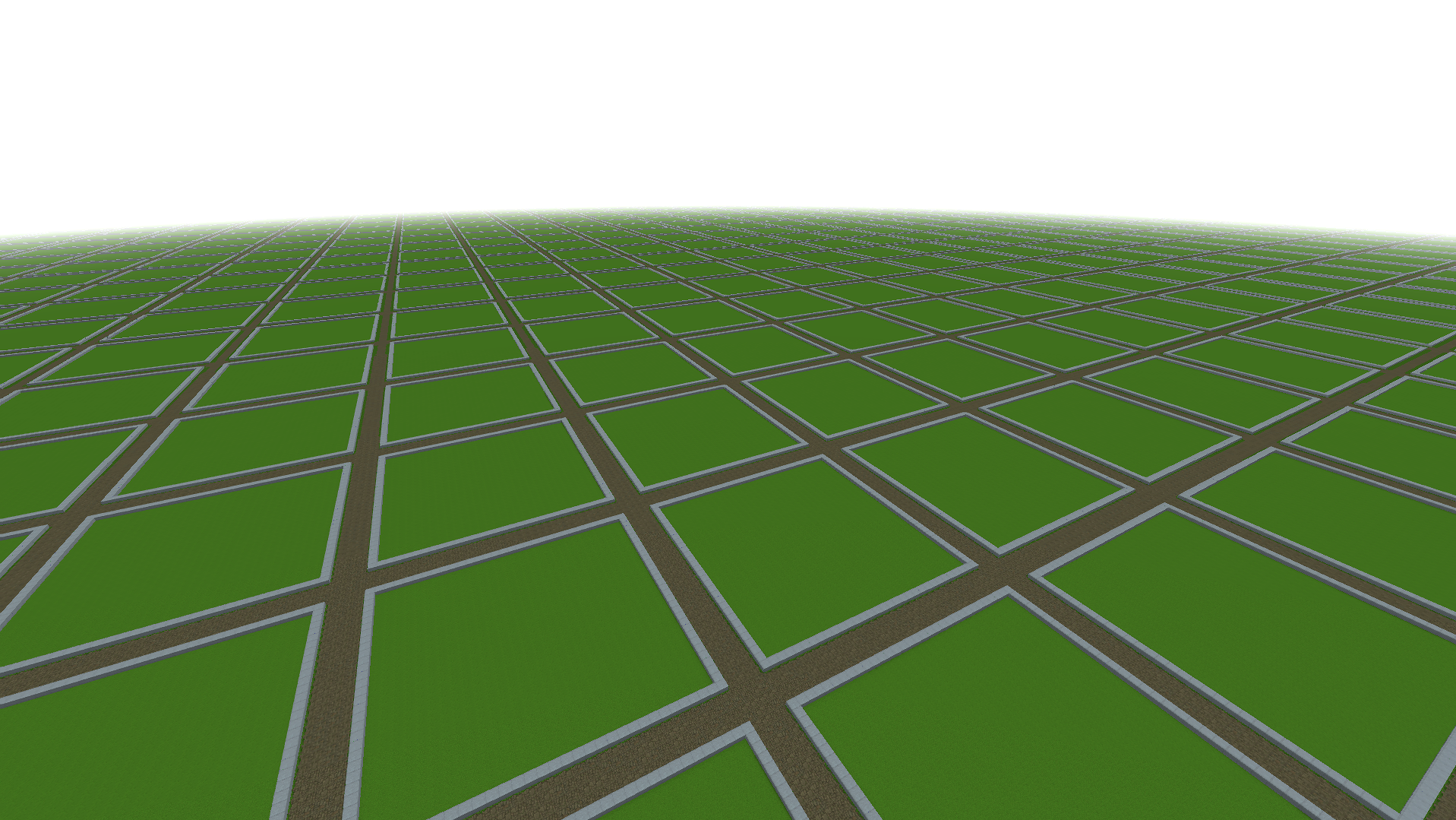
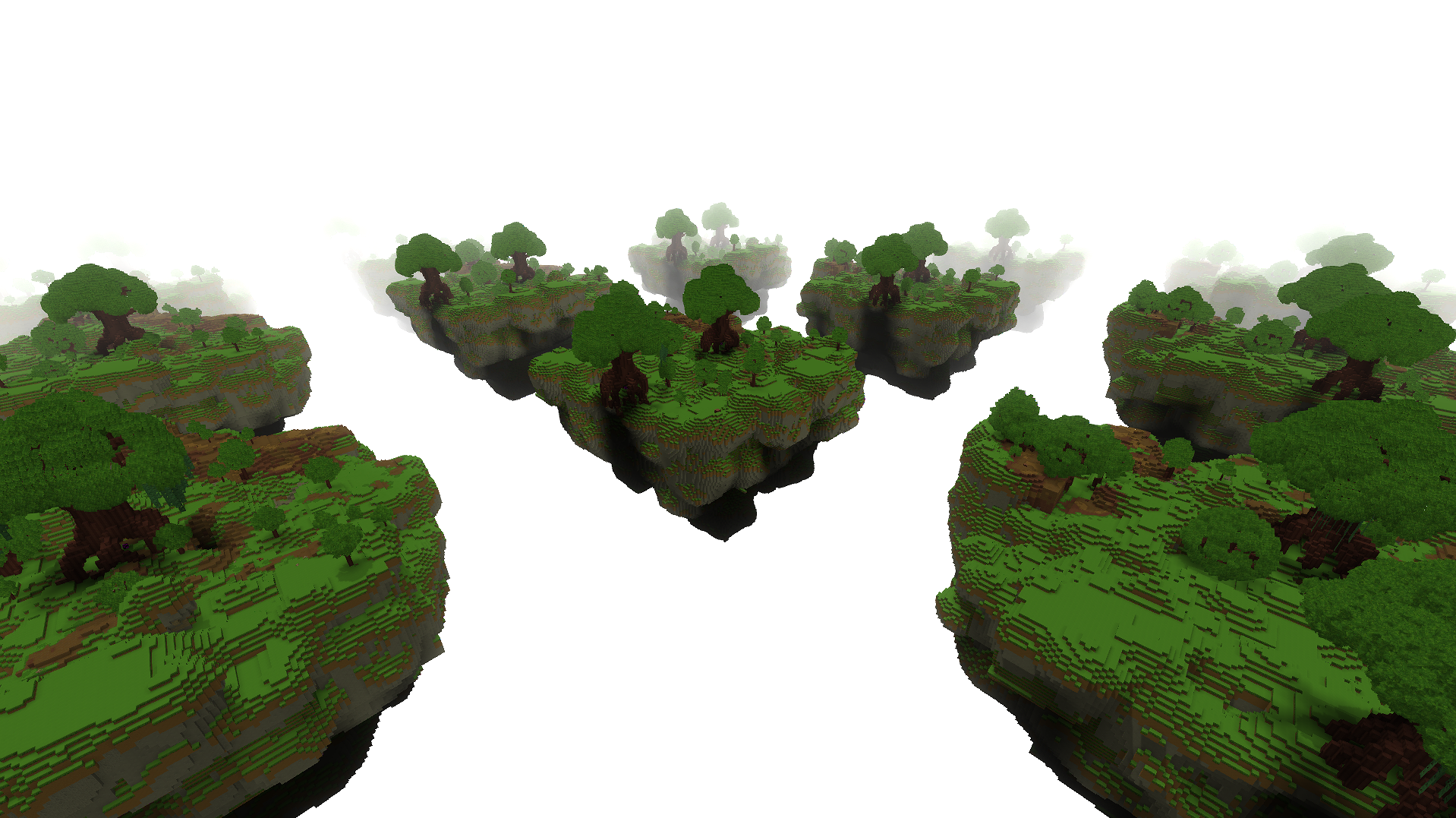
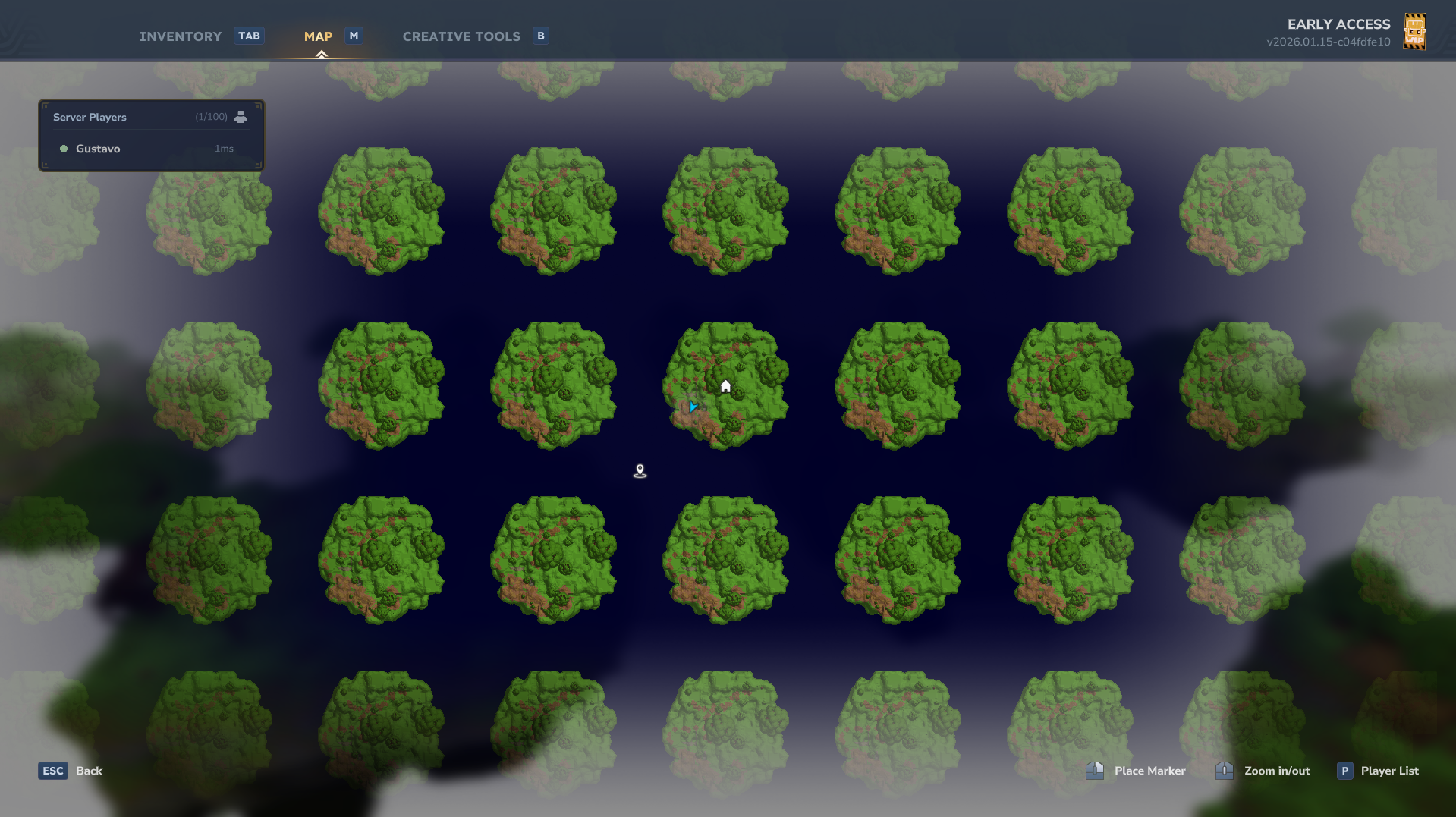
Here is an example of what you can achieve utilizing a custom prefab for the plot within our dynamic system. These floating islands were generated automatically using the grid system and protected with our granular masking logic.
A custom island plot structure generated from a prefab and perfectly integrated into the grid.
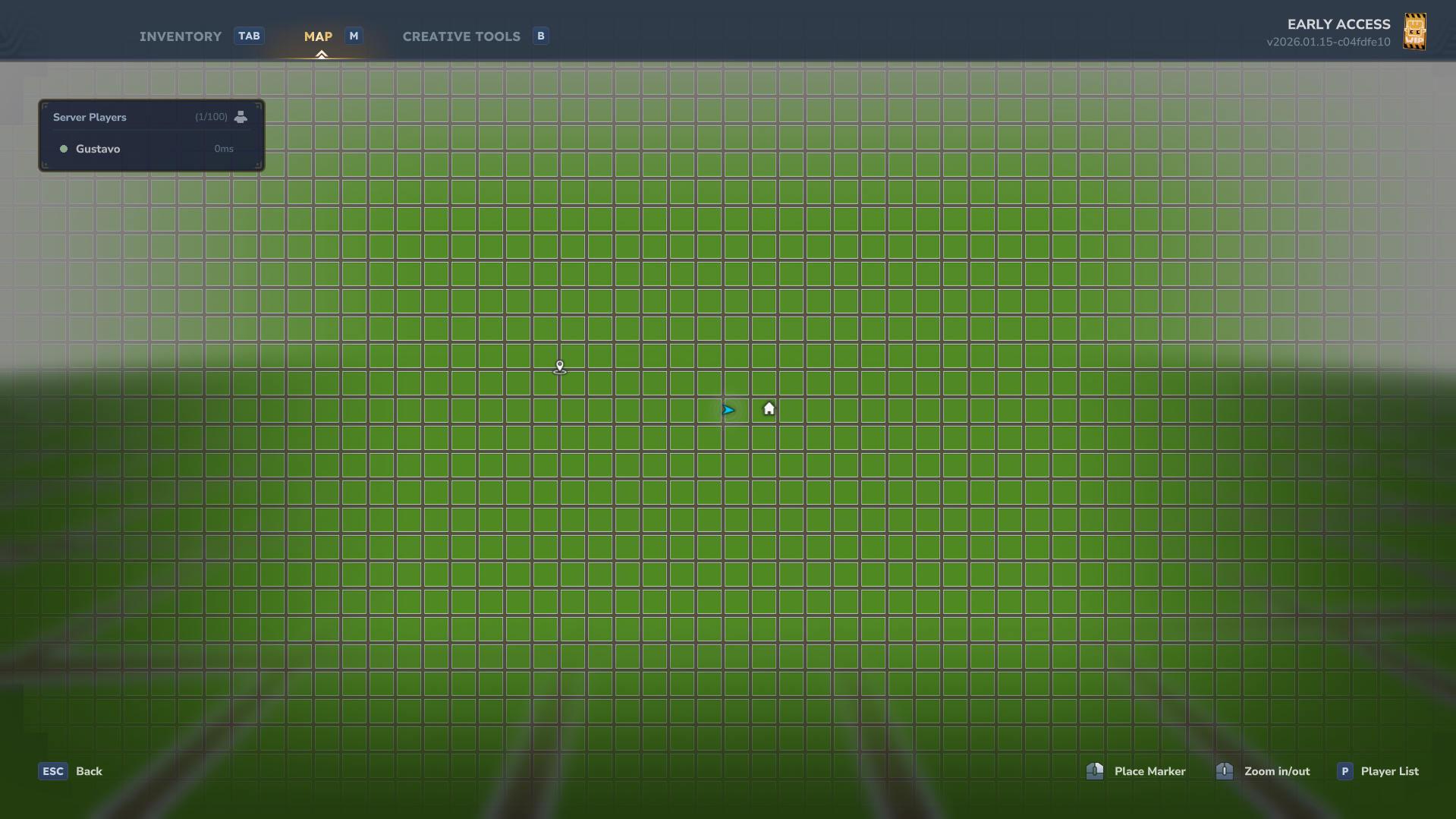
Top-down view showing how the plot prefab is distributed across the world.
Configuration
The config.json allows total control over your world. Below is a breakdown of the main settings:
General & World
Language: The locale used for messages (default: en_us).
PlotWorldName: The folder name for your dedicated plot world.
DefaultWorldTime: The starting time of the world (e.g., midday, night).
Plots (Grid Settings)
PlotSize: The internal building area of each plot.
RoadSize: The width of the paths between plots. Set to 0 for a gapless grid.
MaxPlotsDefault: How many plots a player can claim by default.
Blocks (Base Logic)
Bedrock/Surface/Filling: Define the base materials for your world generation.
Pro Tip: Set these to Empty or Air to create a technical "Void World" perfect for floating islands.
Prefabs (The Core)
Road/Plot/Intersection: Links specific prefab designs to the grid.
Important: Use the filename WITHOUT the .prefab.json extension (e.g., use my_island for my_island.prefab.json).
Quick Start
/plot claim - Take ownership of the plot you are standing on.
/plot home - Takes you back to your construction.
/plot trust <player> - Give a friend permission to build with you.
/plot rename <name> - Give your project a unique name.
Commands
Players
Command Description
/plot claim Claims the current plot
/plot delete Delete the current plot
/plot auto Finds and claims the nearest free plot
/plot home Teleports to your primary plot
/plot trust <player> Grants build permission to another player
/plot untrust <player> Revokes build permission from a player
/plot info Shows details about the plot you are in
/plot list Lists all your owned plots
/plot spawn Teleports to the plot world spawn
undefined
Administration
Command Description
/plot delete <gridX> <gridY><br> Removes a plot record (admins only)
The Masking System
We created an advanced protection logic for creative servers:
Vacuum Respect: If the space between islands isn't part of your original prefab, no one can build there. This maintains the "isolated island" look.
Vertical Freedom: If a column already contains ground from your prefab, the player is free to build up or down, allowing for basements or towers.
Lower Limit: Building below level 0 is automatically blocked to prevent visual clutter at the bottom of the map.
Permissions
Plots uses a granular permission system. You can assign these nodes to players or groups:
General Permissions
Permission Description
plots.* Full administrative access (unlimited plots, bypass protection)
plots.claim Allows claiming plots with /plot claim or /plot auto
plots.delete Allows deleting owned plots with /plot delete
plots.delete.* Allows deleting any plot (Administrator)
plots.spawn Allows visiting the dedicated plot world with /plot spawn
plots.list Allows listing owned plots with /plot list
plots.info Allows viewing plot information with /plot info
plots.rename Allows renaming plots with /plot rename
plots.trust Allows managing trusted members with /plot trust
Limit Permissions
Permission Description
plots.limit.X Sets the maximum number of plots a player can own (e.g., plots.limit.5)
undefined
Localization
We are committed to supporting as many languages as possible.
Help us translate: Visit our Crowdin Project to contribute.
Full message customization is available in the lang/ directory within the plugin folder.
Public API
Plots provides a comprehensive public API for external plugins to interact with the plot system programmatically.
Getting Started
import com.overworldlabs.plots.api.PlotsAPI;
// Get API instance PlotsAPI api = PlotsAPI.getInstance(); Available APIs
PlotAPI
Query and manage plots:
// Get plot at location Optional plot = api.plot().getPlotAt(world, x, z);
// Check ownership boolean isOwner = api.plot().isOwner(plot, playerUuid);
// Get trusted players List trusted = api.plot().getTrustedPlayers(plot);
#### PlotEventAPI Listen to plot events: api.events().onClaim(event -> { Plot plot = event.getPlot(); UUID owner = event.getOwner(); // Handle claim event });
api.events().onRename(event -> { String oldName = event.getOldName(); String newName = event.getNewName(); // Handle rename event }); Events
Available events:
ClaimEvent - Fired when a plot is claimed
UnclaimEvent - Fired when a plot is unclaimed
TrustEvent - Fired when a player is trusted
UntrustEvent - Fired when a player is untrusted
RenameEvent - Fired when a plot is renamed
Future Documentation
A more comprehensive and organized documentation site is currently under development. Stay tuned for advanced tutorials, API references, and design tips!
Data Architecture
Everything is saved in simple, lightweight formats: ```
---
Hylograms Integration
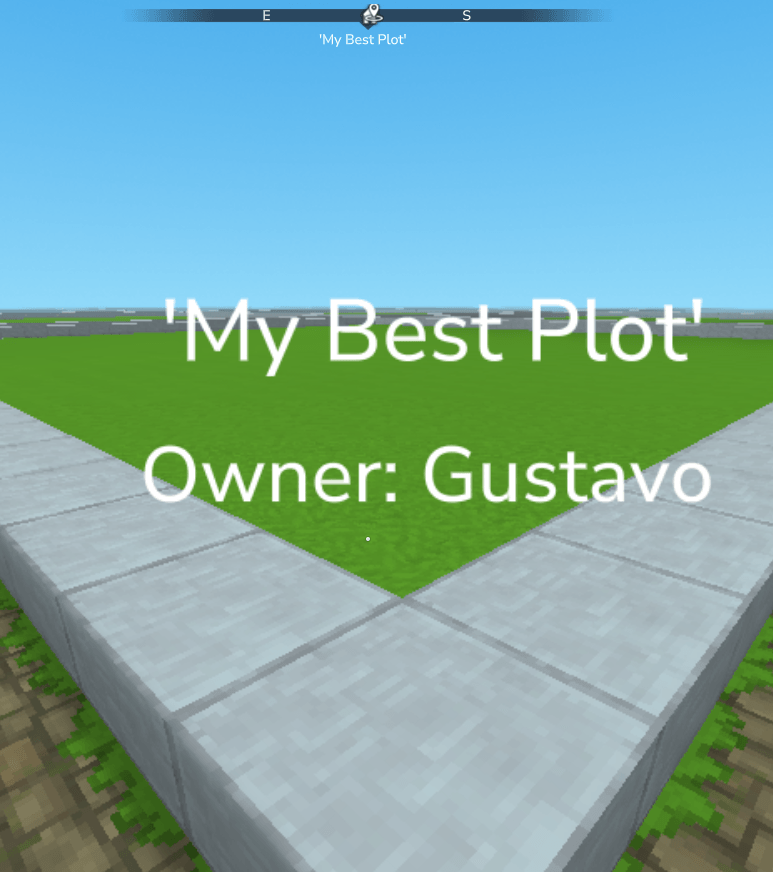
Enhance your server with dynamic Hylograms that automatically display plot information at the corner of each claimed plot.
Dynamic Information: Automatically shows the Plot Name and Owner's Name.
Localized Text: Uses your selected language for all hologram labels.
Fully Configurable: Toggle holograms on/off or adjust their height offset in config.json.
Instant Updates: Holograms update the moment a plot is renamed or transferred.
To enable this feature, simply include the hylograms.jar library in your server's libs or mods folder.
Categories
Screenshots
Need a Server?
Run Plots Plugin on a dedicated Hytale server with easy mod management.
Get Hytale HostingFrequently Asked Questions
What is Plots Plugin?
A dynamic prefab-based land management system. Define grids, load complex structures, and protect your world with intelligent masking
How do I download Plots Plugin?
You can download Plots Plugin for free from CurseForge. Click the "Download on CurseForge" button on this page to go directly to the download page.
Who created Plots Plugin?
Plots Plugin was created by stoshe. The mod has been downloaded 234 times.
Is Plots Plugin compatible with Hytale servers?
Plots Plugin is designed for Hytale and can be used on both single-player and multiplayer servers. Check the mod page on CurseForge for specific compatibility information.
How do I install Plots Plugin?
To install Plots Plugin: 1) Download the mod from CurseForge, 2) Place the file in your Hytale mods folder, 3) Restart the game. The mod should load automatically.
Related Misc Mods
View all mods
Ymmersive Melodies
Conczin
Upload and play MIDI files in-game on various instruments to annoy your friends with custom melodies!

MultipleHUD
Buuz135
A simple mod that allows you to have multiple HUDs present at once.

Spanish Translation
Plexu5
A Spanish language translation for Hytale. Includes UI, items, and menus.

YUNG's HyDungeons
YUNGNICKYOUNG
Adds new procedurally generated dungeon instances!

Just Enough Tales (JEI mod)
uwudwagon
A JEI mod for Hytale.
![[NoCube's] Simple Bags](https://media.forgecdn.net/avatars/thumbnails/1601/201/256/256/639034453685921721.png)
[NoCube's] Simple Bags
NoCube
Adds bags that you can put anything in!