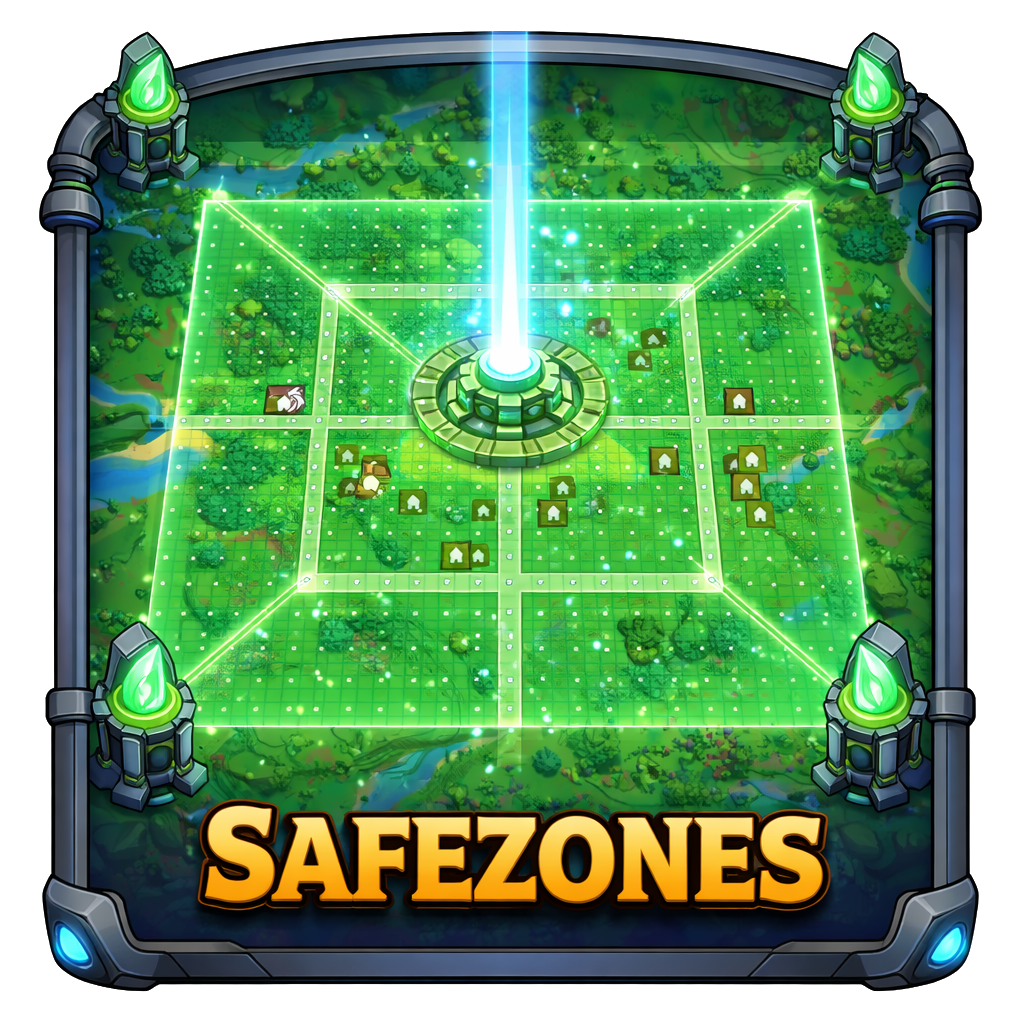
Safezones
Command-based safezones. Simply use /safezone for all commands!
About Safezones
Create your own safezone for server towns, areas you want to sell to players and more QoL features!
It uses 32x32 chunks as safezone areas and splits it into 16x16 areas. In each chunk you can fit 4 areas of different types.
Features
Claim
within the safezone define areas as house which makes it claimable with /safezone claim <player> (permission needed)
Mobs
On safezone creation, removes all mobs of this area
Will be teleported away from the safezone when they come to close to the outer border
Building/Mining/Interaction
Building is disabled within the safezone without permissions
Build height is limited to 24 blocks and dig depth is limit to 12 blocks relative to the block position you used /safezone claim <player> in this area
Block interaction in claimed areas is limited to the owner and trusted persons
Public areas (community, street) allows block interaction (Public library etc.)
Damage
Damage is completly disabled within the safezone (no falldamage etc.)
UI
on the UI you can see when you are in the safezone
Commands
Command Description
/safezone start Select the chunk you are currently in as start chunk
/safezone end Finishes the zone by using the start chunk as diagonal corner
/safezone edit Within the safezone, you can redefine the area with start and end
/safezone set <type> Defines the area type
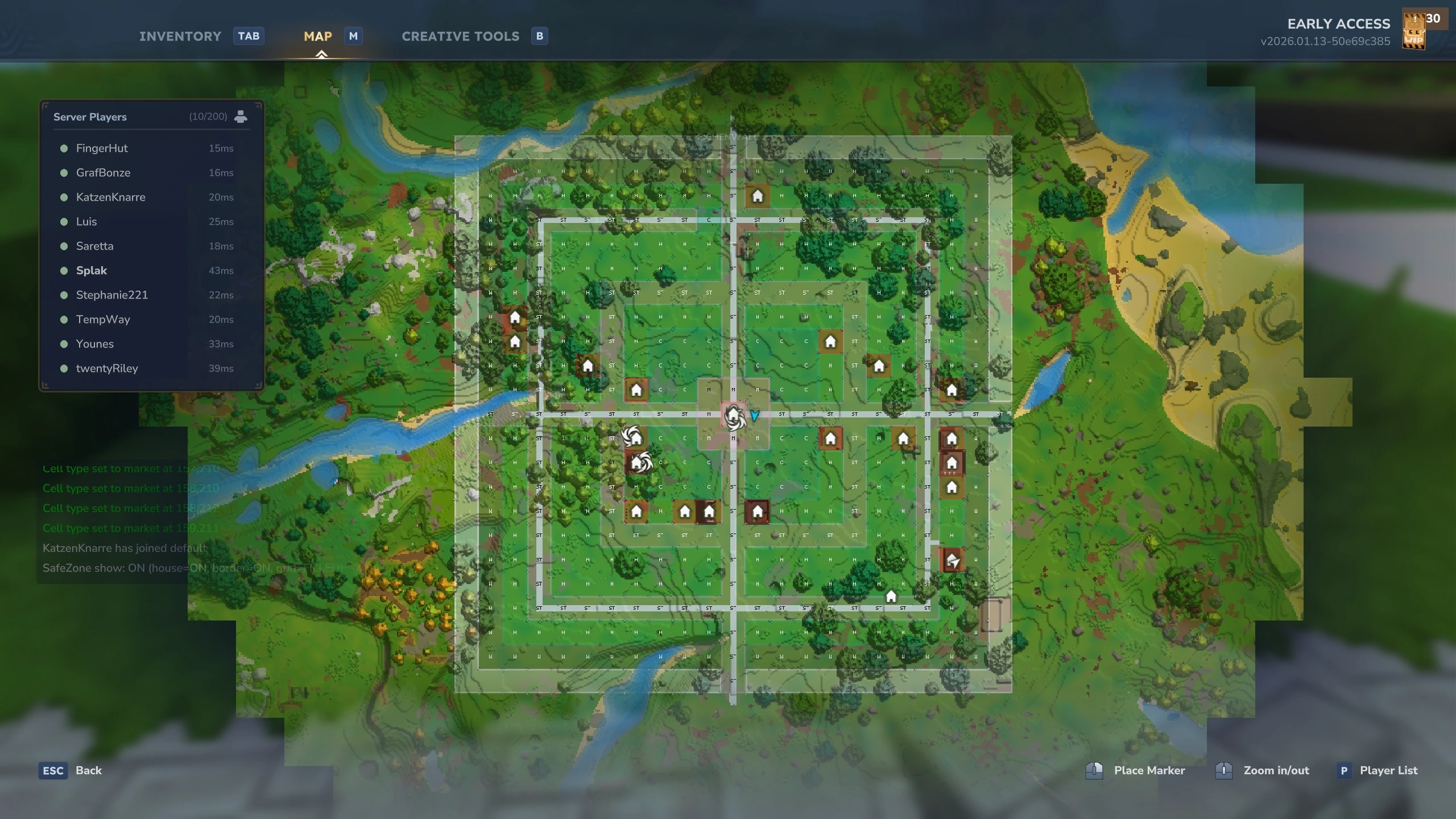
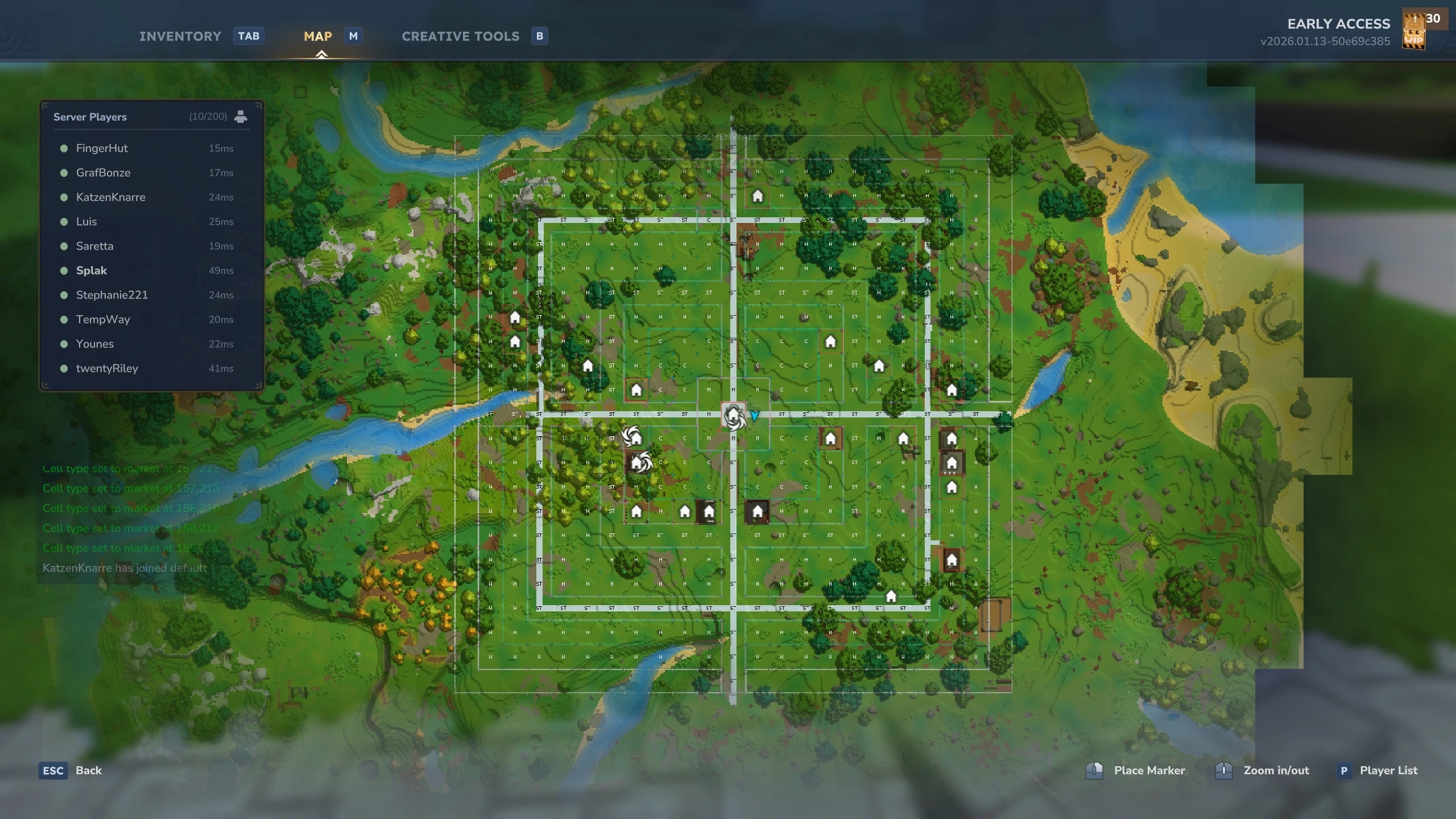
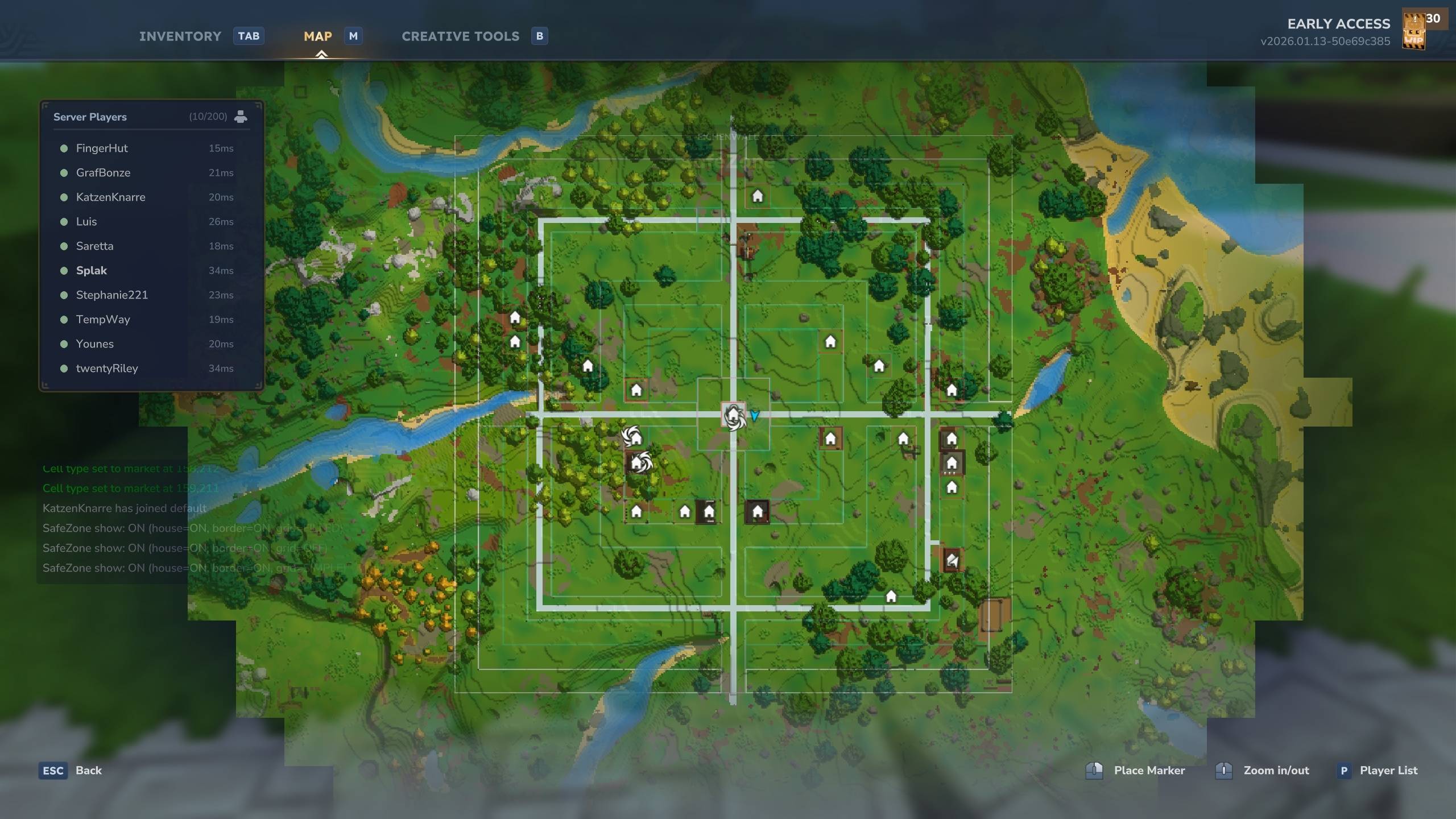
/safezone show Shows the world outer border in the game and the areas with current type (as color) on the map. [This is globally! Everyone can see it]
/safezone show <SETTING> Cycle toggles through settings to show house icons, grid on map or outer borders
/safezone name <NAME> Defines the safezone name
/safezone remove <NAME> Removes the safezone
/safezone trust <NAME> Adds a player to the claimed area (player command)
/safezone untrust <NAME> Remove a player from the claimed area (player command)
/safezone claim <NAME> Claims the area for the player (admin command)
/safezone unclaim Removes the claim for the owner (admin command)
/safezone info Shows info about safezone and current area
Area types
Area Description
house Marks an area as claimable for player; Currently only as admin command: /safezone claim <PLAYER_NAME>
street Increases the movement speed by 2x (configurable)
spawn WIP
wall WIP
market WIP
gate WIP
free Resets the area to it's default state
community Sets the area to community building, where community builder group can build freely
You can use /safezone claim without player argument to set the area to a community area for community builders.
Permissions
WIP
Planned
UIs and make commands obsolete
Performance Tweaks
Community Feedback
Developed by @Splak
Categories
Screenshots
Need a Server?
Run Safezones on a dedicated Hytale server with easy mod management.
Get Hytale HostingFrequently Asked Questions
What is Safezones?
Command-based safezones. Simply use /safezone for all commands!
How do I download Safezones?
You can download Safezones for free from CurseForge. Click the "Download on CurseForge" button on this page to go directly to the download page.
Who created Safezones?
Safezones was created by HytaleDE. The mod has been downloaded 1.6K times.
Is Safezones compatible with Hytale servers?
Safezones is designed for Hytale and can be used on both single-player and multiplayer servers. Check the mod page on CurseForge for specific compatibility information.
How do I install Safezones?
To install Safezones: 1) Download the mod from CurseForge, 2) Place the file in your Hytale mods folder, 3) Restart the game. The mod should load automatically.
Related Qol Mods
View all mods
EyeSpy
DarkhaxDev
Adds a HUD that displays information about what you're looking at!

Advanced Item Info
Buuz135
Adds a searchable GUI that displays all the items and the game and displays extra properties they have

Overstacked
DarkhaxDev
Increases the maximum stack size of items.

Violet's Wardrobe
VioletsWorkshop
Adds more customisation options in the form of craftable cosmetics

Item Magnet
Jaredlll08
Adds a magnet that attracts items towards the player.

Endgame & QoL - Boss & Elite Update (3.0.0 in a week)
Lewaii
Endgame & QoL v2.2: Face the Alpha T-Rex & Void Spectres! Unlock Backpack IV & Void Gliders. Restore unused content and challenge stronger, rebalanced bosses!