
SouzaPlot
SouzaPlot brings the classic PlotMe/PlotSquared experience to Hytale. Create a dedicated plot world where players can claim their own land, build freely, and protect their creations from others
About SouzaPlot
SouzaPlot
A fully-featured plot management plugin for Hytale servers.
SouzaPlot brings the classic PlotMe/PlotSquared experience to Hytale. Create a dedicated plot world where players can claim their own land, build freely, and protect their creations from others.
Features
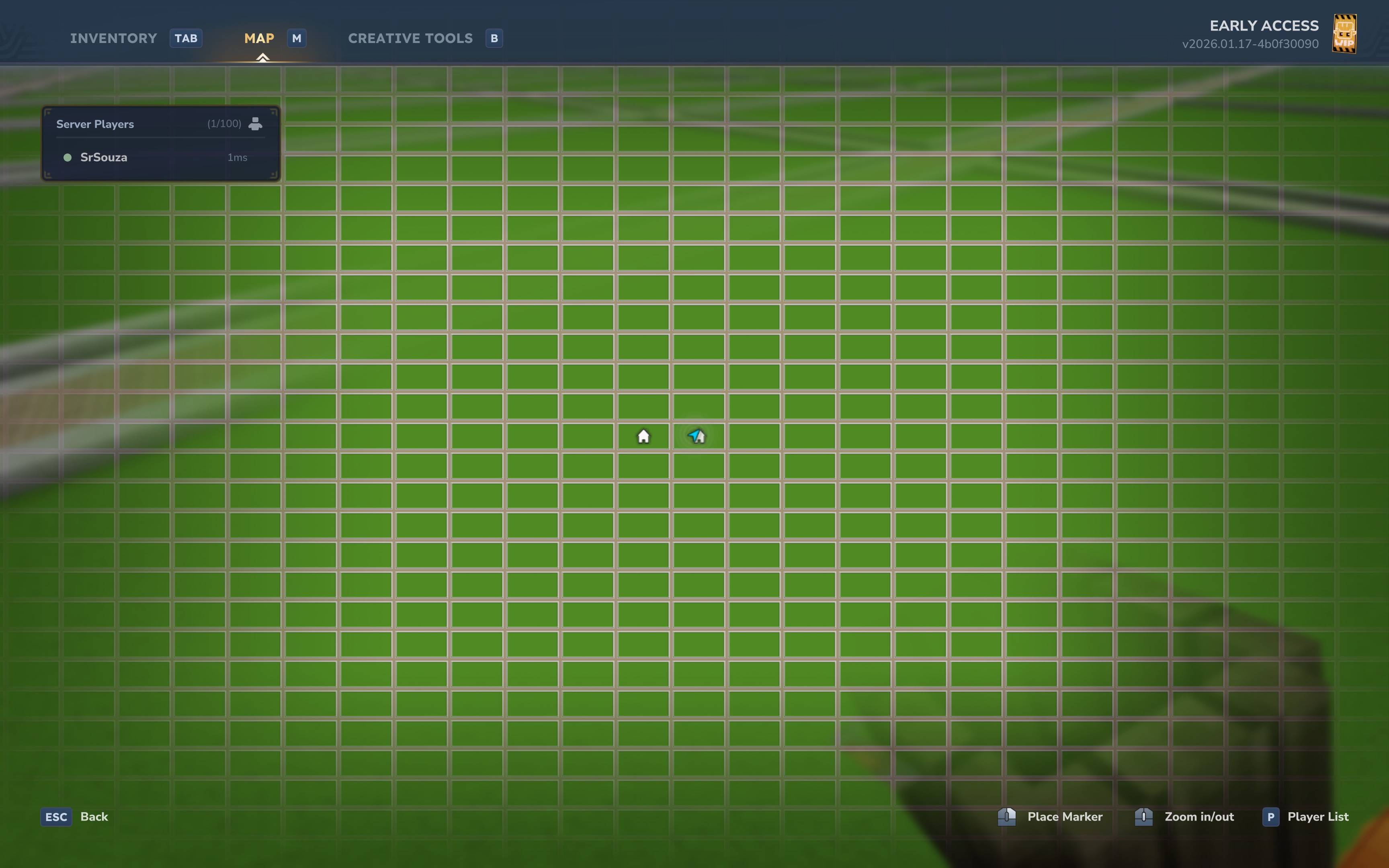
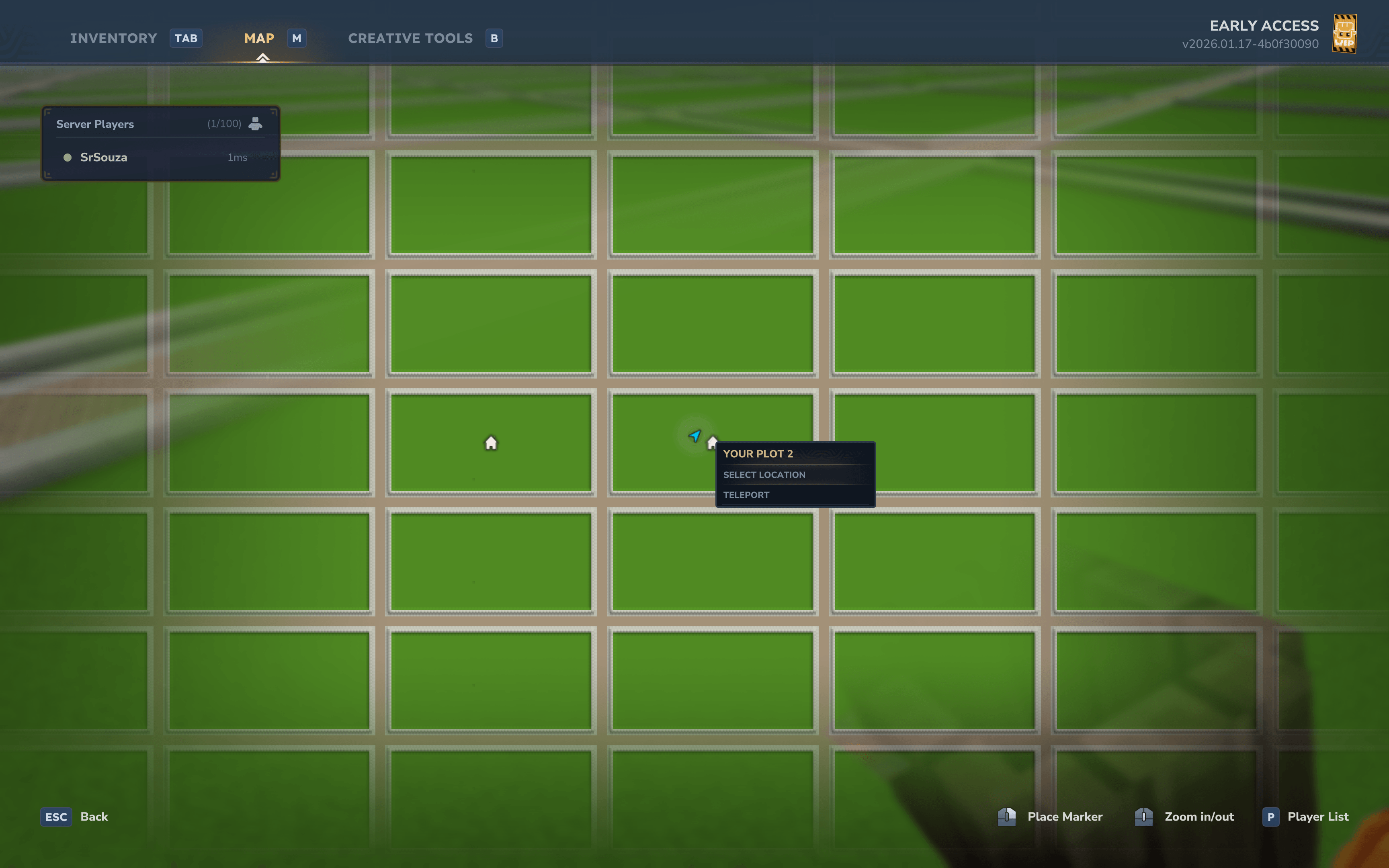
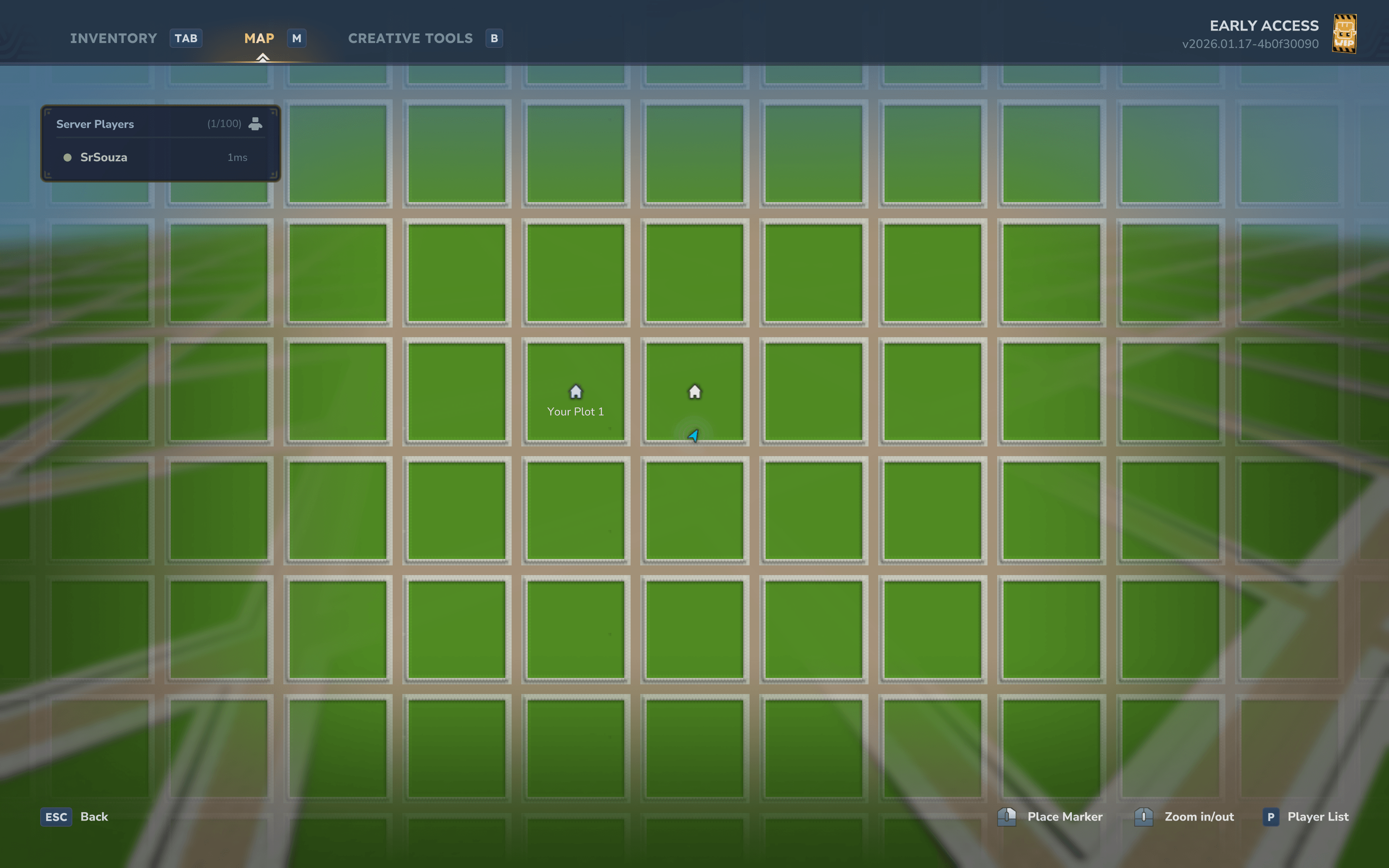
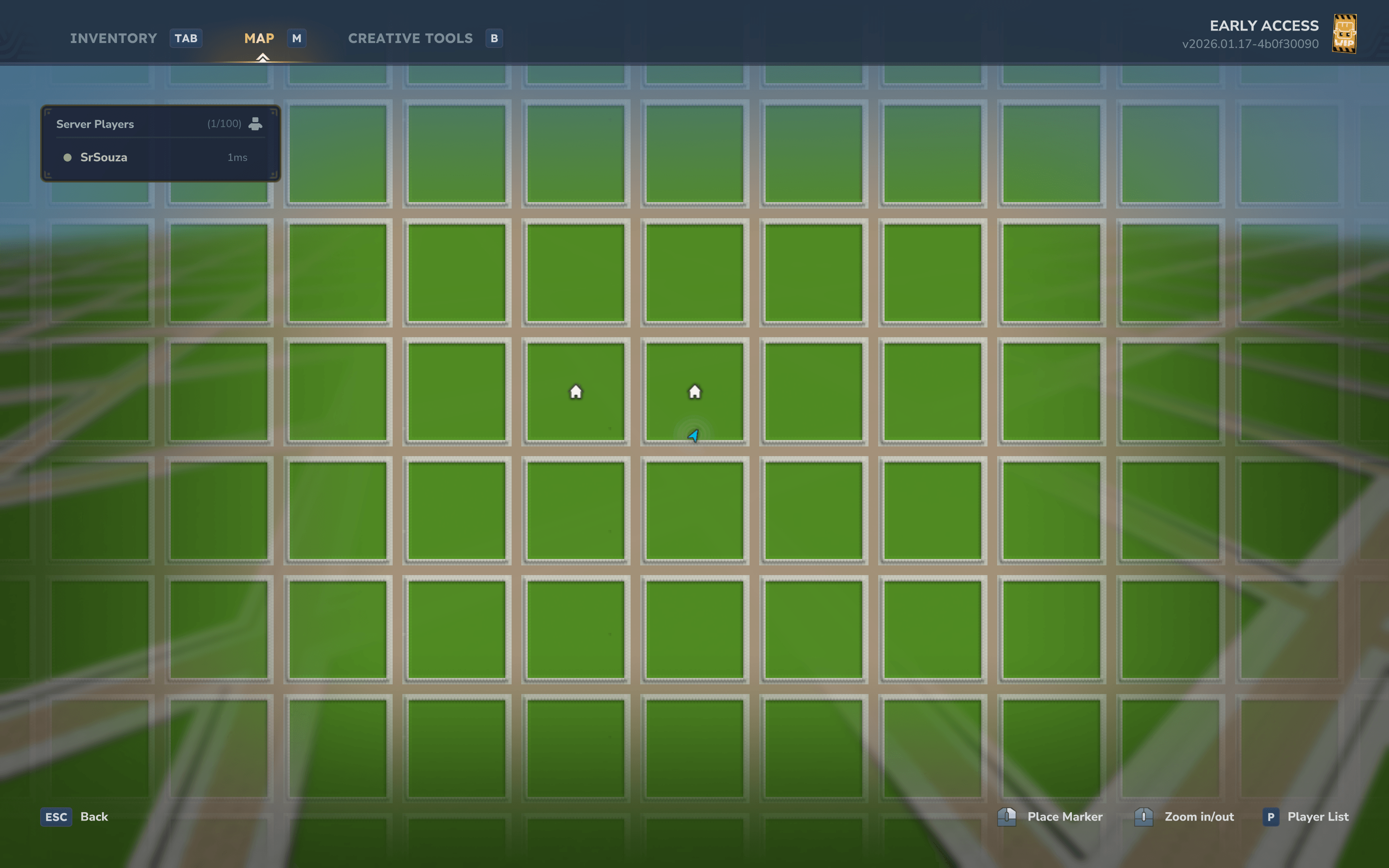
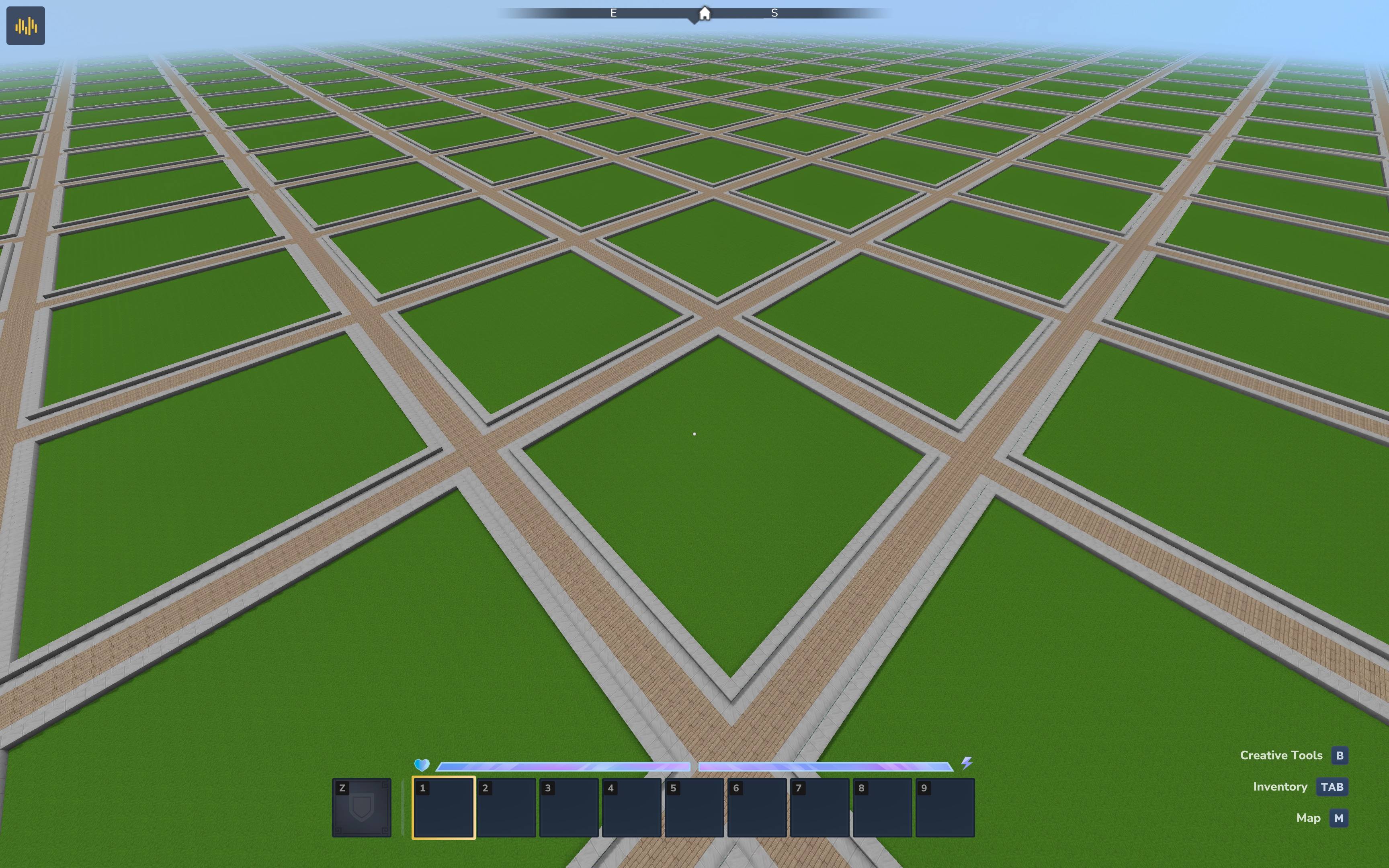
Automatic Plot World Generation - Custom world generator creates a grid of plots with roads and borders
Plot Claiming System - Players can claim and manage their own plots
Permission-Based Plot Limits - Configure different plot limits for VIPs, donors, or ranks
Protection System - Automatic block protection for claimed plots, roads, and borders with support for protecting against Paste and Copy for Creative Mode servers.
Void Protection - Prevents players from breaking the bottom layer and dying in the void
Member Management - Add friends to your plot with trusted access
Deny System - Block specific players from entering your plot
Teleportation - Quick teleport to your plots or visit other players
Admin Tools - Server administration commands for plot management
Database Storage - Persistent storage with H2 (supports MySQL, PostgreSQL, etc.)
Fully Configurable - Customize plot sizes, block types, limits, and more
Installation
Download the latest release
Place the .jar file in your server's Mods folder
Start the server - the plugin will auto-generate the plot world
Use /plot auto to claim your first plot
Commands
Player Commands
Command Description Permission
/plot Main plot command souza.plot.command.plot
/plot help Shows help for all plot commands souza.plot.command.help
/plot claim Claim the plot you're standing on souza.plot.command.claim
/plot auto Automatically find and claim an unclaimed plot souza.plot.command.auto
/plot home [index] Teleport to your plot (use index for multiple plots) souza.plot.command.home
/plot tpback Teleport back to your previous location souza.plot.command.tpback
/plot visit <player> Visit another player's plot souza.plot.command.visit
/plot info Show information about the current plot souza.plot.command.info
/plot list List all your claimed plots souza.plot.command.list
/plot add <player> Add a trusted member to your plot souza.plot.command.add
/plot remove <player> Remove a member from your plot souza.plot.command.remove
/plot deny <player> Deny a player from entering your plot souza.plot.command.deny
/plot undeny <player> Remove a player from your deny list souza.plot.command.undeny
Admin Commands
Command Description Permission
/plot admin Admin command group souza.plot.command.admin
/plot admin claim Claim a plot for the server (admin plot) souza.plot.command.admin.claim + souza.plot.admin
/plot admin delete Delete the current plot souza.plot.command.admin.delete + souza.plot.admin
/plot admin setspawn Set the plot world spawn point souza.plot.command.admin.setspawn + souza.plot.admin
/plot admin info Show plugin statistics souza.plot.command.admin.info + souza.plot.admin
Permissions
Plot Limit Permissions
Use these permissions to give players different plot limits based on their rank:
Permission Description
souza.plot.limit.1 Allow player to claim 1 plot
souza.plot.limit.2 Allow player to claim 2 plots
souza.plot.limit.3 Allow player to claim 3 plots
souza.plot.limit.<N> Allow player to claim N plots (up to MaxPlotLimit)
Example: Give VIP players 3 plots by assigning souza.plot.limit.3 permission.
Players without any limit permission will use the DefaultPlotLimit from config (default: 1).
Admin Permissions
Permission Description
souza.plot.admin Required to execute admin commands
souza.plot.admin.bypass Bypass all plot protections (build anywhere, break bottom layer)
souza.plot.admin.roads Build and modify roads and plot borders
Builder tools permission
Permission Description
hytale.editor.builderTools Let users use build tools in their plot
Member Access
When you add a member with /plot add <player>, they receive trusted access:
Can place and break blocks
Can use containers (chests, furnaces, etc.)
Full building permissions within your plot
Only the plot owner can add or remove members.
Configuration
The plugin uses two configuration systems: the Mod Configuration for plugin behavior, and World Generation settings for how the plot world is generated.
Mod Configuration (config.json)
Located in plugins/Souza/Plot/config.json. Controls plugin behavior and limits.
Option Default Description
WorldName "plotworld" Name of the plot world
DefaultPlotLimit 1 Default plots per player (when no permission set)
MaxPlotLimit 10 Maximum plots per player
AutoCreateWorld true Auto-create plot world on startup
PlotLimitPermissionPrefix "souza.plot.limit." Permission prefix for plot limits
Protection Settings
Option Default Description
ProtectBottomLayer true Prevent breaking the bottom layer (void protection)
ProtectedLayerHeight 1 Y-level at or below which blocks are protected
Database Settings
Option Default Description
Database.JdbcUrl "jdbc:h2:file:./plugins/Souza/Plot/data/plots;MODE=MySQL" Database connection URL
Database.DriverClassName "org.h2.Driver" JDBC driver class
Database.Username "" Database username
Database.Password "" Database password
Database.MaximumPoolSize 10 Max connection pool size
World Generation Configuration
These settings are also in config.json and control how the plot world is generated.
Option Default Description
PlotSize 32 Size of each plot in blocks
RoadWidth 5 Width of roads between plots
GroundHeight 64 Y-level for surface generation
BorderEnabled true Enable visual plot borders
Environment "Surface" Hytale environment type
Layer Depths
Option Default Description
DirtDepth 4 Depth of dirt layer below surface
BedrockDepth 3 Depth of bedrock at world bottom
Road patterns
Example usaged for 5 blocks wide roads
"RoadPattern": "XYYYX", "IntersectionPattern": [ "XYYYX", "YZZZY", "YZZZY", "YZZZY", "XYYYX" ], "RoadPatternBlocks": [ { "Char": "X", "BlockType": "Rock_Stone_Cobble" }, { "Char": "Y", "BlockType": "Rock_Stone_Brick" }, { "Char": "Z", "BlockType": "Rock_Stone_Brick" } ],
Customizing World Generation
This guide explains how to customize the plot world for your server.
Grid Layout
The plot world generates as an infinite grid:
+----------+-----+----------+ | | R | | | PLOT | O | PLOT | | (32x32) | A | (32x32) | | | D | | +----------+-----+----------+ | ROAD | X | ROAD | +----------+-----+----------+ | | R | | | PLOT | O | PLOT | | | A | | | | D | | +----------+-----+----------+ Each grid cell = PlotSize + RoadWidth (default: 32 + 5 = 37 blocks)
Terrain Layers
From bottom to top:
Layer Y-Level (default) Block
Bedrock 0-2 BedrockBlockType
Stone 3-59 FillBlockType
Dirt 60-63 DirtBlockType (plots only)
Surface 64 PlotBlockType or RoadBlockType
Border 65 BorderBlockType (plot edges only)
Customization Examples
Larger Plots with Wider Roads
{ "PlotSize": 64, "RoadWidth": 7 } Creates 64x64 plots with 7-block wide roads.
Desert Theme
{ "PlotBlockType": "Soil_Sand", "RoadBlockType": "Rock_Sandstone", "BorderBlockType": "Rock_Sandstone_Half", "FillBlockType": "Rock_Sandstone", "DirtBlockType": "Soil_Sand" } Lower Ground Level
{ "GroundHeight": 32 } No Borders
{ "BorderEnabled": false } Removes the border walls between plots and roads.
Applying Changes
Stop your server
Edit plugins/Souza/Plot/config.json
Delete the existing plot world folder (if regenerating)
Start the server
Note: World generation settings only apply when the world is first created. To apply changes to an existing world, you must delete and regenerate it.
Quick Start
Join the server and use /plot auto to get your first plot
Build freely within your plot boundaries
Add friends with /plot add <player> to let them build
Visit others with /plot visit <player>
Return with /plot tpback after teleporting
If you have multiple plots, use /plot home 2 to teleport to your second plot
Support
Issues: GitHub Issues
Source: GitHub Repository
Discord
License
This project is open source. See the repository for license details.
Categories
Screenshots
Need a Server?
Run SouzaPlot on a dedicated Hytale server with easy mod management.
Get Hytale HostingFrequently Asked Questions
What is SouzaPlot?
SouzaPlot brings the classic PlotMe/PlotSquared experience to Hytale. Create a dedicated plot world where players can claim their own land, build freely, and protect their creations from others
How do I download SouzaPlot?
You can download SouzaPlot for free from CurseForge. Click the "Download on CurseForge" button on this page to go directly to the download page.
Who created SouzaPlot?
SouzaPlot was created by DevSrSouza. The mod has been downloaded 1.1K times.
Is SouzaPlot compatible with Hytale servers?
SouzaPlot is designed for Hytale and can be used on both single-player and multiplayer servers. Check the mod page on CurseForge for specific compatibility information.
How do I install SouzaPlot?
To install SouzaPlot: 1) Download the mod from CurseForge, 2) Place the file in your Hytale mods folder, 3) Restart the game. The mod should load automatically.
Related Misc Mods
View all mods
Ymmersive Melodies
Conczin
Upload and play MIDI files in-game on various instruments to annoy your friends with custom melodies!

MultipleHUD
Buuz135
A simple mod that allows you to have multiple HUDs present at once.

Spanish Translation
Plexu5
A Spanish language translation for Hytale. Includes UI, items, and menus.

YUNG's HyDungeons
YUNGNICKYOUNG
Adds new procedurally generated dungeon instances!

Just Enough Tales (JEI mod)
uwudwagon
A JEI mod for Hytale.
![[NoCube's] Simple Bags](https://media.forgecdn.net/avatars/thumbnails/1601/201/256/256/639034453685921721.png)
[NoCube's] Simple Bags
NoCube
Adds bags that you can put anything in!