Stronger Tools
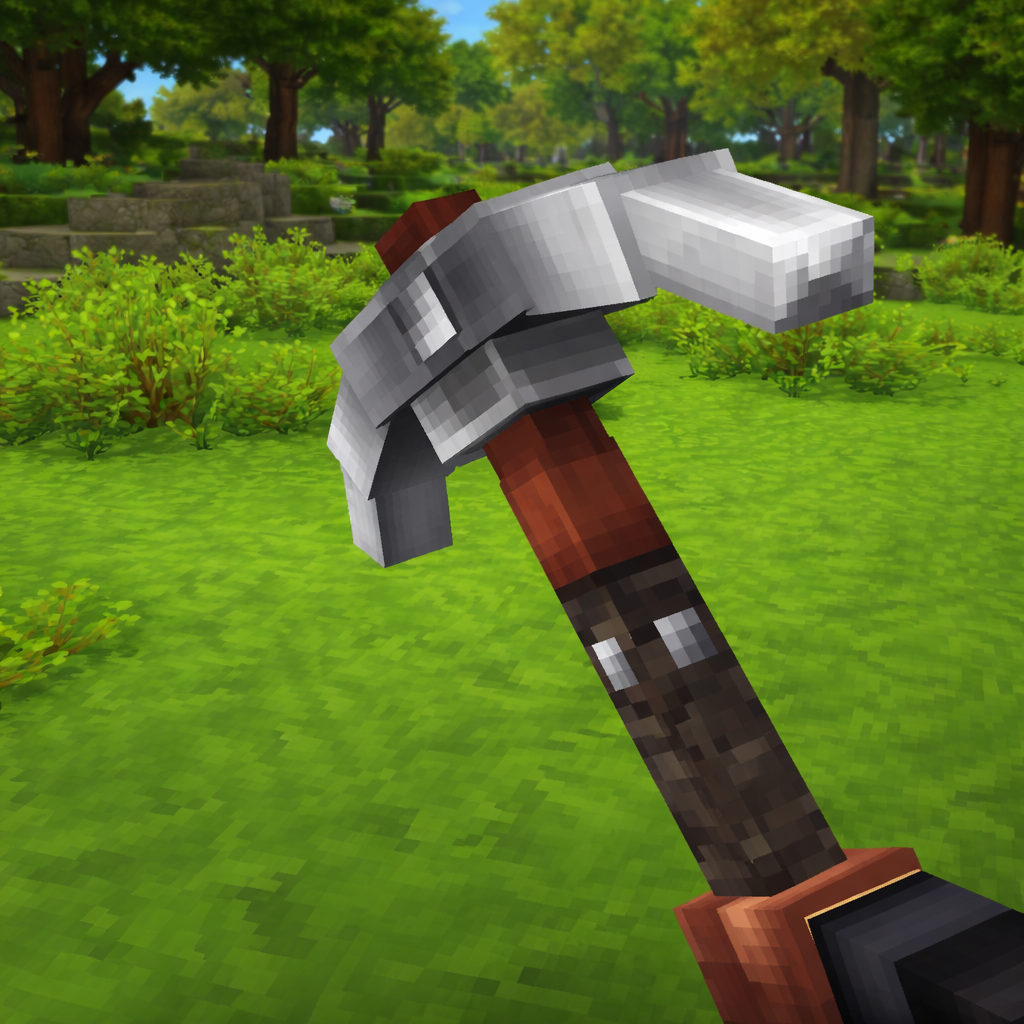
Stronger Tools is a simple Hytale mod that increases the durability of all Tools (ex.Hatches, Pickaxes etc..) allowing them to last longer while mining.
About Stronger Tools
Stronger Tools is a simple Hytale mod that increases the durability of core vanilla tools, letting them last longer during everyday gameplay while staying close to vanilla balance.
It’s designed as a lightweight quality-of-life improvement that reduces how often tools break without changing mining speed, damage, or tool behavior.
Features
Hammers: +100 durability
Shovels: +200 durability
Pickaxes: +200 durability
Hatchets: +100 durability
Applies to all vanilla tool types
Reduces tool break interruptions
No changes to speed, damage, or effectiveness
Vanilla-friendly and lightweight
Compatible with Public and Private Servers
Check out My Other Mod Stronger Weapons!
Click Photo
Enjoy! 🛠️
Categories
Need a Server?
Run Stronger Tools on a dedicated Hytale server with easy mod management.
Get Hytale HostingFrequently Asked Questions
What is Stronger Tools?
Stronger Tools is a simple Hytale mod that increases the durability of all Tools (ex.Hatches, Pickaxes etc..) allowing them to last longer while mining.
How do I download Stronger Tools?
You can download Stronger Tools for free from CurseForge. Click the "Download on CurseForge" button on this page to go directly to the download page.
Who created Stronger Tools?
Stronger Tools was created by PSSDrops. The mod has been downloaded 726 times.
Is Stronger Tools compatible with Hytale servers?
Stronger Tools is designed for Hytale and can be used on both single-player and multiplayer servers. Check the mod page on CurseForge for specific compatibility information.
How do I install Stronger Tools?
To install Stronger Tools: 1) Download the mod from CurseForge, 2) Place the file in your Hytale mods folder, 3) Restart the game. The mod should load automatically.
Related Qol Mods
View all mods
EyeSpy
DarkhaxDev
Adds a HUD that displays information about what you're looking at!

Advanced Item Info
Buuz135
Adds a searchable GUI that displays all the items and the game and displays extra properties they have

Overstacked
DarkhaxDev
Increases the maximum stack size of items.

Violet's Wardrobe
VioletsWorkshop
Adds more customisation options in the form of craftable cosmetics

Item Magnet
Jaredlll08
Adds a magnet that attracts items towards the player.

Endgame & QoL - Boss & Elite Update (3.0.0 in a week)
Lewaii
Endgame & QoL v2.2: Face the Alpha T-Rex & Void Spectres! Unlock Backpack IV & Void Gliders. Restore unused content and challenge stronger, rebalanced bosses!