The Academic's Study
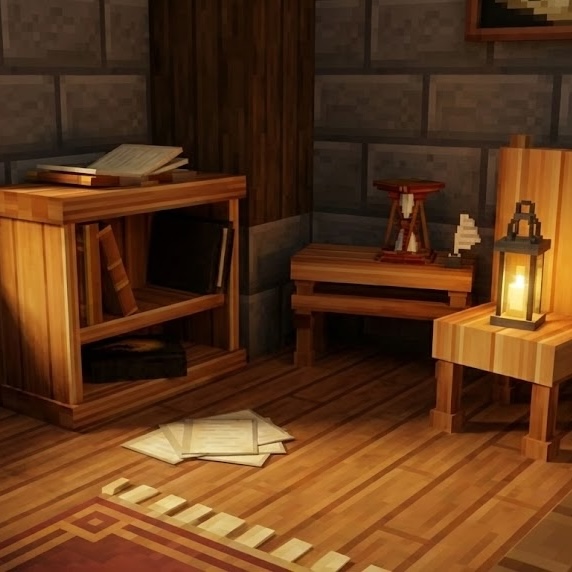
The Academic's Study is a high-quality asset pack for Hytale, designed to bring life & character to your libraries & writing nooks. Whether you're a budding wizard or a seasoned scholar, these pieces will transform any room into a sanctuary of knowledge.
About The Academic's Study
The Academic's Study
The Academic's Study is a high-quality asset pack for Hytale, designed to bring life and character to your libraries, laboratories, and writing nooks. Whether you're a budding wizard or a seasoned scholar, these finely crafted pieces will transform any room into a sanctuary of knowledge.
Features
All Items Craftable: Whether in creative or survival mode, you will have access to these objects! For furniture, the Builders Workbench. For everything else, the Furniture workbench.
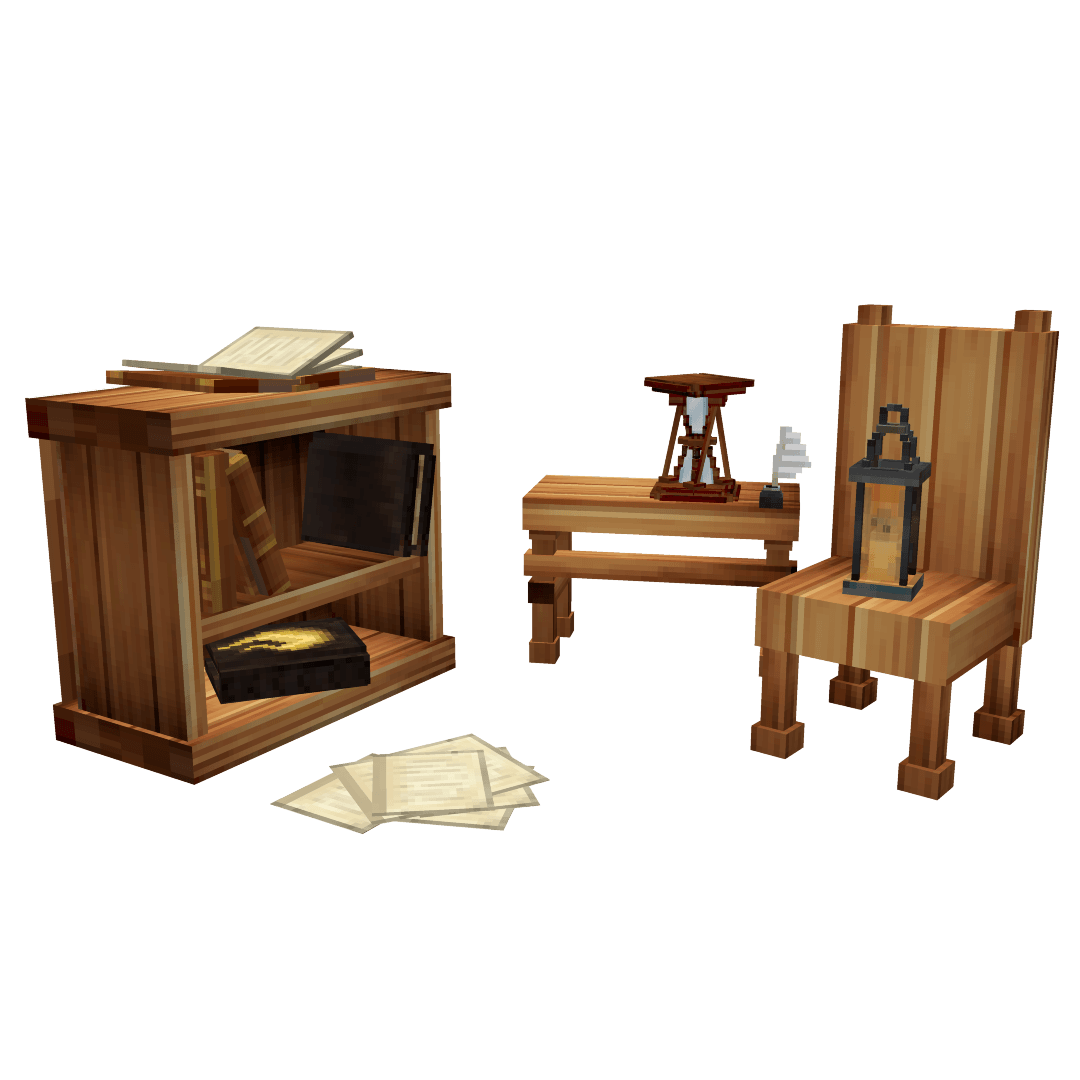
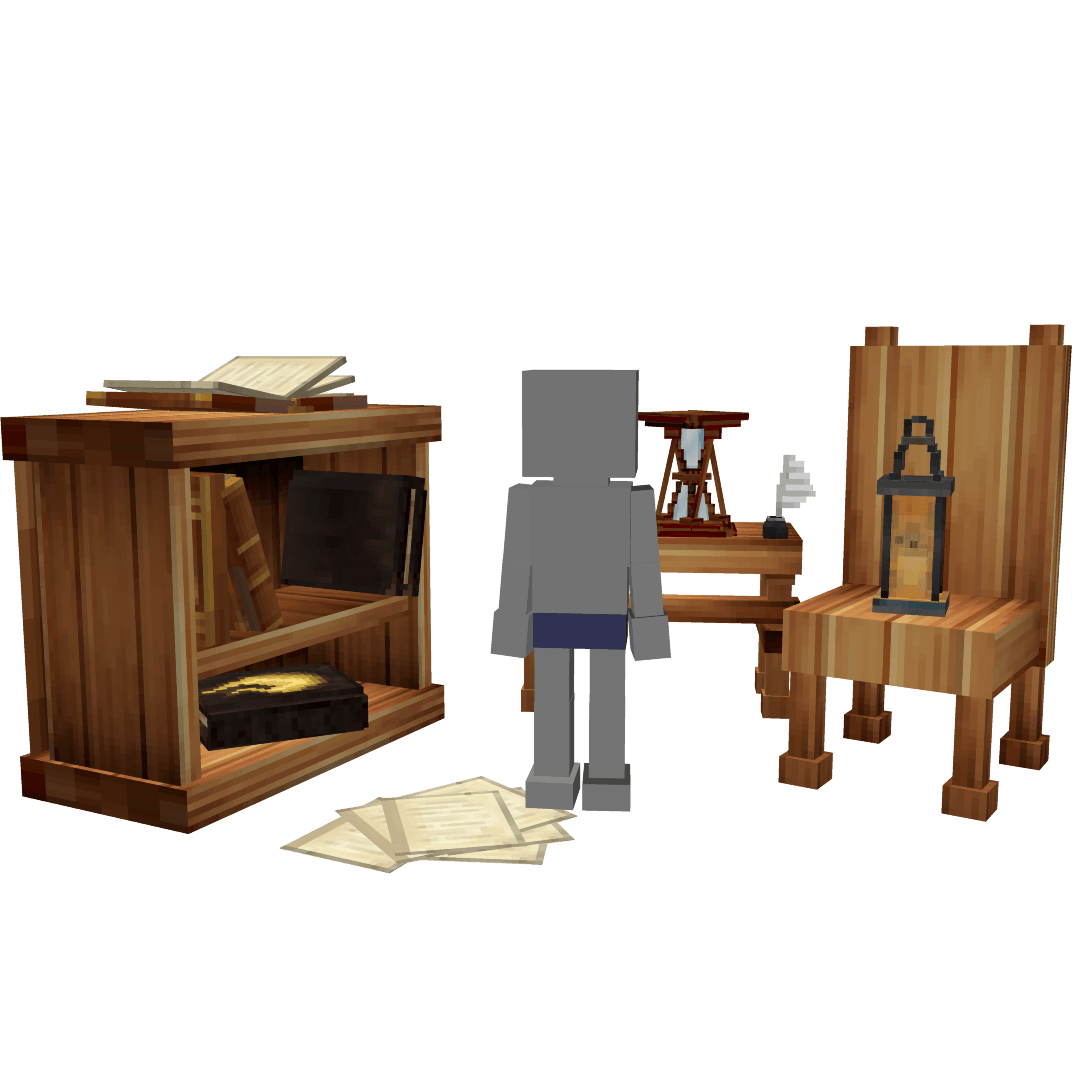
Scholarly Furniture: Custom-modelled desks, chairs, and bookshelves.
Detailed Decor: From inkwells and quills to enchanted hourglasses.
Atmospheric Lighting: Wrought iron lanterns to light up your research.
Occult Oddities: The mysterious "Screaming Plant" and sigil-stamped grimoires.
Fully Localized: Support for multiple languages including English, French, Spanish, German, Arabic, Brazilian Portuguese, Hindi, and Russian.
Lore Included: Every item features unique flavor text to add depth to your world.
Items Included
Books & Journals: Multiple variations of journals, ledgers, and open books.
The Desk Set: Inkwell & Quill, Loose Papers, and a sturdy Academic's Desk.
Scholarly Comfort: Wood Chair and a Quaint Footstool.
Timekeepers: Standard and "Twisted Sands" Hourglasses.
And More: Kettle, Framed Art, and the infamous Screaming Plant.
Installation
Download the asset pack.
Right-click on the world you want to add the mod.
Click on the "Open Folder" button.
Place the The_Academics_Study folder into your Hytale mods folder.
Press ESC to go back to the Worlds menu, then join your world as normal.
Feedback
Love this pack and want more like it? Why not buy from the store or request a commission? Visit relentlessCurious.com
Issues with translation or want to contribute your native tongue? Please contact Ian, hey@relentlesscurious.com
Issues with the asset pack itself? Please visit the support page
Credits
Created by Ian McKenzie (relentlessCurious.com) Email: hey@relentlesscurious.com
License
This work is licensed under the Creative Commons Attribution 4.0 International (CC BY 4.0) License. You are free to share and adapt these assets for any purpose, even commercially, as long as you provide appropriate credit to Ian McKenzie.
Updates
Please update to v1.0.1, it fixes a bug causing lines in water and foliage.
Categories
Screenshots
Need a Server?
Run The Academic's Study on a dedicated Hytale server with easy mod management.
Get Hytale HostingFrequently Asked Questions
What is The Academic's Study?
The Academic's Study is a high-quality asset pack for Hytale, designed to bring life & character to your libraries & writing nooks. Whether you're a budding wizard or a seasoned scholar, these pieces will transform any room into a sanctuary of knowledge.
How do I download The Academic's Study?
You can download The Academic's Study for free from CurseForge. Click the "Download on CurseForge" button on this page to go directly to the download page.
Who created The Academic's Study?
The Academic's Study was created by relentlessCurious. The mod has been downloaded 780 times.
Is The Academic's Study compatible with Hytale servers?
The Academic's Study is designed for Hytale and can be used on both single-player and multiplayer servers. Check the mod page on CurseForge for specific compatibility information.
How do I install The Academic's Study?
To install The Academic's Study: 1) Download the mod from CurseForge, 2) Place the file in your Hytale mods folder, 3) Restart the game. The mod should load automatically.
Related Building Mods
View all mods
Violet's Furnishings
VioletsWorkshop
Expands on Hytale's existing furniture library

Simply Trash
Jaredlll08
Adds a trash can to easily destroy items!
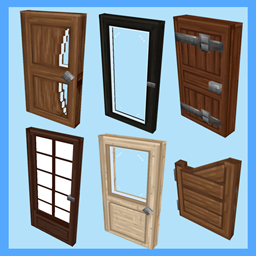
Macaw's Hy Doors
sketch_macaw
Adds more doors to fit in your builds!

Violet's Plushies
VioletsWorkshop
Adds several plushies, some with unique SFX!
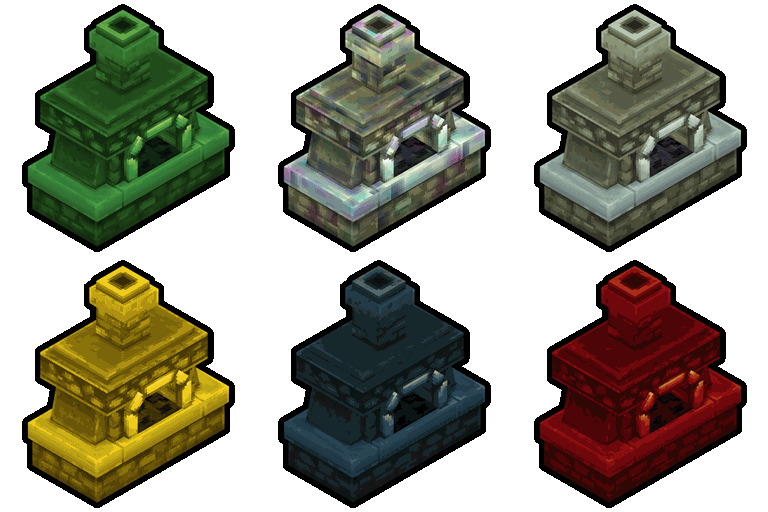
Thorium Furnaces
Jaredlll08
Faster Furnaces!
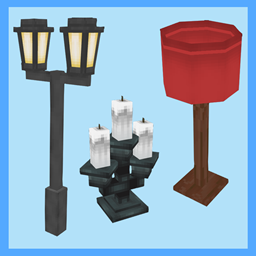
Macaw's Hy Lights and Lamps
sketch_macaw
Adds Lamps, Tiki Torches, Candle Holders, Ceiling Lights, Street Lights and more...!