The Art Hoard (Craftable Paintings)
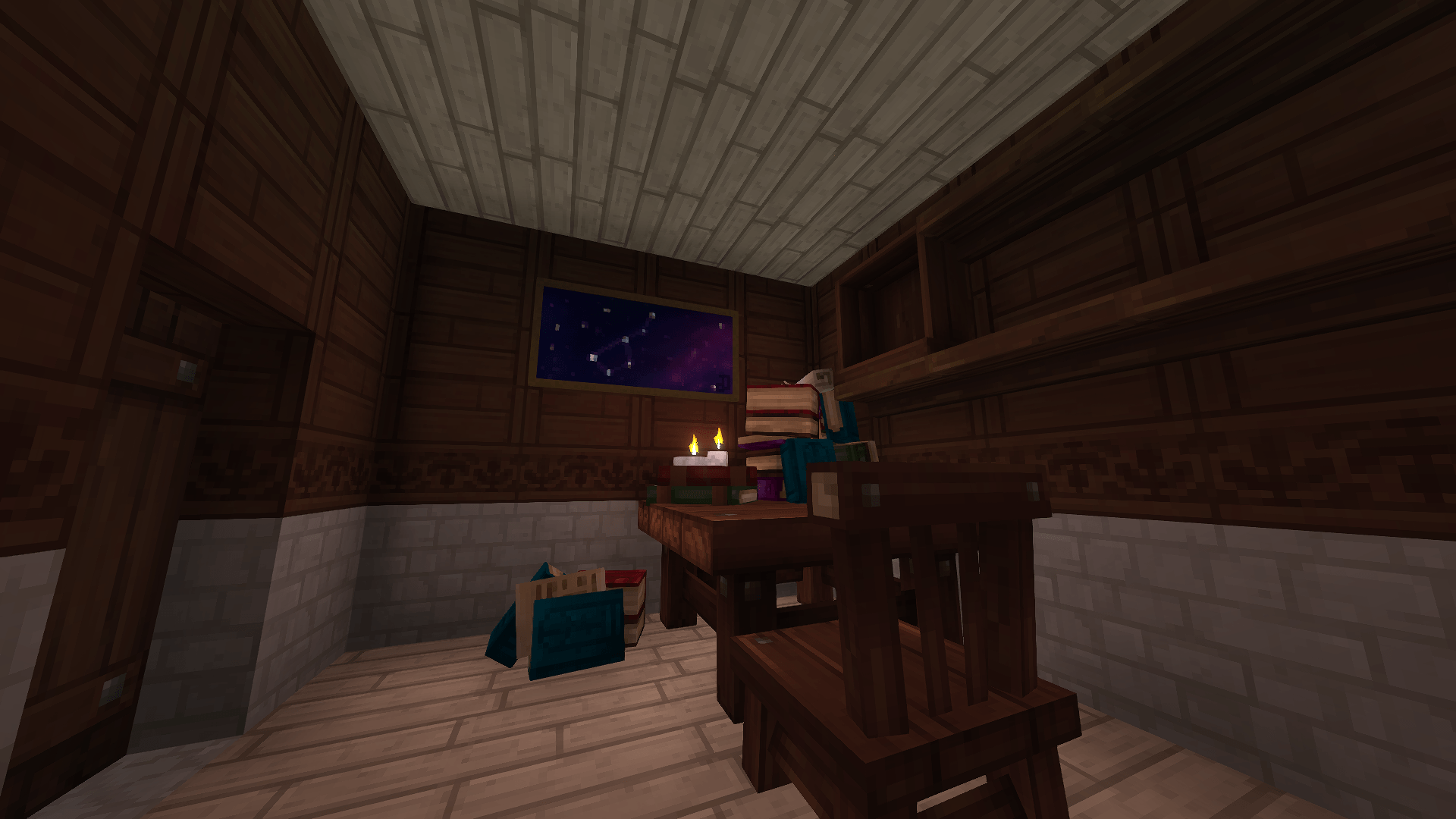
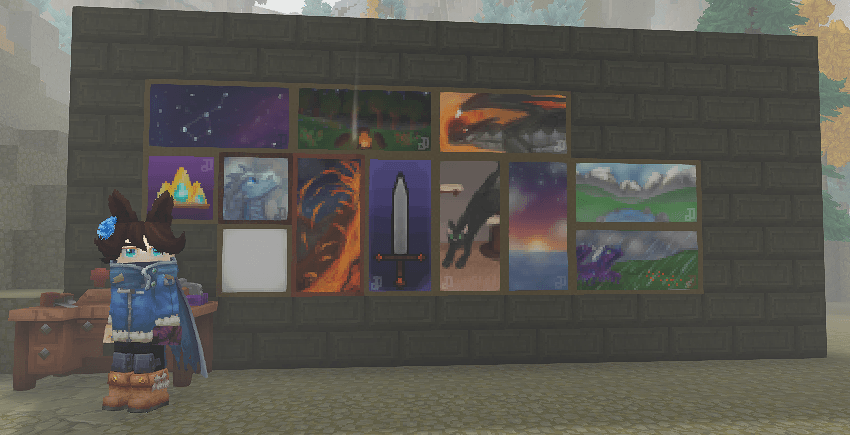
Adds new, craftable paintings into the game for decoration.
About The Art Hoard (Craftable Paintings)
Ported over from my mod for Vintage Story of the same name.
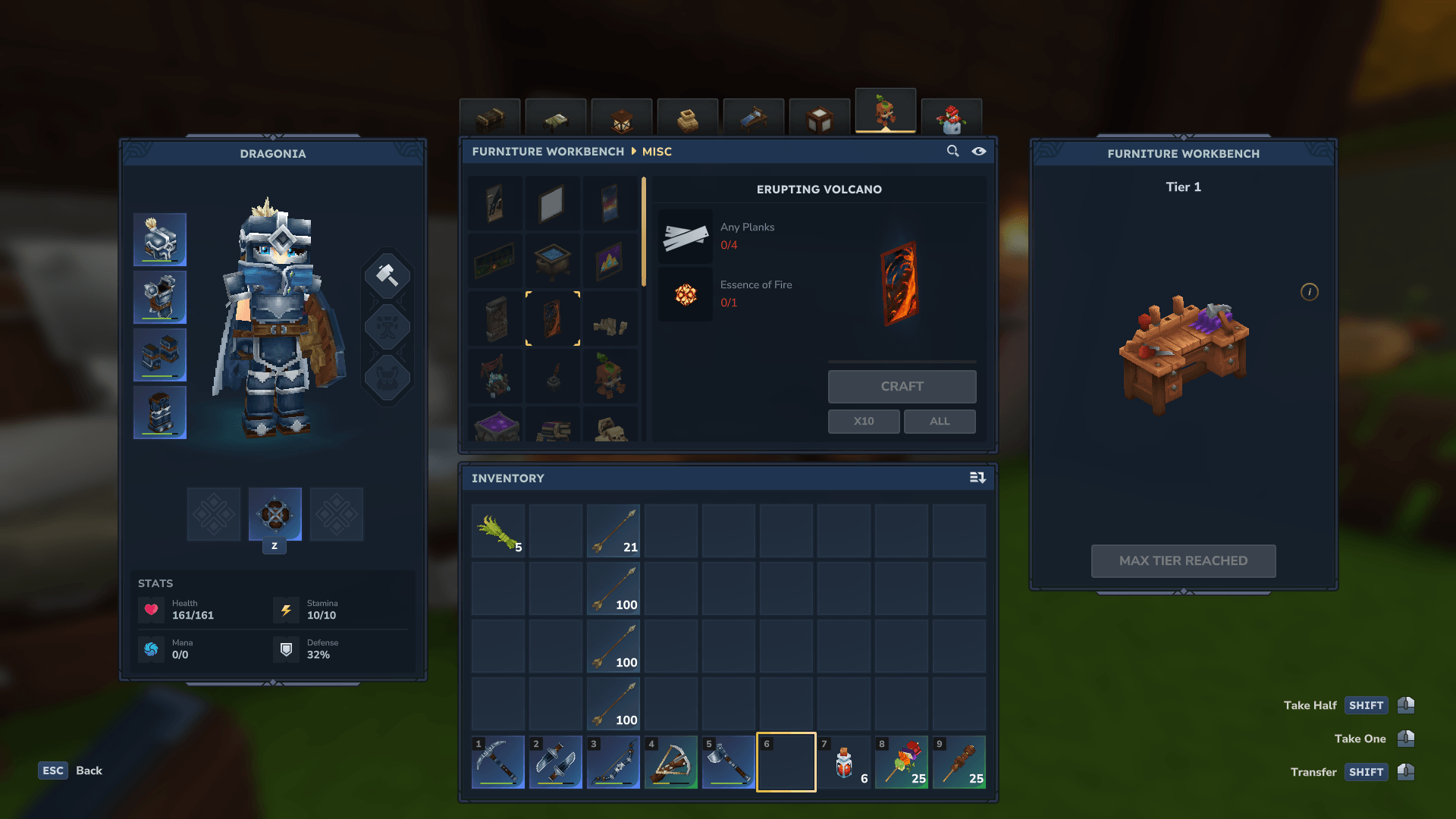
Currently adds 12 paintigns into the game. All are craftable at the furniture workbench (misc category) while i figure out how to add them to the Kweebec trader.
To-Do / Future goals: - Other painting sizes
- More paintings - Add paintings that are sold by traders in the VS version to the Kweebec and Klops traders. - translations.
Help would be very appreciated!
Do not ethat maintaining and updating the main (vintage story) version comes first, and updates to this may be slow outside of updatign the mod for new game versions if it breaks.
You are free to use this mod as a base to add your own paintings! make sure to match the resolutions and that the frame is 2px wide! Just please do not include the textures/paintings i made.
Join the discord to get notified abotu updates, other mods and so on! https://discord.gg/NKqksFhh3w
Categories
Screenshots
Need a Server?
Run The Art Hoard (Craftable Paintings) on a dedicated Hytale server with easy mod management.
Get Hytale HostingFrequently Asked Questions
What is The Art Hoard (Craftable Paintings)?
Adds new, craftable paintings into the game for decoration.
How do I download The Art Hoard (Craftable Paintings)?
You can download The Art Hoard (Craftable Paintings) for free from CurseForge. Click the "Download on CurseForge" button on this page to go directly to the download page.
Who created The Art Hoard (Craftable Paintings)?
The Art Hoard (Craftable Paintings) was created by TakenMyName. The mod has been downloaded 310 times.
Is The Art Hoard (Craftable Paintings) compatible with Hytale servers?
The Art Hoard (Craftable Paintings) is designed for Hytale and can be used on both single-player and multiplayer servers. Check the mod page on CurseForge for specific compatibility information.
How do I install The Art Hoard (Craftable Paintings)?
To install The Art Hoard (Craftable Paintings): 1) Download the mod from CurseForge, 2) Place the file in your Hytale mods folder, 3) Restart the game. The mod should load automatically.
Related Building Mods
View all mods
Violet's Furnishings
VioletsWorkshop
Expands on Hytale's existing furniture library
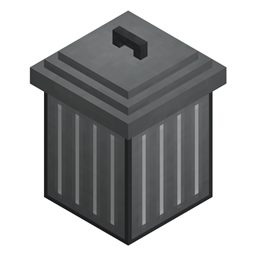
Simply Trash
Jaredlll08
Adds a trash can to easily destroy items!
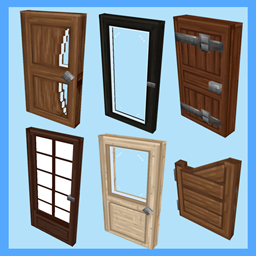
Macaw's Hy Doors
sketch_macaw
Adds more doors to fit in your builds!

Violet's Plushies
VioletsWorkshop
Adds several plushies, some with unique SFX!
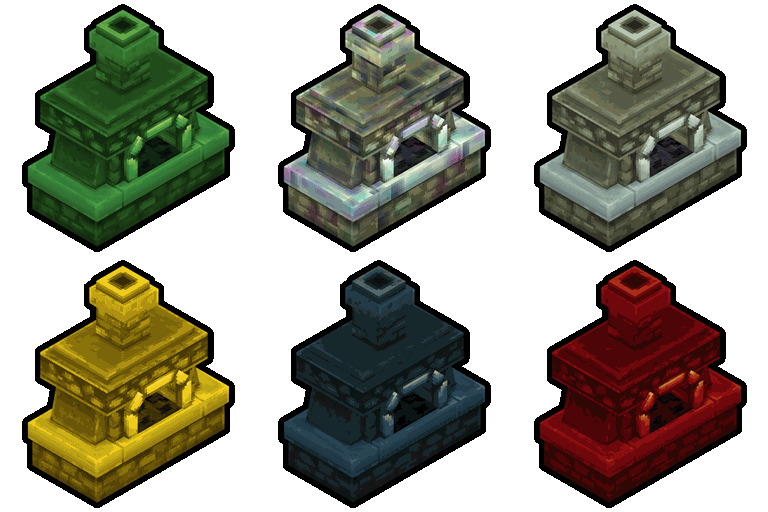
Thorium Furnaces
Jaredlll08
Faster Furnaces!
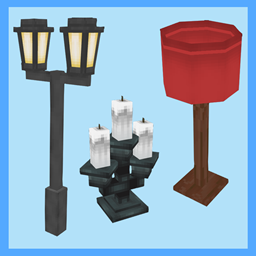
Macaw's Hy Lights and Lamps
sketch_macaw
Adds Lamps, Tiki Torches, Candle Holders, Ceiling Lights, Street Lights and more...!