The Way of the Force - Weapons
The Way of the Force – Weapons adds iconic, fully realized Lightsabers and Blasters with immersive sounds, multiple perspective options, and 7 crafting categories designed to grow over time.
About The Way of the Force - Weapons
The Way of the Force – Weapons brings iconic Force-Wielder weaponry into your game with carefully crafted models, perspective-aware visuals, and authentic audio design.
This mod currently includes three fully realized weapons:
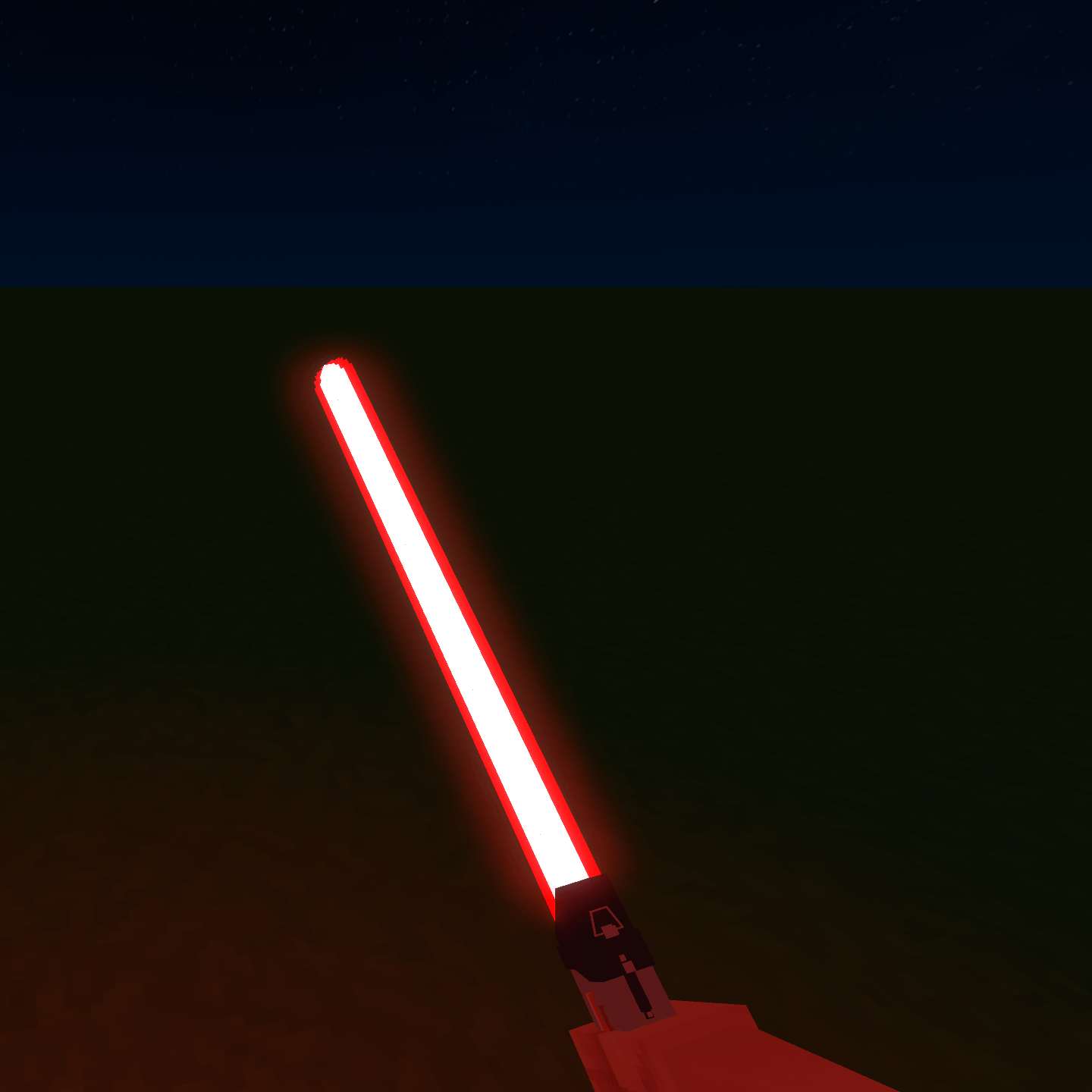
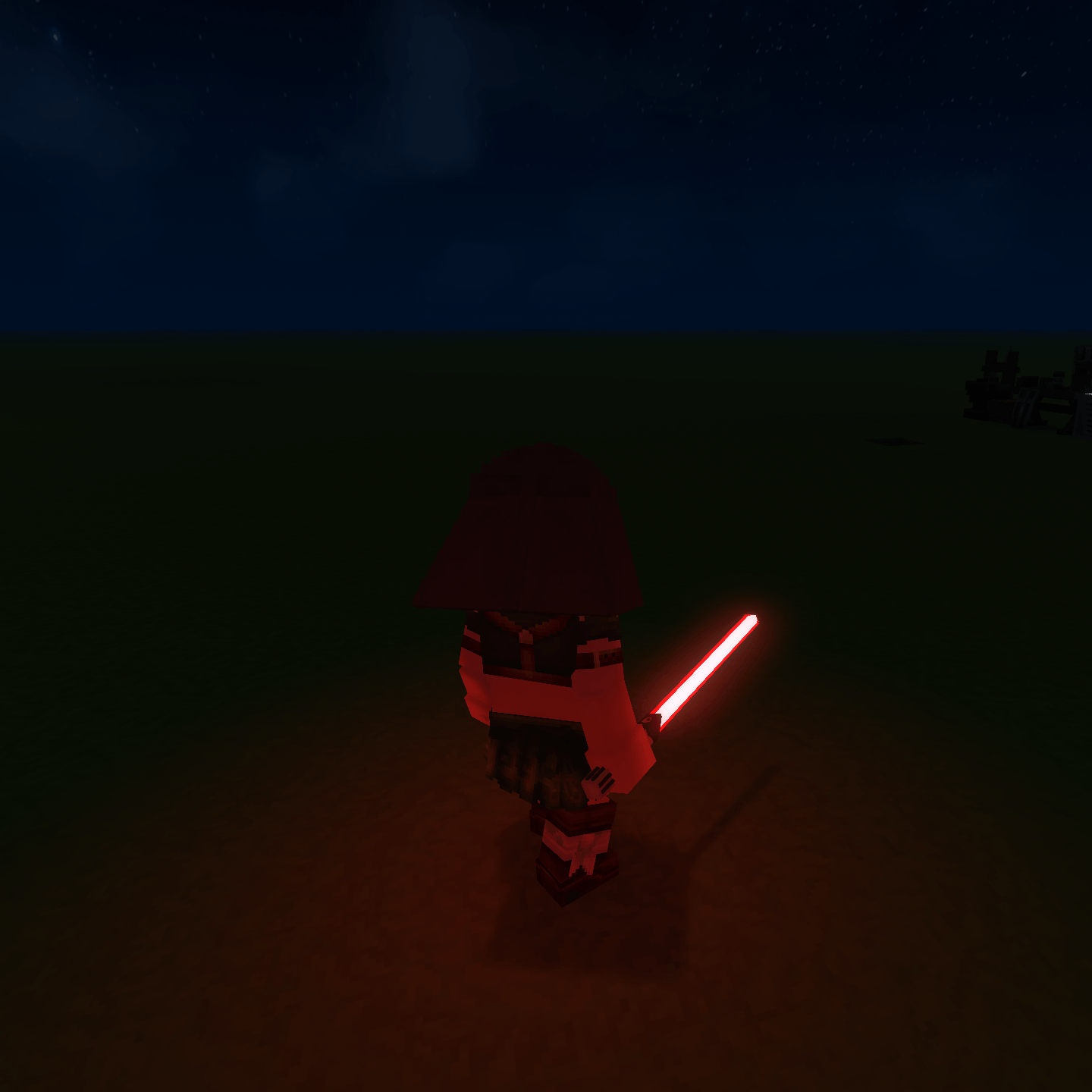
◆ Darth Vader’s Lightsaber
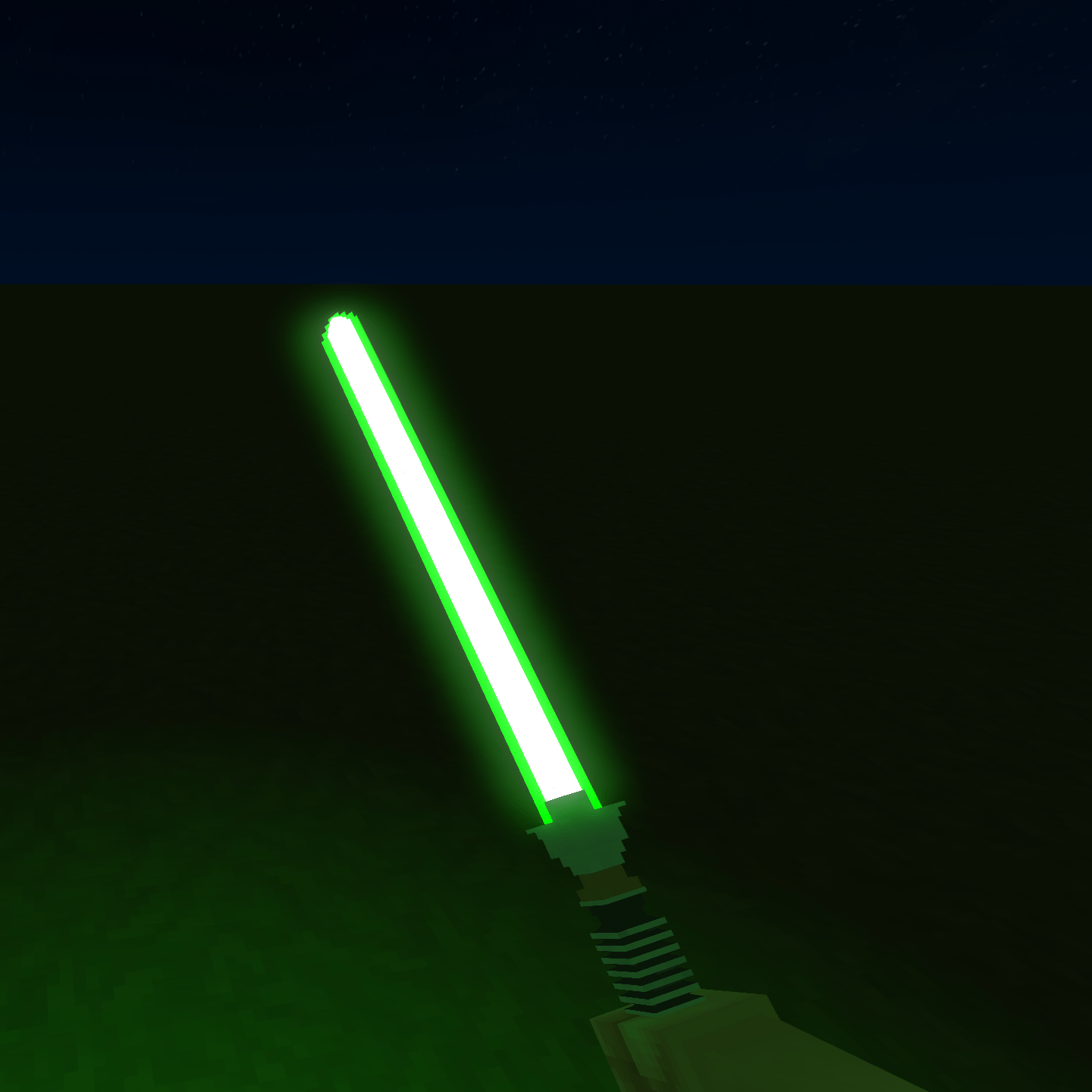
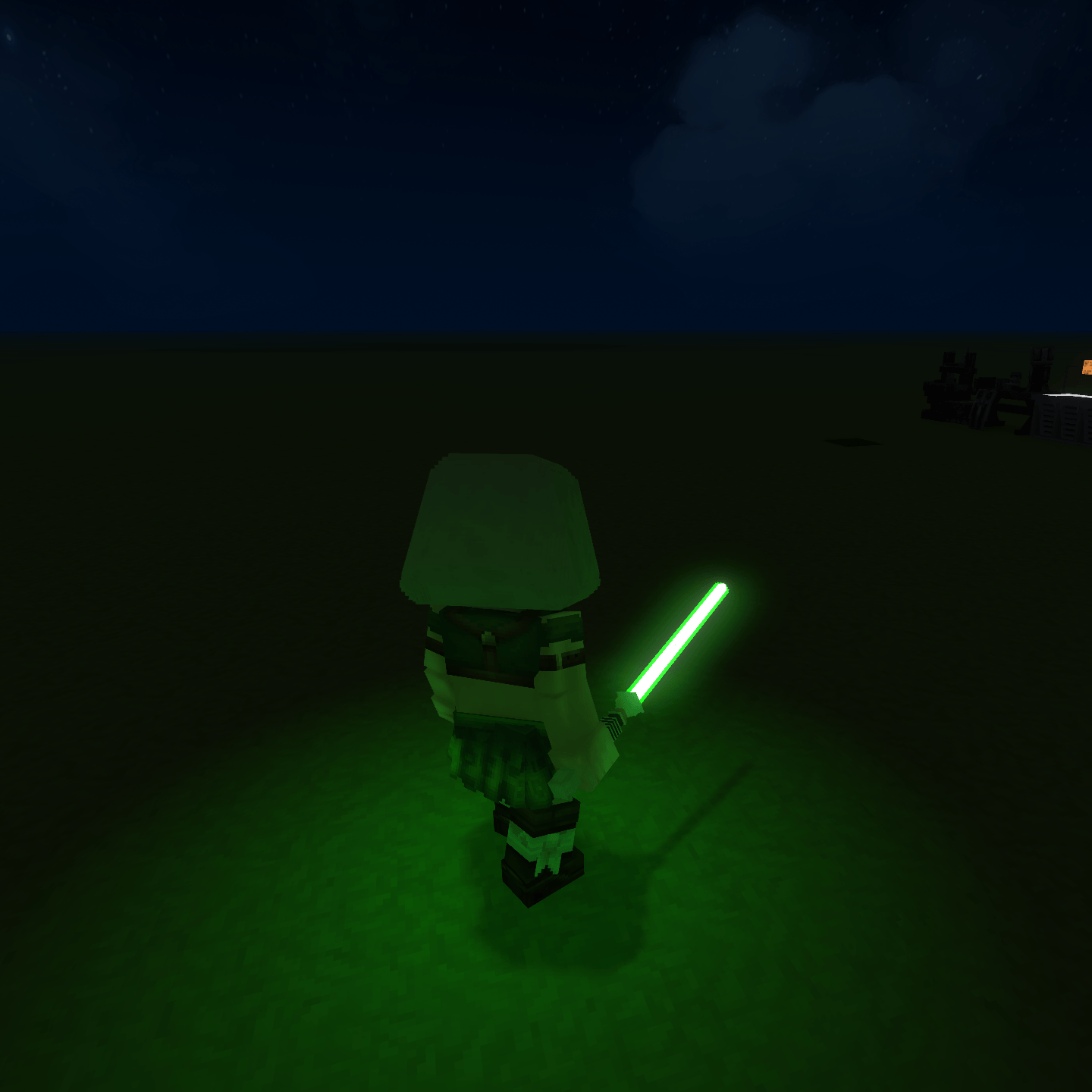
◆ Luke Skywalker’s Lightsaber
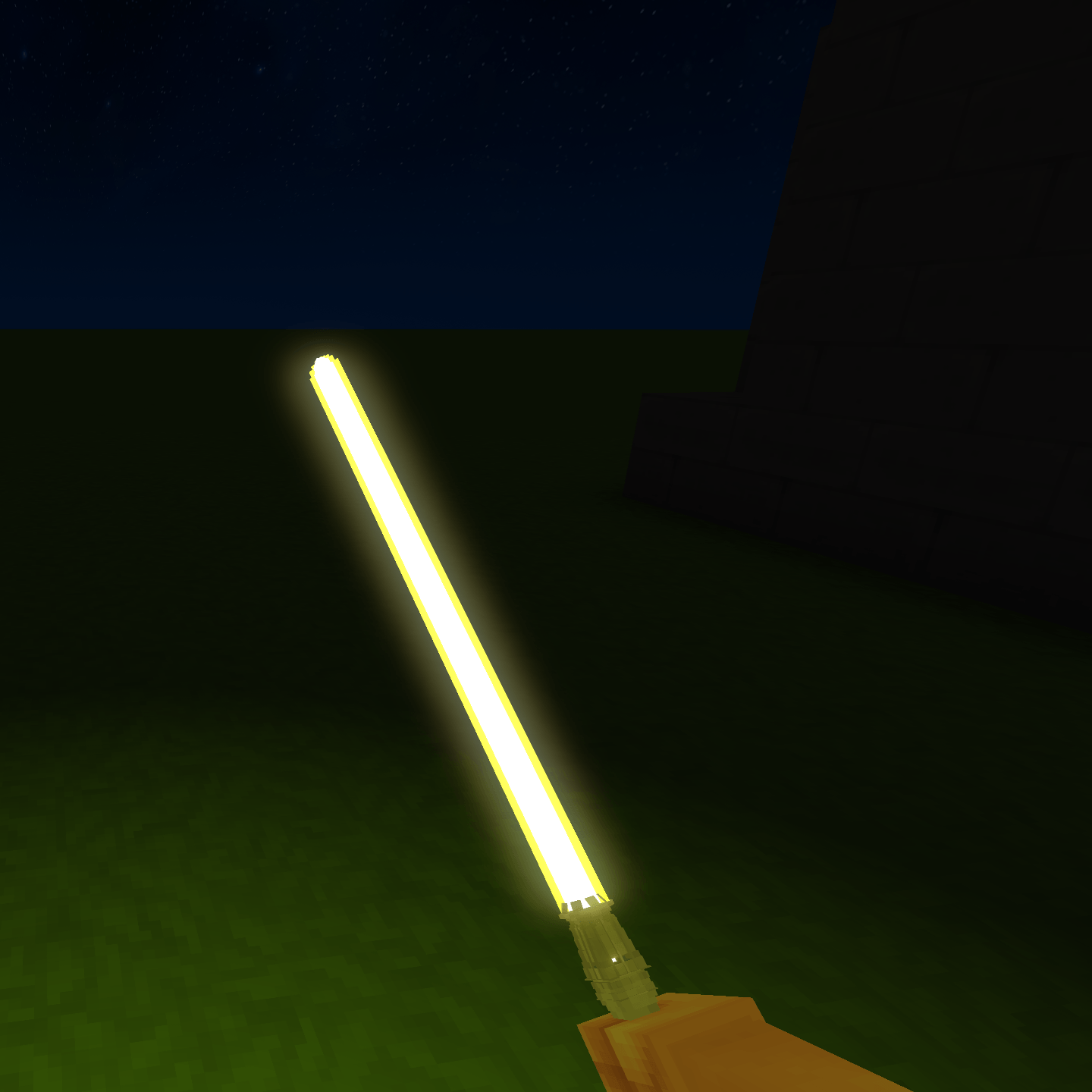
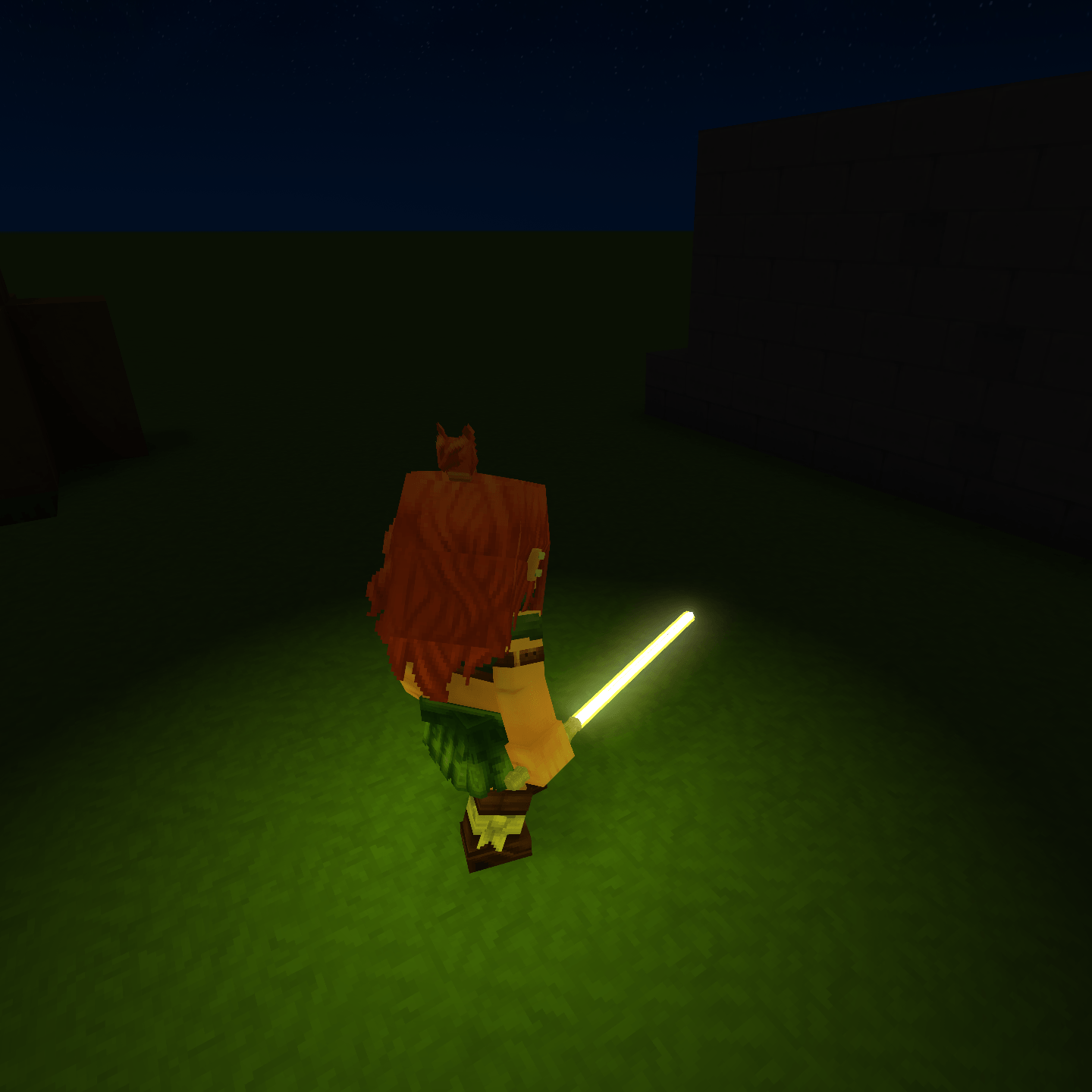
◆ Rey Skywalker’s Lightsaber (The model turned out a bit too thin in my opinion, will be updated in the future)
All lightsabers are completely fleshed out, featuring custom models and their own unique, weapon-specific sounds to ensure each feels distinct.
In addition, the weapon workbenches currently feature 7 distinct categories, with plans to fully flesh out each one over time:
◆ One-Handed
◆ Two-Handed (Postponed until the devs fully flesh out the Longswords)
◆ Dual Blade (Postponed until the devs fully flesh out the Scythes)
◆ Dual Sabers
◆ Pikes (Postponed until the devs fully flesh out the Spears)
◆ Axes (The Axes were a request from my cousin 😄)
◆ Blasters (Im thinking of removing this and making it its own separate mod. Of course that would require the devs fully fleshing out guns as well. Thoughts?)
🔧 Mod Versions & Installation Options
This mod is available in four separate versions, giving you control over how the weapons appear and function in-game:
First-Person Version Optimized specifically for first-person perspective.
Third-Person Version Designed for third-person gameplay and animations.
Full-Color Blade Version Uses fully colored lightsaber blades, making perspective irrelevant and suitable for both first- and third-person play.
Unified Workbench Version Combines all three weapon workbenches into a single workbench that includes every weapon and variant.
⚠️ Important Compatibility Notes
You must choose one of the following setups:
◆ One individual version, or
◆ All three separate perspective-based versions together/mix-n-matched, or
◆ The Unified Workbench version by itself
If you use the Unified Workbench version, you must NOT use any of the other versions. Mixing them will cause conflicts and may render certain items or crafting options unusable.
Please read carefully before installing to avoid issues.
✨ Related Mod
Be sure to check out my other mod, The Way of the Force – Armor, which complements this project and expands the experience even further.
🌌 Looking for Collaborators
This project is still growing, and help is always welcome. If you have experience with Java or Texturing and would like to contribute, I’d love to hear from you. These are currently my weakest areas, and any assistance would go a long way. To find me, just search HKesadilla on Discord. I am also in the main Hytale Discord as well.
May the Force be with you.
Categories
Screenshots
Need a Server?
Run The Way of the Force - Weapons on a dedicated Hytale server with easy mod management.
Get Hytale HostingFrequently Asked Questions
What is The Way of the Force - Weapons?
The Way of the Force – Weapons adds iconic, fully realized Lightsabers and Blasters with immersive sounds, multiple perspective options, and 7 crafting categories designed to grow over time.
How do I download The Way of the Force - Weapons?
You can download The Way of the Force - Weapons for free from CurseForge. Click the "Download on CurseForge" button on this page to go directly to the download page.
Who created The Way of the Force - Weapons?
The Way of the Force - Weapons was created by HKesadilla. The mod has been downloaded 439 times.
Is The Way of the Force - Weapons compatible with Hytale servers?
The Way of the Force - Weapons is designed for Hytale and can be used on both single-player and multiplayer servers. Check the mod page on CurseForge for specific compatibility information.
How do I install The Way of the Force - Weapons?
To install The Way of the Force - Weapons: 1) Download the mod from CurseForge, 2) Place the file in your Hytale mods folder, 3) Restart the game. The mod should load automatically.
Related Misc Mods
View all mods
Ymmersive Melodies
Conczin
Upload and play MIDI files in-game on various instruments to annoy your friends with custom melodies!

MultipleHUD
Buuz135
A simple mod that allows you to have multiple HUDs present at once.

Spanish Translation
Plexu5
A Spanish language translation for Hytale. Includes UI, items, and menus.

YUNG's HyDungeons
YUNGNICKYOUNG
Adds new procedurally generated dungeon instances!

Just Enough Tales (JEI mod)
uwudwagon
A JEI mod for Hytale.
![[NoCube's] Simple Bags](https://media.forgecdn.net/avatars/thumbnails/1601/201/256/256/639034453685921721.png)
[NoCube's] Simple Bags
NoCube
Adds bags that you can put anything in!