
Türkçe Çeviri ( Makine )
Turkish Language Translation for Hytale
About Türkçe Çeviri ( Makine )
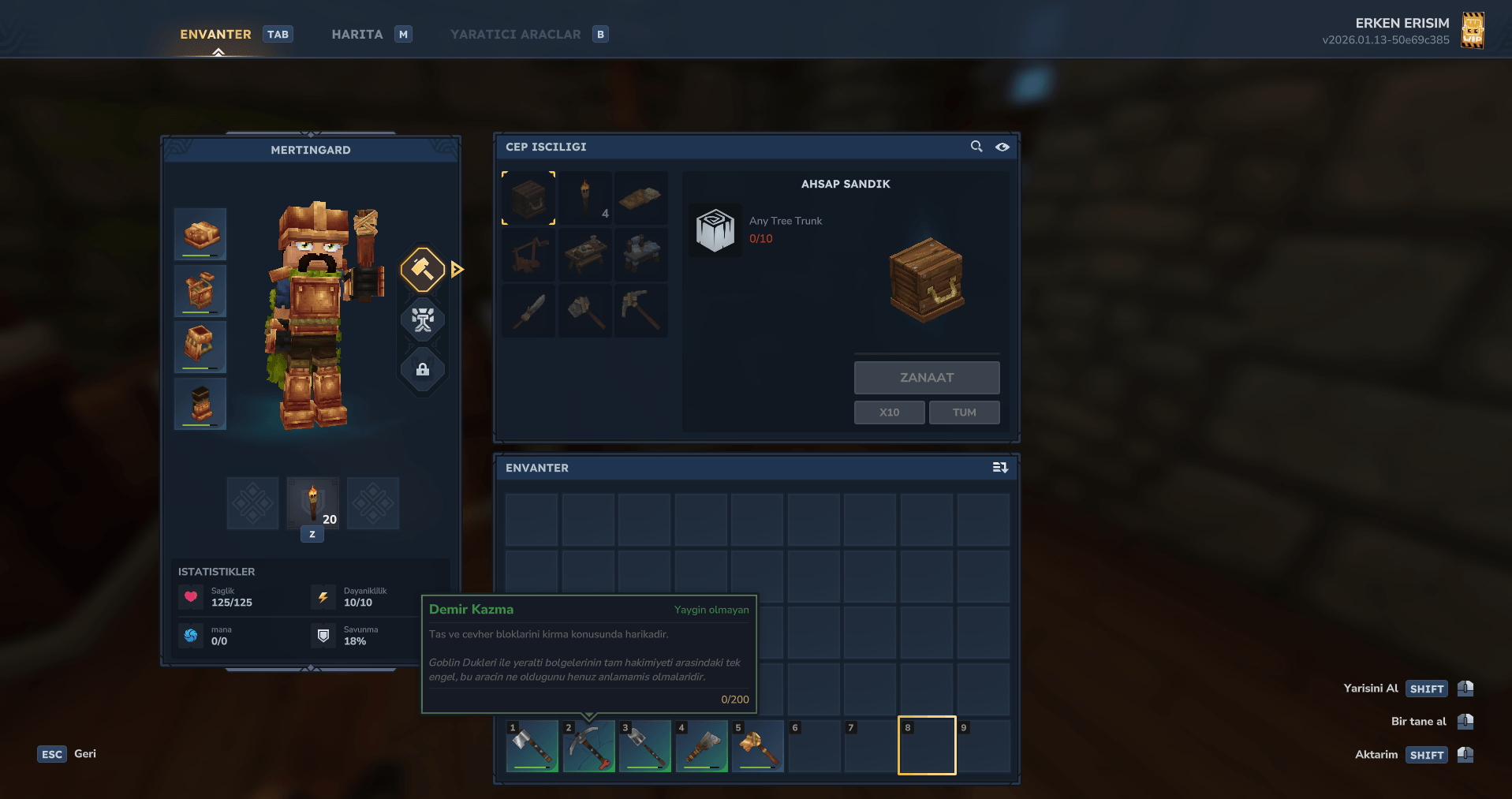
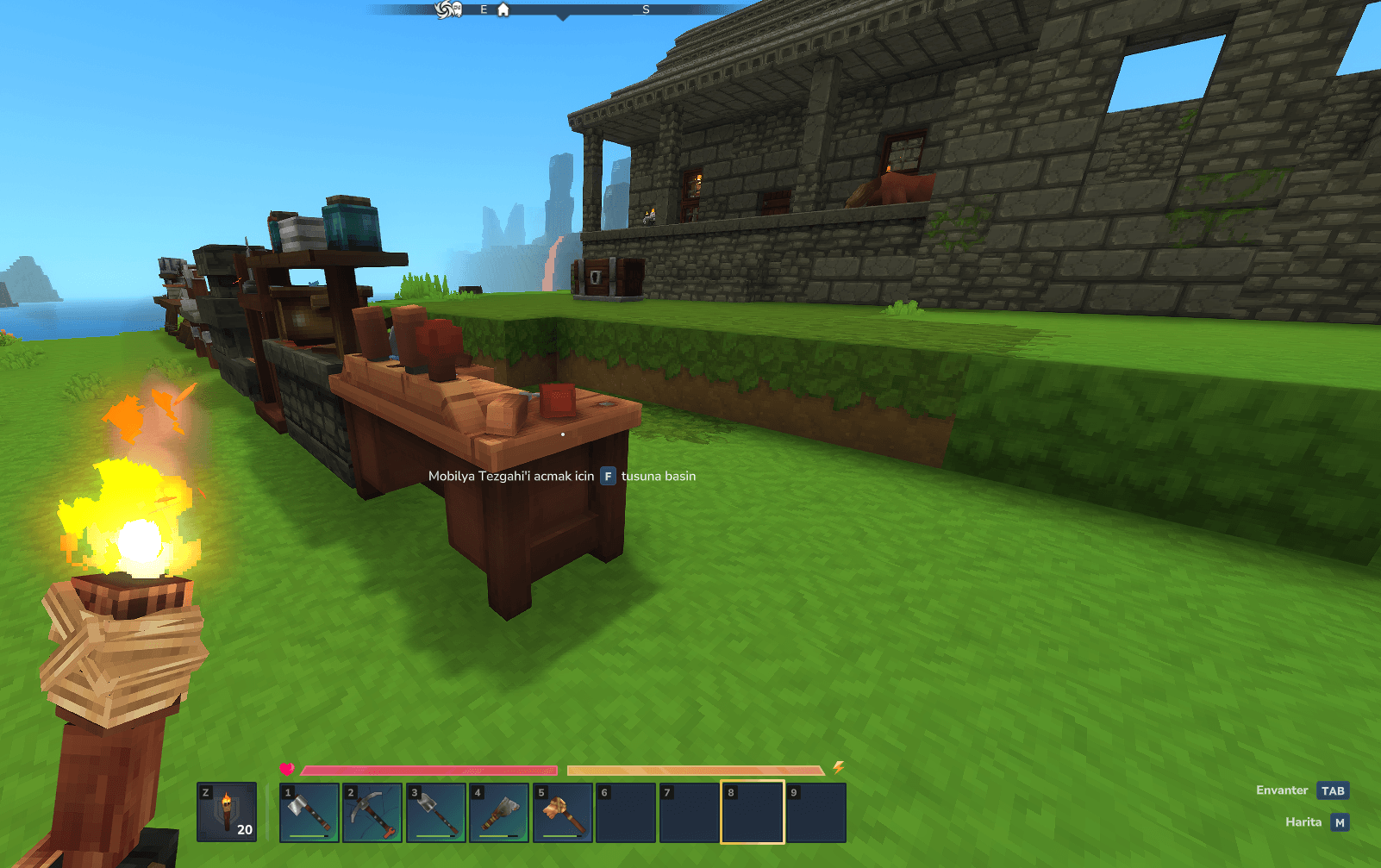
Everything in the game has been translated into Turkish.
How to Install? Go to the game folder. Open the downloaded .zip file and drag the “install” folder into game folder In-game, go to Settings and choose Turkish.
Nasıl Kurulur? Oyunun olduğu klasöre gidin. .zip'teki "install" klasörünü oyunun dosya konumuna atın. Oyun içerisindeki ayarlardan oyunu türkçe yapabilirsiniz.
Categories
Screenshots
Need a Server?
Run Türkçe Çeviri ( Makine ) on a dedicated Hytale server with easy mod management.
Get Hytale HostingFrequently Asked Questions
What is Türkçe Çeviri ( Makine )?
Turkish Language Translation for Hytale
How do I download Türkçe Çeviri ( Makine )?
You can download Türkçe Çeviri ( Makine ) for free from CurseForge. Click the "Download on CurseForge" button on this page to go directly to the download page.
Who created Türkçe Çeviri ( Makine )?
Türkçe Çeviri ( Makine ) was created by Mertingard. The mod has been downloaded 218 times.
Is Türkçe Çeviri ( Makine ) compatible with Hytale servers?
Türkçe Çeviri ( Makine ) is designed for Hytale and can be used on both single-player and multiplayer servers. Check the mod page on CurseForge for specific compatibility information.
How do I install Türkçe Çeviri ( Makine )?
To install Türkçe Çeviri ( Makine ): 1) Download the mod from CurseForge, 2) Place the file in your Hytale mods folder, 3) Restart the game. The mod should load automatically.
Related Qol Mods
View all mods
EyeSpy
DarkhaxDev
Adds a HUD that displays information about what you're looking at!

Advanced Item Info
Buuz135
Adds a searchable GUI that displays all the items and the game and displays extra properties they have

Overstacked
DarkhaxDev
Increases the maximum stack size of items.

Violet's Wardrobe
VioletsWorkshop
Adds more customisation options in the form of craftable cosmetics

Item Magnet
Jaredlll08
Adds a magnet that attracts items towards the player.

Endgame & QoL - Boss & Elite Update (3.0.0 in a week)
Lewaii
Endgame & QoL v2.2: Face the Alpha T-Rex & Void Spectres! Unlock Backpack IV & Void Gliders. Restore unused content and challenge stronger, rebalanced bosses!