Ukrainian Translation (UA)
Add a Ukrainian translation of the game.
About Ukrainian Translation (UA)
ENGLISH
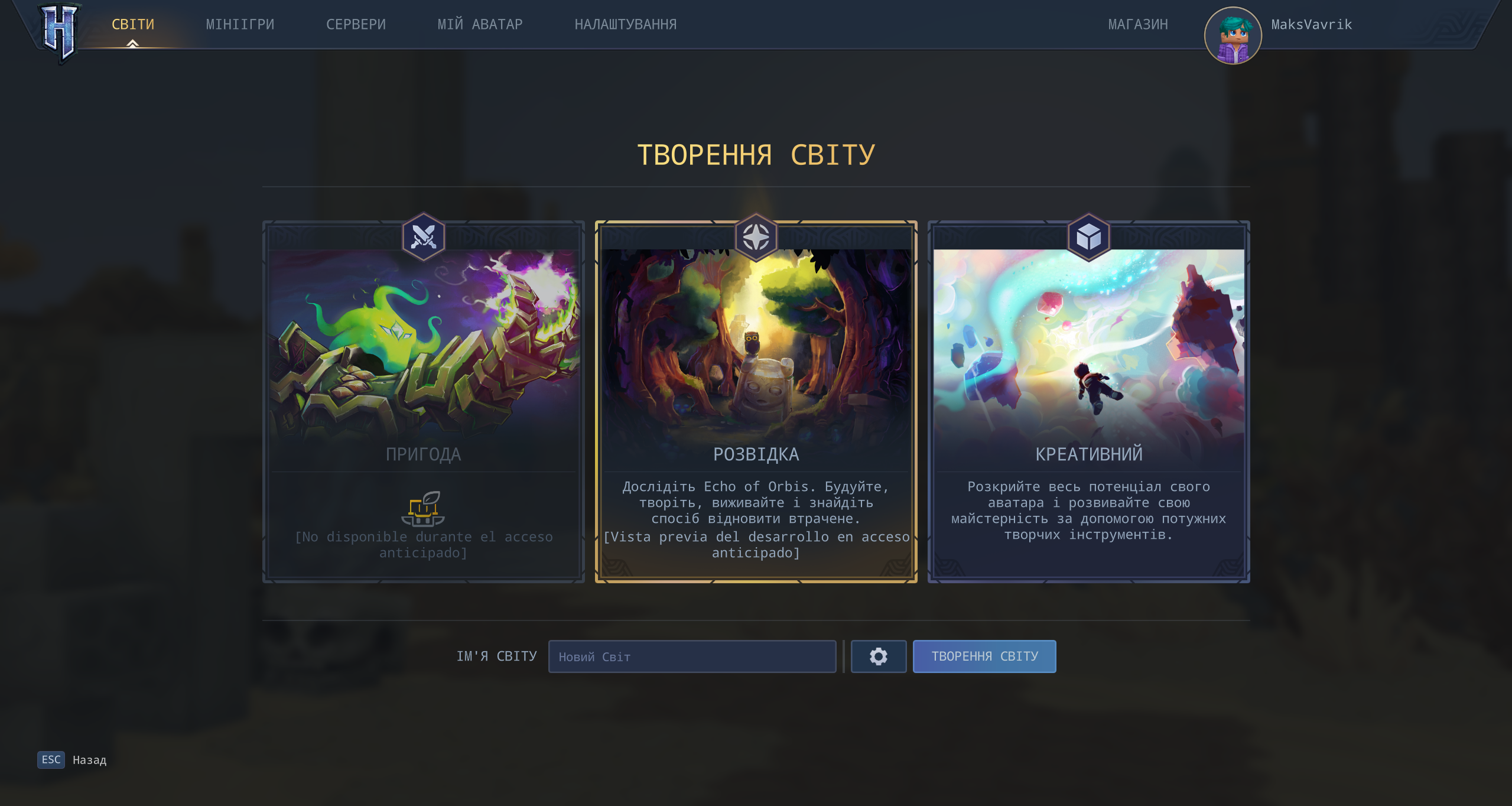
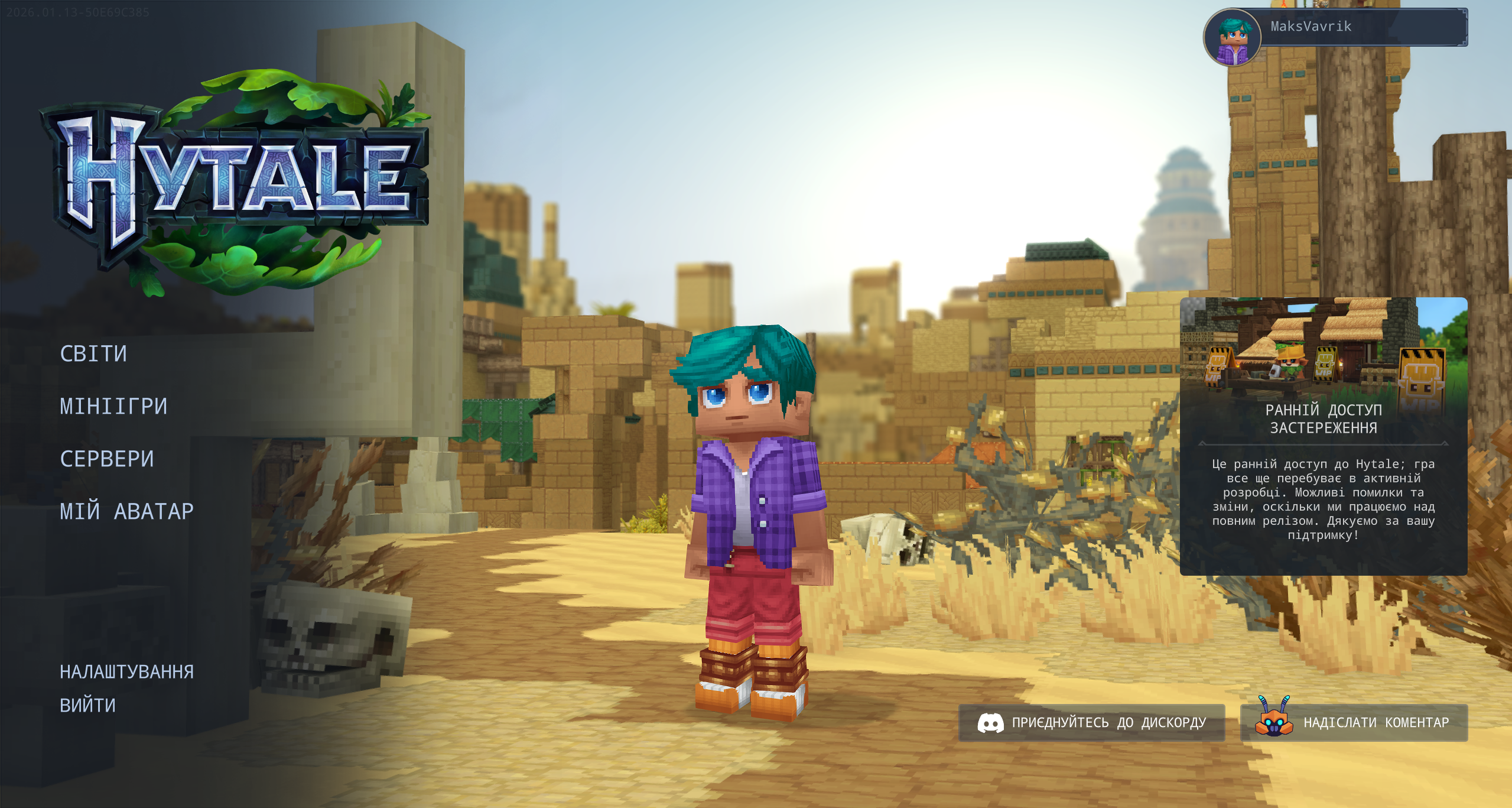
Ukrainian language pack for Hytale. The goal is to offer a more natural experience in everyday gameplay, translating interface texts and common messages to make playing and configuring everything more comfortable in Ukrainian.
How To Install?
To install the game files, go to the game’s root folder. If you don’t know where it is, open the launcher > Settings (gear icon) > “Open Directory”. Once you’re in the root folder, open the downloaded .zip file and drag the “install” folder into Hytale’s root folder. Select “Replace all” (or “Replace the files in the destination”) when prompted. In-game, go to Settings and choose Ukrainian as the language. You’re all set and ready to play.
(IMPORTANT: If you download it using the CurseForge application, delete the .zip file from the mods folder after installing the translation, as it may prevent your world from loading.)
Note on status
This translation is a work in progress: you may find untranslated lines or expressions that could be improved. It will be refined and expanded in future updates.
Version: 1.0
УКРАЇНСЬКОЮ
Український мовний пакет для Hytale. Мета — зробити щоденну гру зручнішою, переклавши тексти інтерфейсу та поширені повідомлення українською мовою.
Як встановити?
Відкрийте кореневу папку гри. Якщо не знаєте де вона — відкрийте лаунчер > Налаштування (іконка шестерні) > “Open Directory”. У кореневій папці гри відкрийте завантажений .zip та перетягніть папку “install” у корінь Hytale. Підтвердіть заміну файлів (“Replace all”), якщо буде запит. У грі відкрийте Налаштування та виберіть Українську мову. Готово!
(ВАЖЛИВО: Якщо завантажували через застосунок CurseForge — після встановлення видаліть .zip з папки mods, інакше світ може не завантажуватися.)
Примітка
Переклад у процесі: можливі неперекладені рядки або формулювання, які можна покращити. У наступних оновленнях буде доповнюватися та виправлятися.
Версія: 1.0
Categories
Screenshots
Need a Server?
Run Ukrainian Translation (UA) on a dedicated Hytale server with easy mod management.
Get Hytale HostingFrequently Asked Questions
What is Ukrainian Translation (UA)?
Add a Ukrainian translation of the game.
How do I download Ukrainian Translation (UA)?
You can download Ukrainian Translation (UA) for free from CurseForge. Click the "Download on CurseForge" button on this page to go directly to the download page.
Who created Ukrainian Translation (UA)?
Ukrainian Translation (UA) was created by MaksVavrik_Me. The mod has been downloaded 423 times.
Is Ukrainian Translation (UA) compatible with Hytale servers?
Ukrainian Translation (UA) is designed for Hytale and can be used on both single-player and multiplayer servers. Check the mod page on CurseForge for specific compatibility information.
How do I install Ukrainian Translation (UA)?
To install Ukrainian Translation (UA): 1) Download the mod from CurseForge, 2) Place the file in your Hytale mods folder, 3) Restart the game. The mod should load automatically.
Related Qol Mods
View all mods
EyeSpy
DarkhaxDev
Adds a HUD that displays information about what you're looking at!

Advanced Item Info
Buuz135
Adds a searchable GUI that displays all the items and the game and displays extra properties they have

Overstacked
DarkhaxDev
Increases the maximum stack size of items.

Violet's Wardrobe
VioletsWorkshop
Adds more customisation options in the form of craftable cosmetics

Item Magnet
Jaredlll08
Adds a magnet that attracts items towards the player.

Endgame & QoL - Boss & Elite Update (3.0.0 in a week)
Lewaii
Endgame & QoL v2.2: Face the Alpha T-Rex & Void Spectres! Unlock Backpack IV & Void Gliders. Restore unused content and challenge stronger, rebalanced bosses!