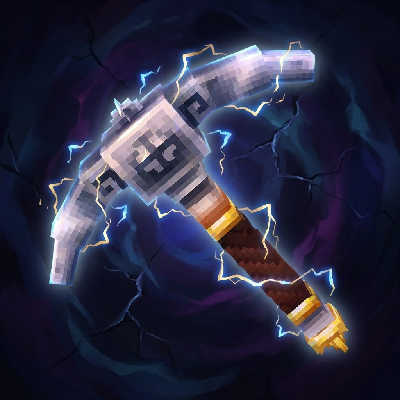
VeinMining
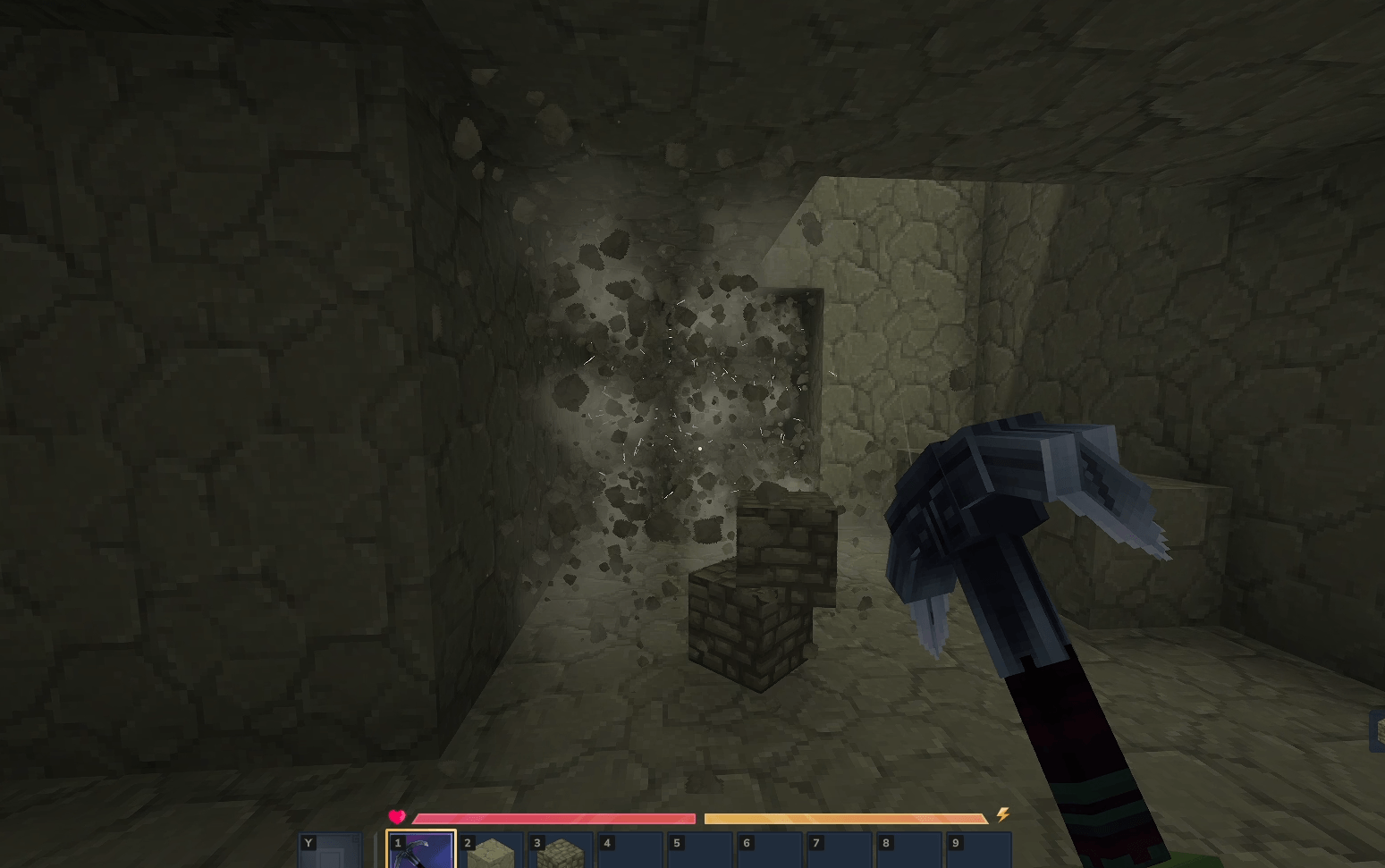
Instantly mine connected ores and blocks by holding the Walk key (LEFT ALT) while breaking a single block.
About VeinMining
Features
Hold the Walk key (LEFT ALT) while mining to activate veinmining.
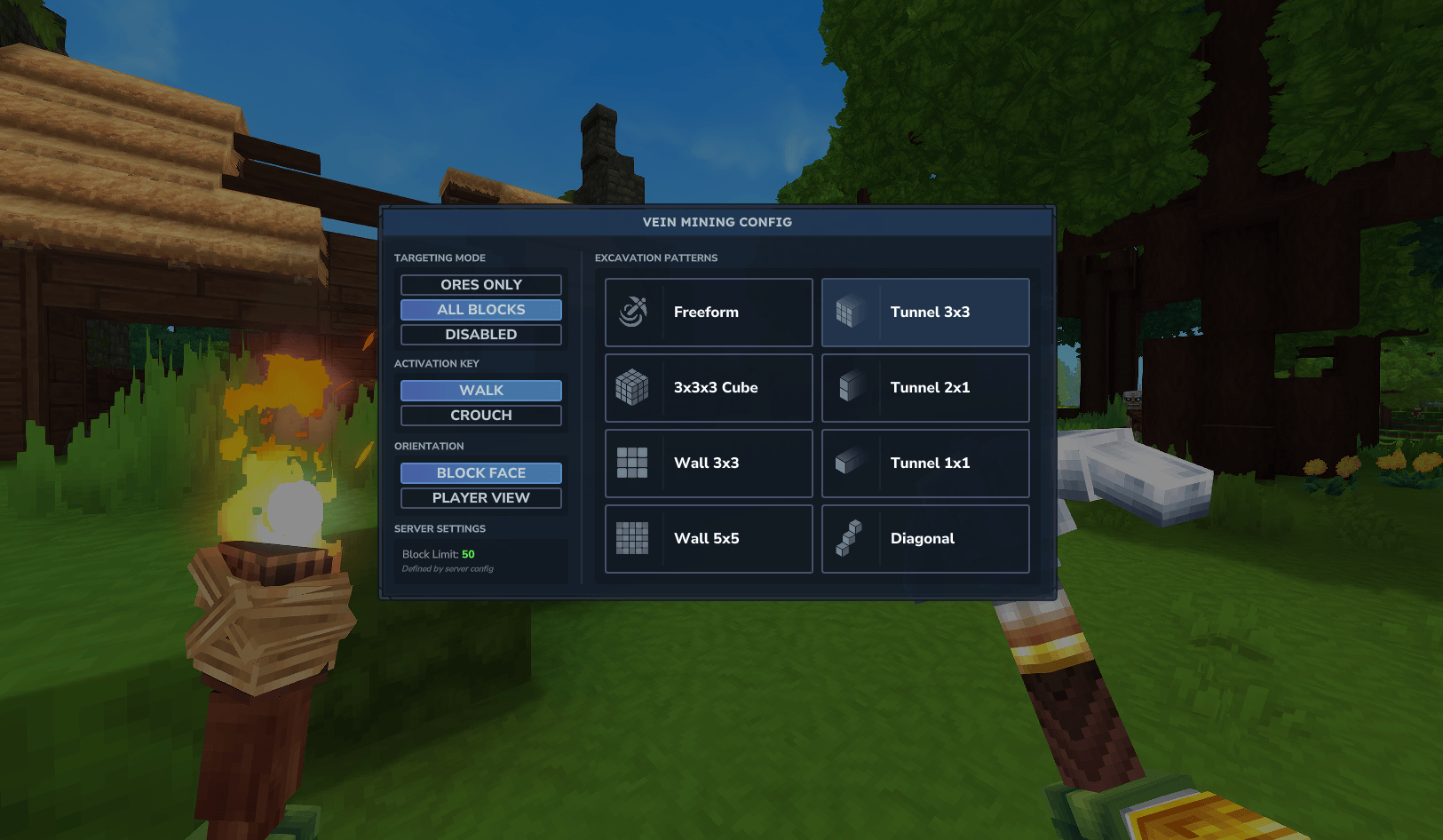
Open the GUI with /vm or use chat commands to configure your Target Mode, Excavation Pattern, Orientation, and Key.
Your tool loses durability based on the total number of blocks broken.
All loot from the entire vein spawns in a single, neat pile at the source block.
Mining Modes (/vm)
Targeting
All Blocks — Mines connected blocks of any type (Default)
Ores Only — Mines connected ore veins
Off — Temporarily disables veinmining
Excavation Patterns
Freeform — Follows the vein in any direction (Classic)
Cube — Excavates a 3x3x3 area
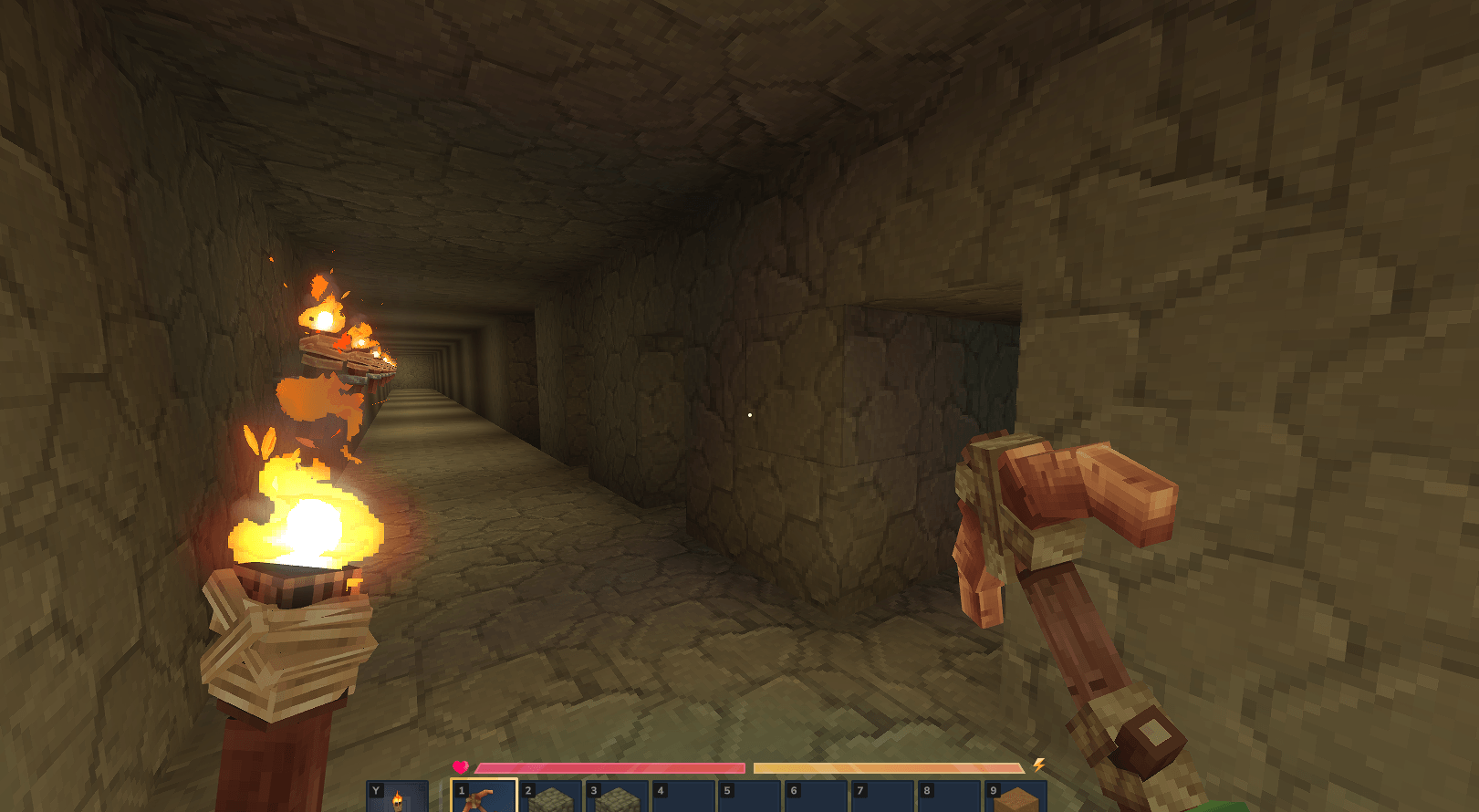
Tunnel — Available in 1x1, 1x2 (Player), and 3x3
Wall — Mines a flat surface (3x3 or 5x5)
Diagonal — Mines a diagonal staircase
Orientation
Block Face — Aligns the pattern to the side of the block you hit.
Player View — Aligns the pattern to your camera view.
Chat Configuration
All settings can be configured directly via chat with smart parsing (aliases) and formatted confirmation messages.
Available Flags:
--mode: all, ores, off
--pattern: free, cube, tunnel1 (t1), tunnel2 (t2), tunnel3 (t3), wall3 (w3), wall5 (w5), diagonal (diag)
--orientation: block, player
--key: walk, crouch
Example Command:
/vm --mode all --pattern cube --key crouch Configuration File
You can configure further settings in the VeinMining.json config file:
Maximum vein size (default: 50)
Durability multipliers (default: 1)
Drop consolidation toggle (default: true)
Tool requirement toggle (default: true)
Instant break blocks toggle (default: false)
Troubleshooting & FAQ
World or Game Won't Start
If you updated the mod and the world no longer loads, the configuration file format may have changed.
Navigate to: %APPDATA%\Hytale\UserData\Saves\YourWorldName\mods
Delete the folder named EineNT_VeinMining.
Rejoin the world; the folder and config will regenerate automatically.
Mod Not Working?
Check for Duplicates: Ensure you only have one version of the .jar file in your %APPDATA%\Hytale\UserData\Mods folder.
Verify Installation: Run /vn. If the GUI opens or chat responds, the mod is active.
Check Status: Run /pl m (requires OP/Admin). If EineNT:VeinMining is disabled, click to enable it.
Tool Requirement: By default, the mod only works if you are holding a valid tool (Pickaxe, Axe, or Shovel).
How to Edit Configs
Configurations are stored per world. To edit them manually:
Go to: %APPDATA%\Hytale\UserData\Saves\YourWorldName\mods\EineNT_VeinMining
Open VeinMining.json with a text editor.
Apply changes by restarting the server or running /pl reload EineNT:VeinMining.
"Failed to reload plugin" Error
If you see a message in chat saying "Failed to reload plugin EineNT:VeinMining!" during startup or reload, you can usually ignore this. The plugin most likely loaded correctly despite the warning message.
Categories
Screenshots
Need a Server?
Run VeinMining on a dedicated Hytale server with easy mod management.
Get Hytale HostingFrequently Asked Questions
What is VeinMining?
Instantly mine connected ores and blocks by holding the Walk key (LEFT ALT) while breaking a single block.
How do I download VeinMining?
You can download VeinMining for free from CurseForge. Click the "Download on CurseForge" button on this page to go directly to the download page.
Who created VeinMining?
VeinMining was created by EineNT. The mod has been downloaded 139.3K times.
Is VeinMining compatible with Hytale servers?
VeinMining is designed for Hytale and can be used on both single-player and multiplayer servers. Check the mod page on CurseForge for specific compatibility information.
How do I install VeinMining?
To install VeinMining: 1) Download the mod from CurseForge, 2) Place the file in your Hytale mods folder, 3) Restart the game. The mod should load automatically.
Related Utility Mods
View all mods
BetterMap
Paralaxe
Enhance Hytale World Map

Hybrid
Serilum
🏛️ A Hytale mod library that contains common code for all of Serilum's mods.

Wayback Charm
DarkhaxDev
A charm to help you find your way back home.

Better Modlist
Buuz135
Adds a better modlist to the game, with improved features like searching and logos.

Simple Claims
Buuz135
Adds a chunk claim and protection system.
Simple Enchantments
Herolias
Adds an Enchanting Table as well as a variety of enchantments to the game.