Visual Bench Tiers
Adds custom models for the various bench tiers above tier 1.
About Visual Bench Tiers
Benches Included
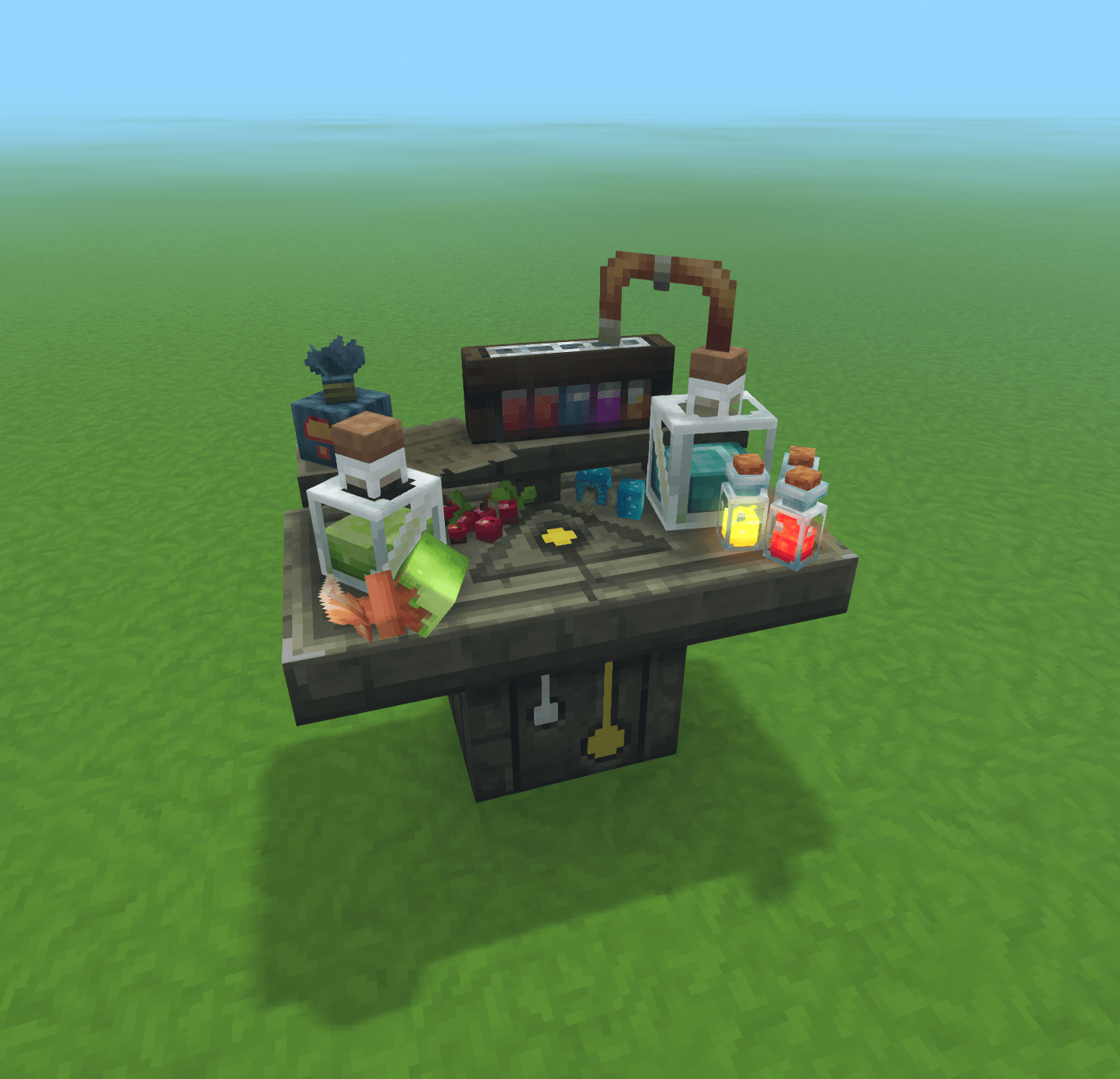
Alchemist's Workbench Tier 2
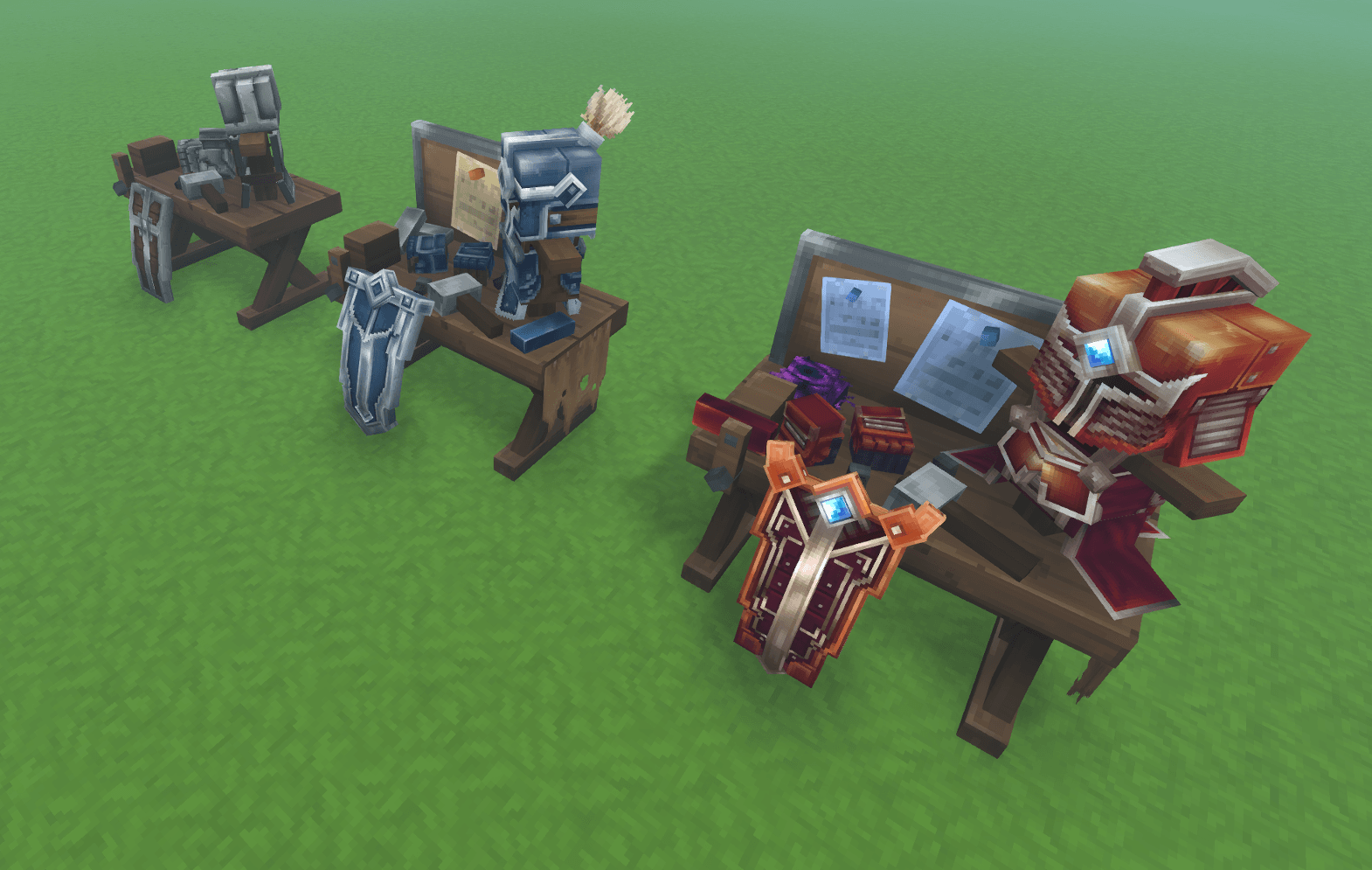
Armorer's Workbench Tiers 2 and 3
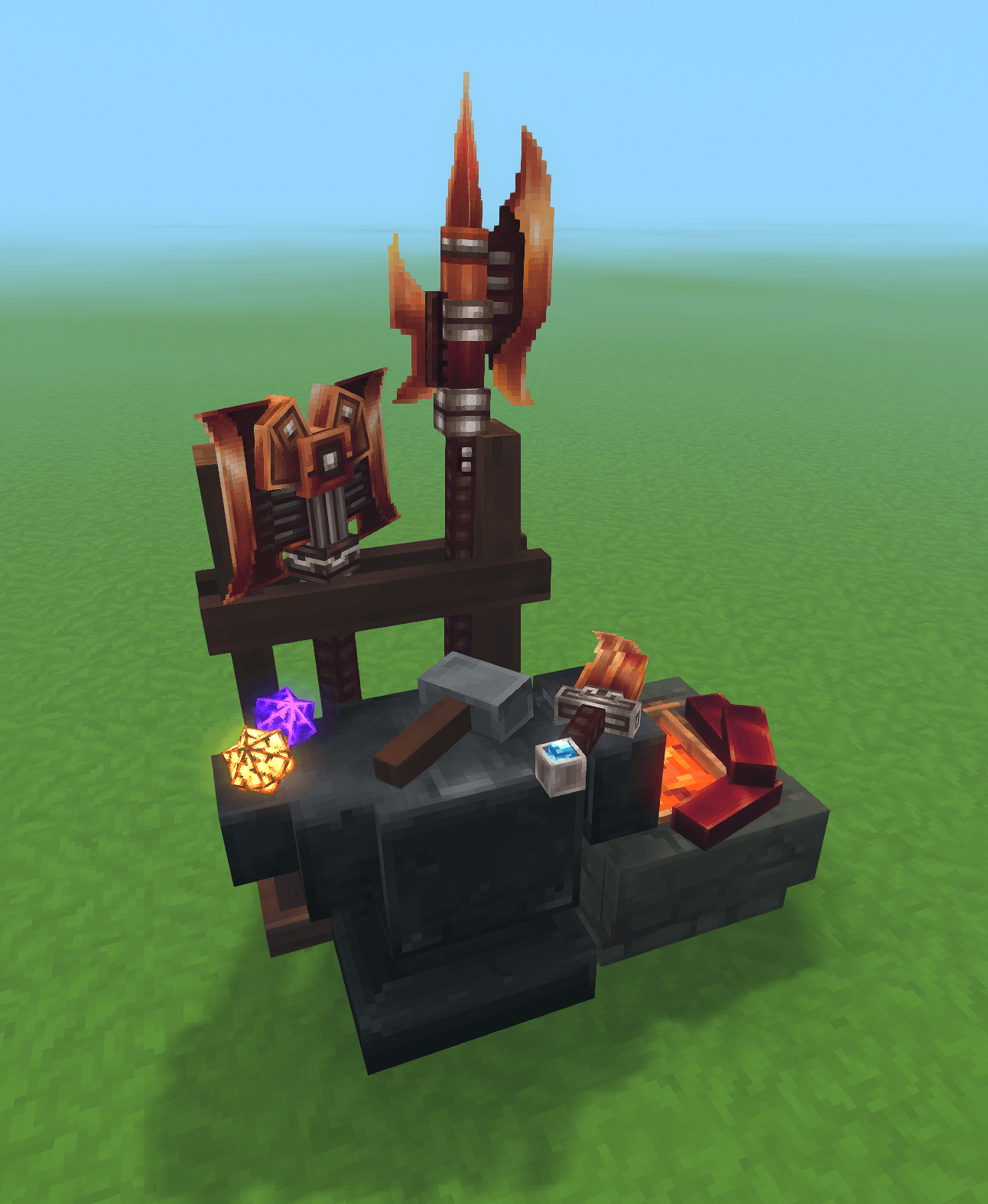
Blacksmith's Anvil Tiers 2 and 3
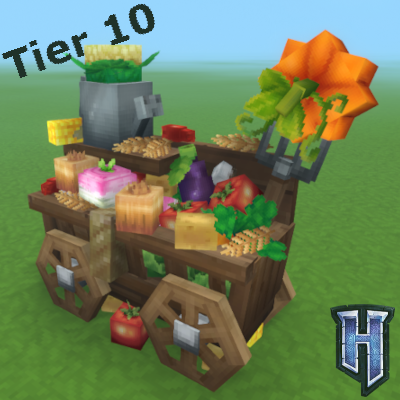
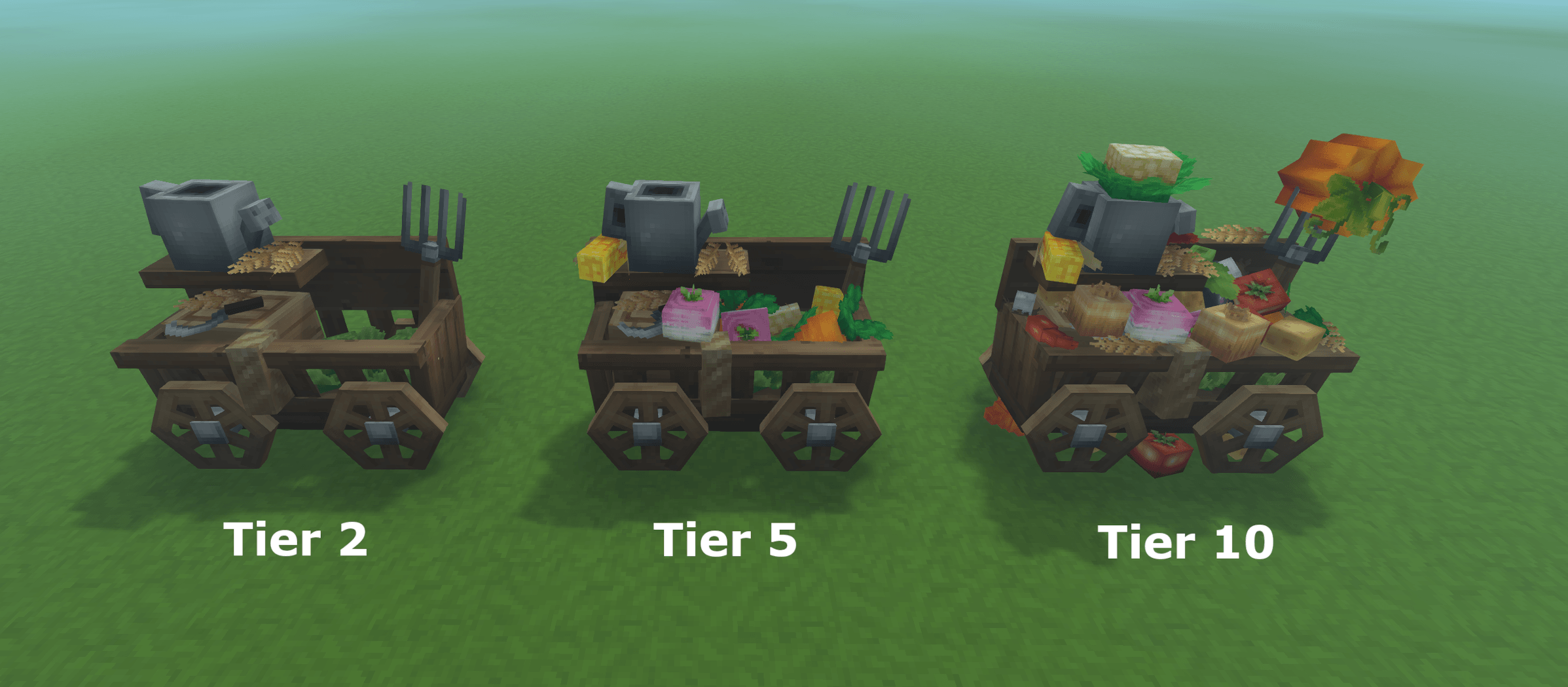
Farmer's Workbench Tiers 2 through 10
Benches Not Included
Tanning Rack Tier 2
Furnace Tier 2
These benches currently do not allow for a seperate model when upgrading the tier. This has something to do with them being processing benches instead of crafting benches, once the tier is upgraded the model reverts back to tier 1 as soon as the ui is closed. I plan on investigated it more and once I find a fix those 2 will also be added to this mod.
Planned Features
Tier 2 models for the resource benches.
Ability to change the visual style of the bench to a lower tier without affecting the tier level.
Icons in the bench UI to show the current tier.
Better crafting animations.
This is my first time making a mod for a game so any and all feedback is welcome! If you have any ideas or suggestions please let me know. I need to do some more research on making plugins before I can add some of the planned features, but once I have a good grasp on it I will update this mod with those as well.
Categories
Screenshots
Need a Server?
Run Visual Bench Tiers on a dedicated Hytale server with easy mod management.
Get Hytale HostingFrequently Asked Questions
What is Visual Bench Tiers?
Adds custom models for the various bench tiers above tier 1.
How do I download Visual Bench Tiers?
You can download Visual Bench Tiers for free from CurseForge. Click the "Download on CurseForge" button on this page to go directly to the download page.
Who created Visual Bench Tiers?
Visual Bench Tiers was created by cified. The mod has been downloaded 201 times.
Is Visual Bench Tiers compatible with Hytale servers?
Visual Bench Tiers is designed for Hytale and can be used on both single-player and multiplayer servers. Check the mod page on CurseForge for specific compatibility information.
How do I install Visual Bench Tiers?
To install Visual Bench Tiers: 1) Download the mod from CurseForge, 2) Place the file in your Hytale mods folder, 3) Restart the game. The mod should load automatically.
Related Building Mods
View all mods
Violet's Furnishings
VioletsWorkshop
Expands on Hytale's existing furniture library

Simply Trash
Jaredlll08
Adds a trash can to easily destroy items!
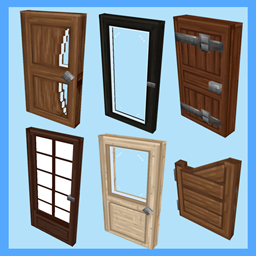
Macaw's Hy Doors
sketch_macaw
Adds more doors to fit in your builds!

Violet's Plushies
VioletsWorkshop
Adds several plushies, some with unique SFX!
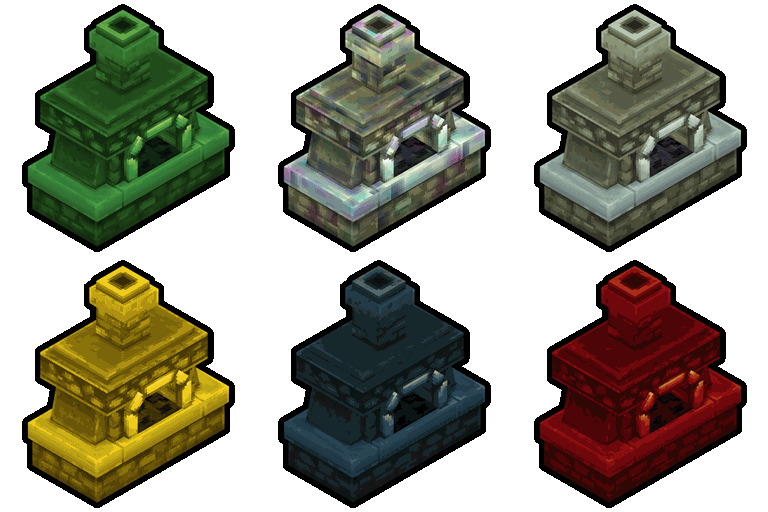
Thorium Furnaces
Jaredlll08
Faster Furnaces!
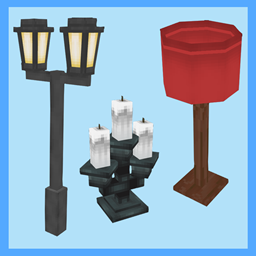
Macaw's Hy Lights and Lamps
sketch_macaw
Adds Lamps, Tiki Torches, Candle Holders, Ceiling Lights, Street Lights and more...!