Waypoint Manager
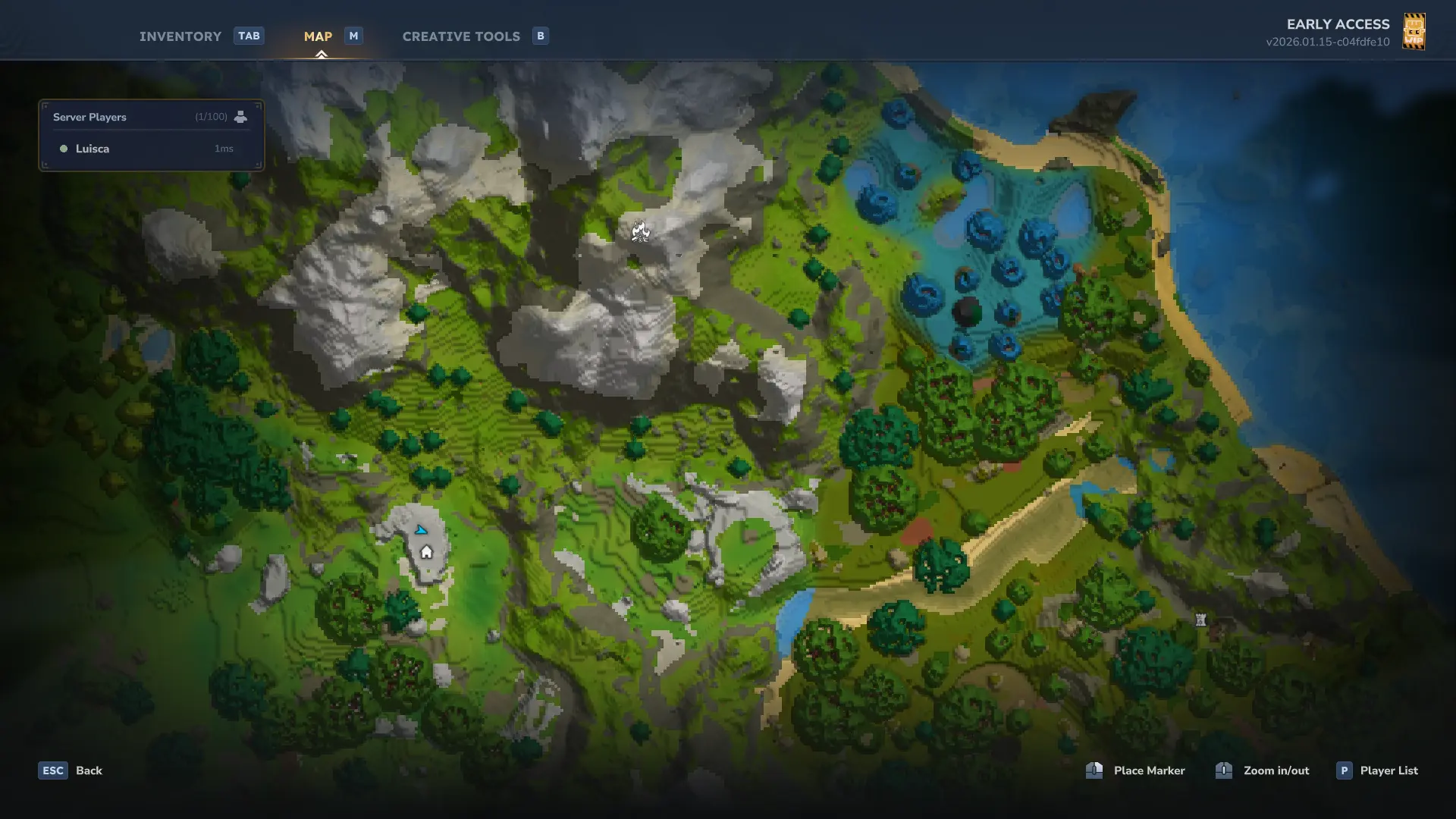
Allows players to manage (create, edit, and teleport) waypoints with a clean UI, and display them in your map and in the compass.
About Waypoint Manager
Waypoints
A waypoint management system for Hytale with an in-game UI.
Features
UI-based waypoint manager - Create, edit, and remove waypoints through a graphical interface
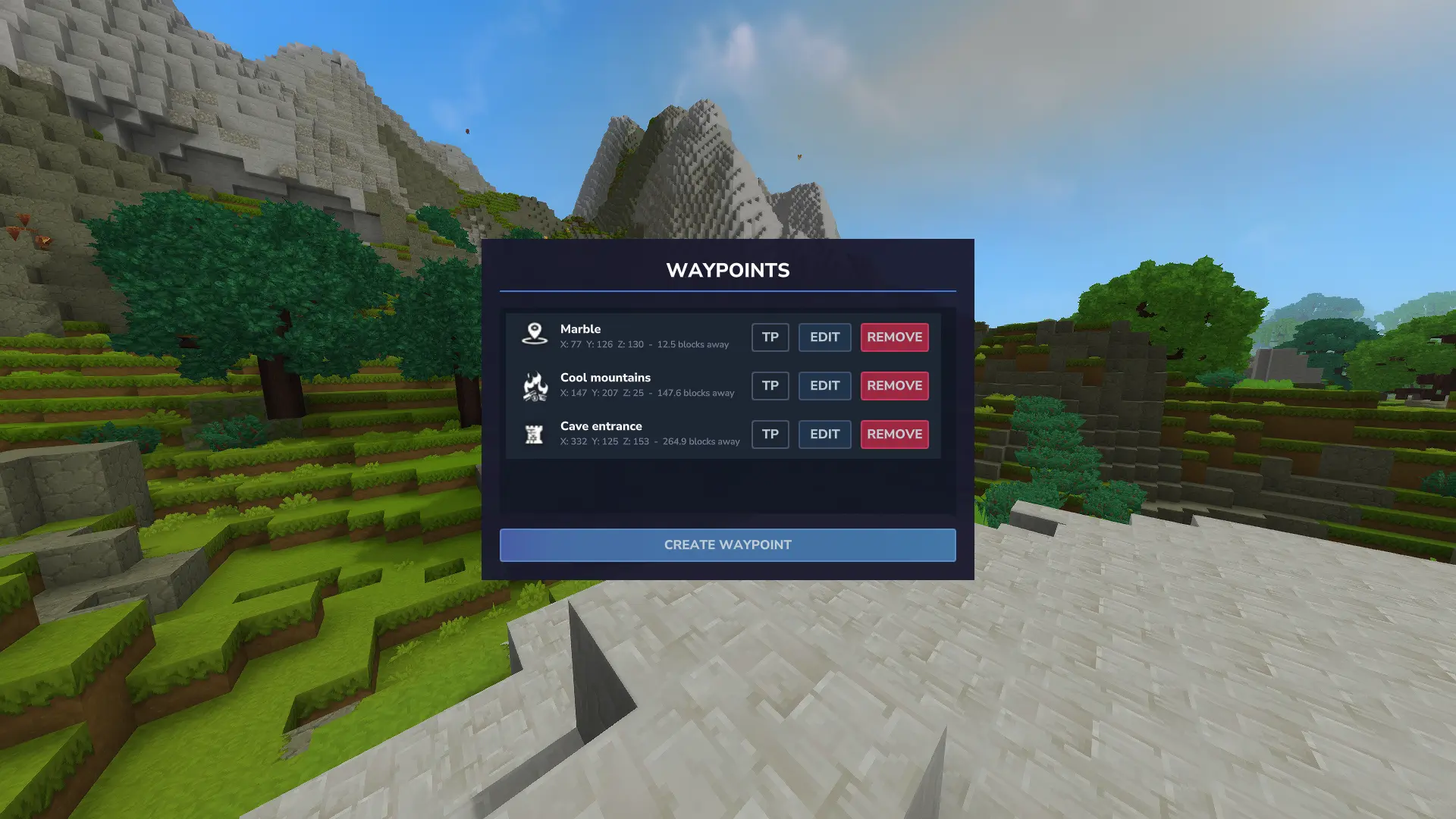
Distance display - Shows distance in blocks from your current position to each waypoint
Auto-sorting - Waypoints are sorted by distance, closest first
Teleportation - Optional teleport button (Creative mode or with permission)
Map markers - Waypoints appear on your in-game map
Usage
Use /waypoint or /wp to open the waypoint manager.
The UI lets you:
Create waypoints at your current location or custom coordinates
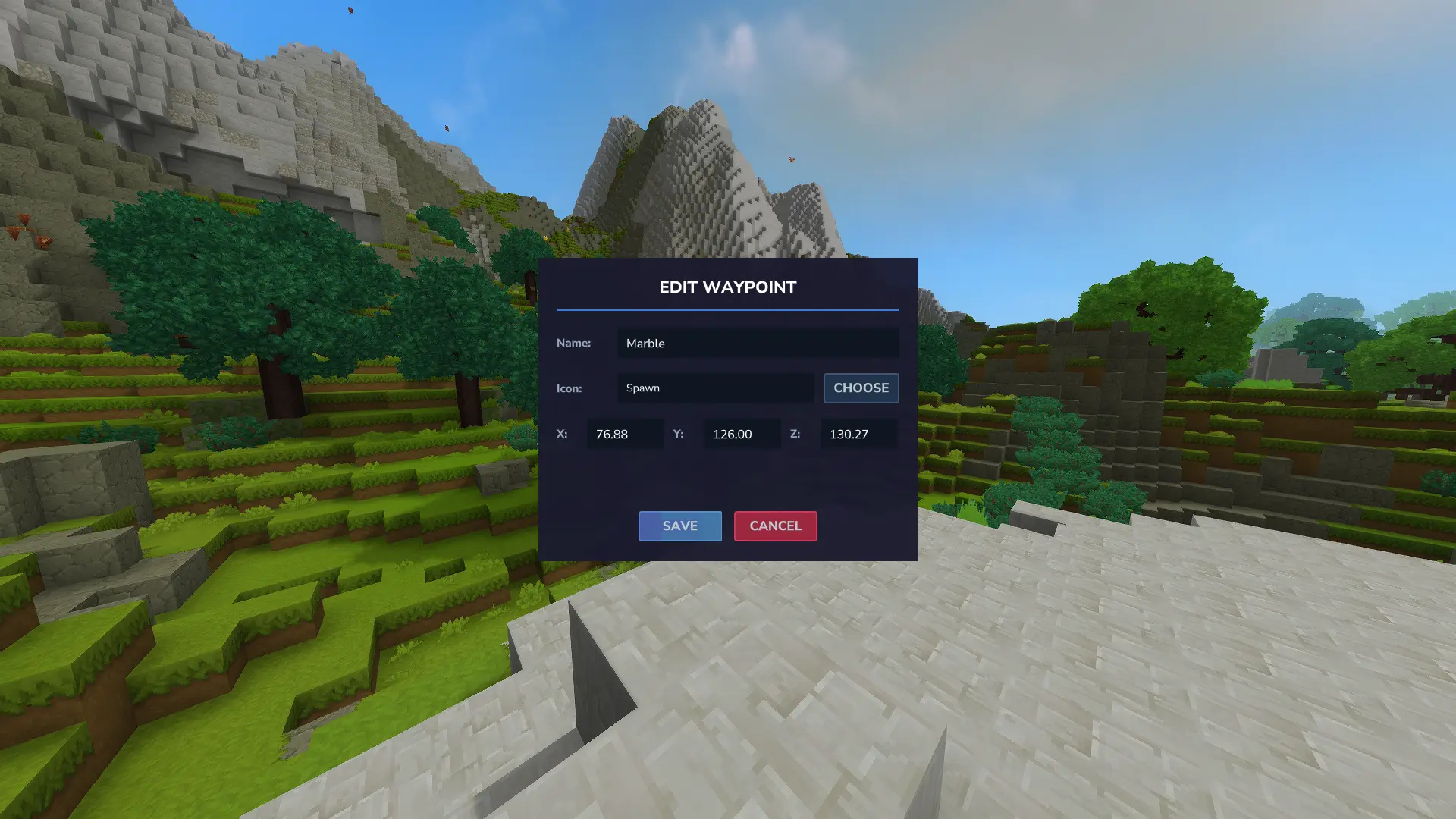
Edit waypoint names and coordinates
Delete waypoints
Teleport to waypoints (if permitted)
Each waypoint shows three buttons:
TP (green) - Teleport to waypoint
EDIT (blue) - Modify waypoint
REMOVE (red) - Delete waypoint
Permissions
boffmedia.waypoints.command.waypoint — Access to the /waypoint UI. Granted by default; server admins can revoke or grant access.
boffmedia.waypoints.command.teleport — Required to use the teleport command/button.
Granting Permissions
On servers: Example commands to manage these permissions:
/perm group add Adventure -boffmedia.waypoints.command.waypoint # revoke UI access from Adventure gamemode (Using "-" to deny permission) /perm group add Default -boffmedia.waypoints.command.waypoint # revoke UI access from Default group /perm user add <UUID> boffmedia.waypoints.command.waypoint # grant UI access to a player /perm user add <UUID> boffmedia.waypoints.command.teleport # grant teleport permission to a player
On singleplayer: Run /op self to grant yourself permissions
Commands
/wpm, /wp , /waypoint - Opens the waypoint UI. (If BetterMap is installed, you should use /wpm, as the commands overlap.
/teleport [name] - Teleport to a waypoint by name
Configuration
This plugin writes and reads a configuration file so server operators can control behavior.
Config file: mods/Bofffmedia_Waypoints/waypoints_config.json (created under your world save at user_data/saves/<world>/mods/Bofffmedia_Waypoints/)
Setting: MaxWaypoints (integer, default -1) -1 means unlimited waypoints per player per world.
Any non-negative integer sets the maximum number of waypoints a player may create in a single world.
Example generated config:
{ "MaxWaypoints": -1 } After changing the config file, restart the world or reload the mod so the new value is applied.
TODO
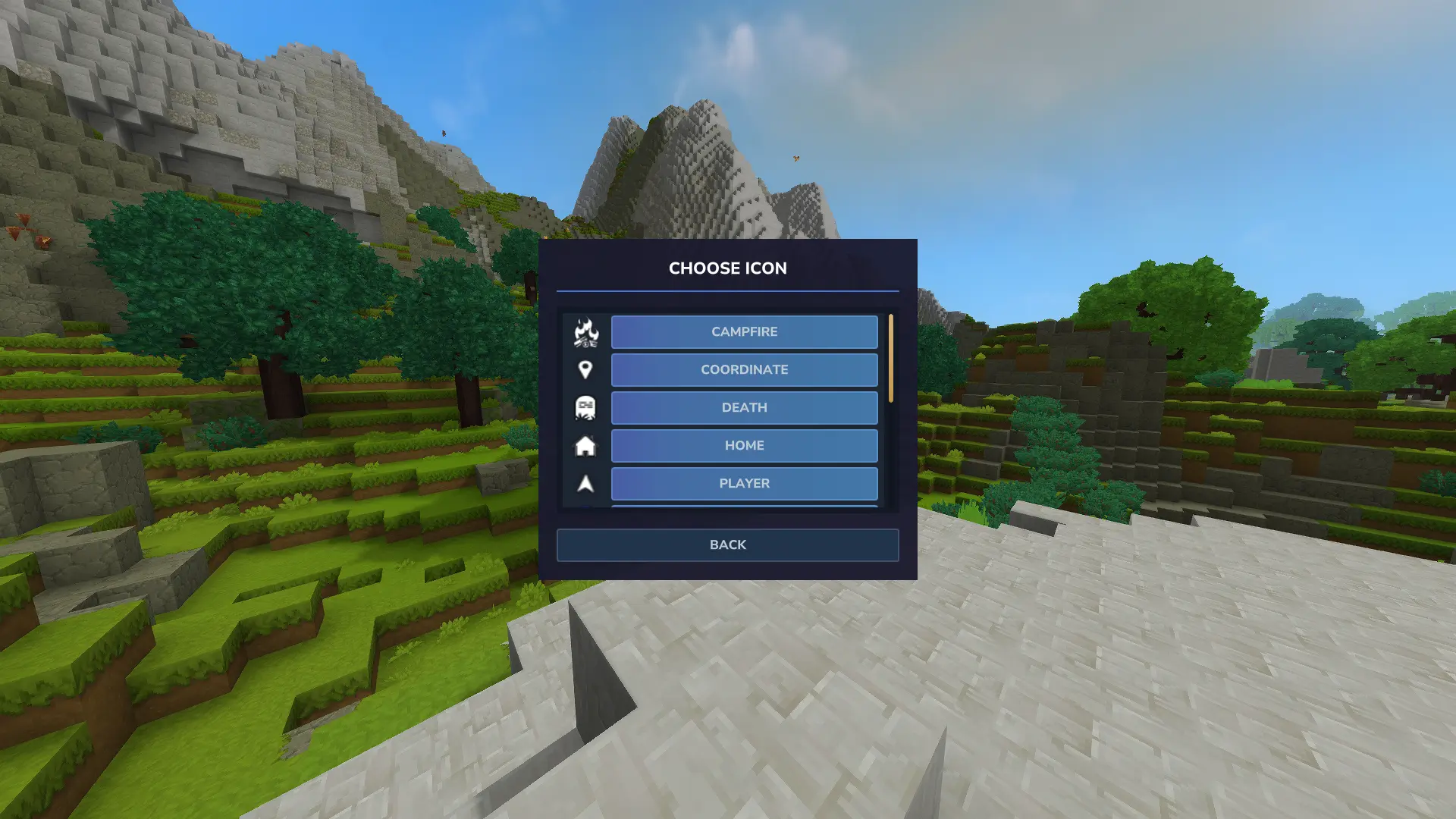
Allow users to add their own icons
Translations
Questions or suggestions? Feel free to drop a comment below!
Categories
Screenshots

Need a Server?
Run Waypoint Manager on a dedicated Hytale server with easy mod management.
Get Hytale HostingFrequently Asked Questions
What is Waypoint Manager?
Allows players to manage (create, edit, and teleport) waypoints with a clean UI, and display them in your map and in the compass.
How do I download Waypoint Manager?
You can download Waypoint Manager for free from CurseForge. Click the "Download on CurseForge" button on this page to go directly to the download page.
Who created Waypoint Manager?
Waypoint Manager was created by Luisca343. The mod has been downloaded 14.4K times.
Is Waypoint Manager compatible with Hytale servers?
Waypoint Manager is designed for Hytale and can be used on both single-player and multiplayer servers. Check the mod page on CurseForge for specific compatibility information.
How do I install Waypoint Manager?
To install Waypoint Manager: 1) Download the mod from CurseForge, 2) Place the file in your Hytale mods folder, 3) Restart the game. The mod should load automatically.
Related Qol Mods
View all mods
EyeSpy
DarkhaxDev
Adds a HUD that displays information about what you're looking at!

Advanced Item Info
Buuz135
Adds a searchable GUI that displays all the items and the game and displays extra properties they have

Overstacked
DarkhaxDev
Increases the maximum stack size of items.

Violet's Wardrobe
VioletsWorkshop
Adds more customisation options in the form of craftable cosmetics

Item Magnet
Jaredlll08
Adds a magnet that attracts items towards the player.

Endgame & QoL - Boss & Elite Update (3.0.0 in a week)
Lewaii
Endgame & QoL v2.2: Face the Alpha T-Rex & Void Spectres! Unlock Backpack IV & Void Gliders. Restore unused content and challenge stronger, rebalanced bosses!