
WiFlow's Scoreboard | Animations & Conditions
The most powerful scoreboard HUD for Hytale. World-specific scoreboards, permission-based variants, conditional lines, animated text, and seamless plugin integrations.
About WiFlow's Scoreboard | Animations & Conditions
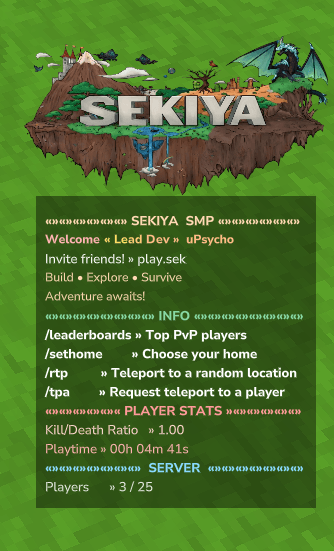
Dynamic scoreboards that react to everything. Deeply integrates with WiFlowPlaceholderAPI - any plugin with an expansion can drive your scoreboard. Region-based, rank-based, faction-based, or anything else you can imagine.
The Killer Feature: WiFlow's PlaceholderAPI Integration
Any plugin with a WiFlowPlaceholderAPI expansion can control which scoreboard players see.
Install an expansion. Use it as a condition. Done.
/wpapi marketplace download orbisguard /wpapi marketplace download luckperms /wpapi marketplace download hyfaction Now your scoreboard reacts to everything:
Player enters spawn → Spawn scoreboard with welcome message
Player joins a faction → Faction scoreboard with power/members
Player ranks up to VIP → VIP scoreboard with exclusive perks
Player enters combat → Combat scoreboard with timer
Player enters a mine → Mining scoreboard with reset timer
{ "profiles": [ { "condition": "orbisguard_region", "equals": "spawn", "title": { "text": "[#55ff55]SPAWN" }, "lines": { "content": ["Welcome to Spawn!", "You are safe here!"] } }, { "condition": "luckperms_primary_group", "equals": "vip", "lines": { "content": ["[#ffaa00]VIP Member", "Exclusive perks active!"] } }, { "condition": "hyfaction_name", "notEquals": "", "lines": { "content": ["Faction: {hyfaction_name}", "Power: {hyfaction_power}"] } }, { "isDefault": true, "lines": { "content": ["Default scoreboard"] } } ] } The entire expansion ecosystem works as conditions:
Expansion Example Condition Use Case
OrbisGuard orbisguard_region Region-specific scoreboards
LuckPerms luckperms_primary_group Rank-based scoreboards
HyFaction hyfaction_name Faction member scoreboards
CombatLog combatlog_active Combat warning scoreboards
OrbisMines orbismines_name Mining scoreboards
SimpleClaims simpleclaims_is_claimed Claimed vs wilderness
Economy economy_balance Wealth-based scoreboards
If a placeholder exists, you can switch scoreboards with it.
More Features
World-Specific Scoreboards - Different scoreboards for each world
Permission-Based Variants - Fallback to permission checks when no placeholder matches
Conditional Lines - Show/hide individual lines based on placeholder values
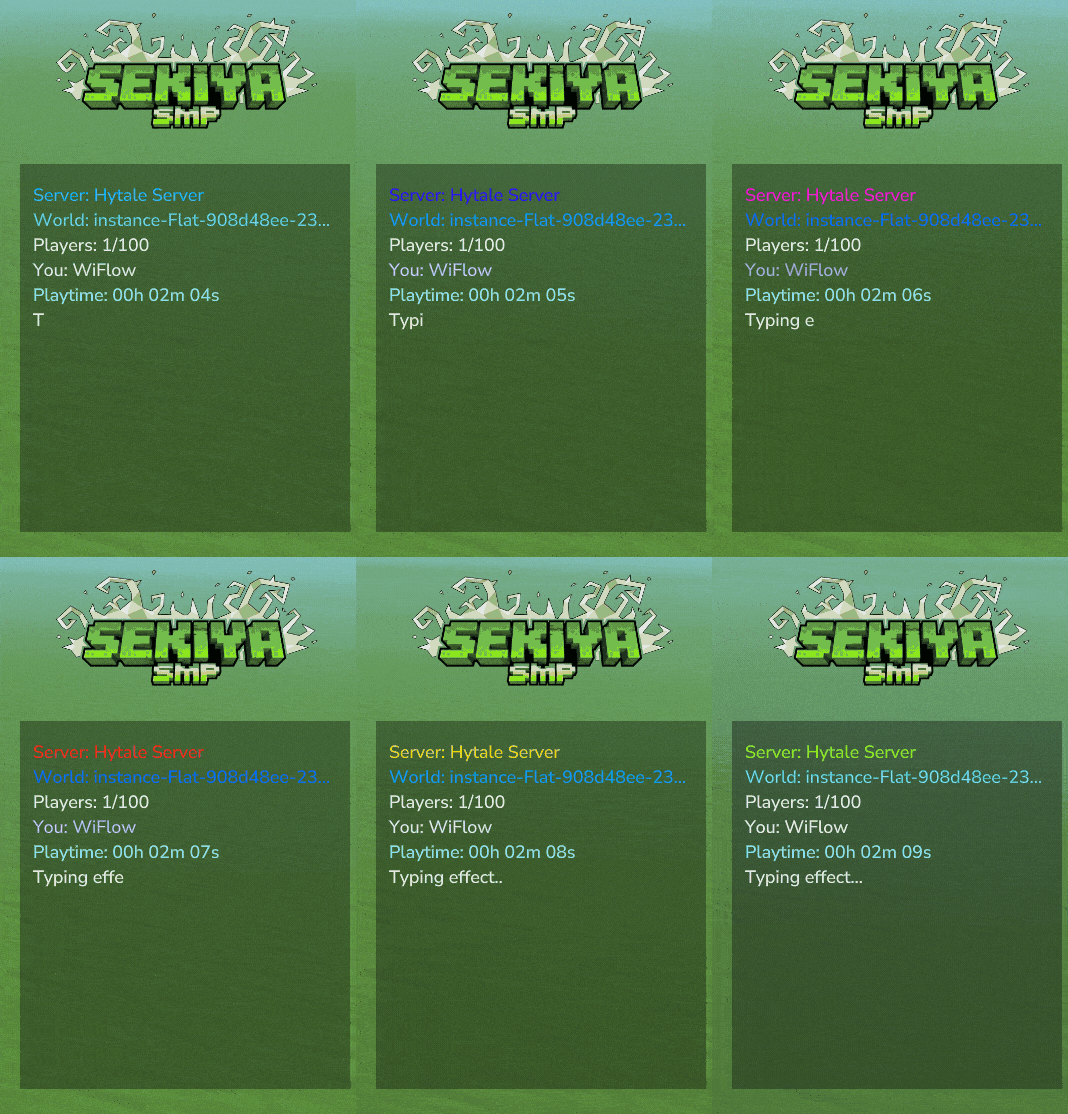
Animated Text - Rainbow, gradient, pulse, and custom color animations
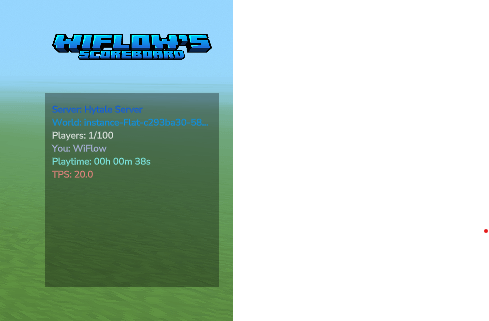
Built-in Placeholders - Player info, server stats, playtime, TPS
Playtime Tracking - Session and total playtime (persisted across restarts)
Hot Reload - Change configs without restarting (/sb reload)
Conditional Lines
Show different content based on placeholder values within a single scoreboard:
{ "lines": [ { "condition": "{orbisguard_flag_pvp}", "equals": "allow", "then": "[#ff5555]PVP ENABLED", "else": "[#55ff55]Safe Zone" }, { "condition": "{combatlog_active}", "equals": "true", "then": "[#ff0000]IN COMBAT!" } ] } Tip: Omit else to completely hide the line when false (no empty space).
Supported comparisons: equals, notEquals, contains, startsWith, endsWith, greaterThan, lessThan, greaterThanOrEquals, lessThanOrEquals
Built-in Placeholders
These work out of the box without WiFlowPlaceholderAPI:
Placeholder Description
{player} Player display name
{world} Current world name
{online} Online player count
{max_players} Server max players
{server} Server name
{tps} Server TPS
{playtime} Session playtime
{playtime_total} Total playtime (all sessions)
Animations
Add animations to any line:
[anim:rainbow]Welcome to the server! [anim:gradient:#ff0000:#0000ff]Red to Blue [anim:pulse:#ffffff:#ffaa00]Pulsing gold
Animation Description
rainbow Full spectrum color cycle
gradient Smooth transition between colors
pulse Fade between two colors
colors Custom color sequence
fire Red/orange/yellow
ocean Blue wave
forest Green shades
neon Vibrant cycling
Quick Start
Drop the JAR in your mods/ folder
Install WiFlowPlaceholderAPI
Download expansions: /wpapi ecloud download <name>
Edit files in mods/WiFlowScoreboard/scoreboards/
Use /sb reload to apply changes
mods/WiFlowScoreboard/ ├── config.json # Global settings ├── playtime.json # Persistent playtime data ├── scoreboards/ │ └── default.json # Scoreboard profiles ├── logos/ │ └── spawn.png # Custom logos (auto-loaded) └── animations/ └── custom.json # Custom animations
Commands
Command Description
/sb reload Reload all configs
/sb hide Hide your scoreboard
/sb show Show your scoreboard
Aliases: /scoreboard, /wsb
Need Help?
Join the Discord server for:
Setup help and questions
Config examples
Feature requests
Bug reports
Contact: w1fl0w on Discord
Categories
Screenshots
Need a Server?
Run WiFlow's Scoreboard | Animations & Conditions on a dedicated Hytale server with easy mod management.
Get Hytale HostingFrequently Asked Questions
What is WiFlow's Scoreboard | Animations & Conditions?
The most powerful scoreboard HUD for Hytale. World-specific scoreboards, permission-based variants, conditional lines, animated text, and seamless plugin integrations.
How do I download WiFlow's Scoreboard | Animations & Conditions?
You can download WiFlow's Scoreboard | Animations & Conditions for free from CurseForge. Click the "Download on CurseForge" button on this page to go directly to the download page.
Who created WiFlow's Scoreboard | Animations & Conditions?
WiFlow's Scoreboard | Animations & Conditions was created by wiflow. The mod has been downloaded 428 times.
Is WiFlow's Scoreboard | Animations & Conditions compatible with Hytale servers?
WiFlow's Scoreboard | Animations & Conditions is designed for Hytale and can be used on both single-player and multiplayer servers. Check the mod page on CurseForge for specific compatibility information.
How do I install WiFlow's Scoreboard | Animations & Conditions?
To install WiFlow's Scoreboard | Animations & Conditions: 1) Download the mod from CurseForge, 2) Place the file in your Hytale mods folder, 3) Restart the game. The mod should load automatically.
Related Qol Mods
View all mods
EyeSpy
DarkhaxDev
Adds a HUD that displays information about what you're looking at!

Advanced Item Info
Buuz135
Adds a searchable GUI that displays all the items and the game and displays extra properties they have

Overstacked
DarkhaxDev
Increases the maximum stack size of items.

Violet's Wardrobe
VioletsWorkshop
Adds more customisation options in the form of craftable cosmetics

Item Magnet
Jaredlll08
Adds a magnet that attracts items towards the player.

Endgame & QoL - Boss & Elite Update (3.0.0 in a week)
Lewaii
Endgame & QoL v2.2: Face the Alpha T-Rex & Void Spectres! Unlock Backpack IV & Void Gliders. Restore unused content and challenge stronger, rebalanced bosses!