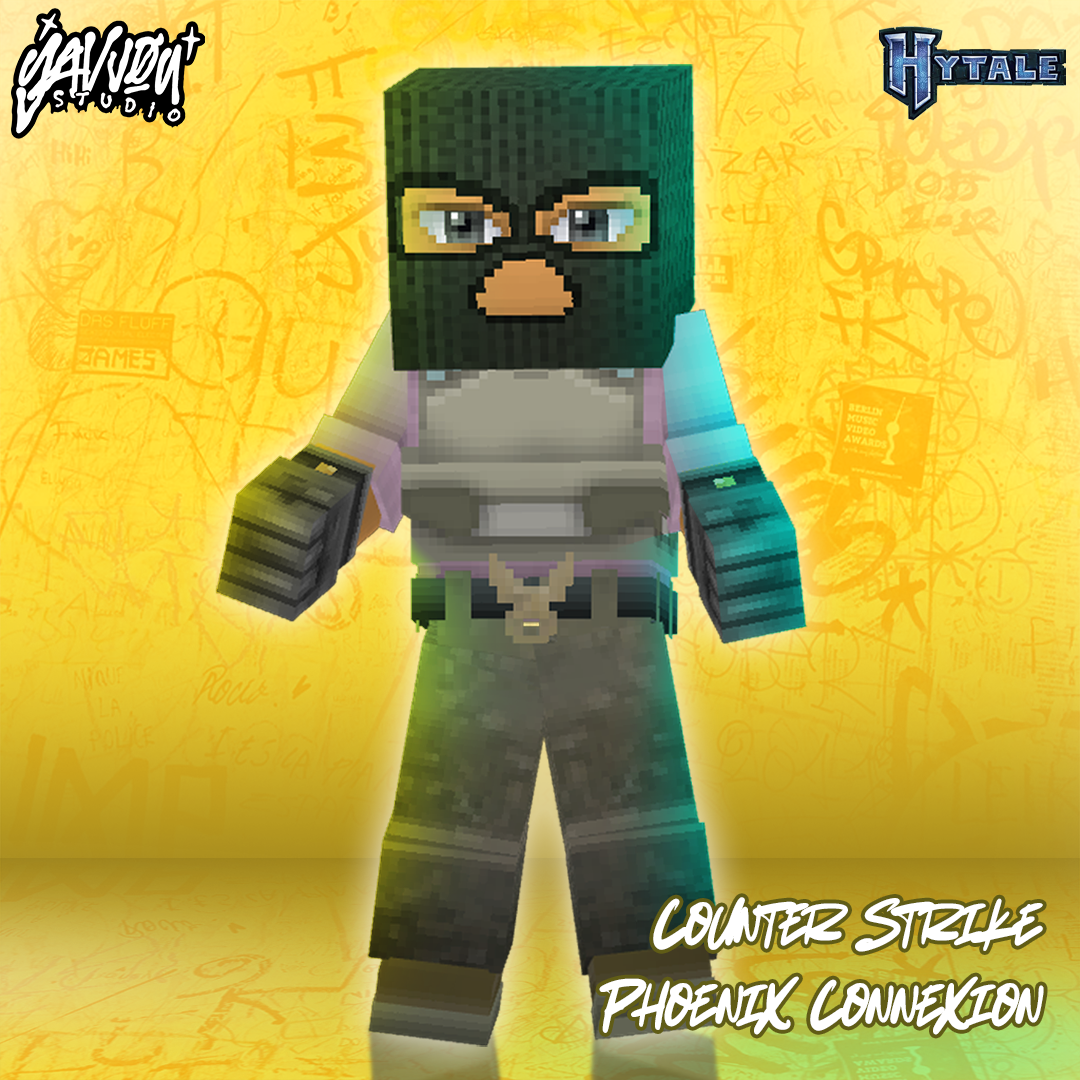
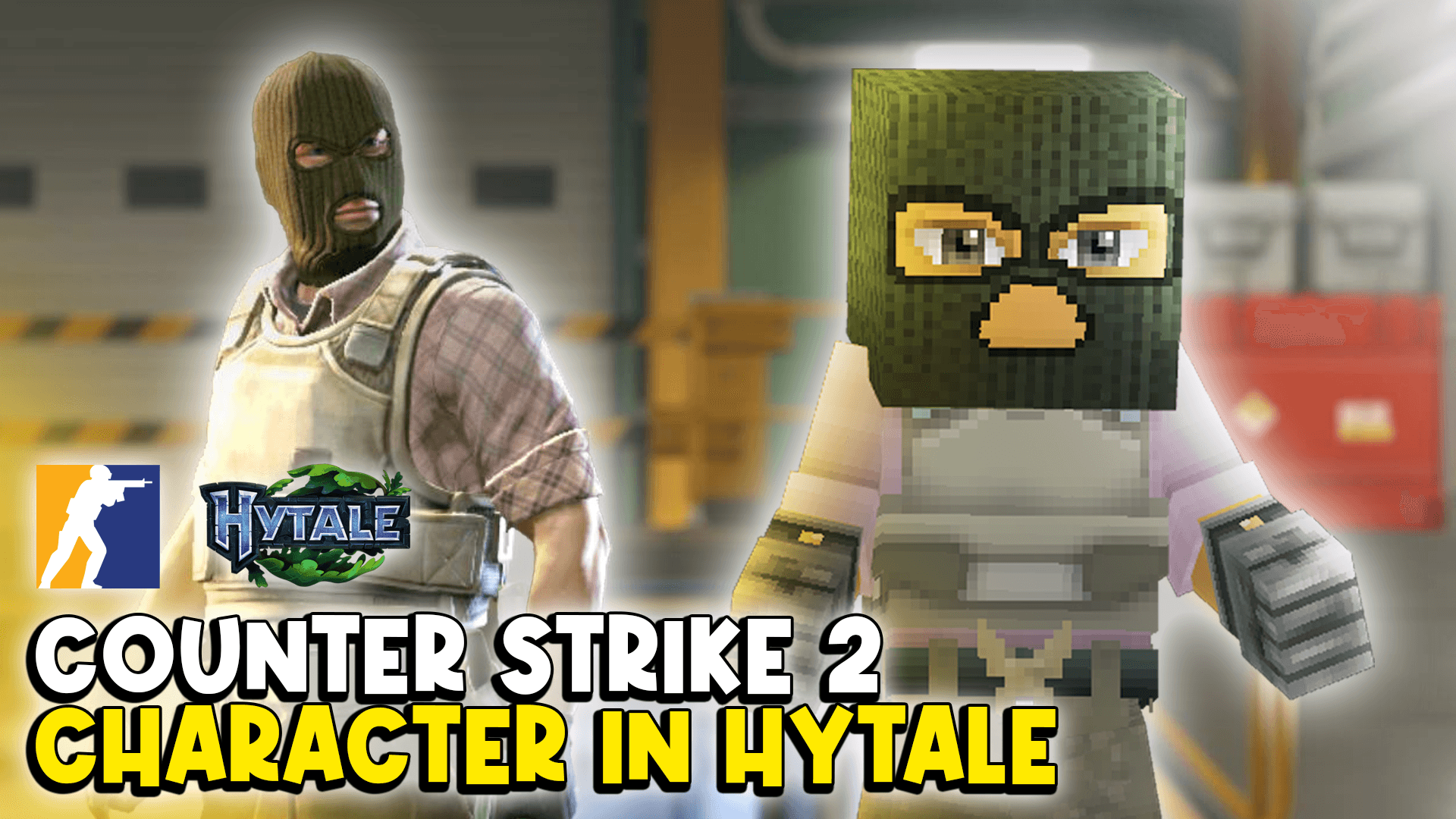
CS2 T-Side Character
CS T-Side Character Skin "Phoenix Connexion"
About CS2 T-Side Character
CS 2 Phoenix Connexion Character Skin / T-Side for Hytale I Would love to collaborate to create shooting game using this skin
How To Use For Single Player / Creative Mode
1. In World Option "enable CS2 Skins T-Side mod pack" 2. Open the World 3. Use "/op self" command 4. Open Asset Editor 5. Open "CS2 Skins T-Side" Pack 6. Scroll down and find folder "ModelAsset" > "YavvouCS2" 7. Press "Use Model" above the Character Model Preview Image
Categories
Screenshots
Need a Server?
Run CS2 T-Side Character on a dedicated Hytale server with easy mod management.
Get Hytale HostingFrequently Asked Questions
What is CS2 T-Side Character?
CS T-Side Character Skin "Phoenix Connexion"
How do I download CS2 T-Side Character?
You can download CS2 T-Side Character for free from CurseForge. Click the "Download on CurseForge" button on this page to go directly to the download page.
Who created CS2 T-Side Character?
CS2 T-Side Character was created by yavvou. The mod has been downloaded 60 times.
Is CS2 T-Side Character compatible with Hytale servers?
CS2 T-Side Character is designed for Hytale and can be used on both single-player and multiplayer servers. Check the mod page on CurseForge for specific compatibility information.
How do I install CS2 T-Side Character?
To install CS2 T-Side Character: 1) Download the mod from CurseForge, 2) Place the file in your Hytale mods folder, 3) Restart the game. The mod should load automatically.
Related Creatures Mods
View all mods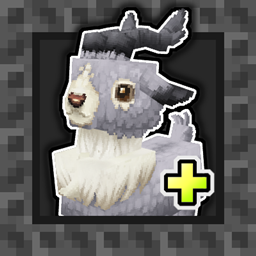
Aures - Livestock Skins
BlackAuresArt
Adds a variety of colors and random variations for rabbits, mouflons, pigs, sheeps, rams, goats and other!
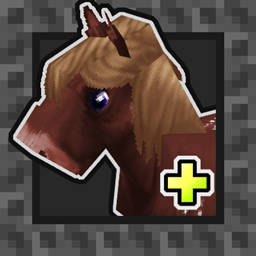
Aures - Horse Skins
BlackAuresArt
Adds a random variations for horses! Also slightly changes the model and animations of horses.
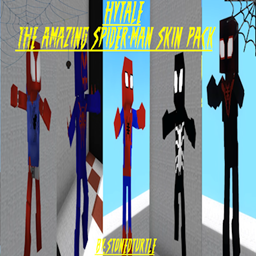
The Amazing Spider-Man Skin Pack!
stonedturtle
This is one of the only Skin mods I've seen! This replaces the player model in-game with a Spider-Man one! Comes with a Brighter Red/Blue, Darker Red/Blue, Symbiote Versions, Miles, 2099, and Scarlet Spidey (Ben Riely)
![[NoCube's] Undead Warriors](https://media.forgecdn.net/avatars/thumbnails/1602/742/256/256/639035338178853736.png)
[NoCube's] Undead Warriors
NoCube
Adds enemy skeletons with random equipment.
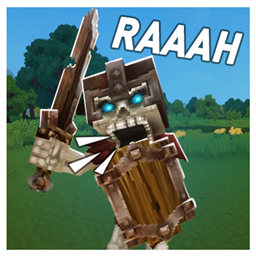
Skeleton Banging Shield
Jen3713_
Makes some skeletons bang their weapon while yelling "RAAAAH"
HyTame - Animal Breeding
LaitK
Animal breeding and baby growth for Hytale to expand your farm