EntityCull
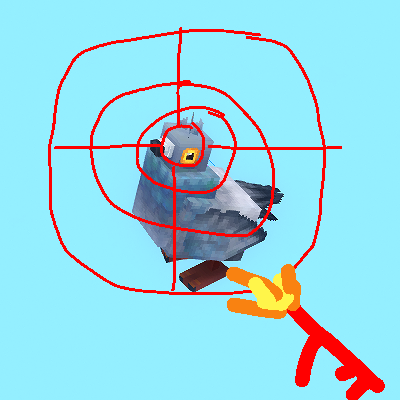
A simple mod/ plugin that clean your entities, items and BIRDS
About EntityCull
Entity Cull
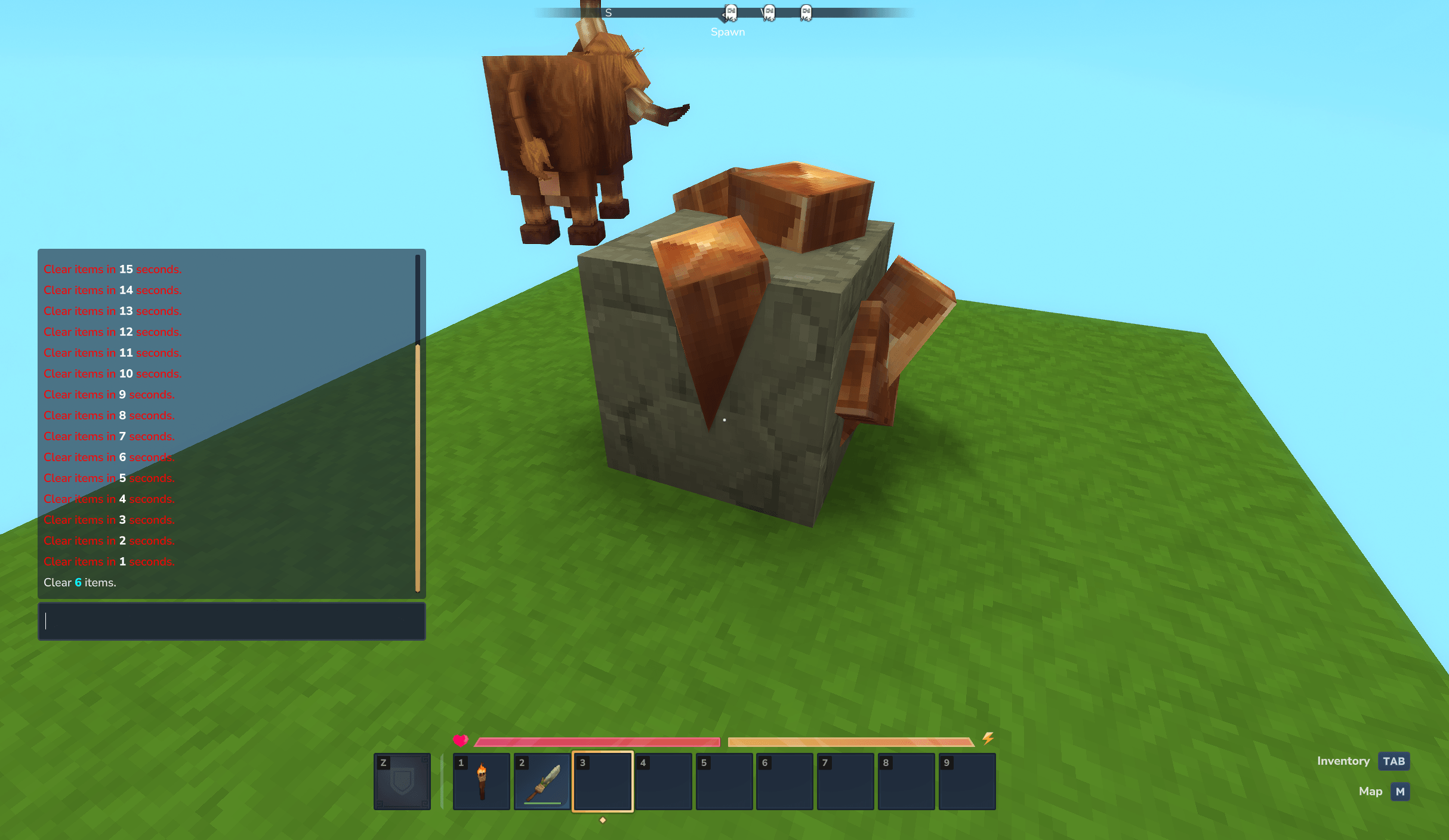
Helps you clean up the world by cleaning items with a time threshold
In Skyblock maps mobs fall into the void doesn't remove itself. Birds flying around not near the player causing spawning "clutter"
This was made for my One Block! Survival map reason so but you can use it to optimize your sky block world, or general simple item cleaning.
Thank for checking out my mod, would be nice if there are feedbacks, issues with it can be addressed and possible change for it later .
Configs
DebugEnabled: For debugging purposes (default false)
CullBirds: remove birds within a range (default true)
CullBirdsRadius: birds removal radius (default 30)
KillMobVoid: Remove void mob (default true)
SecondsRemoveVoidMob: Seconds can void mob last in void (default 5)
SecondsRemoveDropItem: Seconds interval of removing drop items (default 500)
Categories
Screenshots
Need a Server?
Run EntityCull on a dedicated Hytale server with easy mod management.
Get Hytale HostingFrequently Asked Questions
What is EntityCull?
A simple mod/ plugin that clean your entities, items and BIRDS
How do I download EntityCull?
You can download EntityCull for free from CurseForge. Click the "Download on CurseForge" button on this page to go directly to the download page.
Who created EntityCull?
EntityCull was created by zNightlord. The mod has been downloaded 22 times.
Is EntityCull compatible with Hytale servers?
EntityCull is designed for Hytale and can be used on both single-player and multiplayer servers. Check the mod page on CurseForge for specific compatibility information.
How do I install EntityCull?
To install EntityCull: 1) Download the mod from CurseForge, 2) Place the file in your Hytale mods folder, 3) Restart the game. The mod should load automatically.
Related Utility Mods
View all mods
BetterMap
Paralaxe
Enhance Hytale World Map

Hybrid
Serilum
🏛️ A Hytale mod library that contains common code for all of Serilum's mods.

VeinMining
EineNT
Instantly mine connected ores and blocks by holding the Walk key (LEFT ALT) while breaking a single block.

Wayback Charm
DarkhaxDev
A charm to help you find your way back home.

Better Modlist
Buuz135
Adds a better modlist to the game, with improved features like searching and logos.

Simple Claims
Buuz135
Adds a chunk claim and protection system.