
FrostMap
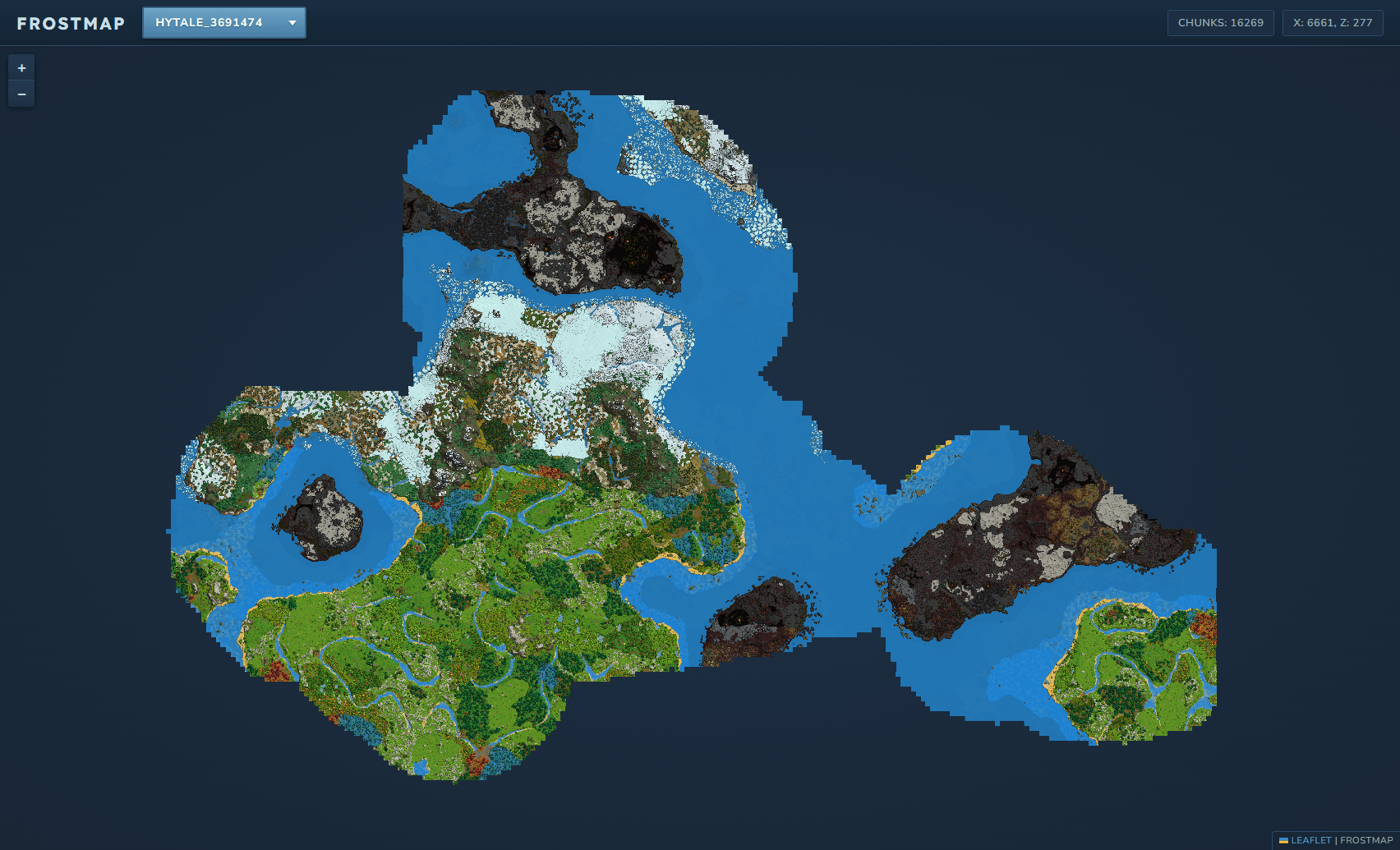
FrostMap creates a real-time web-based map of your Hytale server using the in-game map rendering engine.
About FrostMap
FrostMap
A real-time web-based map viewer for Hytale servers
Overview
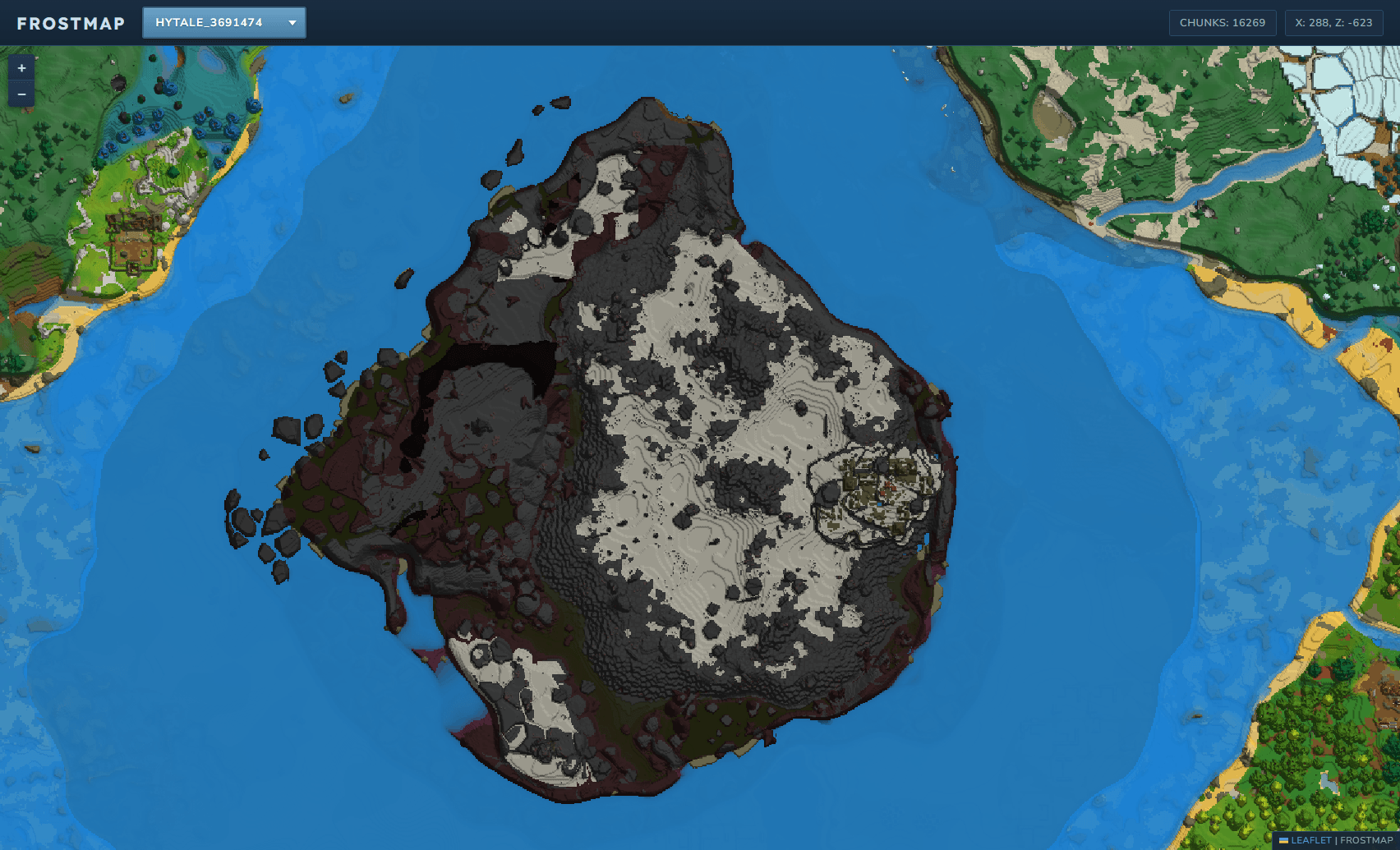
FrostMap automatically generates and serves a live, interactive map of your Hytale server world through a built-in web interface. Watch your world grow in real-time as players explore and build!
Features
Real-time Map Generation - Chunks are rendered as players explore
Web Server - Access your map from any browser
Multi-world Support - View all your server worlds in one interface
Optimized Performance - Composite tile system for efficient storage and loading
SSL Certificates - Let's Encypt certificate support via Nitrado:WebServer
Live player tracking - Show player positions live on the map
Live map updates - Shows map updates and expansion in real-time
Coming Soon
Markers - Show in-game markers on the map
Map Pre-Gen - Commands to pre-generate large portions of the map
Installation
Download the latest release
Place the .jar file in your server's mods folder
Installed the required Nitrado:WebServer dependency
Start your server - a default config will be generated
Access the map at https://<webserverurl>/HyFrost/FrostMap
Dependencies
The FrostMap plugin requires that you have the Nitrado:WebServer plugin installed for handling the website. This allows us to work well with other plugins that also utilize this system. More information available at https://www.curseforge.com/hytale/mods/nitrado-webserver
Configuration
Configuration file is generated at first startup:
WebServerEnabled (default: true) - Disable the web server
WriteThreads (default: 2) - Number of threads to use for writing tile updates
Debug (default: false) - Enable verbose debug logging
BatchFlushIntervalMs (default: 10000) - How often in ms to flush pending chunks to disk
BatchMaxQueueSize (default: 1000) - Maximum pending chunks before forced disk write
WebPLossless (default: true) - Should WebP tiles be lossless or lossy
WebPQuality (default: 80) - WebP quality for lossy tiles
WebPCompressionLevel (default: 5) - 0-7 value for level of tile image compression
ChunksPerTile (default: 16) - Chunk width per composite tile
Changing ChunksPerTile will reset existing tile data!
Commands
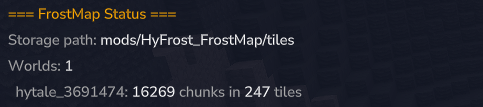
/frostmap status - Shows tile statistics and storage info
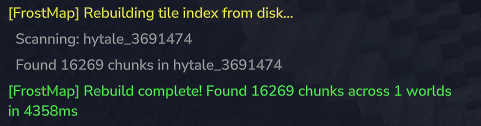
/frostmap rebuild - Rebuilds the tile index from disk
/frostmap rebuild --verbose - Rebuild with detailed progress output
How It Works
FrostMap hooks into the server's in-game map rendering system. Chunks generated by the in-game map are further rendered into composite PNG tiles and served through an embedded HTTP server. The web frontend uses Leaflet.js for smooth panning and zooming.
Made with ❄️ by HyFrost
Categories
Screenshots
Frequently Asked Questions
What is FrostMap?
FrostMap creates a real-time web-based map of your Hytale server using the in-game map rendering engine.
How do I download FrostMap?
You can download FrostMap for free from CurseForge. Click the "Download on CurseForge" button on this page to go directly to the download page.
Who created FrostMap?
FrostMap was created by HyFrost. The mod has been downloaded 1.1K times.
Is FrostMap compatible with Hytale servers?
FrostMap is designed for Hytale and can be used on both single-player and multiplayer servers. Check the mod page on CurseForge for specific compatibility information.
How do I install FrostMap?
To install FrostMap: 1) Download the mod from CurseForge, 2) Place the file in your Hytale mods folder, 3) Restart the game. The mod should load automatically.
Related Utility Mods
View all mods
BetterMap
Paralaxe
Enhance Hytale World Map

Hybrid
Serilum
🏛️ A Hytale mod library that contains common code for all of Serilum's mods.

VeinMining
EineNT
Instantly mine connected ores and blocks by holding the Walk key (LEFT ALT) while breaking a single block.

Wayback Charm
DarkhaxDev
A charm to help you find your way back home.

Better Modlist
Buuz135
Adds a better modlist to the game, with improved features like searching and logos.

Simple Claims
Buuz135
Adds a chunk claim and protection system.