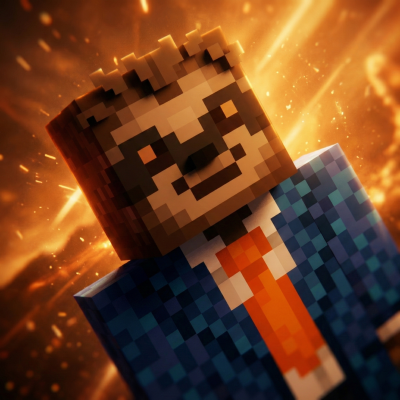
MCSkins
Apply Minecraft skins to players with /mcskin.
About MCSkins
MCSkins
A Hytale server plugin that allows players to apply custom Minecraft skins to their character.
ATTENTION: Currently, Hytale does not allow servers to send custom assets to the client during a session. What this mod does is kick the player, so when they rejoin, the client will download the new skin. Because of this, it only works on dedicated servers, as it is not possible (at least, I think) to kick players from their own singleplayer world.
If it doesn’t work on the first try, please try applying it again. Sometimes it bugs out. I’ll try to fix it later.
Features
Custom URLs: Paste any direct link to a Minecraft skin .png.
Model Support: Choose between Classic (Steve) and Slim (Alex) models.
Persistent: Skins are saved per-player and automatically reapplied when you rejoin the server.
How to Use
Open the Menu: Use the /mcskin command in-game to open the interface.
Enter URL: Paste the direct link to your skin (e.g., https://example.com/skin.png).
Choose Model: Select whether the skin uses the Classic or Slim format.
Apply: Click Apply Skin. The changes will take effect immediately.
Requirements
Hytale Server (tested on 2026.01.15-c04fdfe10).
Players must have permission to use the /mcskin command.
Created by nekro
Categories
Frequently Asked Questions
What is MCSkins?
Apply Minecraft skins to players with /mcskin.
How do I download MCSkins?
You can download MCSkins for free from CurseForge. Click the "Download on CurseForge" button on this page to go directly to the download page.
Who created MCSkins?
MCSkins was created by nekro_at_hytale. The mod has been downloaded 1.9K times.
Is MCSkins compatible with Hytale servers?
MCSkins is designed for Hytale and can be used on both single-player and multiplayer servers. Check the mod page on CurseForge for specific compatibility information.
How do I install MCSkins?
To install MCSkins: 1) Download the mod from CurseForge, 2) Place the file in your Hytale mods folder, 3) Restart the game. The mod should load automatically.
Related Creatures Mods
View all mods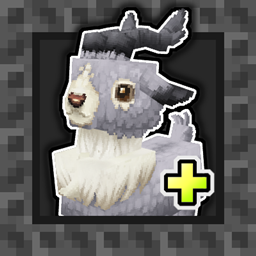
Aures - Livestock Skins
BlackAuresArt
Adds a variety of colors and random variations for rabbits, mouflons, pigs, sheeps, rams, goats and other!
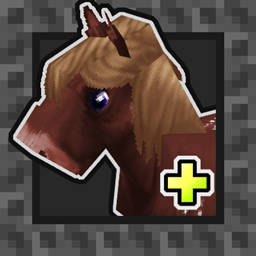
Aures - Horse Skins
BlackAuresArt
Adds a random variations for horses! Also slightly changes the model and animations of horses.
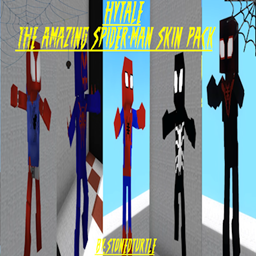
The Amazing Spider-Man Skin Pack!
stonedturtle
This is one of the only Skin mods I've seen! This replaces the player model in-game with a Spider-Man one! Comes with a Brighter Red/Blue, Darker Red/Blue, Symbiote Versions, Miles, 2099, and Scarlet Spidey (Ben Riely)
![[NoCube's] Undead Warriors](https://media.forgecdn.net/avatars/thumbnails/1602/742/256/256/639035338178853736.png)
[NoCube's] Undead Warriors
NoCube
Adds enemy skeletons with random equipment.
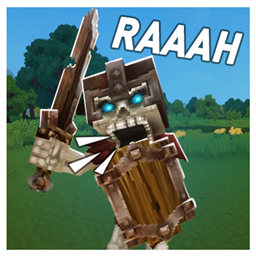
Skeleton Banging Shield
Jen3713_
Makes some skeletons bang their weapon while yelling "RAAAAH"
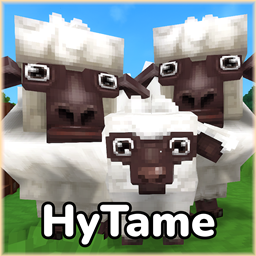
HyTame - Animal Breeding
LaitK
Animal breeding and baby growth for Hytale to expand your farm