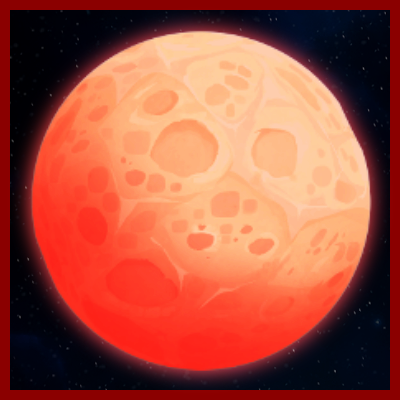
Mobby's Blood Moon
Every 7 days, the Blood Moon rises, significantly increasing the power of your enemies.
About Mobby's Blood Moon
Blood Moon Mod
Every 7 days, the Blood Moon rises, significantly increasing the power of your enemies.
During the Blood Moon
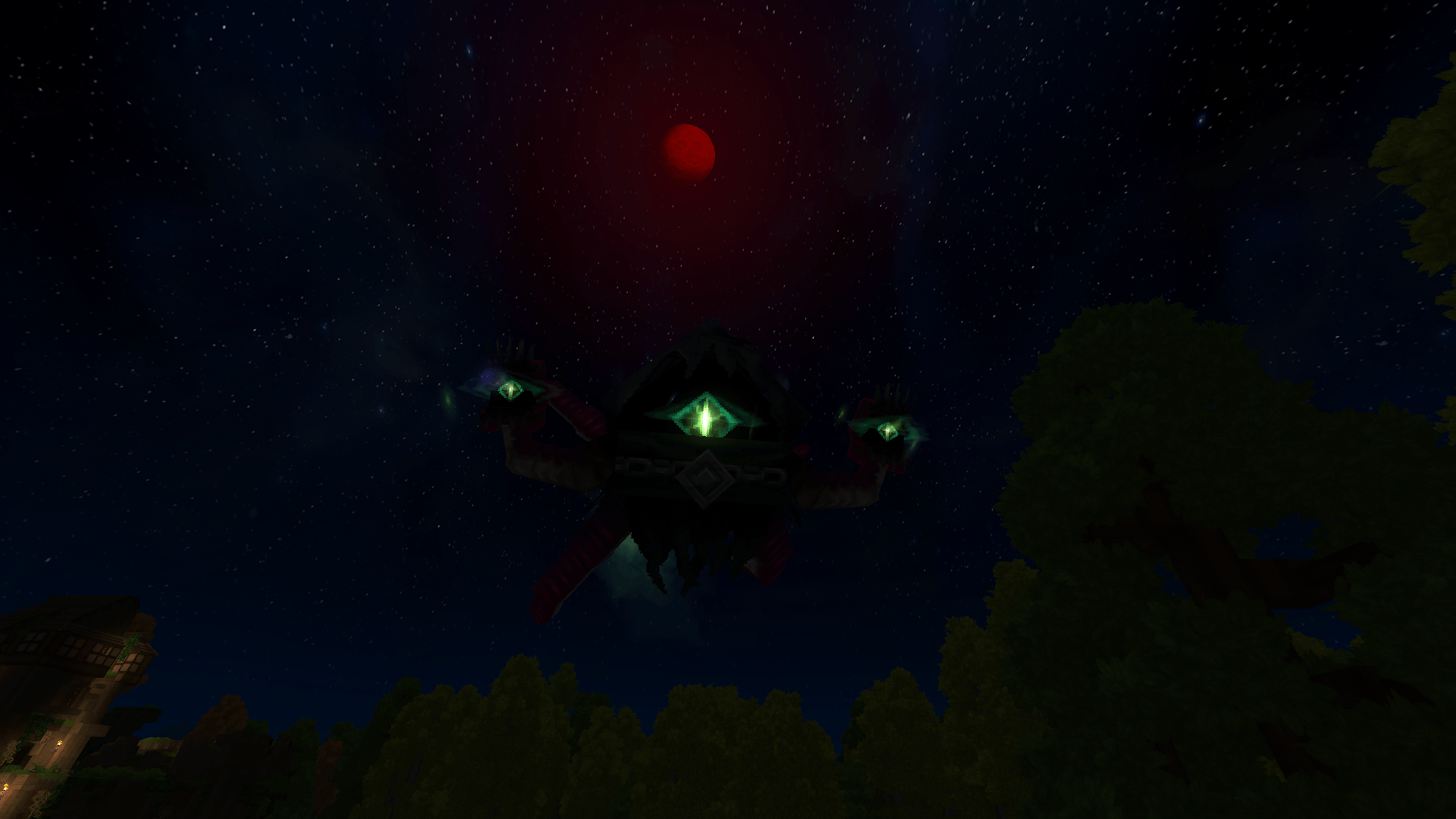
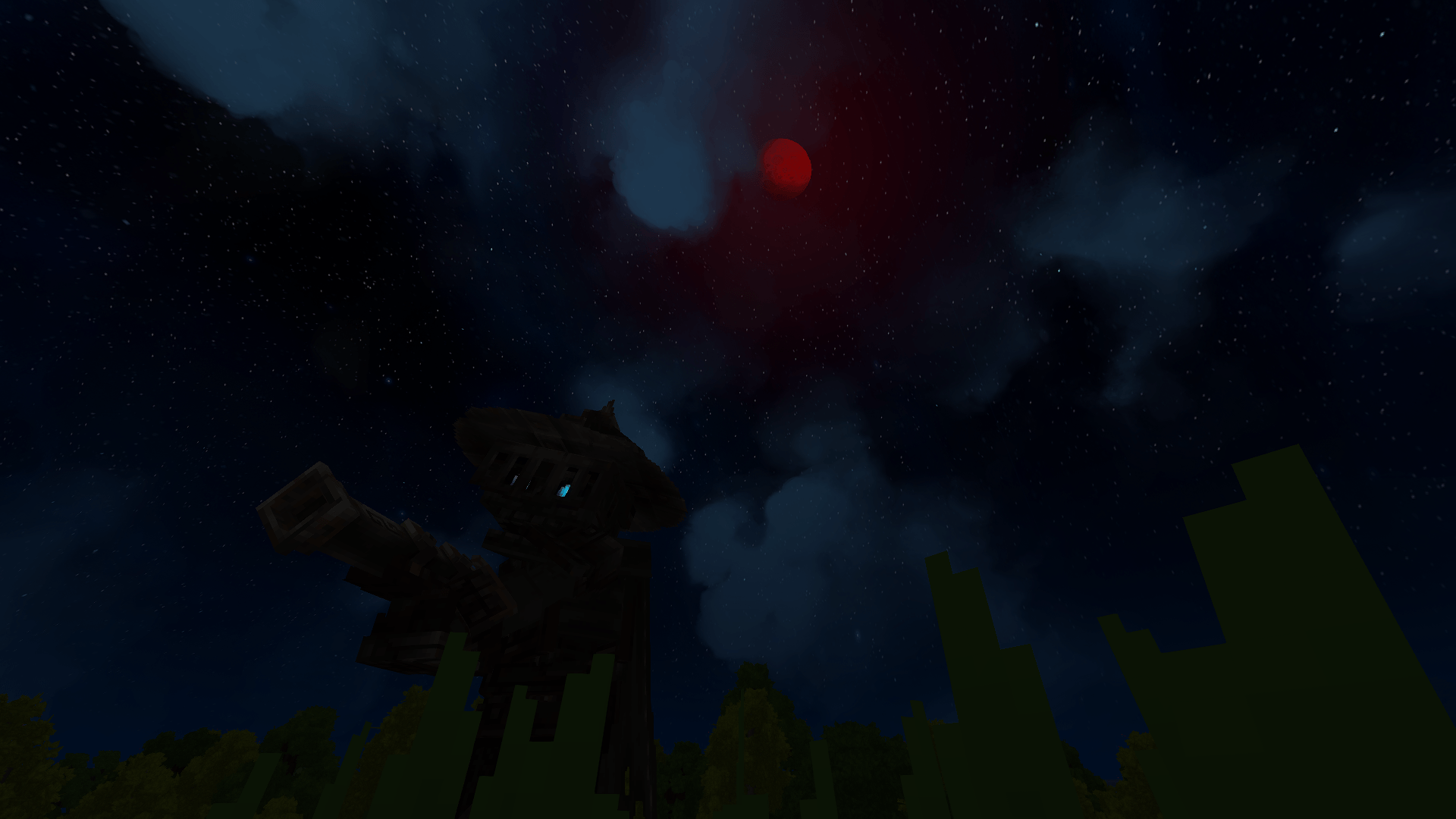
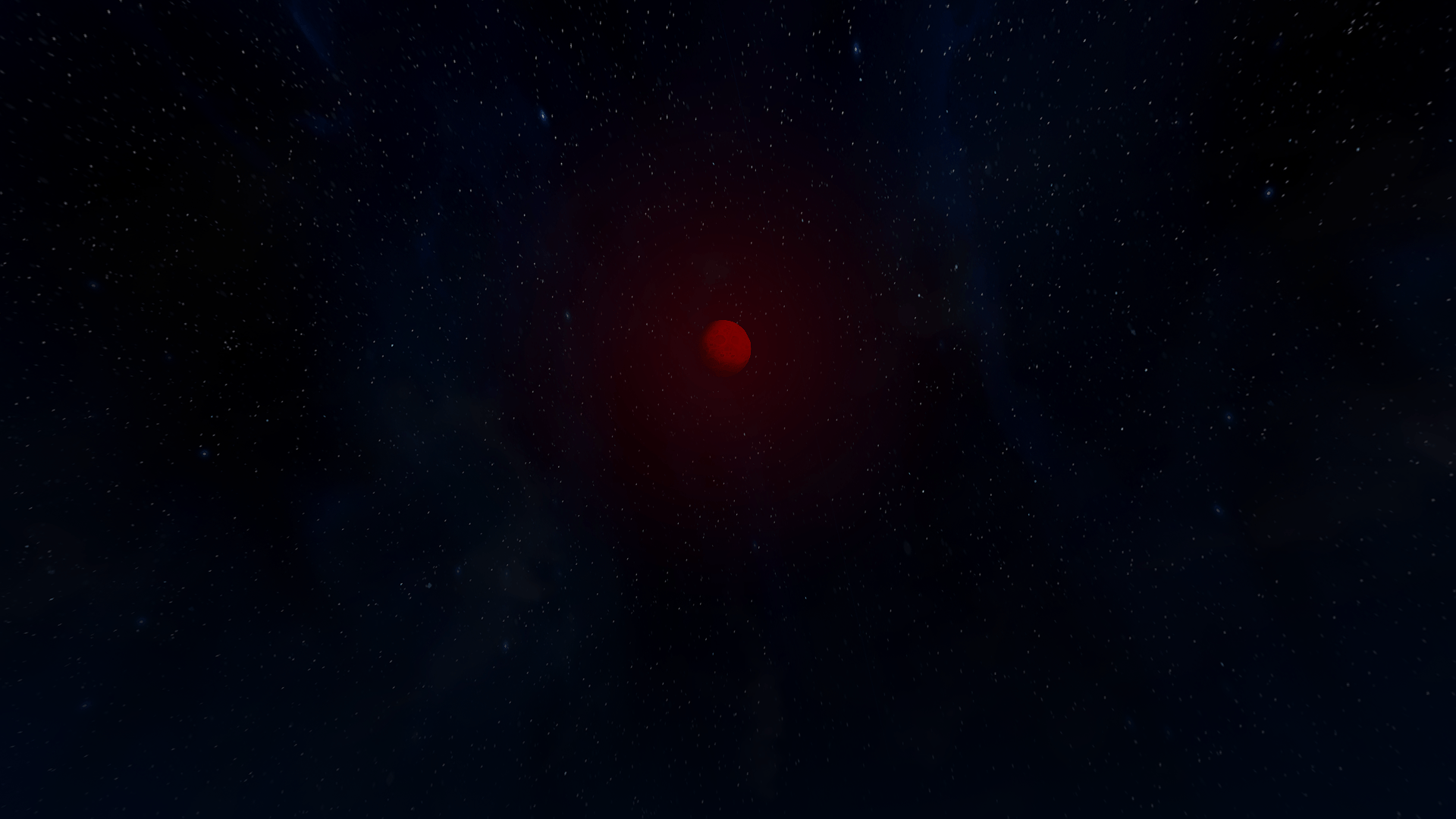
The moon become red
All hostile entities receive a 2x health multiplier
Enemies are fully healed to their new maximum health when the Blood Moon rises
Alerts are sent to all players when the event starts and ends
Configuration
You can enable or disable the Blood Moon as you wish
You can change the number of days between two Blood Moons
You can change the health multiplier given to hostile entities
Commands
/bloodmoon enable
/bloodmoon disable
/bloodmoon cooldown --value=<days>
/bloodmoon healthMultiplier --value=<value>
/bloodmoon config (shows the current configuration)
/bloodmoon help
Planned Updates
Custom ennemis that only spawn during the Blood Moon (with custom loot)
2x attack strength for all enemies (configurable)
2x enemies spawn rate (configurable)
UI interface to easily configure the mod
Visual particles on buffed enemies to easily identify them
Custom sound effects triggered at moonrise
Custom music
Categories
Screenshots
Need a Server?
Run Mobby's Blood Moon on a dedicated Hytale server with easy mod management.
Get Hytale HostingFrequently Asked Questions
What is Mobby's Blood Moon?
Every 7 days, the Blood Moon rises, significantly increasing the power of your enemies.
How do I download Mobby's Blood Moon?
You can download Mobby's Blood Moon for free from CurseForge. Click the "Download on CurseForge" button on this page to go directly to the download page.
Who created Mobby's Blood Moon?
Mobby's Blood Moon was created by Mobby_Hytale. The mod has been downloaded 2.0K times.
Is Mobby's Blood Moon compatible with Hytale servers?
Mobby's Blood Moon is designed for Hytale and can be used on both single-player and multiplayer servers. Check the mod page on CurseForge for specific compatibility information.
How do I install Mobby's Blood Moon?
To install Mobby's Blood Moon: 1) Download the mod from CurseForge, 2) Place the file in your Hytale mods folder, 3) Restart the game. The mod should load automatically.
Related Creatures Mods
View all mods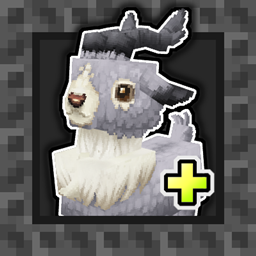
Aures - Livestock Skins
BlackAuresArt
Adds a variety of colors and random variations for rabbits, mouflons, pigs, sheeps, rams, goats and other!
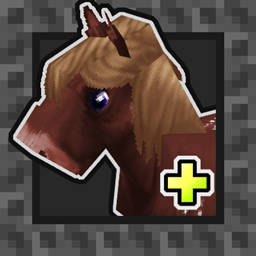
Aures - Horse Skins
BlackAuresArt
Adds a random variations for horses! Also slightly changes the model and animations of horses.
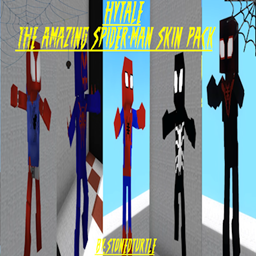
The Amazing Spider-Man Skin Pack!
stonedturtle
This is one of the only Skin mods I've seen! This replaces the player model in-game with a Spider-Man one! Comes with a Brighter Red/Blue, Darker Red/Blue, Symbiote Versions, Miles, 2099, and Scarlet Spidey (Ben Riely)
![[NoCube's] Undead Warriors](https://media.forgecdn.net/avatars/thumbnails/1602/742/256/256/639035338178853736.png)
[NoCube's] Undead Warriors
NoCube
Adds enemy skeletons with random equipment.
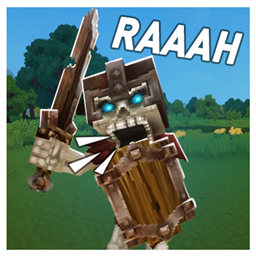
Skeleton Banging Shield
Jen3713_
Makes some skeletons bang their weapon while yelling "RAAAAH"
HyTame - Animal Breeding
LaitK
Animal breeding and baby growth for Hytale to expand your farm