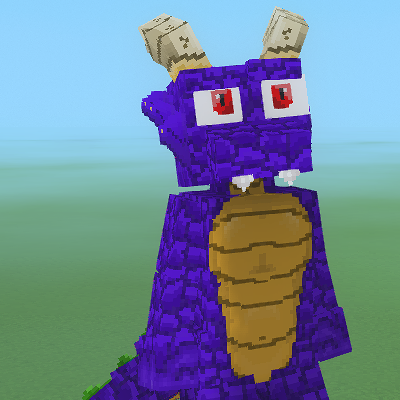
Pastel's Kobold
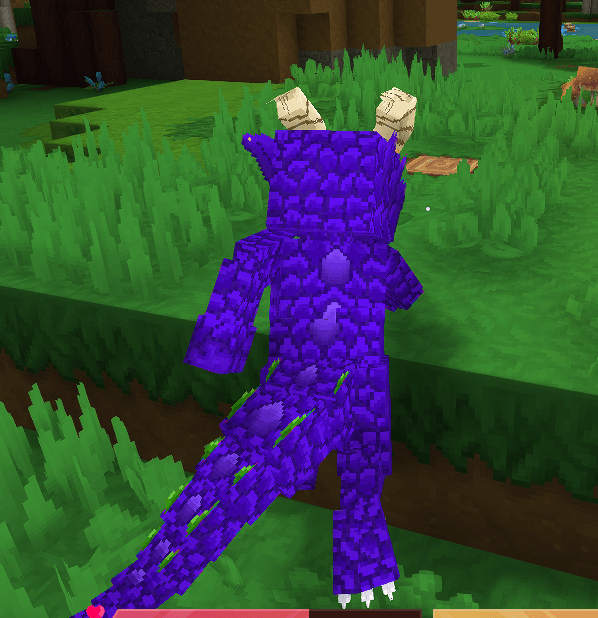
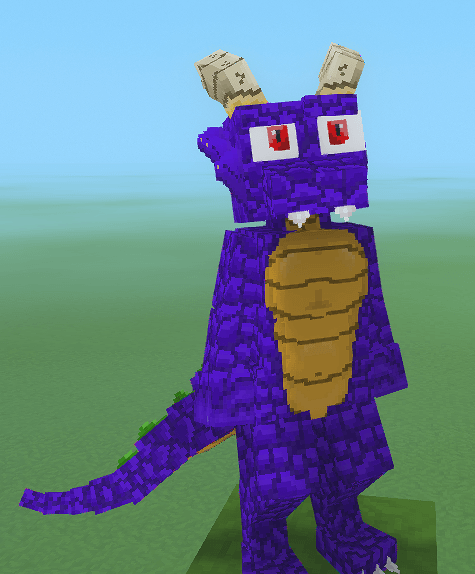
A Kobold Player model I created for my own use. Available for any to enjoy!
About Pastel's Kobold
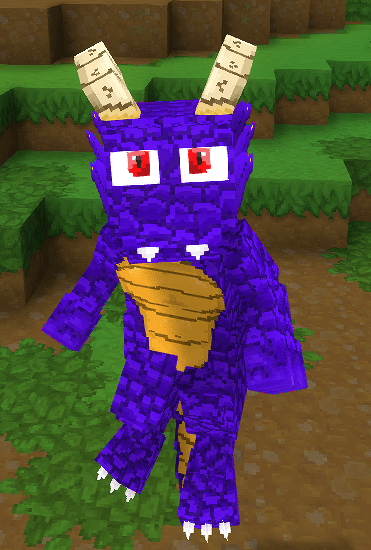
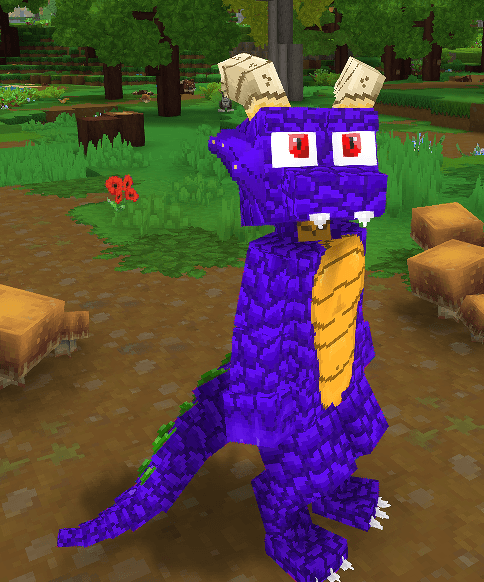
A Kobold Player Model.
This is my first ever Model creation. Various parts, like the legs and horns, are borrowed from other models and modified to fit my needs. The texture is my own Creation. If during usage you notice any glaring issues feel free to comment. I can't promise that I'll be able to fix it, but given this is the Model I am using, I do plan on resolving any issues that arrise. When possible.
I've gone through and swapped out nearly every animation with a custom fitted one. Using the Feran models as a base, spruced up with my tail animations. Some animations I did not bother with, such as the Roll and Glide animations. So if you're using a mod that adds fuctionallity to use those animations the Tail will be still during it. Otherwise everything should be working fine.
Usage
In order to use the model you'll need to either op yourself or have the host of the world op themselves. /op self ect
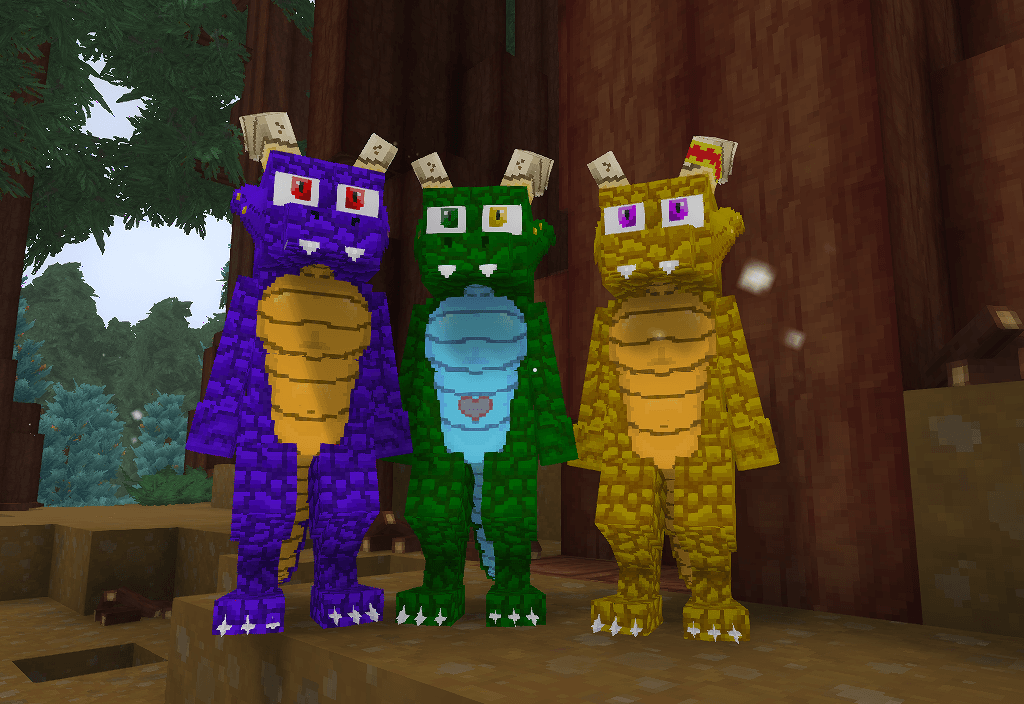
And then you can set the model using /model set PastelKobold There are currently three model options. PastelKobold, PastelKoboldGreen, PastelKoboldYellow
You can set the model for another player by adding their name after
/model set [player]
I recommend using Persistent Model Assignment. PMA allows the server to remember what model is applied to a Player when loading the world up.
Player Model Changer allows you to swap models without needing to op anyone. By default the Kobolds will appear in the list. Currently PMC does not have persistance, however the mod maker has stated that are looking into adding it.
Armor and Attachments
Armor is hit or miss on this model. Some chest armor is fine, gloves all look great, a few helmets are okayish, and none of the boots work. Armor can now be hidden in game using a toggle next to the armor piece and a mod is no longer required.
Attachments are equilly hit or miss. Capes, arm accessories, and similar work in full. Various other face ones may or may not work. You can equip Attachments in the asset editor. Currently the mod includes a tail ring attachment that can be attached to the Kobolds. To use the original attachments you can head to "\AppData\Roaming\Hytale\install\release\package\game\latest" and unpack a copy of the Assets.zip file.
Creating your Own Texture
For anyone that wants to create their own texture, I tried my absolute best to make sure the uv map wasn't terrible. I've never done Model work or texturing, so I did what made sense, and often referred to the other models for best placements. Still there's a good chance it's not the most optimal placement. Please forgive me for this.
Once you've created your own texture you can replace one of the existing textures, ensure the name matches. Or you can use the asset editor to swap out the texture manually if you prefer.
Thank you for taking the time to look over my Model, and if you end up using this Model. Please Enjoy. In eithercase. This was made for my own personal usage, but given the nature of the game. If others can find use and enjoyment out of this Model that would be awesome.
Version 1.1.0
Two new Kobold skins have been added. These are hue shifted with slight edits and were created by friends for their usage and shared as part of this Mod with their Permission. Each features a different Model base due to slight uv differences.
A Tailring attachment has been added. It is included on the Green Kobold. You can remove it from the Greenbold or add it to either of the others by accessing the Asset Editor, going down to the model, and swapping to the attachments section. Other vanilla attachments may or may not work due to clipping issues, I've found the capes seem mostly fine and that many of the facial accesories have clipping issues, but you can also equip them here.
Support for the Mod Player Model Changer has been added. If you have PMC installed and use their /pmod command the three Kobolds will be available for you to select. Currently PMC does not have persistence as of their current 0.1.1 release version. You'll need to use the command and select the model each time you join till persistance is added or compatability with PMA is made.
Bug fix - Missing uv texture on the second to final tail segment.
Categories
Screenshots
Need a Server?
Run Pastel's Kobold on a dedicated Hytale server with easy mod management.
Get Hytale HostingFrequently Asked Questions
What is Pastel's Kobold?
A Kobold Player model I created for my own use. Available for any to enjoy!
How do I download Pastel's Kobold?
You can download Pastel's Kobold for free from CurseForge. Click the "Download on CurseForge" button on this page to go directly to the download page.
Who created Pastel's Kobold?
Pastel's Kobold was created by PastelPaints. The mod has been downloaded 62 times.
Is Pastel's Kobold compatible with Hytale servers?
Pastel's Kobold is designed for Hytale and can be used on both single-player and multiplayer servers. Check the mod page on CurseForge for specific compatibility information.
How do I install Pastel's Kobold?
To install Pastel's Kobold: 1) Download the mod from CurseForge, 2) Place the file in your Hytale mods folder, 3) Restart the game. The mod should load automatically.
Related Creatures Mods
View all mods
Aures - Livestock Skins
BlackAuresArt
Adds a variety of colors and random variations for rabbits, mouflons, pigs, sheeps, rams, goats and other!
Aures - Horse Skins
BlackAuresArt
Adds a random variations for horses! Also slightly changes the model and animations of horses.
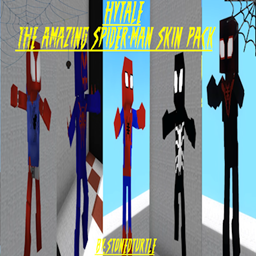
The Amazing Spider-Man Skin Pack!
stonedturtle
This is one of the only Skin mods I've seen! This replaces the player model in-game with a Spider-Man one! Comes with a Brighter Red/Blue, Darker Red/Blue, Symbiote Versions, Miles, 2099, and Scarlet Spidey (Ben Riely)
![[NoCube's] Undead Warriors](https://media.forgecdn.net/avatars/thumbnails/1602/742/256/256/639035338178853736.png)
[NoCube's] Undead Warriors
NoCube
Adds enemy skeletons with random equipment.
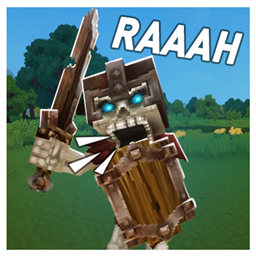
Skeleton Banging Shield
Jen3713_
Makes some skeletons bang their weapon while yelling "RAAAAH"
HyTame - Animal Breeding
LaitK
Animal breeding and baby growth for Hytale to expand your farm