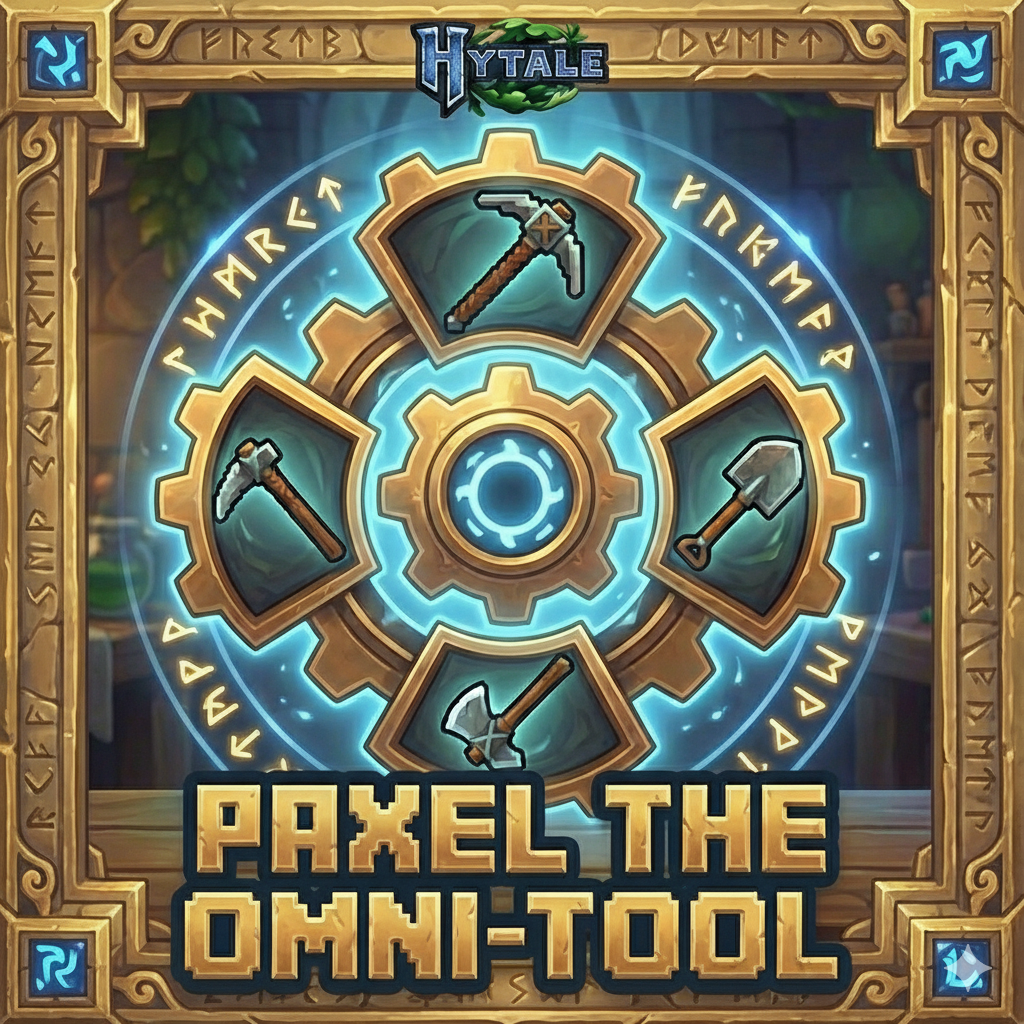
Paxel - The Omni Tool
Seamlessly cycle through power with Paxel.
About Paxel - The Omni Tool
Paxel: The Omni-Tool
One tool, every task. Simplify your belt, amplify your adventure.
Paxel is a high-utility mod for Hytale that solves the age-old problem of a cluttered hotbar. Instead of fumbling between your pickaxe, shovel, and hatchet, the Paxel combines the power of basic tools into a single, dynamic tool.
Key Features
Hotbar Efficiency: Reclaim inventory slots for more loot.
Dynamic Utility: Instantly switch between tool types on the fly.
Smart Tiering: A built-in fallback system ensures you always have the best tool for the job, even if a specific material variant does't exist for that tier.
Immersive Crafting: New dedicated workstation for advanced tool-smithing.
Getting Started
1. The Paxel Bench
Everything begins at the Paxel Bench. You can't forge an Omni-Tool on a regular workbench!
How to Craft: Open any standard Workbench to create the Paxel Bench.
2. Forging your Paxel
Once your bench is placed, you can combine your existing tools.
The Recipe: To create a Paxel, you must combine a the various base tools to form the paxel
How to Use
Using the Paxel is intuitive and built for speed:
Press [Q] while holding the Paxel to cycle modes.
The tool will visually transform and update its stats to match the selected mode (Pickaxe ➔ Shovel ➔ Hatchet). Note: You can rebind this key in the Hytale controls menu.
Material Variants & Fallbacks
The Paxel mod supports a wide range of materials. For certain variants there is not an aproriate tool in these cases it will use a lower variant.
Thorium will use iron hammer
Copper will use crude hammer
REQUIRED DEPENDENCIES
Before you start, ensure you have the core framework installed. The Paxel utilizes custom item states to handle the cycling logic.
Item State Changer | Download via CurseForge
INSTALLATION
You can set up the mod using either of the following methods:
Option A: The CurseForge App (Recommended)
Search for Paxel: The Omni-Tool in the CurseForge library.
Click Install. The app will automatically handle the dependencies and folder placement.
Option B: Manual Installation
Download the mod .zip from the files tab.
Move the file into your Hytale mods directory
Ensure the Item State Changer dependency is also present in this folder.
ENABLING IN-GAME
Once installed, the mod must be activated for your specific world:
Launch Hytale and head to World Creation (or World Settings for an existing save).
Locate Paxel: The Omni-Tool in the list and toggle it to Enabled.
Start your adventure!
Developed by LemonadeSergeant Found a bug? Have a suggestion? Leave a comment below!
Categories
Need a Server?
Run Paxel - The Omni Tool on a dedicated Hytale server with easy mod management.
Get Hytale HostingFrequently Asked Questions
What is Paxel - The Omni Tool?
Seamlessly cycle through power with Paxel.
How do I download Paxel - The Omni Tool?
You can download Paxel - The Omni Tool for free from CurseForge. Click the "Download on CurseForge" button on this page to go directly to the download page.
Who created Paxel - The Omni Tool?
Paxel - The Omni Tool was created by LemonadeSergeant. The mod has been downloaded 118 times.
Is Paxel - The Omni Tool compatible with Hytale servers?
Paxel - The Omni Tool is designed for Hytale and can be used on both single-player and multiplayer servers. Check the mod page on CurseForge for specific compatibility information.
How do I install Paxel - The Omni Tool?
To install Paxel - The Omni Tool: 1) Download the mod from CurseForge, 2) Place the file in your Hytale mods folder, 3) Restart the game. The mod should load automatically.
Related Utility Mods
View all mods
BetterMap
Paralaxe
Enhance Hytale World Map

Hybrid
Serilum
🏛️ A Hytale mod library that contains common code for all of Serilum's mods.

VeinMining
EineNT
Instantly mine connected ores and blocks by holding the Walk key (LEFT ALT) while breaking a single block.

Wayback Charm
DarkhaxDev
A charm to help you find your way back home.

Better Modlist
Buuz135
Adds a better modlist to the game, with improved features like searching and logos.

Simple Claims
Buuz135
Adds a chunk claim and protection system.