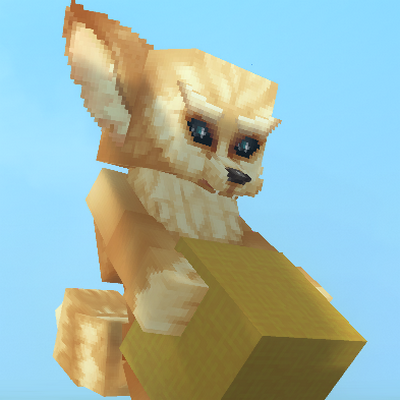
PMA Persistent Model Assignment
PMA (Persistent Model Assignment) is a lightweight, server-side Hytale plugin that automatically remembers and reapplies player avatar models when they reconnect to the server.
About PMA Persistent Model Assignment
📦 PMA – Persistent Model Assignment (Server-Side)
PMA (Persistent Model Assignment) is a lightweight, server-side Hytale plugin that automatically remembers and reapplies player avatar models when they reconnect to the server.
Once a player sets a model using Hytale’s built-in /model set command, PMA detects the command from the server log, saves the chosen model (and optional scale), and reapplies it every time the player joins — no client mods required.
✨ Features
✅ Automatic model persistence Player models are restored on login without re-running commands
📏 Scale support Supports --scale values, including:
--scale 0.5
--scale=0.5
--scale .5
🔓 Bypass scale limits support Players should include --bypassScaleLimits when setting a scale. Without this flag, Hytale enforces very small scale limits, and changes may be subtle or unnoticeable.
💾 Persistent storage Model assignments are saved to disk and survive server restarts
🔁 Safe retry system Models are applied only once the player entity is fully initialized
⚙️ Server-side only No client mods, no packets, no command overrides
🛠 How It Works
PMA tails the server log in real time
When a player runs:
/model set <model> [player] --scale <value> --bypassScaleLimits
PMA captures the model ID and scale from the log output
The model assignment is saved per player
On login, PMA:
Waits for the player entity to become valid
Applies the saved model and scale directly to the entity
Persists the assignment using Hytale’s PersistentModel component
📁 Data Storage
Model assignments are stored in:
PMAData/models.properties
Format:
username=modelAssetId|scale
Example:
John_Doe=feran|0.25
(Entries without a scale automatically default to 1.0.)
⚠️ Notes & Tips
PMA does not replace or modify the /model command
Always include --bypassScaleLimits when using --scale to ensure the change is noticeable
The plugin relies on standard server log output
Intended for player avatar models (non-static entities)
👤 Ideal For
Roleplay servers
Persistent character customization
Servers that want player models to just stick between sessions
Categories
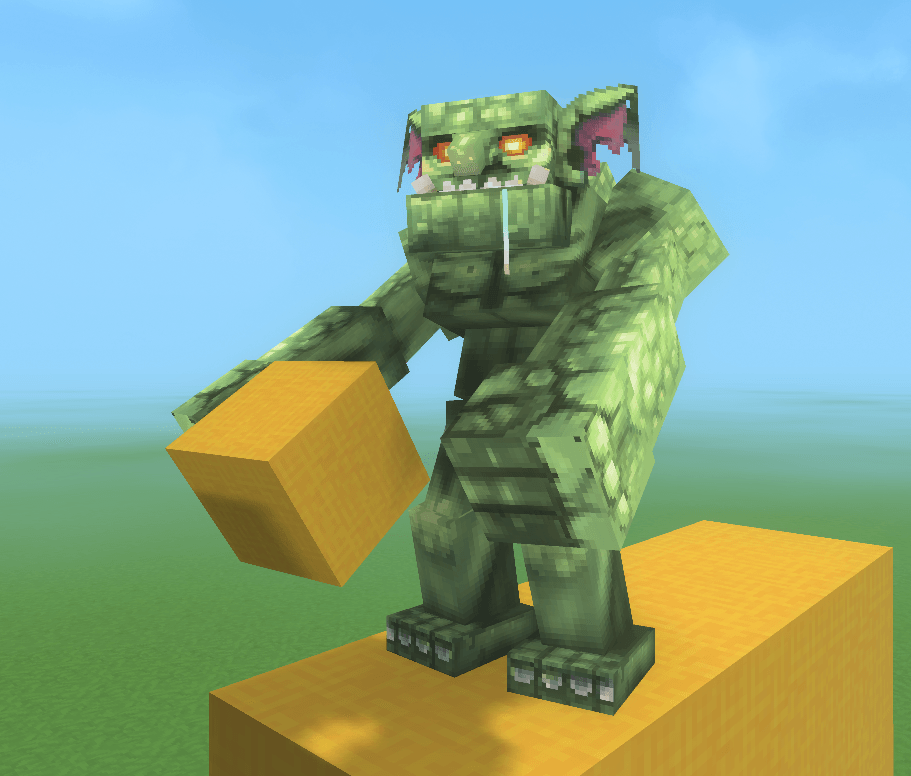
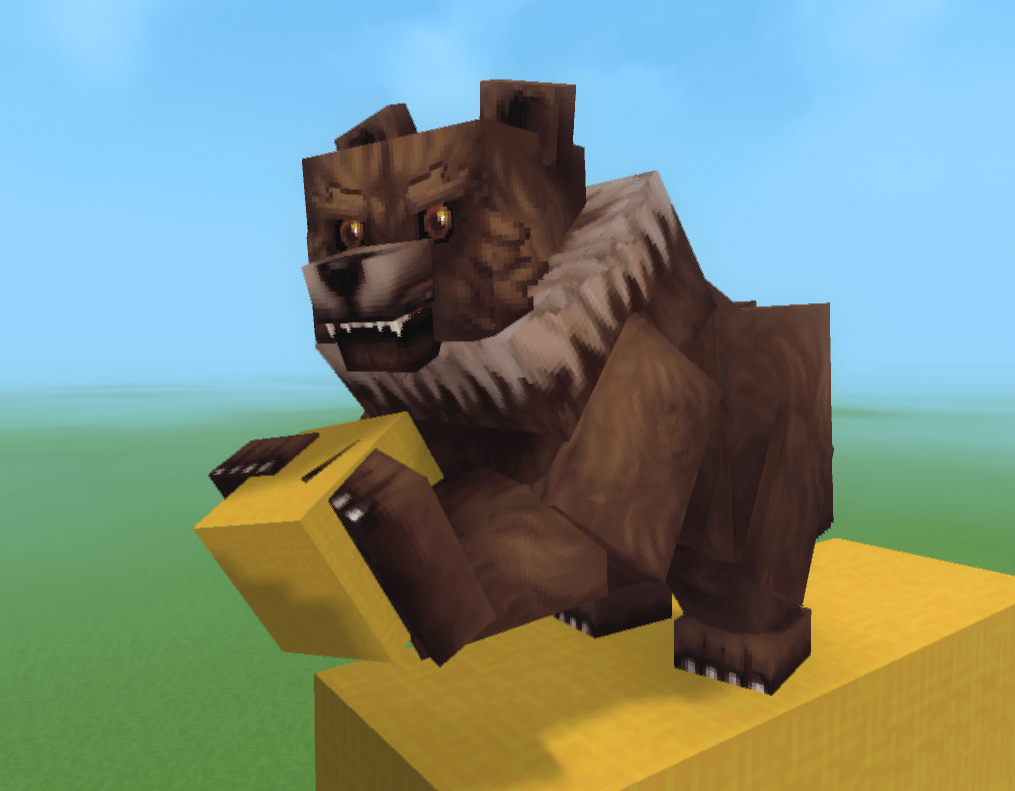
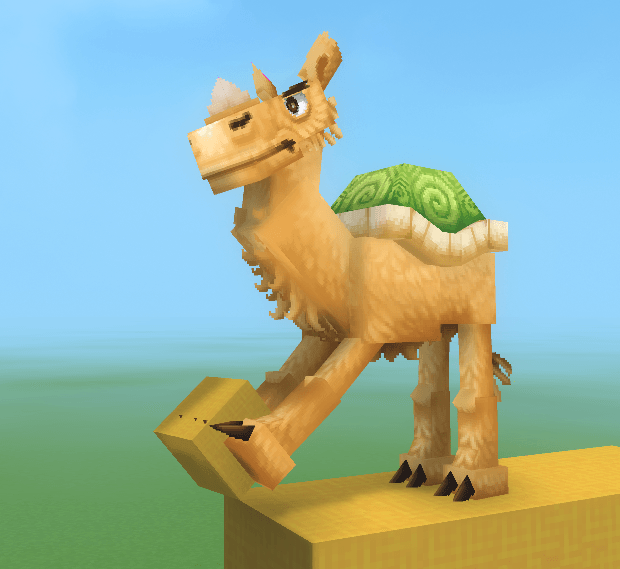
Screenshots
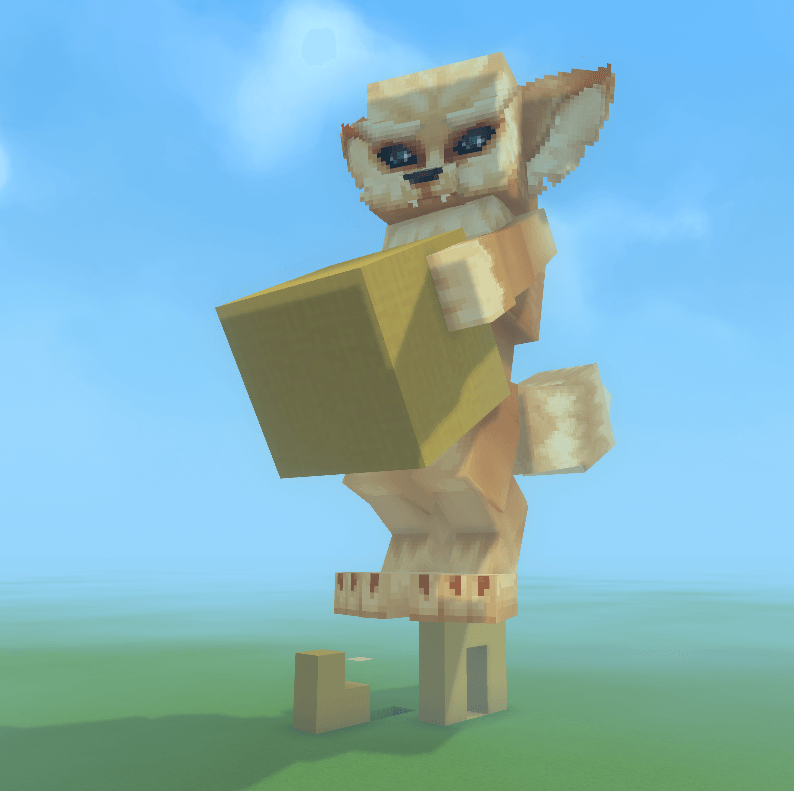
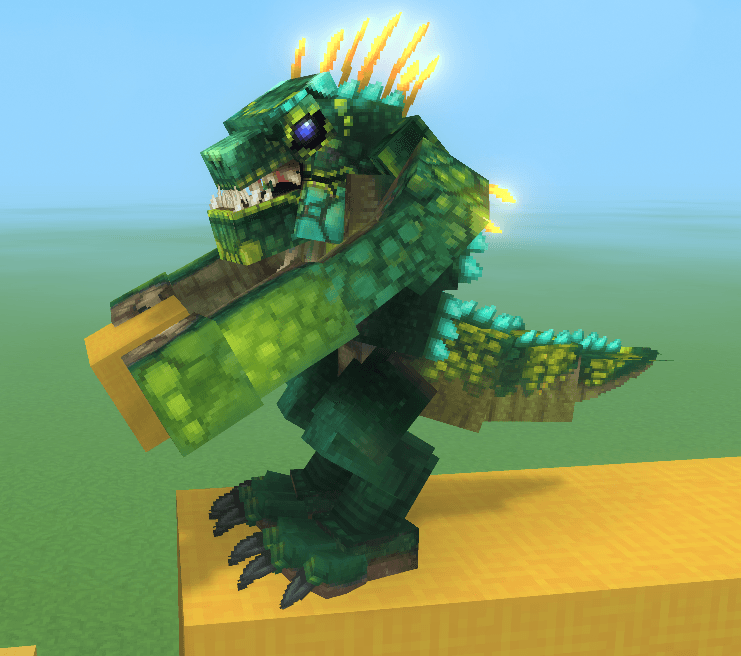
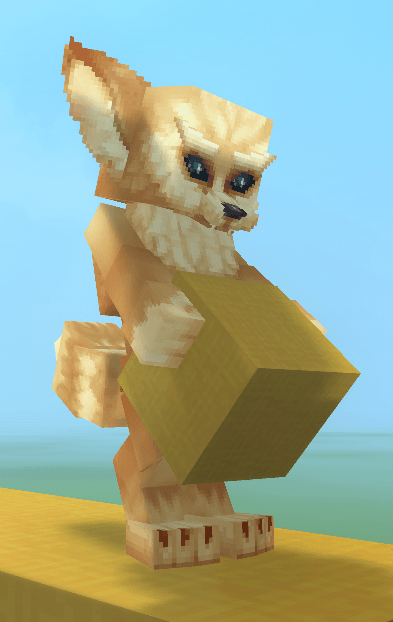
Need a Server?
Run PMA Persistent Model Assignment on a dedicated Hytale server with easy mod management.
Get Hytale HostingFrequently Asked Questions
What is PMA Persistent Model Assignment?
PMA (Persistent Model Assignment) is a lightweight, server-side Hytale plugin that automatically remembers and reapplies player avatar models when they reconnect to the server.
How do I download PMA Persistent Model Assignment?
You can download PMA Persistent Model Assignment for free from CurseForge. Click the "Download on CurseForge" button on this page to go directly to the download page.
Who created PMA Persistent Model Assignment?
PMA Persistent Model Assignment was created by ZephyrPanthur. The mod has been downloaded 2.0K times.
Is PMA Persistent Model Assignment compatible with Hytale servers?
PMA Persistent Model Assignment is designed for Hytale and can be used on both single-player and multiplayer servers. Check the mod page on CurseForge for specific compatibility information.
How do I install PMA Persistent Model Assignment?
To install PMA Persistent Model Assignment: 1) Download the mod from CurseForge, 2) Place the file in your Hytale mods folder, 3) Restart the game. The mod should load automatically.
Related Creatures Mods
View all mods
Aures - Livestock Skins
BlackAuresArt
Adds a variety of colors and random variations for rabbits, mouflons, pigs, sheeps, rams, goats and other!
Aures - Horse Skins
BlackAuresArt
Adds a random variations for horses! Also slightly changes the model and animations of horses.
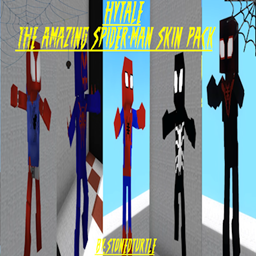
The Amazing Spider-Man Skin Pack!
stonedturtle
This is one of the only Skin mods I've seen! This replaces the player model in-game with a Spider-Man one! Comes with a Brighter Red/Blue, Darker Red/Blue, Symbiote Versions, Miles, 2099, and Scarlet Spidey (Ben Riely)
![[NoCube's] Undead Warriors](https://media.forgecdn.net/avatars/thumbnails/1602/742/256/256/639035338178853736.png)
[NoCube's] Undead Warriors
NoCube
Adds enemy skeletons with random equipment.
Skeleton Banging Shield
Jen3713_
Makes some skeletons bang their weapon while yelling "RAAAAH"
HyTame - Animal Breeding
LaitK
Animal breeding and baby growth for Hytale to expand your farm