ImageFrames
Put images from the web into Hytale.
About ImageFrames
ImageFrames
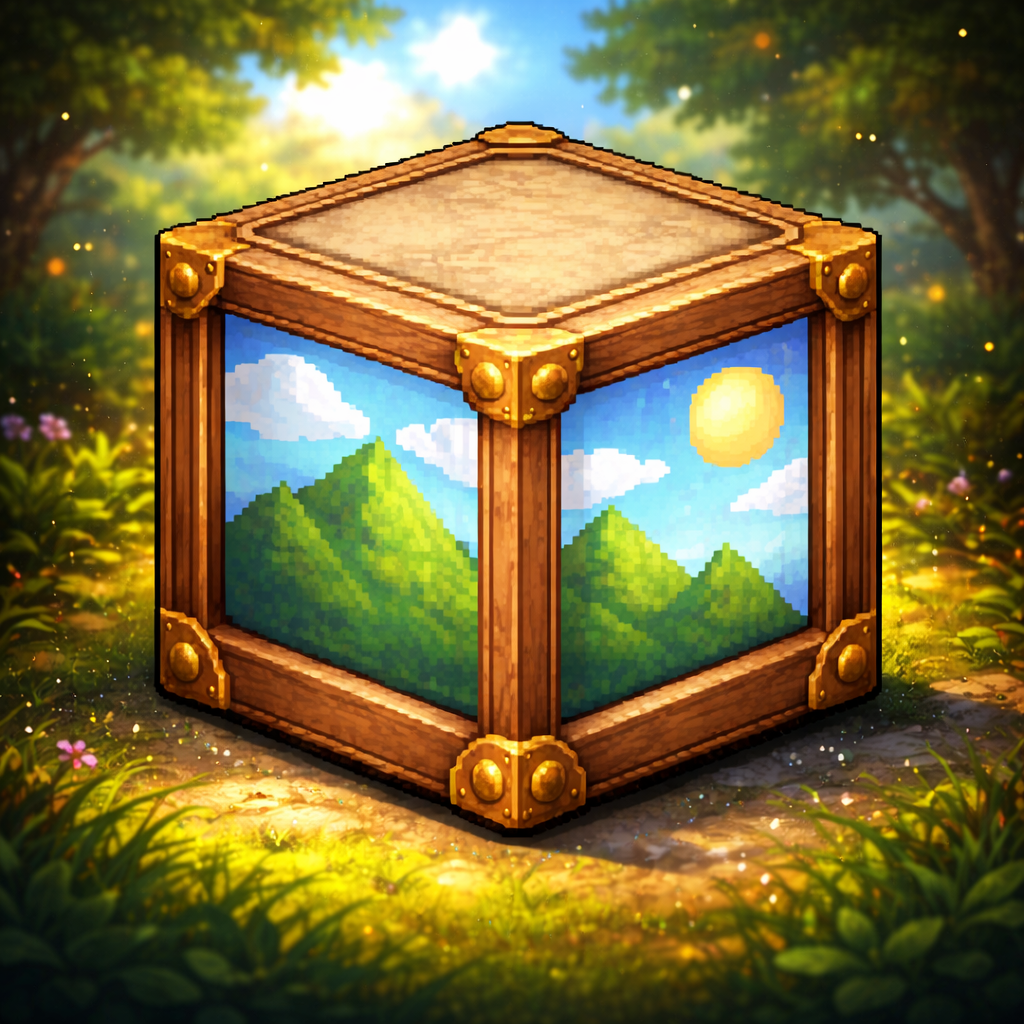
ImageFrames is a Hytale mod that facilitates the display of custom images on blocks within the game world. It allows players to define image sources (URLs), dimensions, and orientation for immersive decoration.
Almost all raw image links work, but they must be raw: example https://i.imgur.com/XXXXXX.png currently only PNGs, JPGs, and some others work but not tested. Don't try WEBP it isnt supported.
I’ll be working on more features soon, adding new image frame styles like panels, along with additional customization options such as custom bed sheets. Stay tuned.
Features
Custom Images: Load images via URL.
Flexible Resizing: Supports stretch, crop, and contain fit modes.
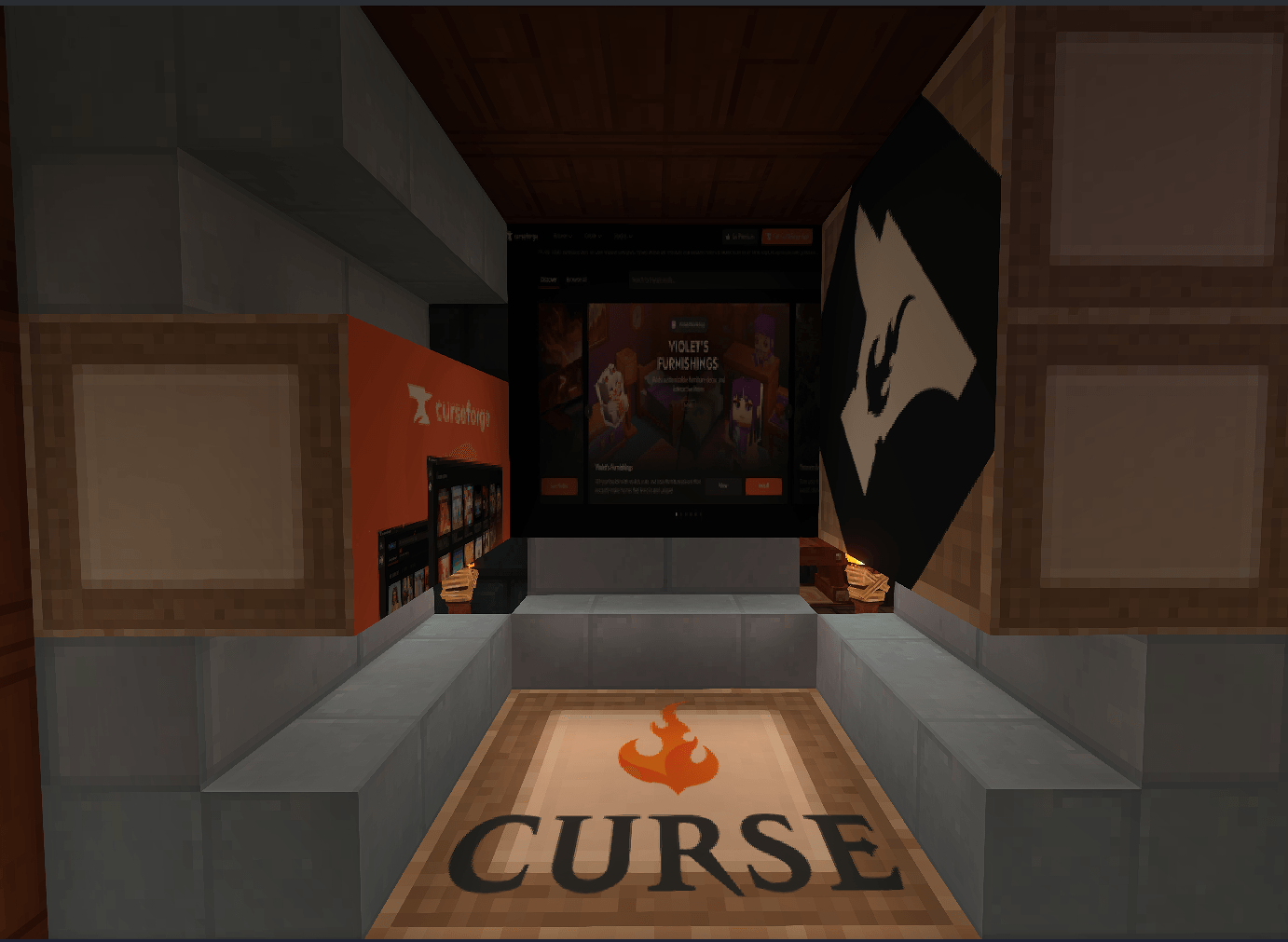
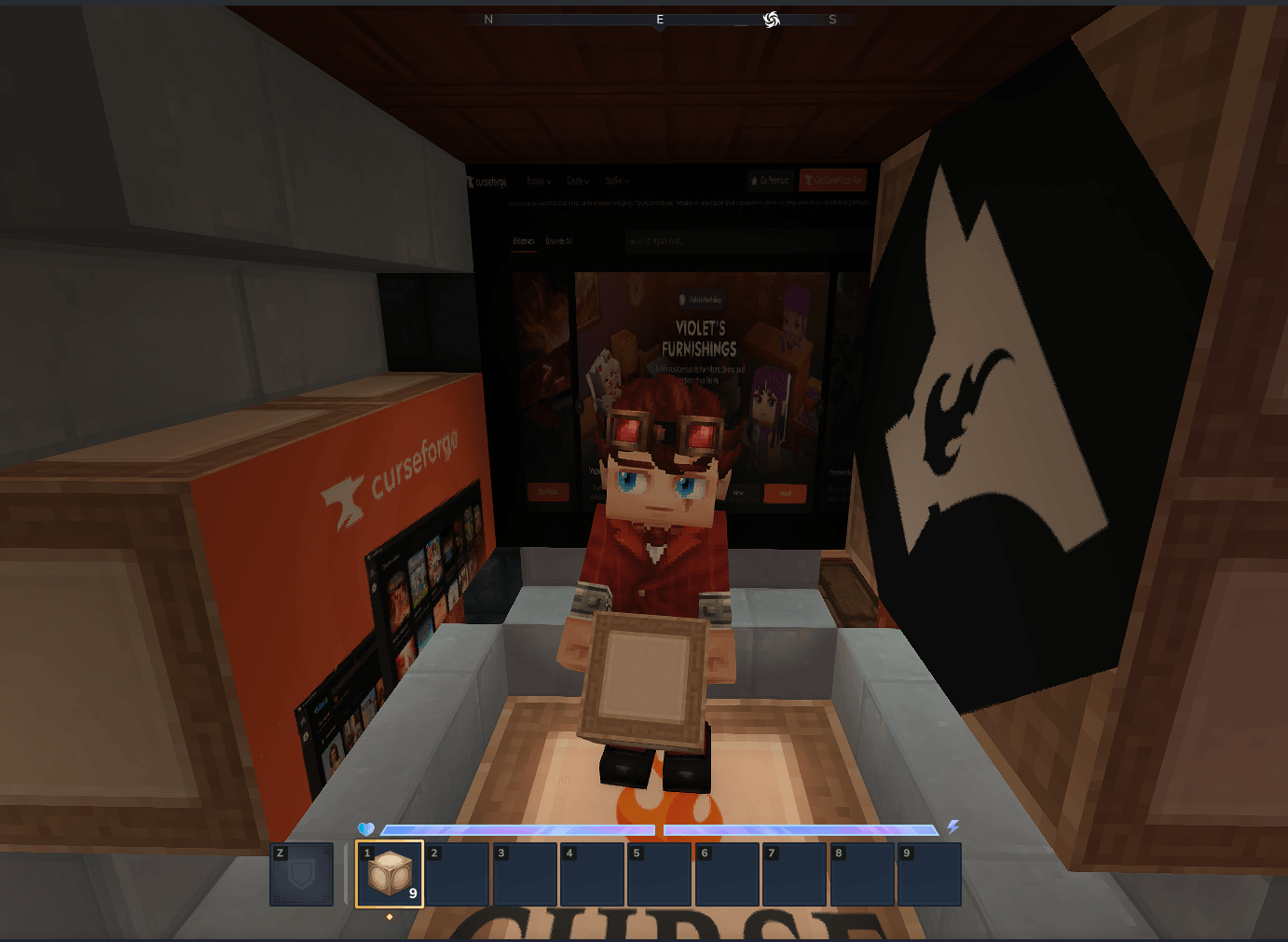
Multi-Block Frames: Create large displays spanning multiple blocks (e.g., 2x2, 3x2).
Intuitive Orientation: Smart Face Detection: Automatically determines the frame's facing direction based on the block face you interact with.
Owner Locking: Prevents other players from modifying your frames (configurable).
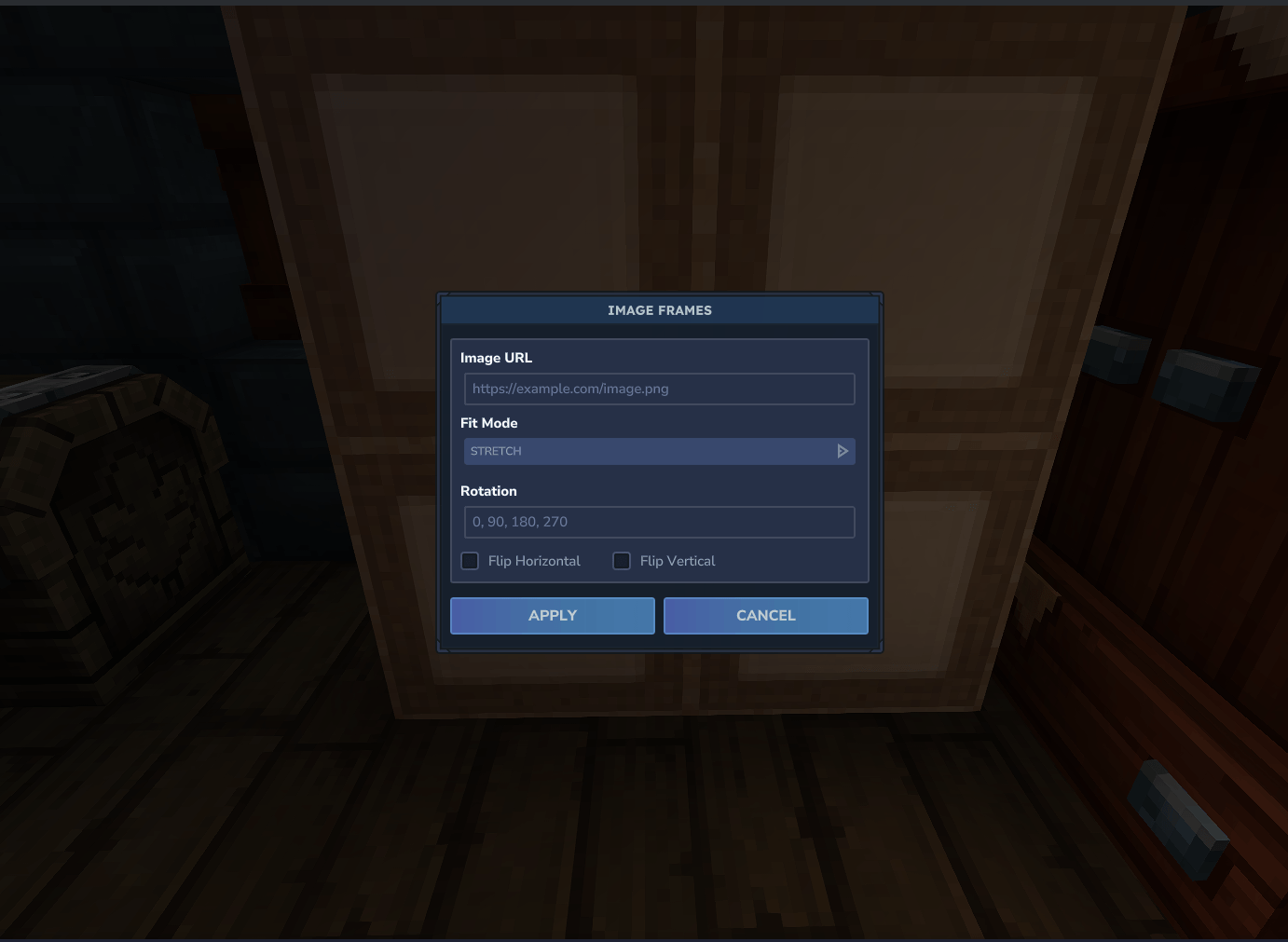
Interactive UI: Easy-to-use configuration menu when interacting with frame blocks.
Usage
Place Frame Blocks: Arrange the frame blocks in a rectangular shape (e.g., 1x1, 2x1, 2x2).
Interact: Right-click the frame to open the configuration menu.
Configure: URL: Enter the direct link to your image.
Fit: Choose how the image fits the frame.
Rotation: Rotate the image if needed.
Flip: Flip horizontally or vertically.
Apply: Click "Apply" to render the image.
Resetting Frames
To reset an ImageFrame, simply break one of the frame blocks and rebuild the structure. This will clear the current configuration.
Crafting
You can craft Image Frames at a Furniture Bench.
Recipe:
Category: Furniture Misc
30x Life Essence
9x Wood Trunk (Any type)
Output: 9x Image Frames
Screenshots
Showcase
Configuration Interface
Frame Block Installation
Download the JAR file in Files.
Place the JAR file into your Hytale's mods directory.
Categories
Screenshots
Need a Server?
Run ImageFrames on a dedicated Hytale server with easy mod management.
Get Hytale HostingFrequently Asked Questions
What is ImageFrames?
Put images from the web into Hytale.
How do I download ImageFrames?
You can download ImageFrames for free from CurseForge. Click the "Download on CurseForge" button on this page to go directly to the download page.
Who created ImageFrames?
ImageFrames was created by Jacobwasbeast. The mod has been downloaded 291 times.
Is ImageFrames compatible with Hytale servers?
ImageFrames is designed for Hytale and can be used on both single-player and multiplayer servers. Check the mod page on CurseForge for specific compatibility information.
How do I install ImageFrames?
To install ImageFrames: 1) Download the mod from CurseForge, 2) Place the file in your Hytale mods folder, 3) Restart the game. The mod should load automatically.
Related Gameplay Mods
View all mods
Wan's Wonder Weapons
WanMine
A collection of unique weapons for Hytale, new "relics" blending elemental power, dark magic, and a touch of absurdity!

Perfect Parries
narwhals
Adds a souls-like/RPG combat mechanic where if you block at the instant where you are supposed to take damage, you don't lose stamina, deflect some damage, and stun the attacker. This mod includes a stamina system similar to that of souls/RPG games.

Spellbook
DarkhaxDev
Powering your favorite mods with clean, reusable helpers and utilities.

RPG Leveling And Stats/Skills
Zuxaw_dev
An RPG leveling plugin for Hytale that adds experience points, leveling, stat allocation, and character progression with a GUI, HUD, competitive leaderboard system, and full multi-language translation support.

Lucky Mining
Buuz135
Get more ores from mining, the more you mine in a row, the more ores you get.

MMO Skill Tree
ziggfreed
(Multiple Languages) MMO Skill Tree adds an RPG-style progression system where every action you take helps you grow stronger.